

Free professional utilities
Free tattoo tools for tattoo artists.
Start with the job you need to finish. Create or check artwork, plan physical size and placement, validate print output, troubleshoot failures, or keep studio handoffs repeatable.
Featured tools
Useful starting points across the workflow.
A small set of established entry points gets extra prominence. The complete directory remains directly available below.
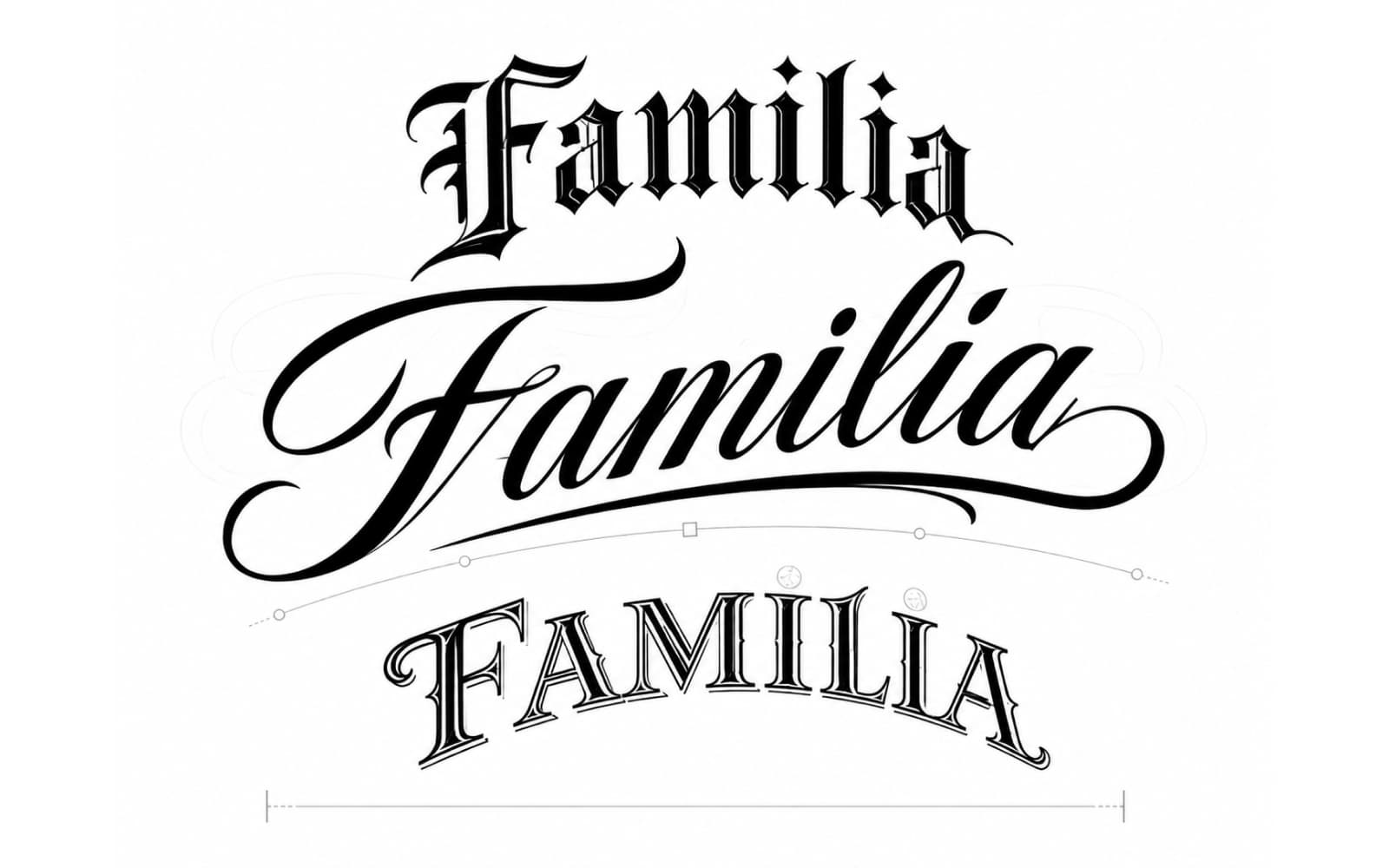
Tattoo Lettering Stencil Maker
Create tattoo lettering from curated fonts or preserve a real signature or handwritten note, then mirror and export SVG, PNG, or a true-size PDF.
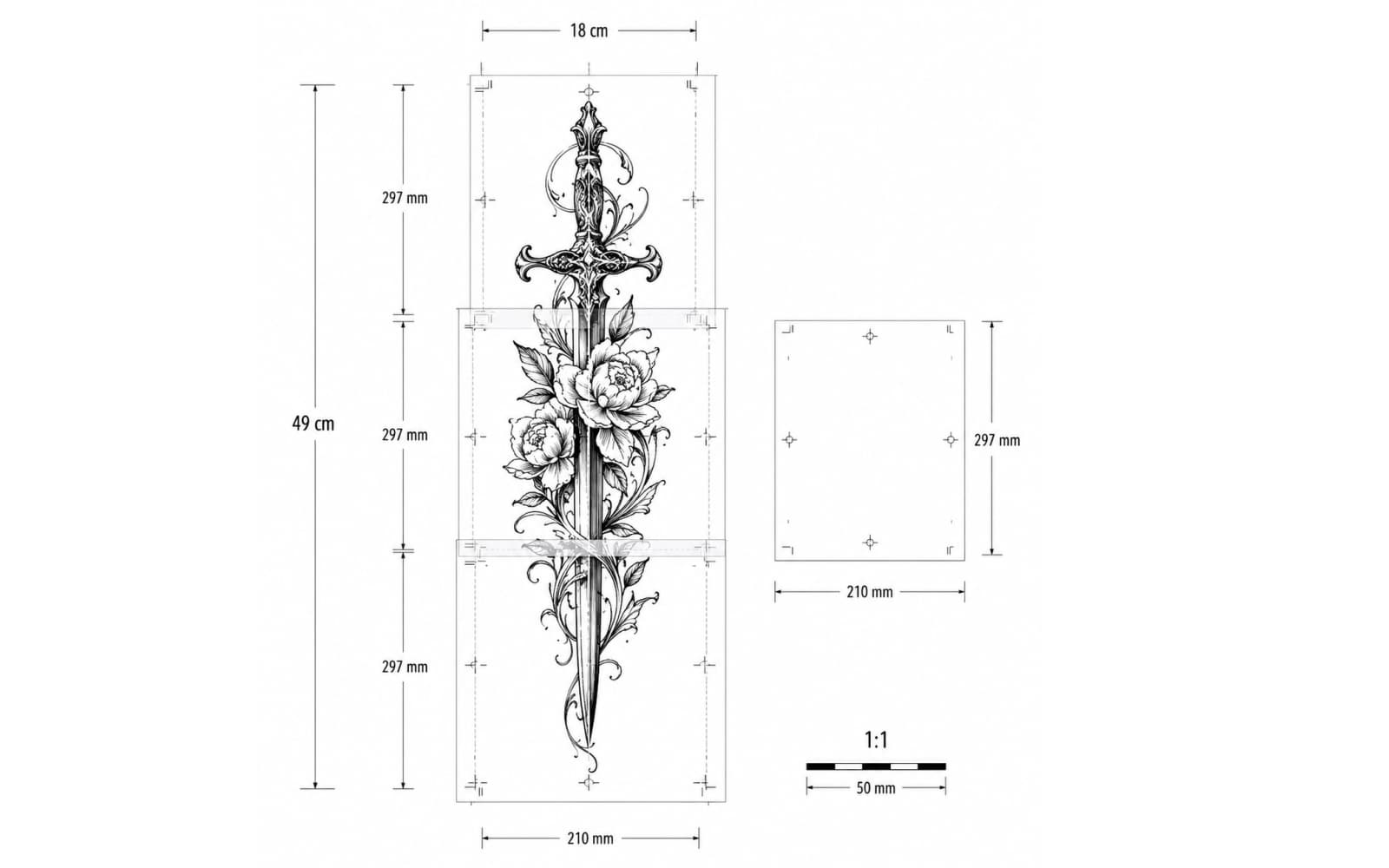
Tattoo Stencil Size & Print Calculator
Set exact physical dimensions or calibrate a known span with two points, preview paper fit, and export a true 1:1 PDF including multi-page layouts.
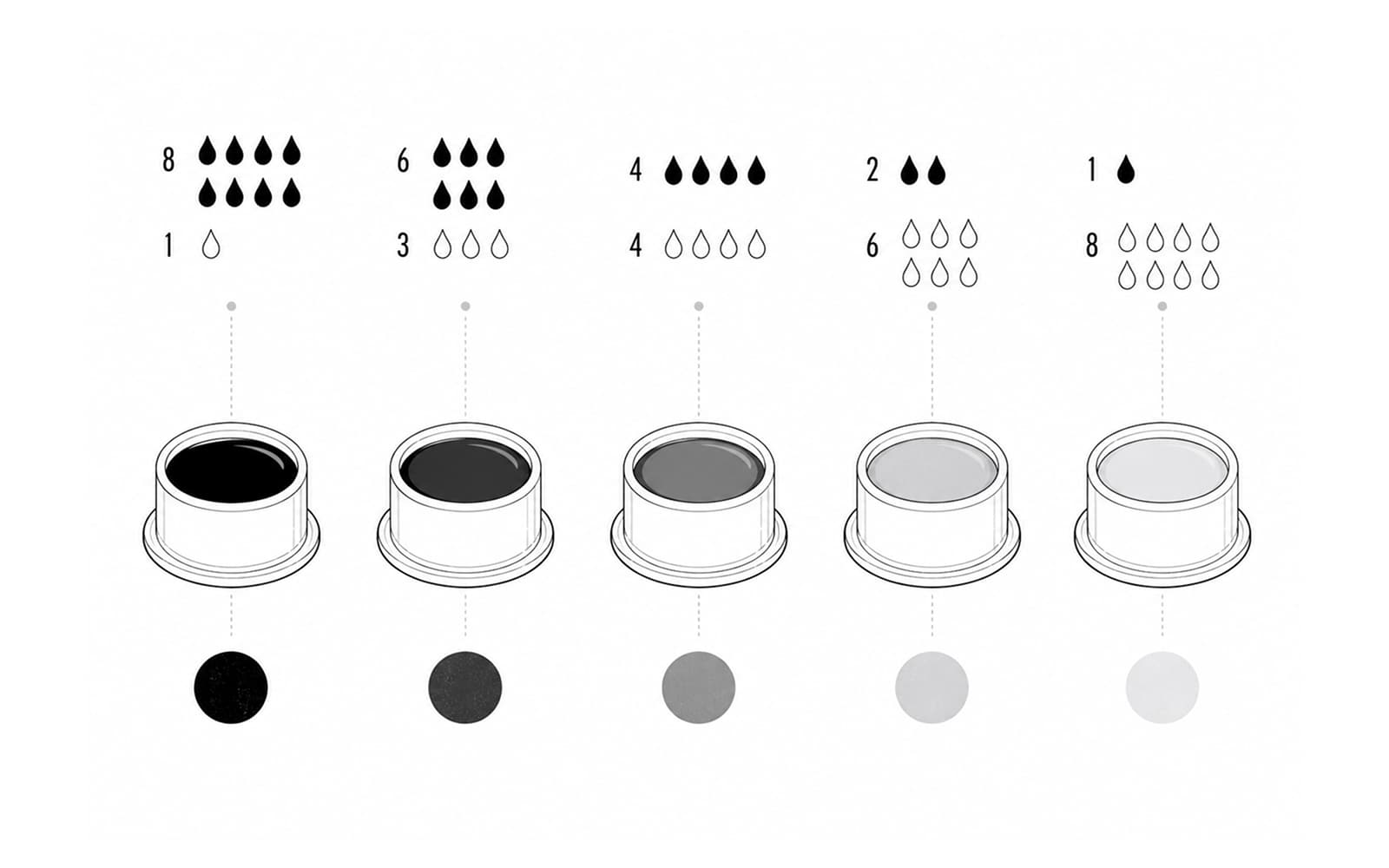
Tattoo Grey Wash Calculator
Build a repeatable black-drop wash line fast, then switch to measured cap ratios when you need exact dilution counts or scaling.
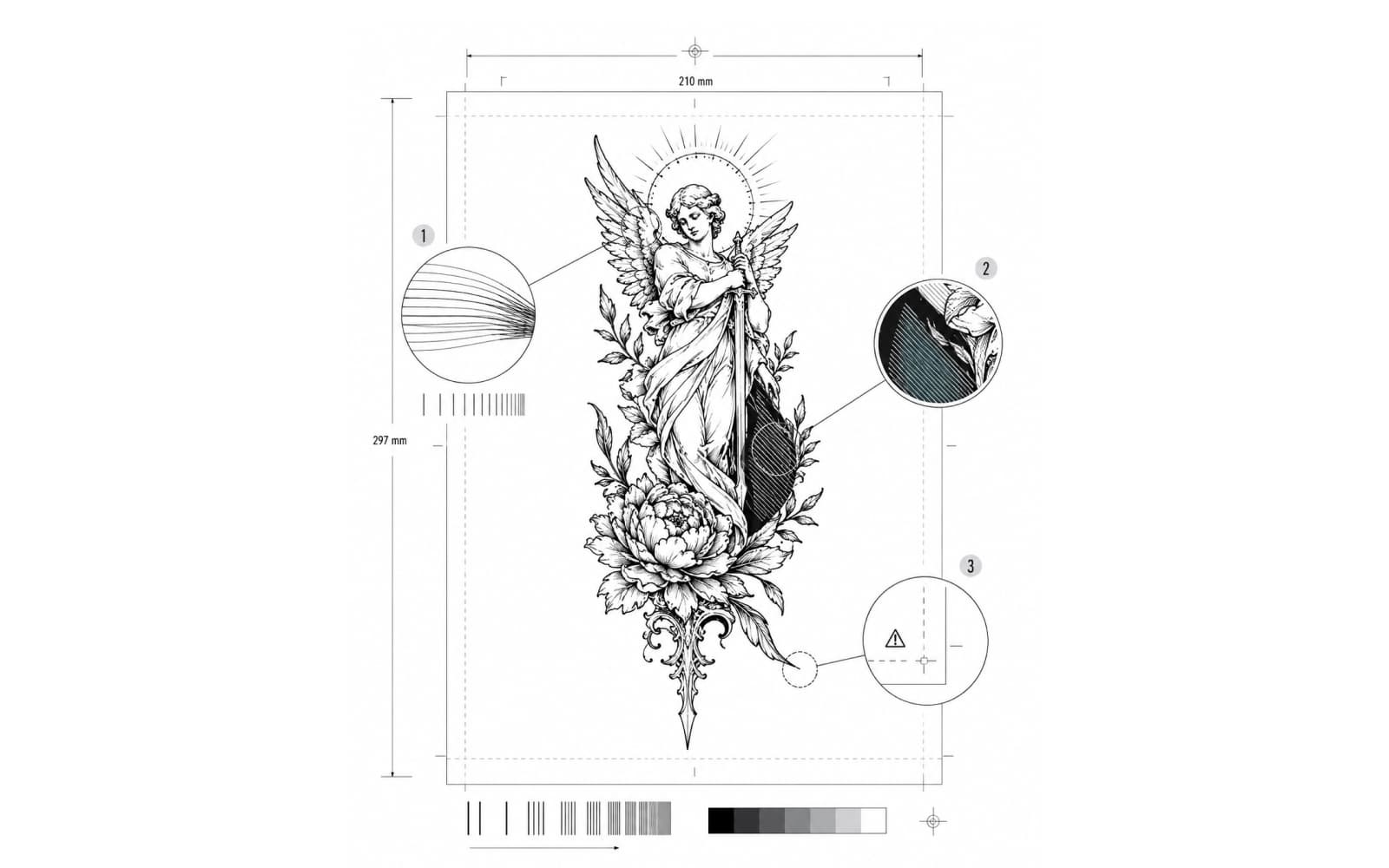
Tattoo Stencil Print Checker
Check a finished stencil at an already chosen physical size for source sampling, page fit, and optional thermal fine-detail, threshold, and dense-output risks.
Full tool directory
Every live tool, organized by the artist job.
Nothing is hidden behind search, filters, or JavaScript. Each tool below is a direct link to the page that owns that specific job.
Create
Build lettering stencils or arrange finished flash into usable tattoo design outputs.
2 tools
Tattoo Lettering Stencil Maker
Create tattoo lettering from curated fonts or preserve a real signature or handwritten note, then mirror and export SVG, PNG, or a true-size PDF.
Tattoo Flash Sheet Maker
Arrange finished flash designs into a clean print or social sheet with local layout, flash-day metadata, individual artwork export, and an artist manifest.
Prepare & check
Organize references and inspect quality, proportions, symmetry, revisions, or cover-up constraints before production.
6 tools
Tattoo Reference Photo Quality Checker
Preflight a client reference at the intended final width with focus-region sampling, sharpness, tone, clipping, detail-risk, and file diagnostics before stencil prep.
Tattoo Reference Board Maker
Organize multiple source images for one tattoo design by role, Primary/Secondary/Support hierarchy, keep/ignore notes, focus framing, and a concise shared design direction, then export a clean PNG board.
Tattoo Reference Grid Overlay
Focus one tattoo reference, apply independent rows and columns with optional coordinates and landmark guides, then export a gridded reference and matching blank grid.
Tattoo Design Symmetry Checker
Compare one design with its own reflection around an artist-chosen axis, preserve either side as the reference, inspect overlay or pixel differences, and export a review PNG.
Tattoo Stencil Version Compare
Compare two revisions of the same stencil with side-by-side, overlay, A/B blink, manual alignment, difference view, and a browser-local comparison PNG.
Tattoo Cover-Up Planner
Map visible dark constraints from an existing tattoo photo, position a proposed new design over the same reference, and export a transparent trace or planning PNG.
Size & place
Set physical dimensions, align to body landmarks, record placement measurements, or plan multi-piece layouts.
5 tools
Tattoo Stencil Size & Print Calculator
Set exact physical dimensions or calibrate a known span with two points, preview paper fit, and export a true 1:1 PDF including multi-page layouts.
Tattoo Stencil Centerline Checker
Mark an artist-chosen body axis on a real photo, place one stencil, compare design-axis angle and center offset, then export a placement reference.
Tattoo Placement Measurement Sheet Maker
Turn artist-recorded body-area, size, orientation, and landmark measurements into a clean A4 or US Letter planning PDF with an optional local design thumbnail.
Tattoo Body Map & Body Template Maker
Plan tattoo projects across neutral front, back, left-side and right-side body maps, mark Existing/Planned/Future/Reserved areas, or export reusable body templates for drawing and print.
Patchwork Tattoo Sleeve Planner
Arrange multiple tattoo ideas across outer, inner, and side arm maps, label visual roles, reserve future space, inspect spacing, and export one consultation plan.
Print & troubleshoot
Preflight files, verify printer output, diagnose print and transfer failures, and understand stencil-printing cost.
5 tools
Tattoo Stencil Print Checker
Check a finished stencil at an already chosen physical size for source sampling, page fit, and optional thermal fine-detail, threshold, and dense-output risks.
Tattoo Stencil Printer Test Sheet
Generate a controlled true-size A4 or US Letter diagnostic PDF to compare scale, continuity, gaps, counters, dark-mass behavior, and repeatability.
Tattoo Stencil Printer Troubleshooter
Identify the visible tattoo stencil printer symptom, narrow the file/layout/paper/device layer, then route to the right controlled check or specialist diagnostic.
Tattoo Stencil Transfer Troubleshooter
Start from a failed paper-to-skin transfer, separate paper output from placement, prepared surface/product, contact, and set/session handling, then change one stage at a time.
Tattoo Stencil Printing Cost Calculator
Calculate cost per completed stencil from your own transfer-paper, reprint, printer allocation, time, and monthly-volume assumptions.
Studio workflow
Build creative intake, project pricing and billing artifacts, compare studio compensation math, package approved work, session handoffs, client handouts, faithful portfolio photo prep, labels, flash inventory, credential tracking, ink recipes, grey wash, and needle references.
17 tools
Tattoo Consultation Form & Creative Brief Builder
Collect a tattoo request's creative intake, flag missing core information, label what each reference is for, and turn the reviewed answers into a copyable or printable artist brief.
Tattoo Apprenticeship Hours Log & Requirement Tracker
Log tattoo apprenticeship training privately, separate raw hours from source-backed requirement progress, track supervisors and procedures, import or export portable records, and generate working PDFs.
Tattoo Project Quote Builder
Build a tattoo project estimate or fixed quote from your own rates, minimums, sessions, fees, deposit and studio split, then save locally, copy client text, or export PDF.
Tattoo Invoice & Receipt Maker
Create a tattoo invoice or payment receipt from your own service lines and amounts, save the draft locally, copy client text, and export a clean PDF.
Tattoo Booth Rent vs Commission Calculator
Compare the fixed booth rent and commission terms you were actually offered, including a simple optional fixed fee, then see cost, effective rent percentage, sensitivity, and break-even revenue.
Tattoo Design Approval Sheet Maker
Package one exact tattoo artwork version, review status, target size, orientation, placement summary, and final notes into a browser-local review PNG or clean print sheet.
Tattoo Session Reference Sheet Maker
Keep the final stencil, optional visual reference, version, recorded size, mirror state, placement summary, and artist-written cues together in one A4 or US Letter operational handoff.
Tattoo Aftercare Card Maker
Format your studio's own reviewed aftercare wording into a branded A4 or US Letter client handout, save reusable templates locally, and export PDF without generated medical content.
Tattoo Portfolio Photo Editor
Prepare a usable tattoo photograph for portfolio use with restrained crop, straighten, whole-photo tone correction, original comparison, and browser-local JPG or PNG export without retouching the tattoo.
Tattoo Stencil Label Sheet Maker
Create compact printable stencil labels with safe IDs, version, recorded size, explicit mirror state, copy counts, optional thumbnails, and automatic A4 or Letter packing.
Tattoo Flash Inventory Sheet Maker
Catalog finished flash with design IDs and manual Available, Reserved, or Unavailable states, then filter the collection and export a printable or shareable inventory.
Tattoo Ink Recipe Calculator
Record a multi-ink master formula, normalize the ratio, scale it to whole drops or measured volume, expose rounding, and keep versioned recipe snapshots locally.
Tattoo Grey Wash Calculator
Build a repeatable black-drop wash line fast, then switch to measured cap ratios when you need exact dilution counts or scaling.
Tattoo Needle & Cartridge Finder
Decode common needle and cartridge code structure, then record grouping, literal count, physical pin diameter, taper and manufacturer context without turning geometry into a technique recommendation.
Tattoo Cartridge Compatibility Guide & Checker
Use a source-backed compatibility guide and checker for exact tattoo machine generations, grip paths, conversion requirements and reviewed cartridge-family fitment.
Tattoo Guest Artist Permit Checker
Check the official licensing, guest, temporary-event, reciprocity, facility, and local-authority path for tattoo work across all 50 states and Washington, DC.
Tattoo License Renewal Tracker
Track known tattoo license, permit and training credential expiration dates locally, keep official authority links with each record, and export calendar reminders.
Lettering workflows
Choose the lettering job you actually need.
These routes share the lettering family without sharing the same product role. Old English is a reviewed parent-derived style landing; Script/Cursive is a specialized production child with its own Script workspace; Roman Numeral converts entered notation before handing the result into lettering and stencil output.
Reviewed lettering style
Old English Tattoo Font Generator
3 curated fonts · starts with UnifrakturCook
Specialized Script/Cursive child
Cursive Tattoo Font Generator & Script Stencil
4 curated fonts · starts with Sacramento
Roman Numeral conversion
Roman Numeral Tattoo Generator
5 curated fonts · starts with Cinzel
How the toolkit connects
Move from one real job to the next.
Create or prepare the artwork first. Size and placement decisions follow. Print tools handle physical output and diagnosis. Studio workflow tools keep the selected version, labels, formulas, inventory, and session handoff clear.
Individual tool pages only link to declared next tools and practical guides when the relationship is useful. The hub stays the complete discovery layer instead of turning every tool page into a generic directory.
Need the stencil first?