PhotoStencil
Photo to Stencil
Turn a photo into a clean, readable stencil
Removes noise, sharpens shapes, and keeps a strong black-and-white structure

Samples
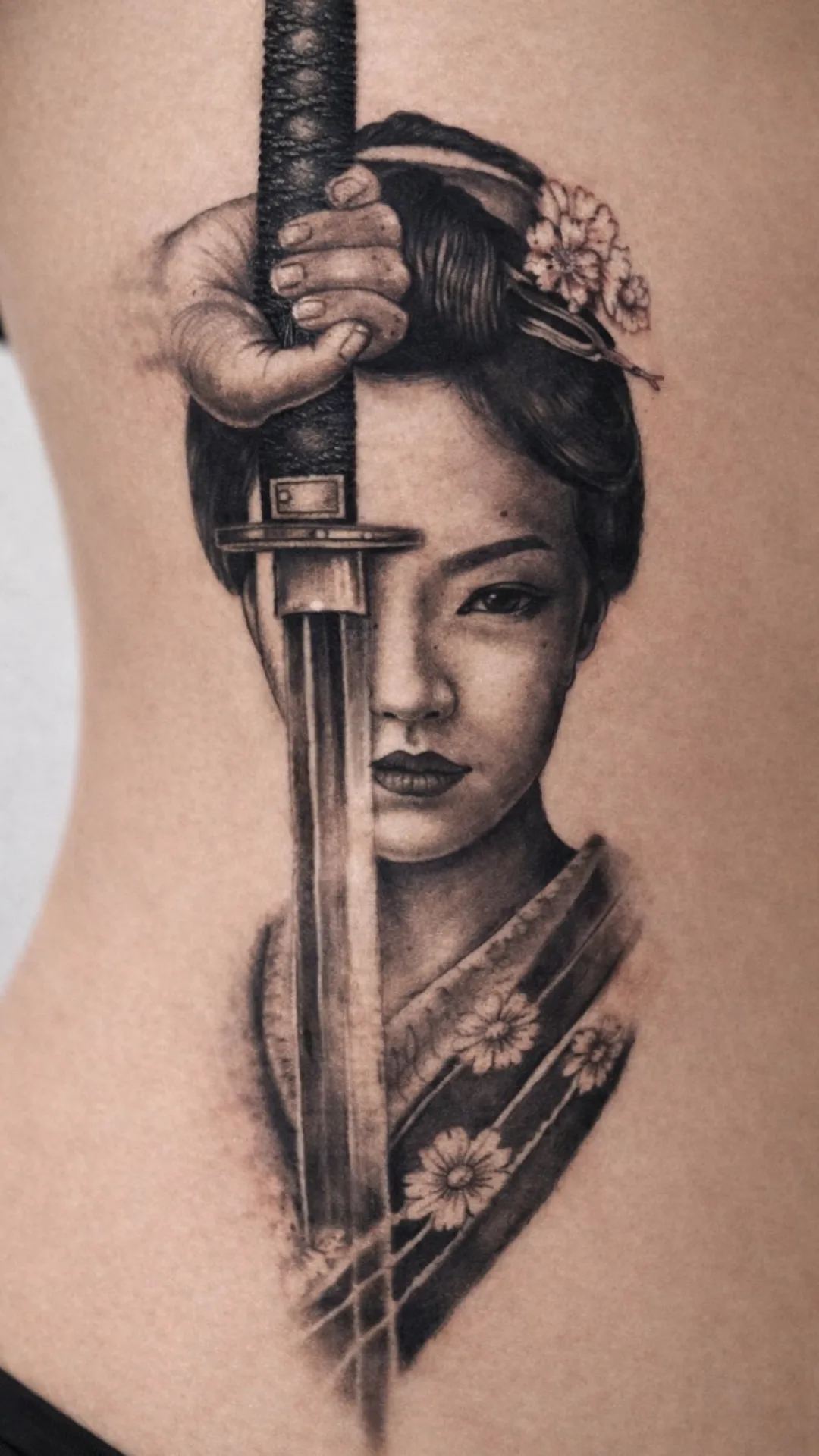
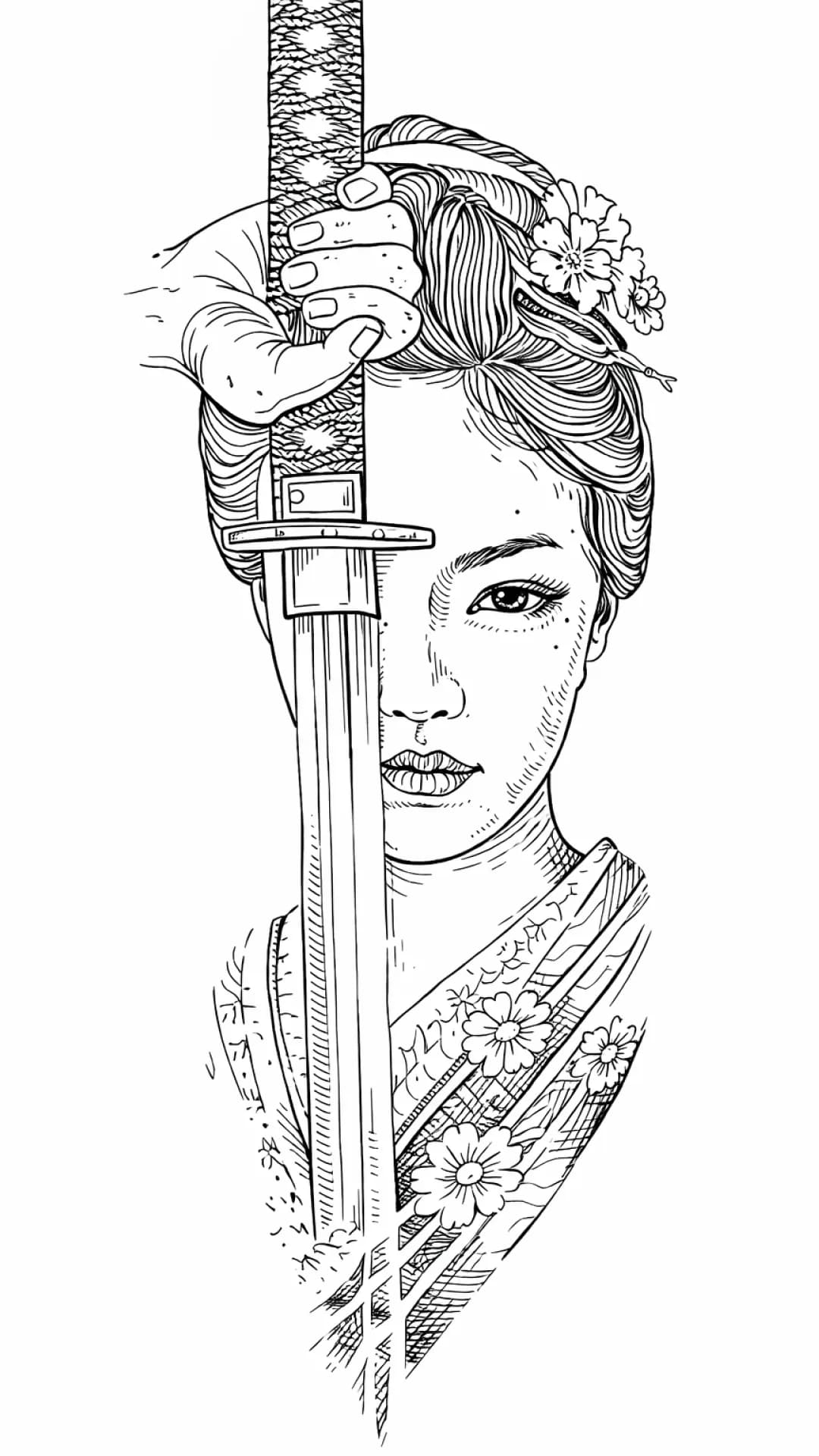
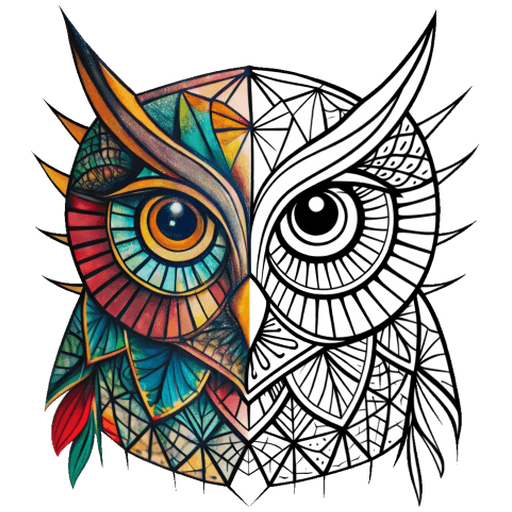
Compare the reference with the stencil and see what changed, what stayed readable, and what still needs an artist call.
Quick comparisons
Four quick examples show how cleanup, recognition, symbol clarity, and body fit change the working stencil.
Photo to Stencil
Removes noise, sharpens shapes, and keeps a strong black-and-white structure
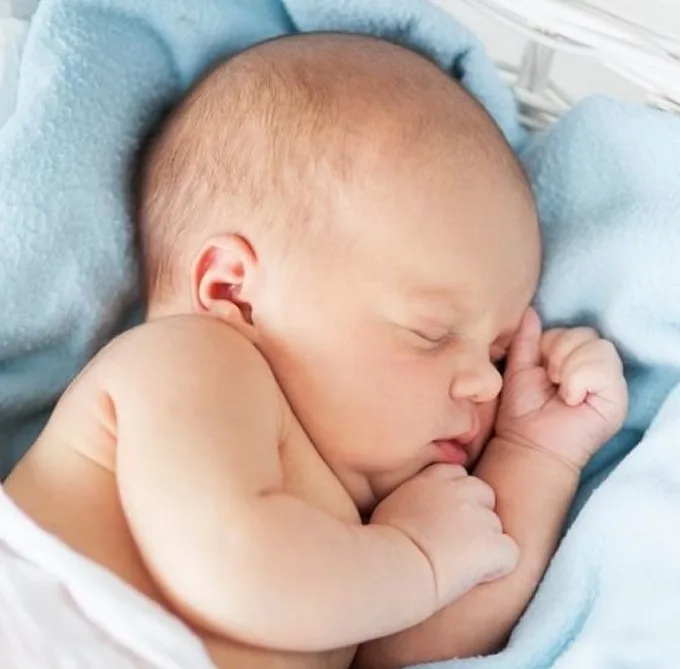
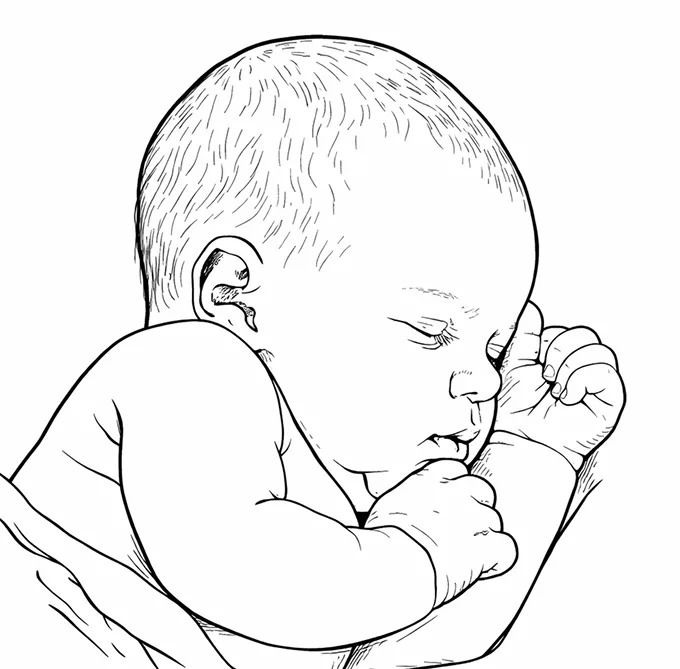
Portraits
Simplifies details that won't survive stencil size
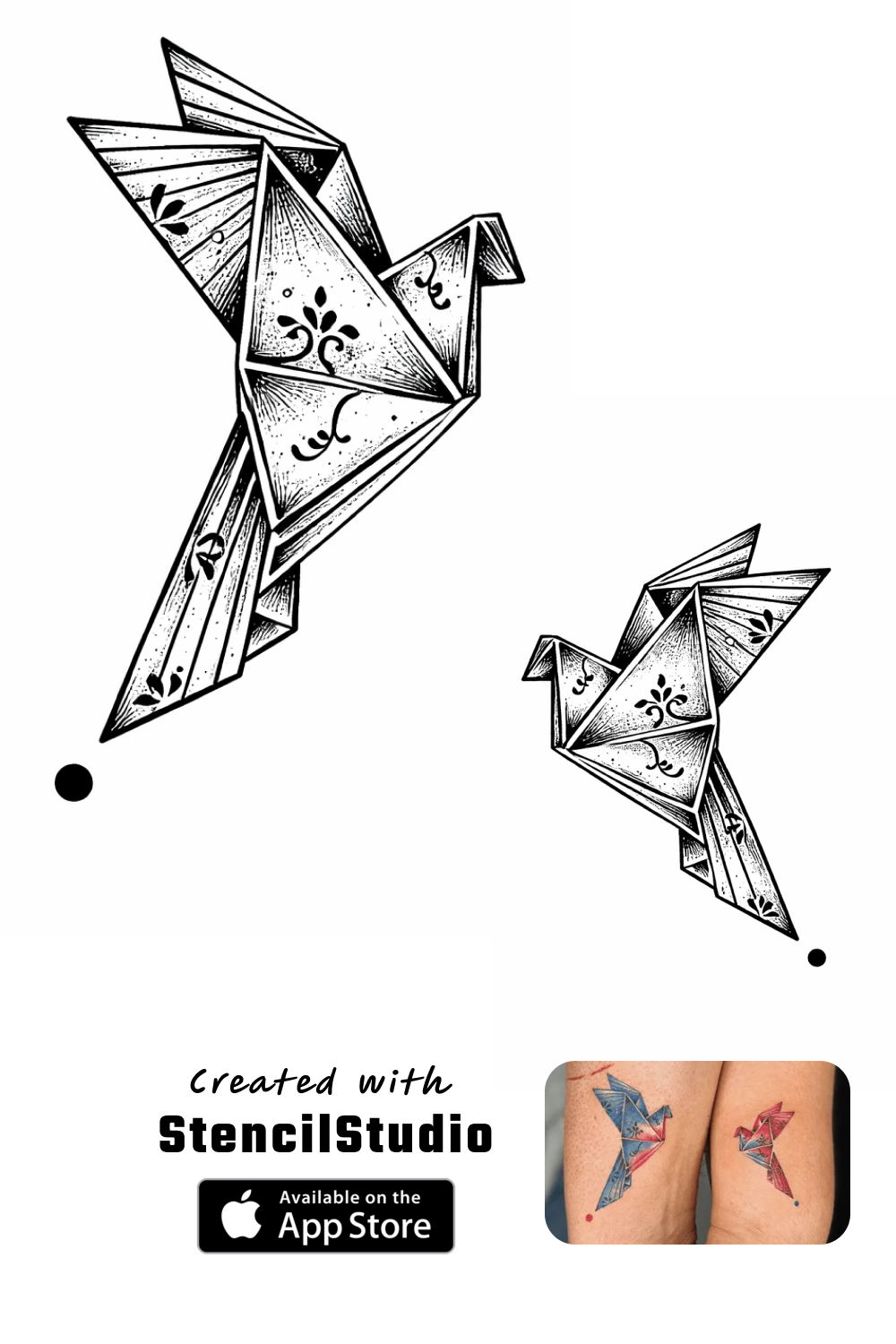
Symbols
Removes visual noise before it turns muddy
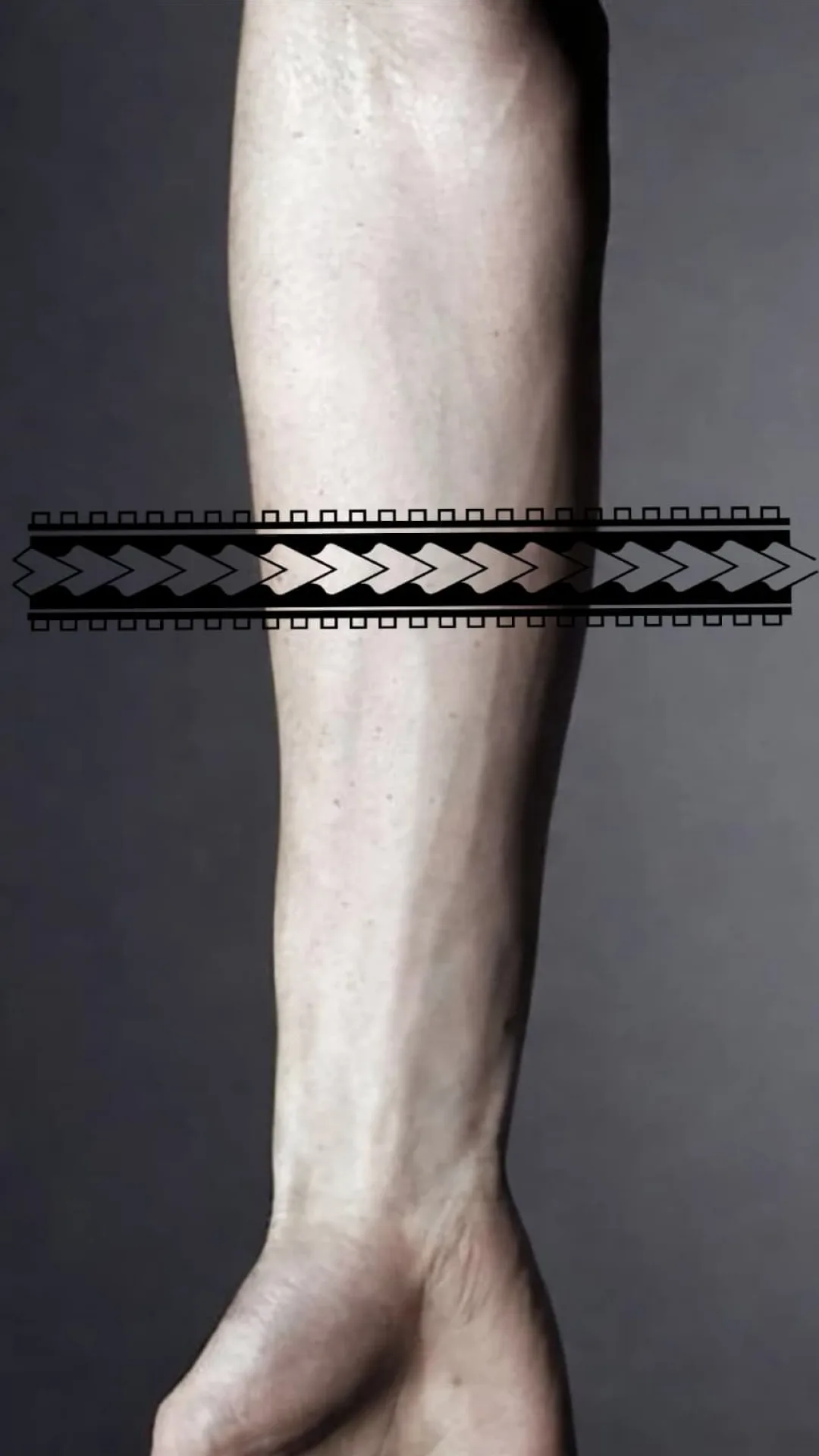
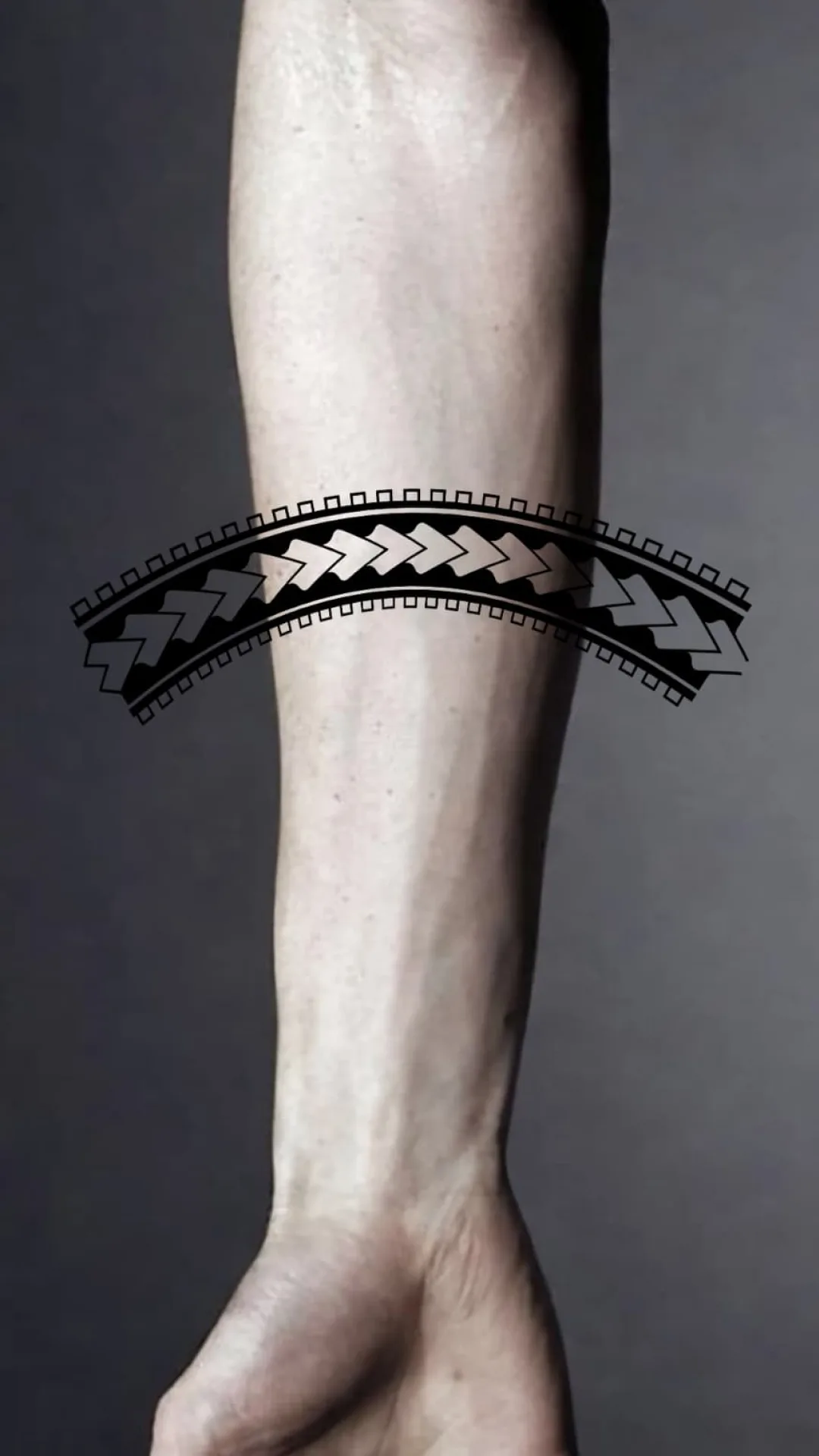
Fit to Body
Catch wrap and spacing issues before export
Detailed case studies
Open a case to inspect the full composition and the exact areas where recognition, density, and final-size risk change.
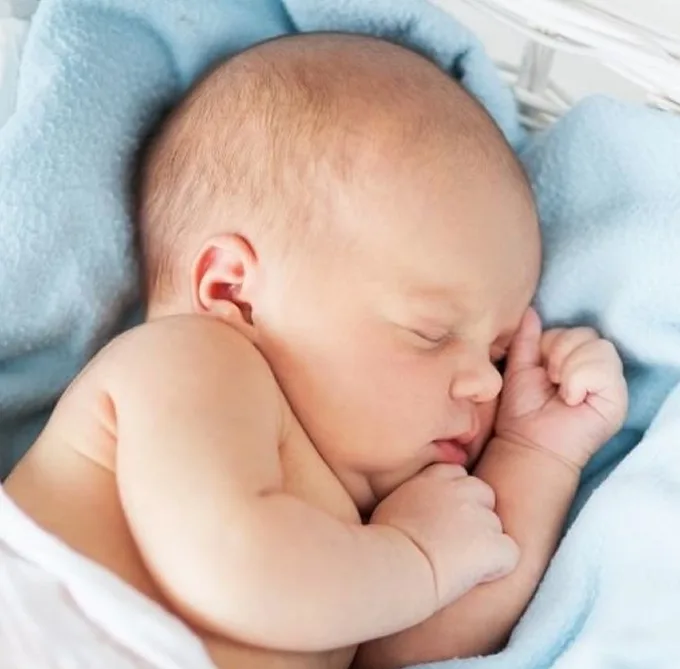
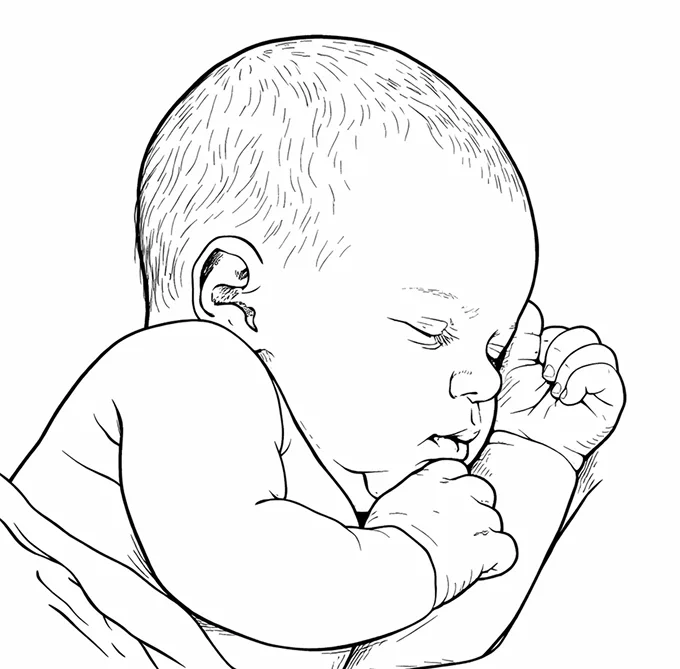
Portrait stencil
This example focuses on keeping the relationships that carry likeness while reducing skin texture, small tonal changes, and low-priority photographic detail.
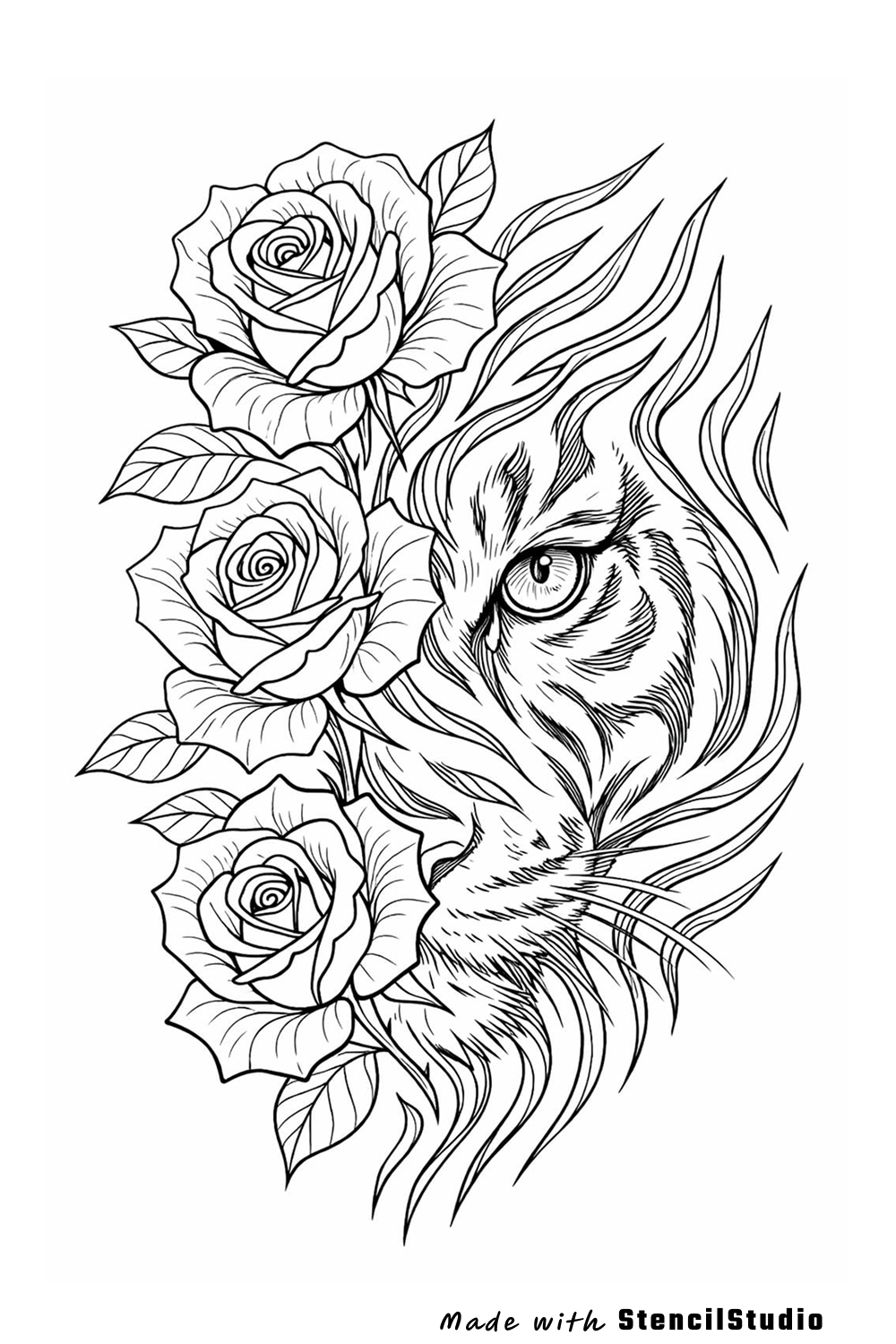
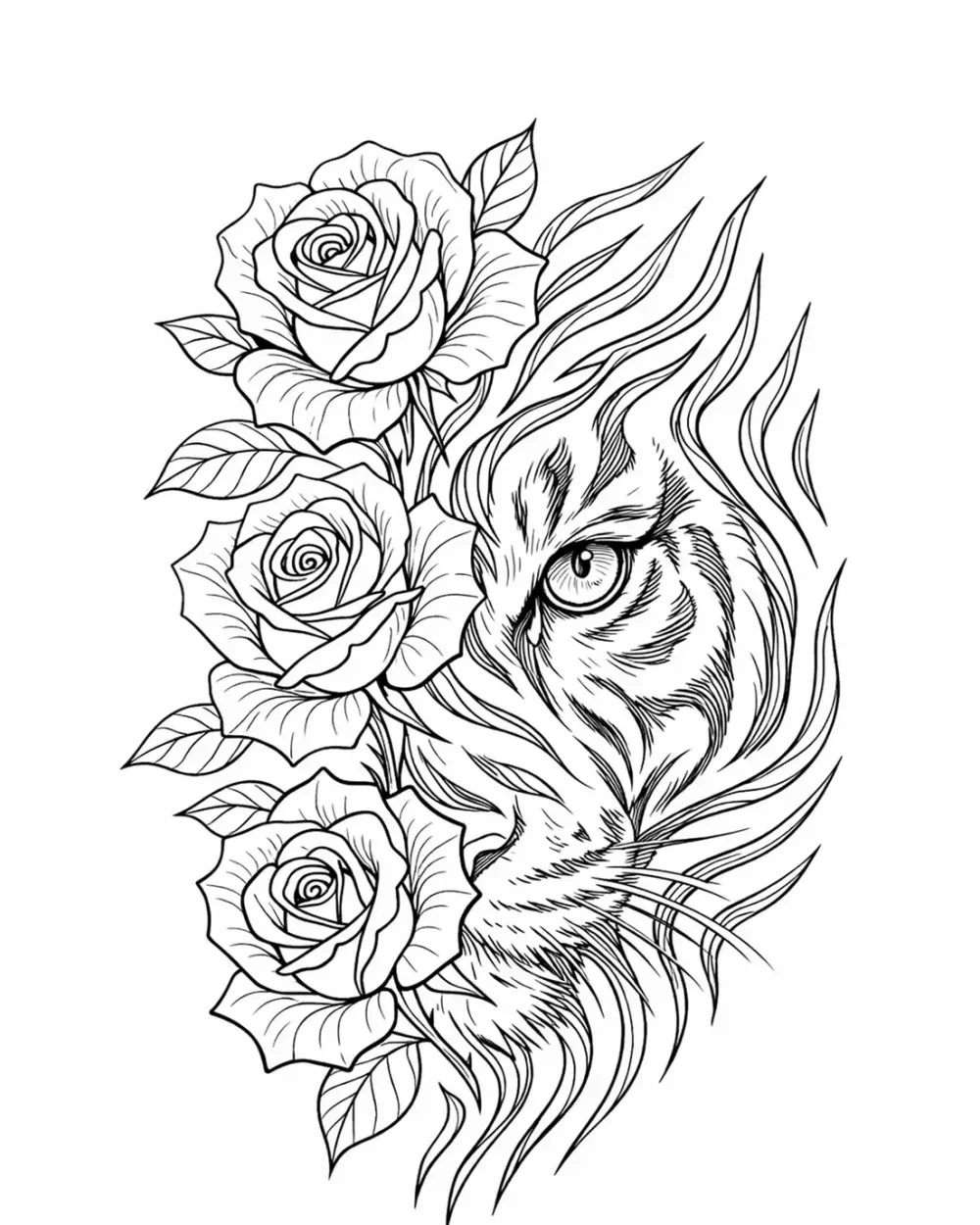
Animal stencil
This example focuses on protecting the tiger eye, nose, muzzle, and stripe rhythm while the roses continue to support the vertical composition.
Symbol stencil
This example focuses on preserving the folded-bird silhouettes before the smaller crease lines begin to compete with the main symbolic read.
More case studies
Explore more placement and stencil cases without repeating the examples above.
Fit to Body
This example focuses on placement rather than generation: the main design remains recognizable while the preview is adjusted to follow a curved body area more naturally.
Open case study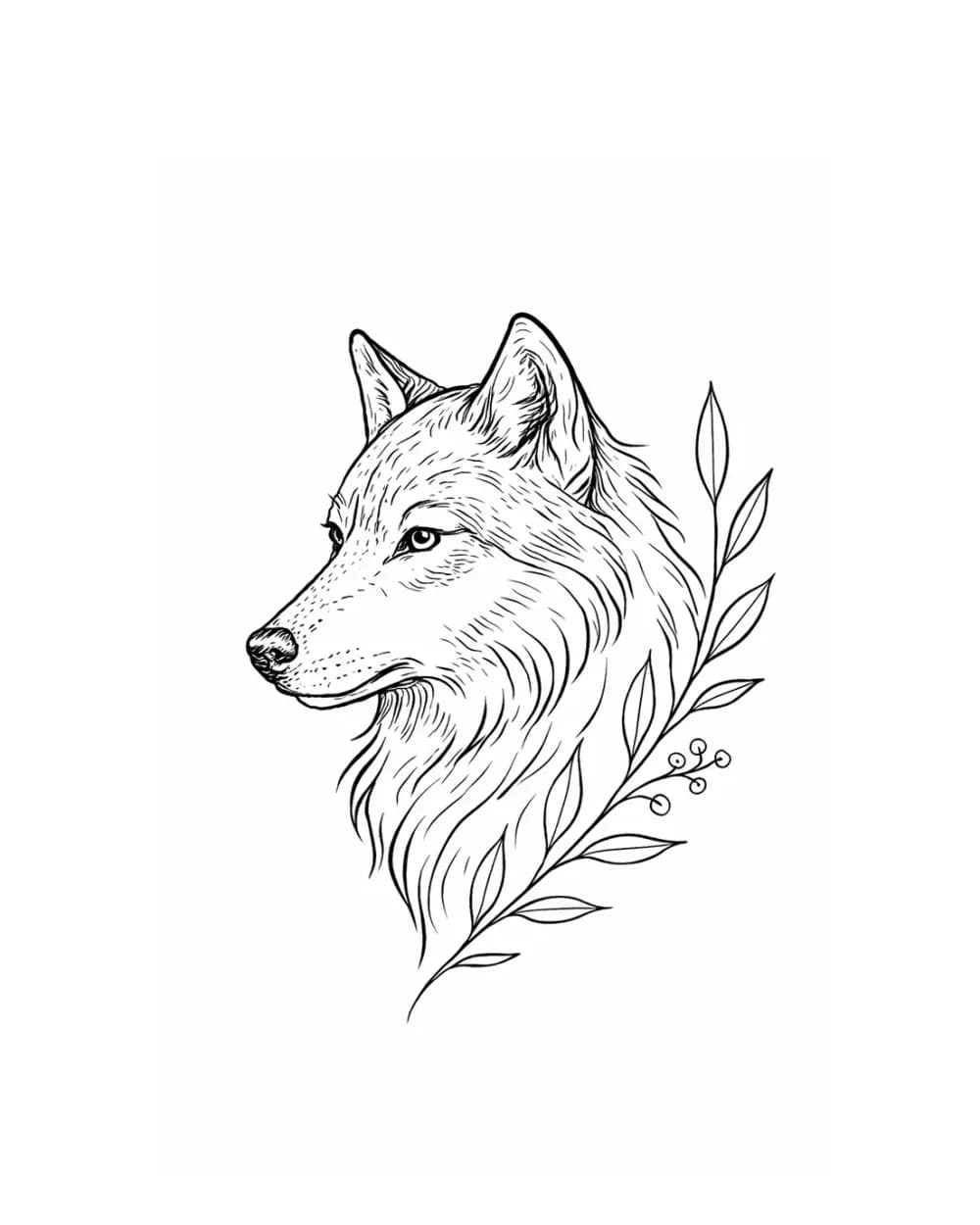
Animal stencil
This cleaner profile example shows how little a wolf needs to remain recognizable when the main contour and facial landmarks are protected first.
Open case studyNext step
Create a stencil draft, compare the important structure, then keep refining it in your workflow.