

Tattoo stencil maker for artists
Turn photos into clean tattoo stencils.
Generate one stencil free from your own reference online. Continue on iPhone for Fit to Body, exact-size print, mirror, and PNG or PDF export.
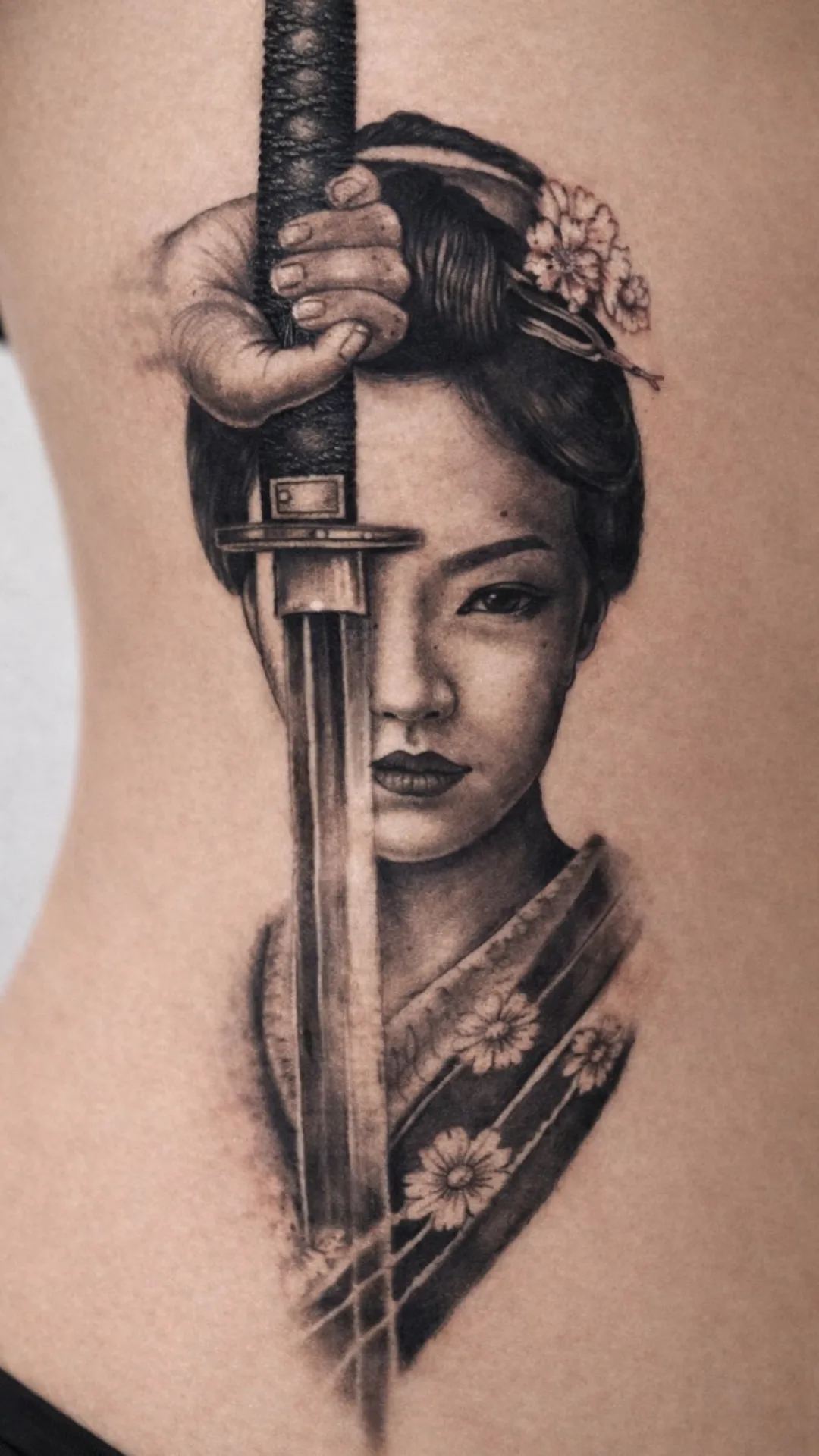
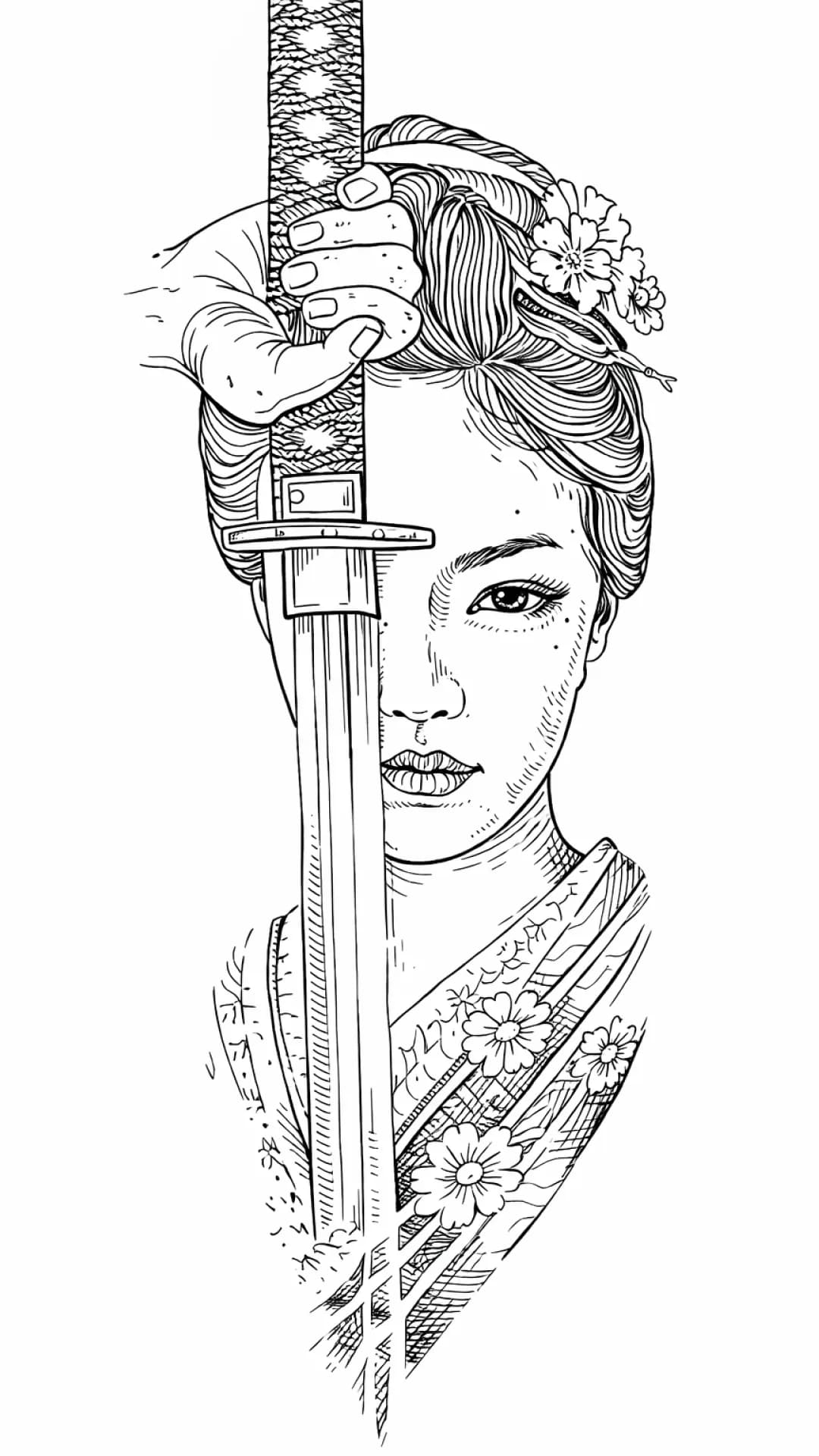
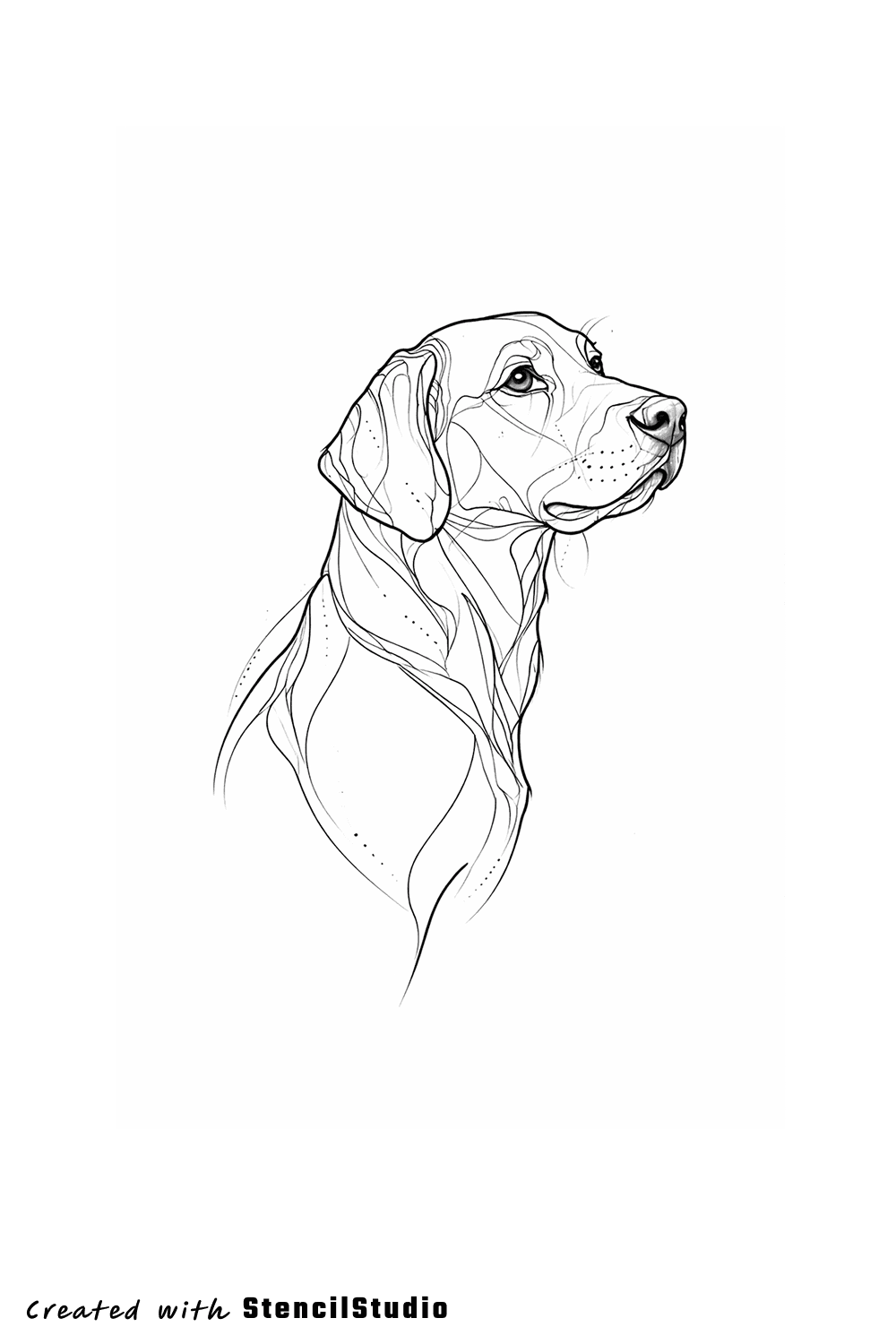
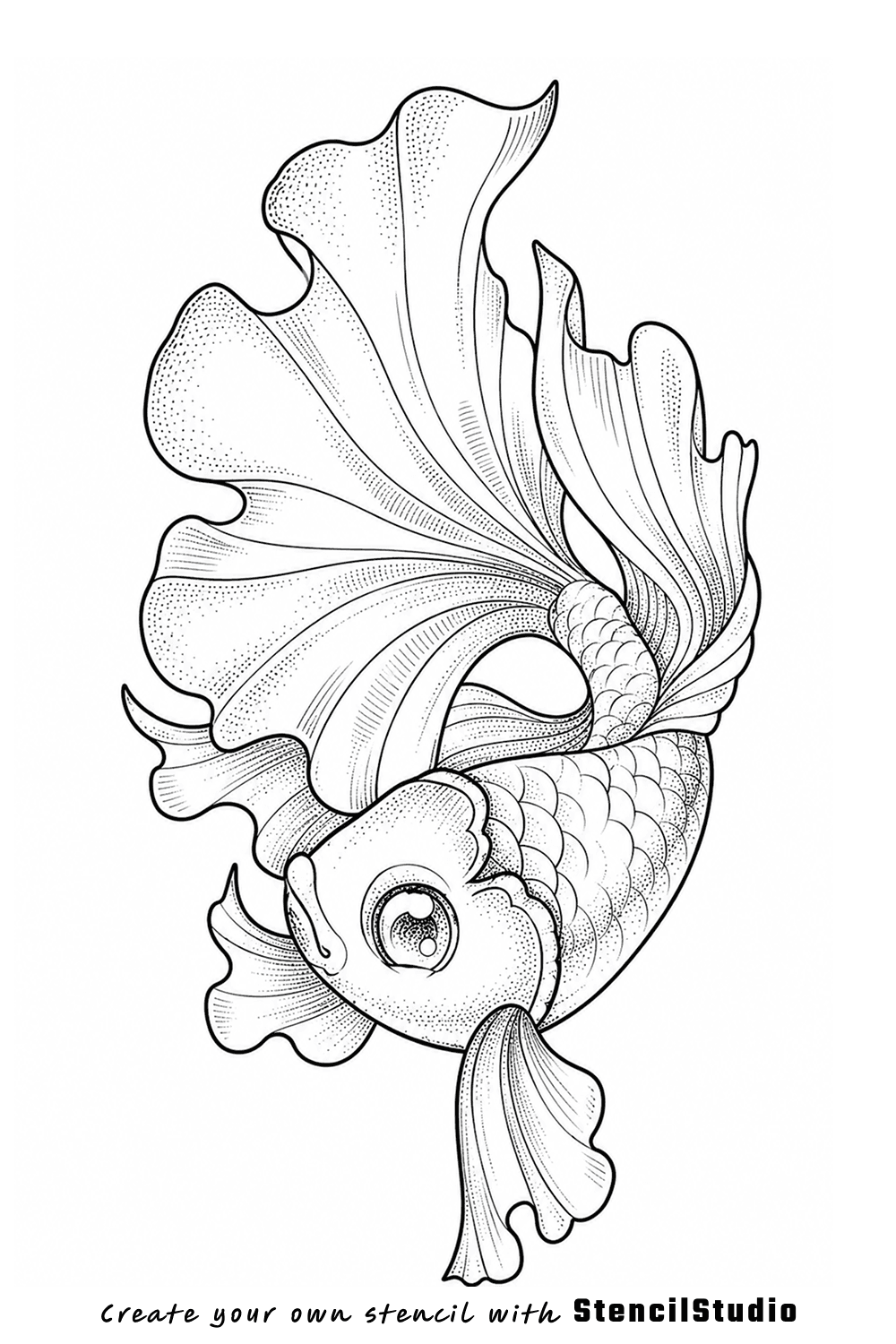
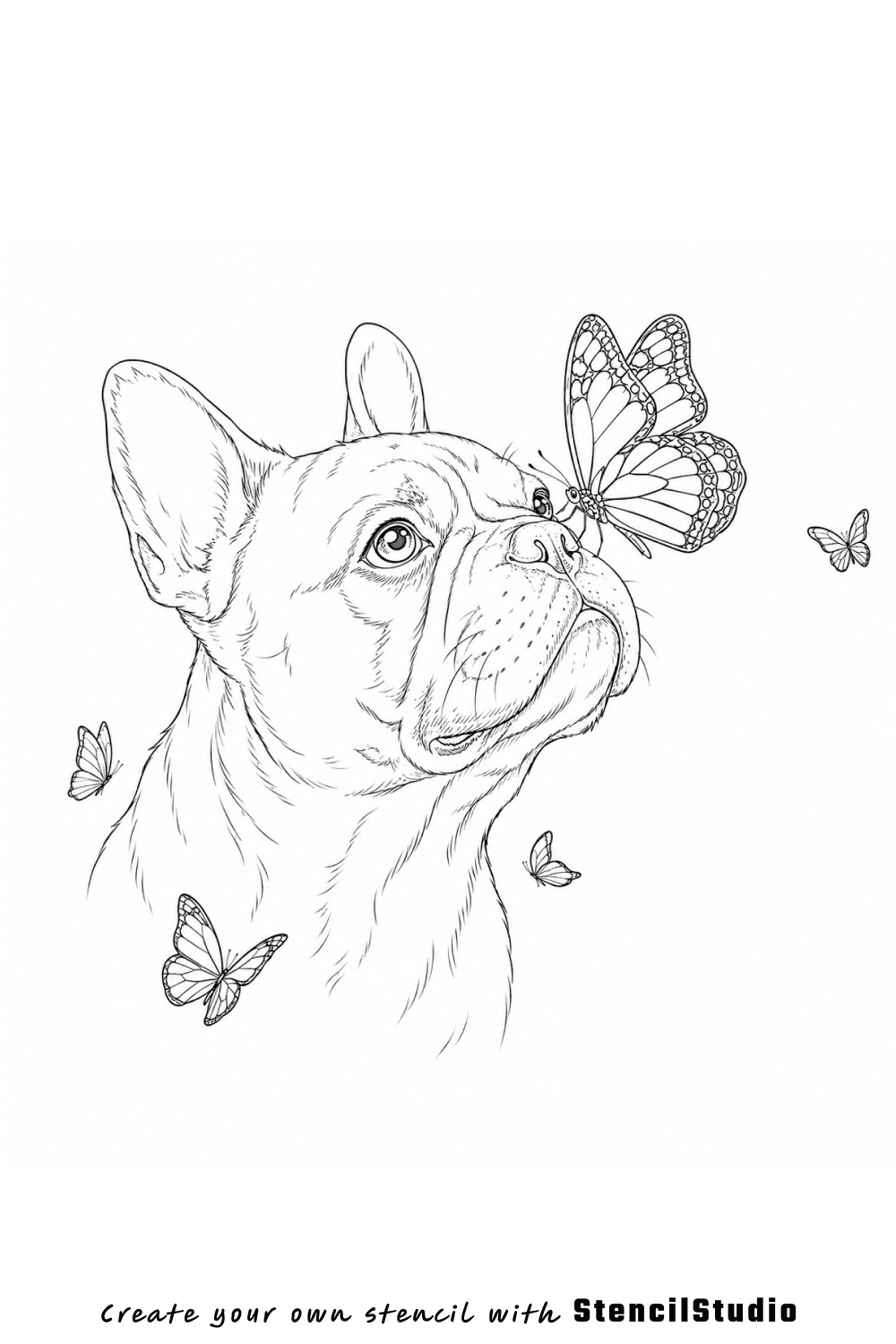
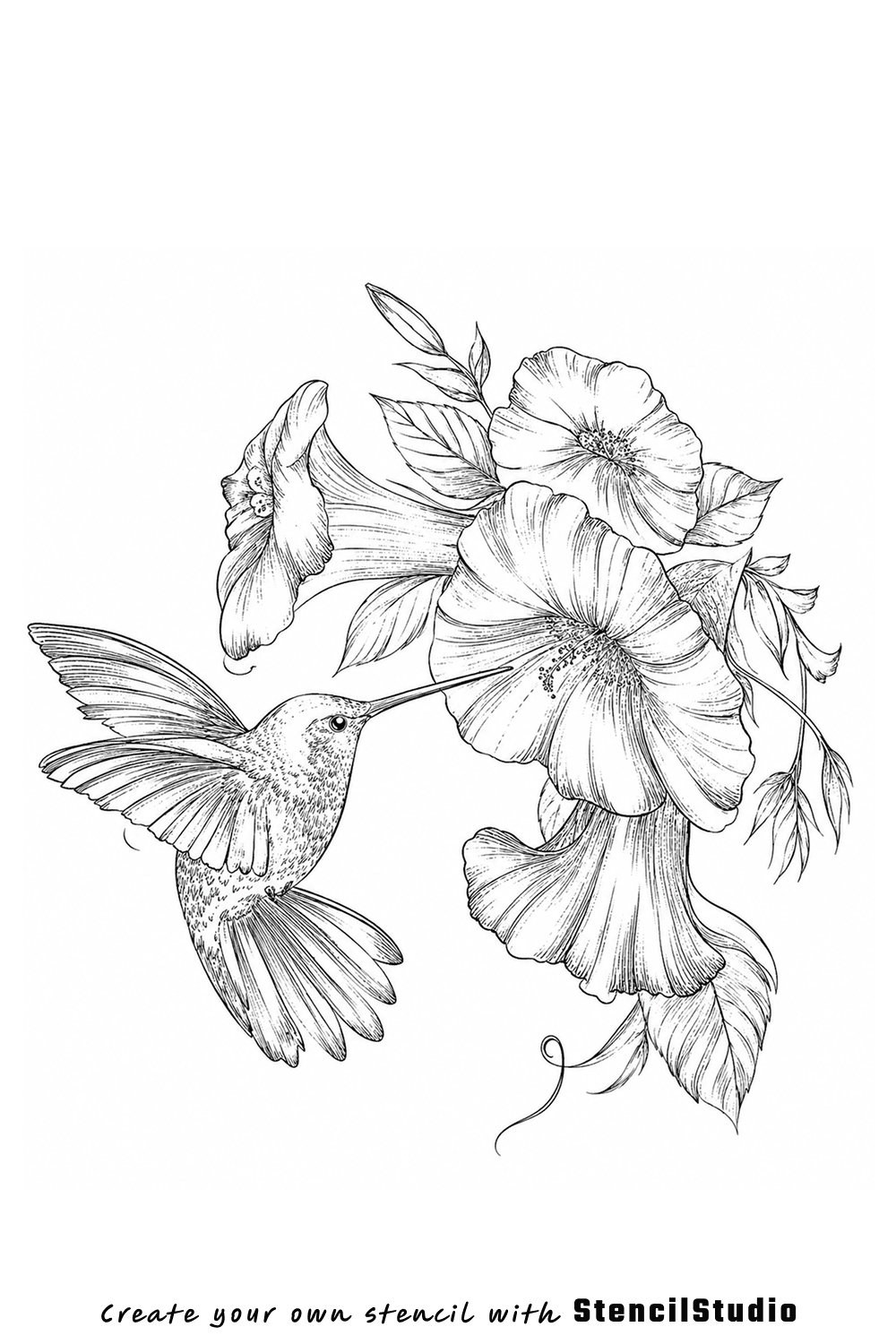
Real stencil output
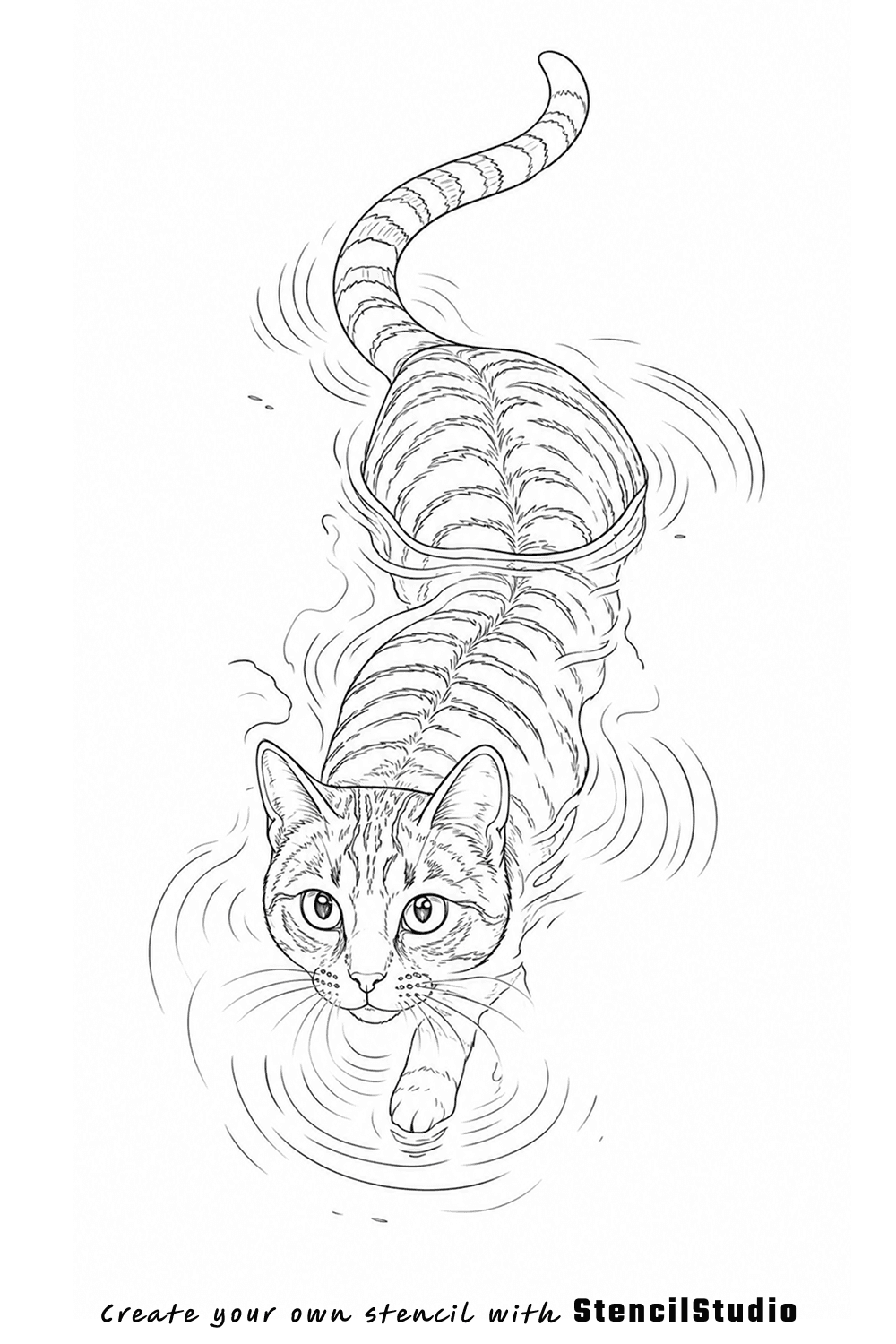
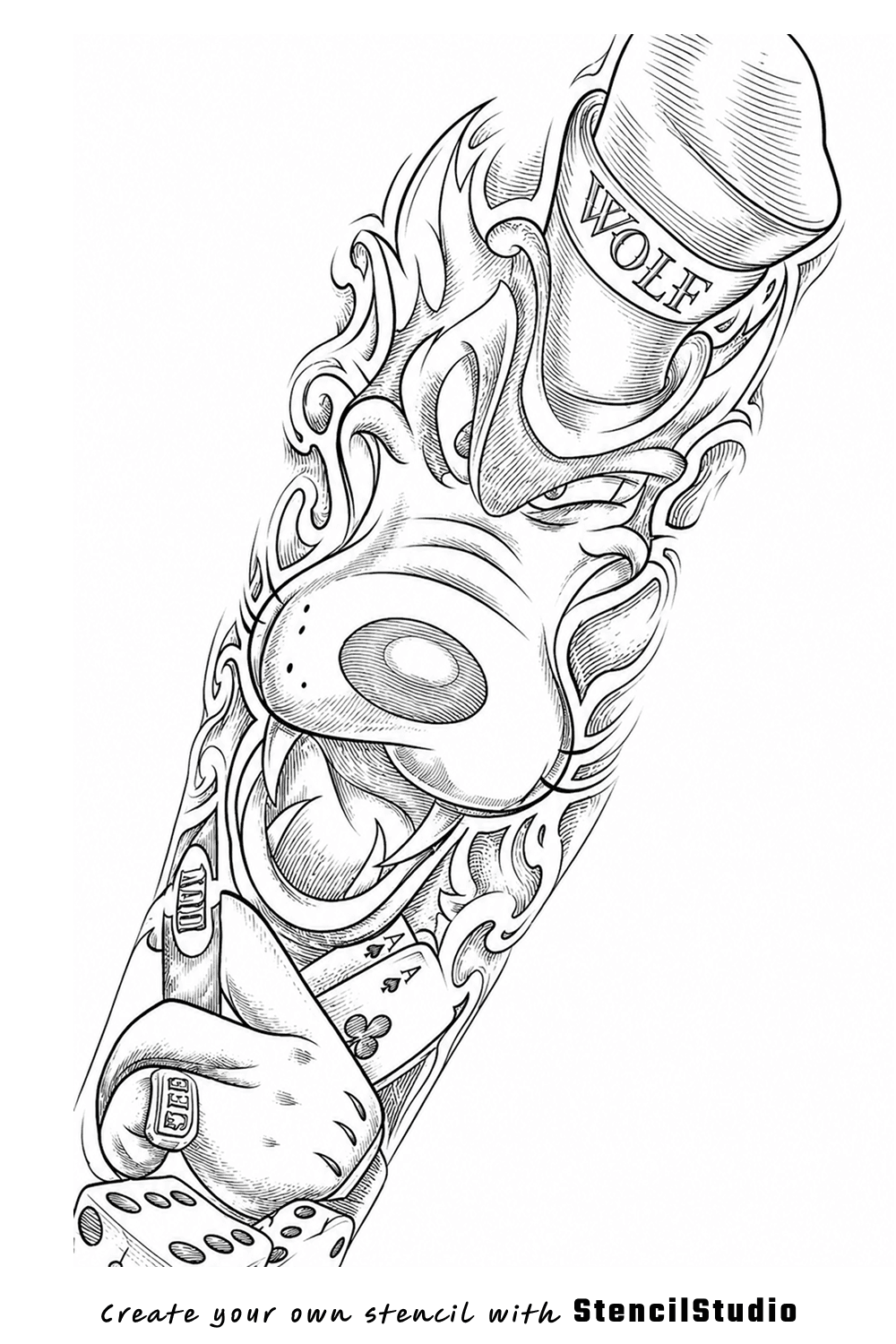
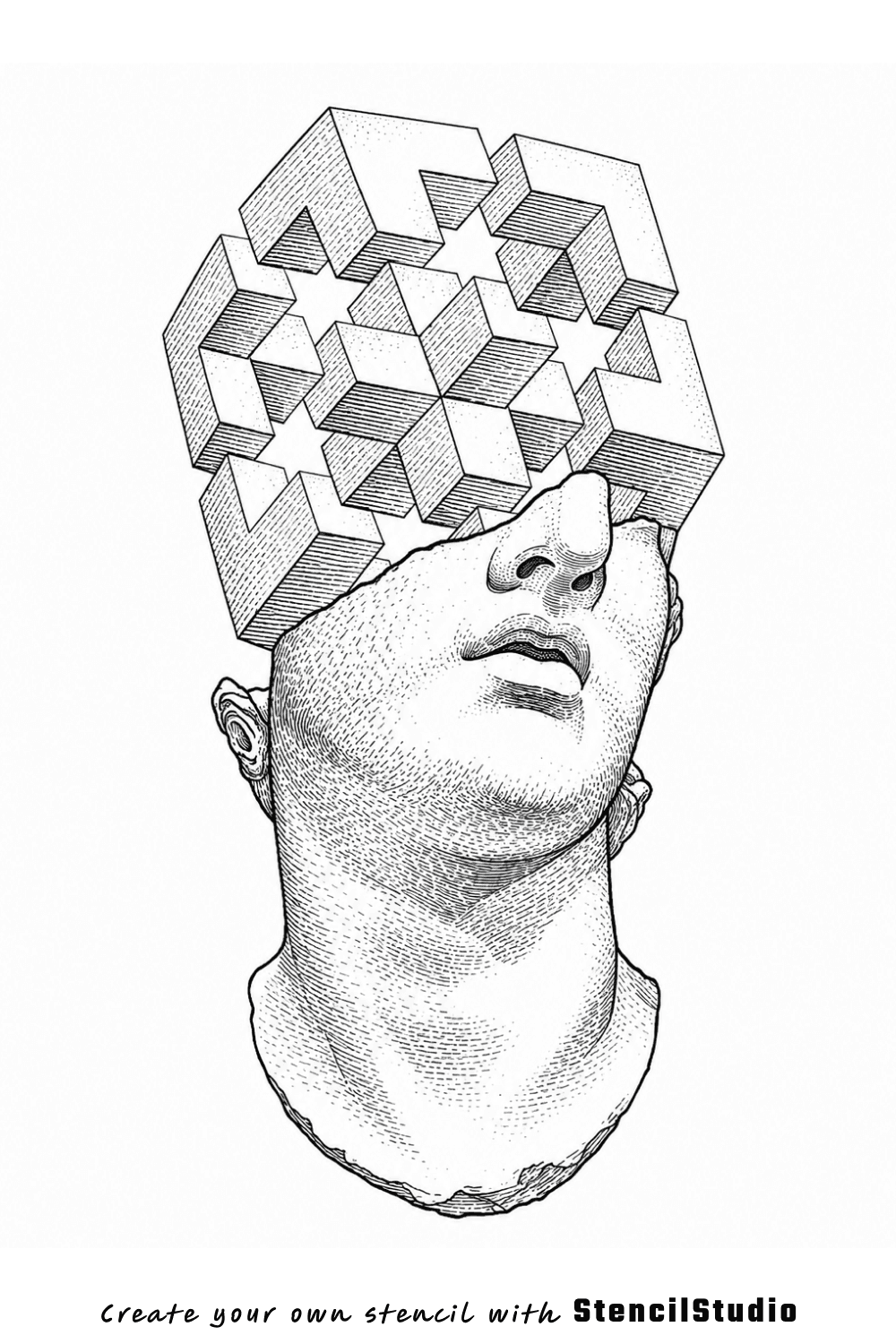
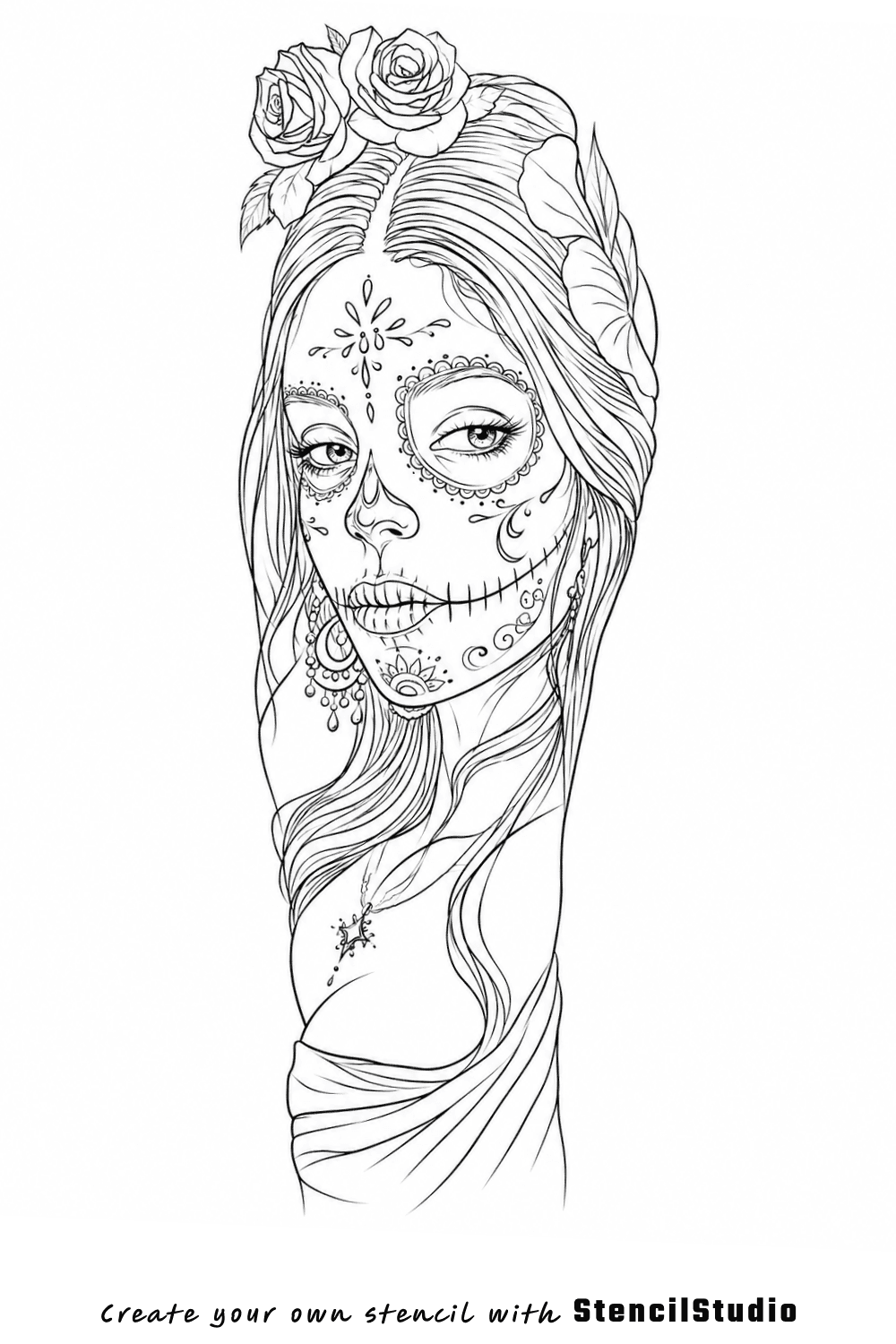
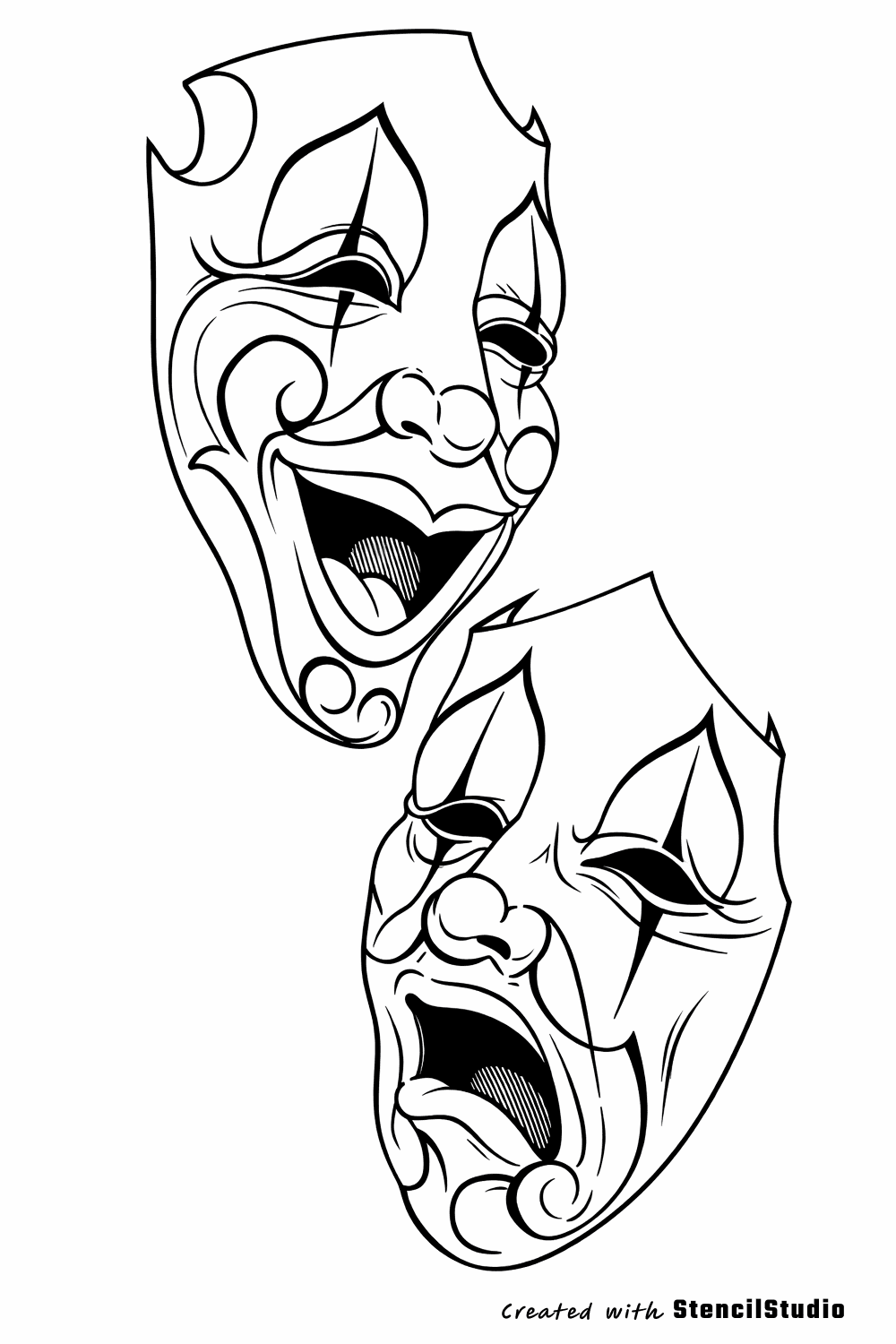
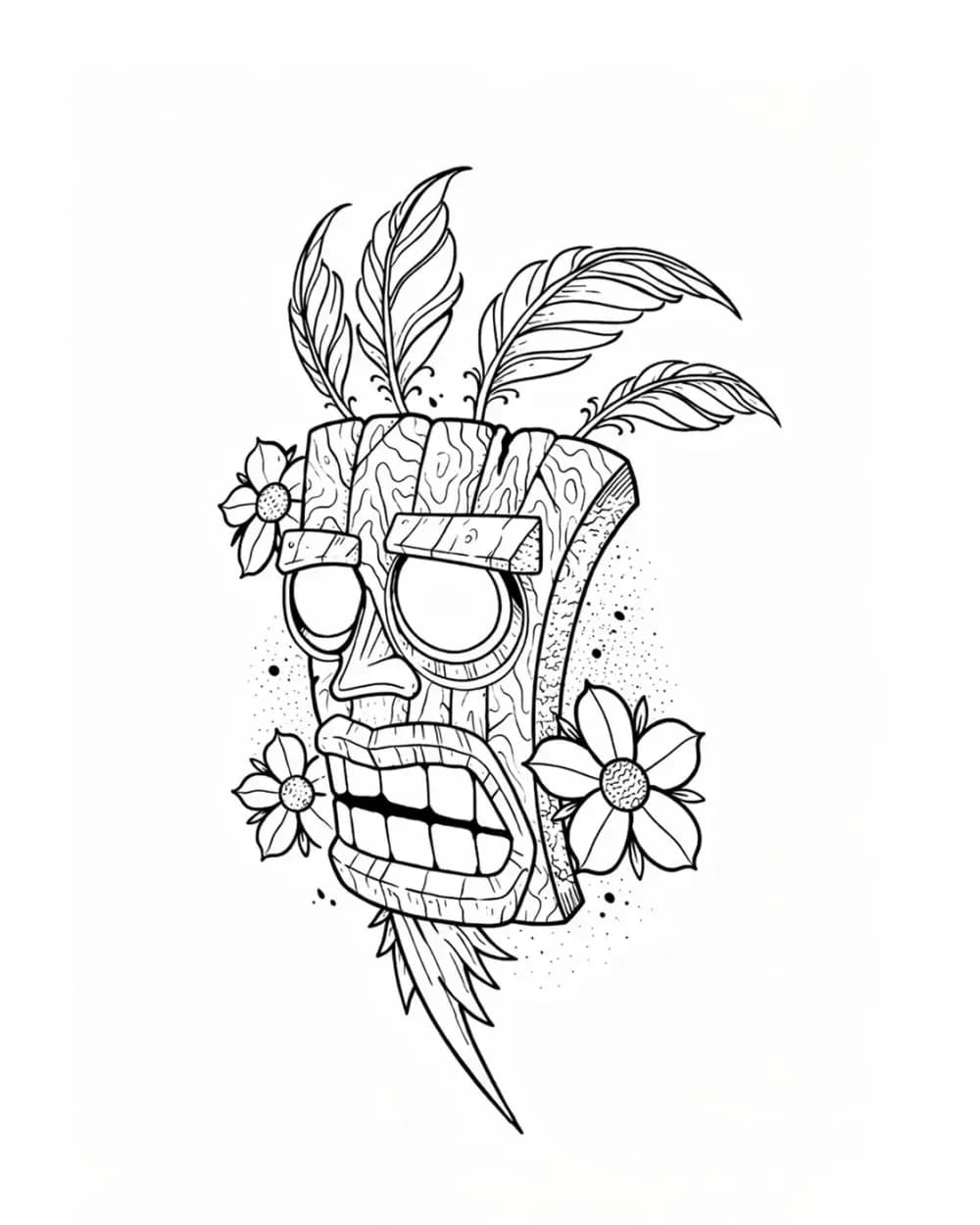
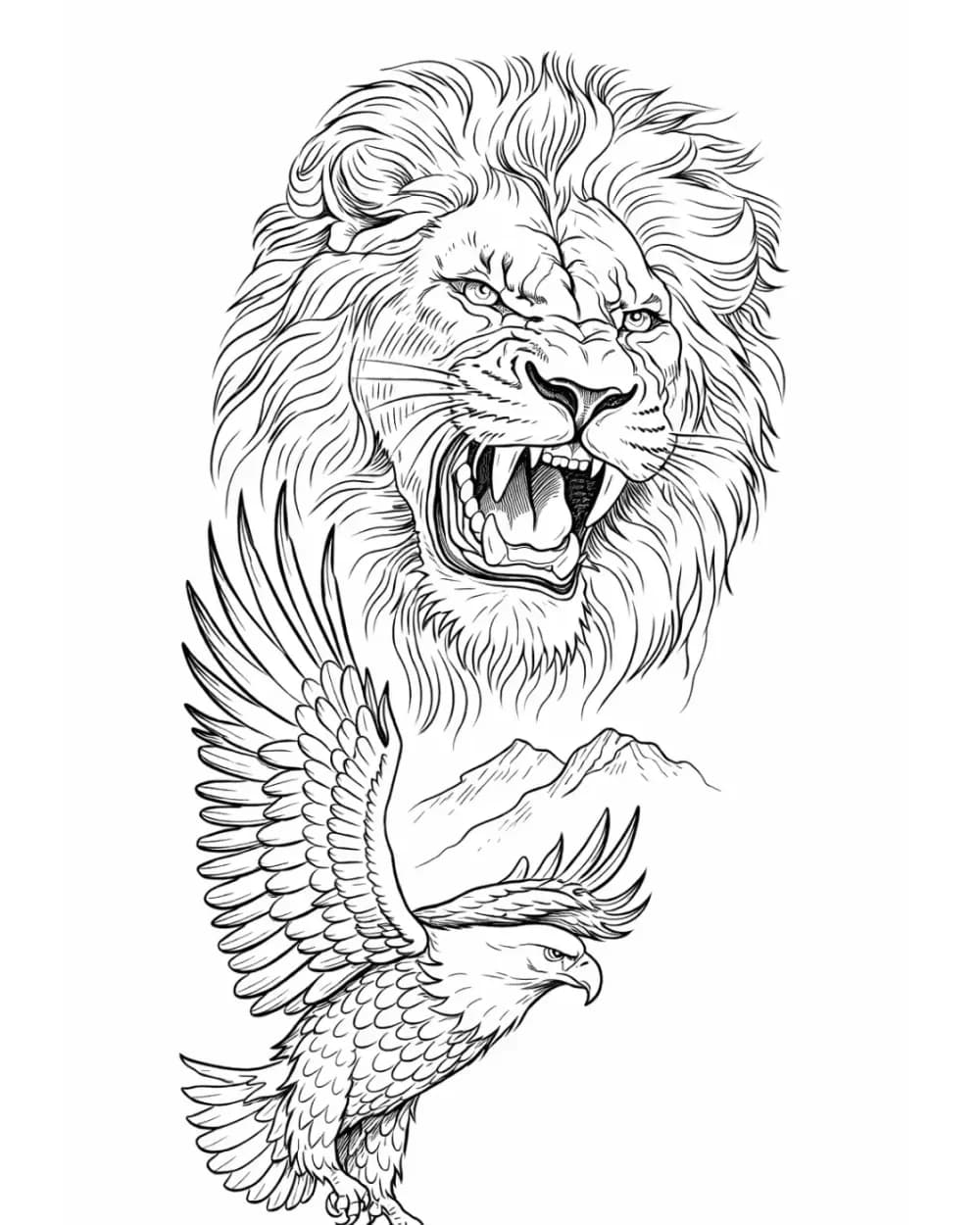
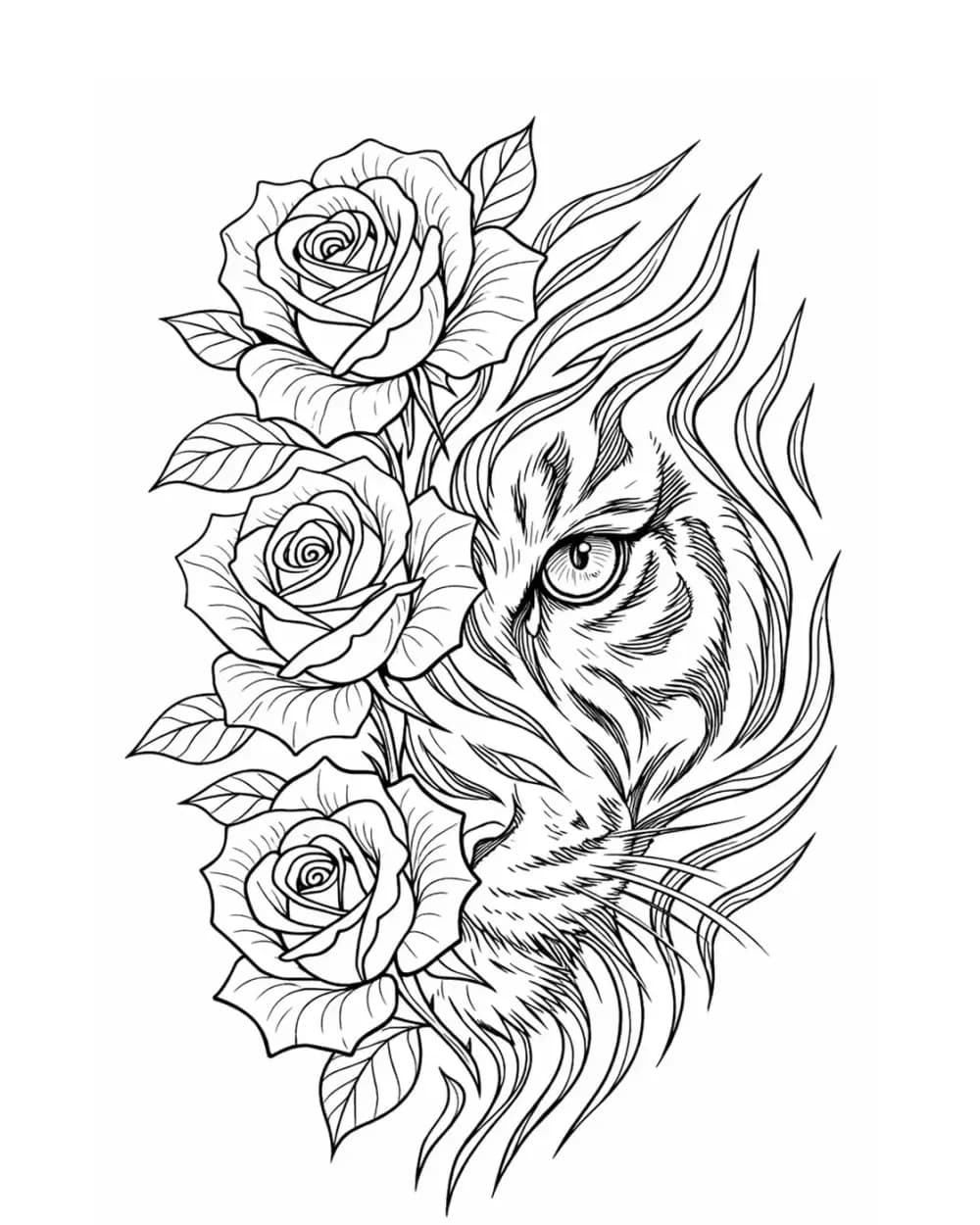
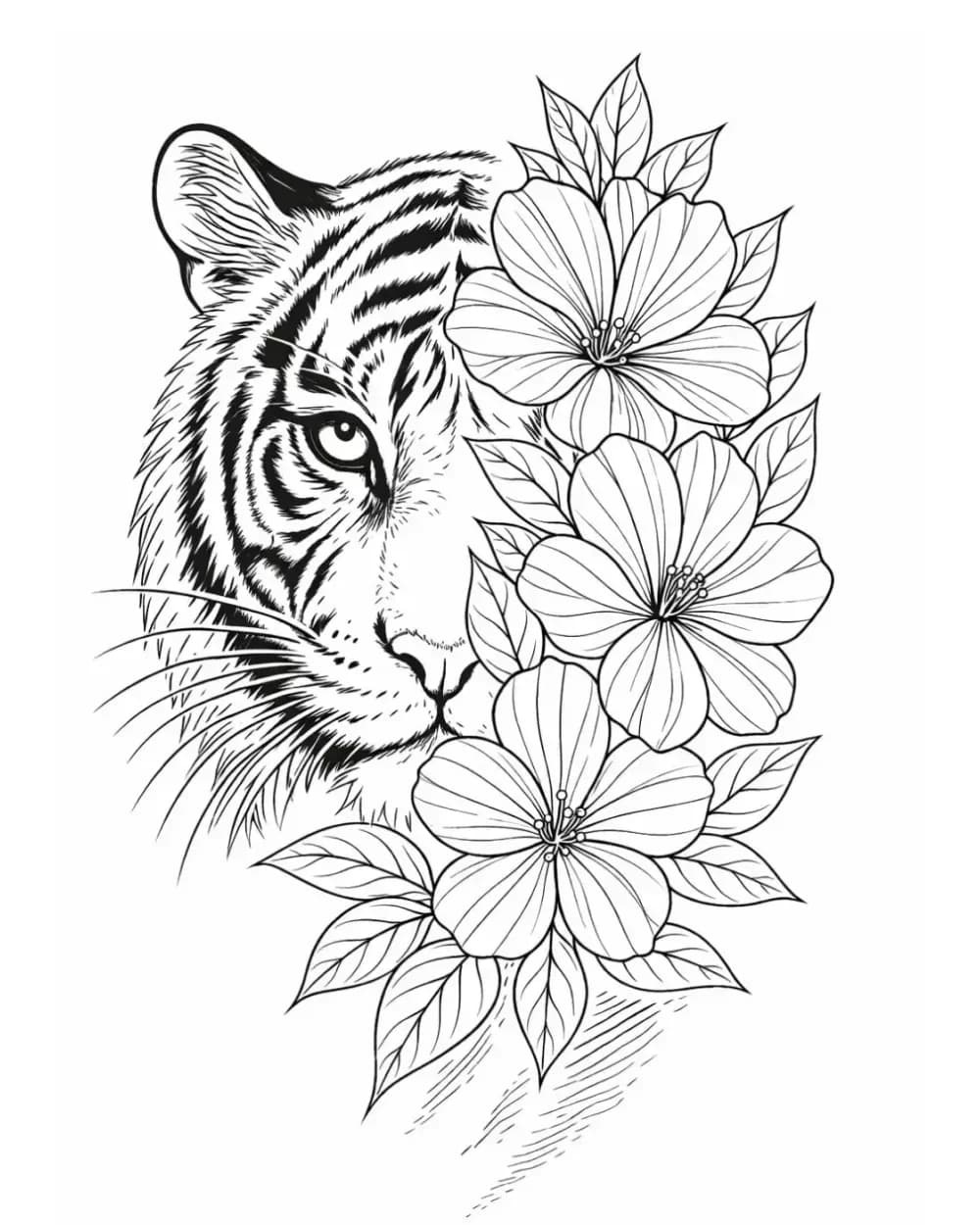
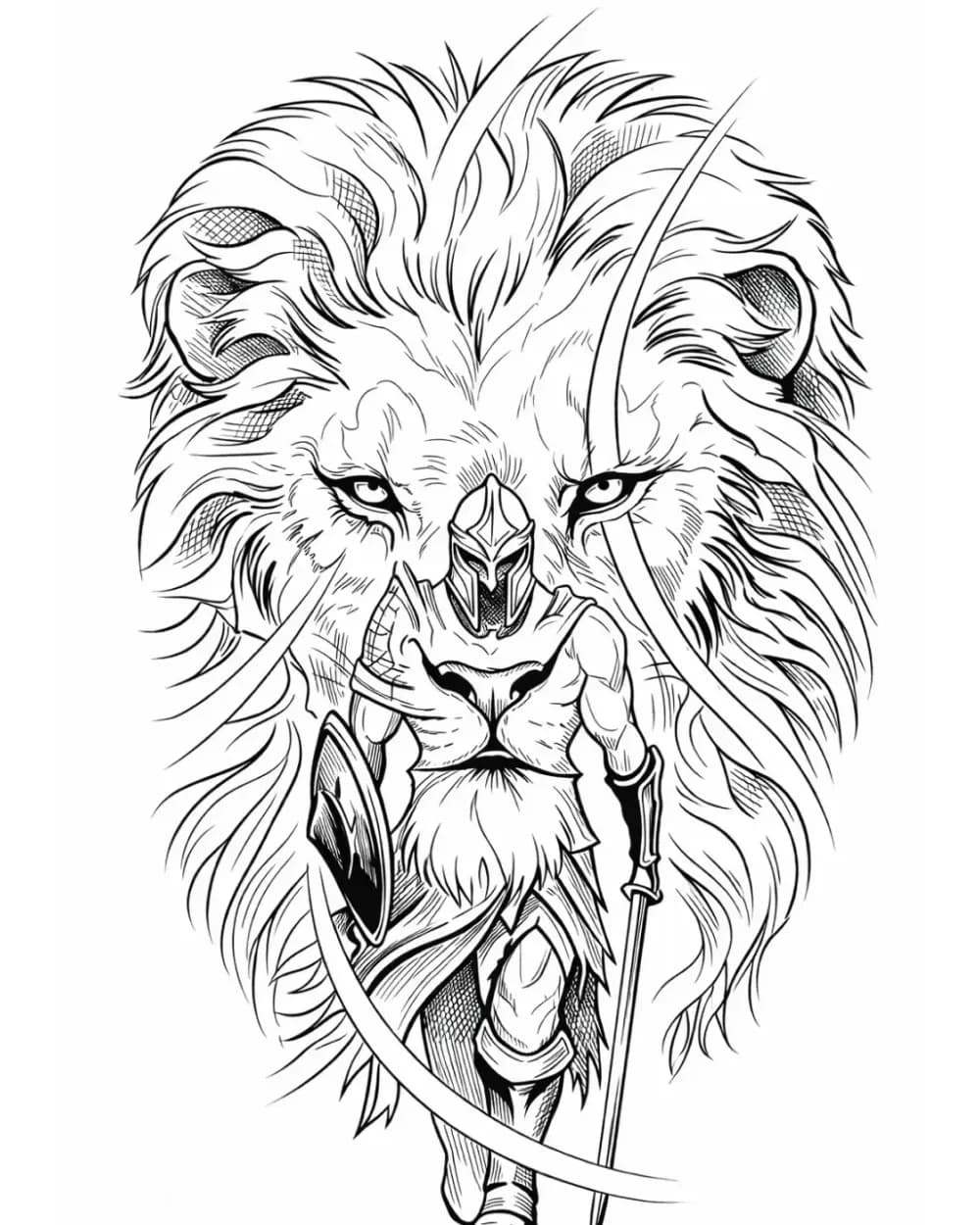
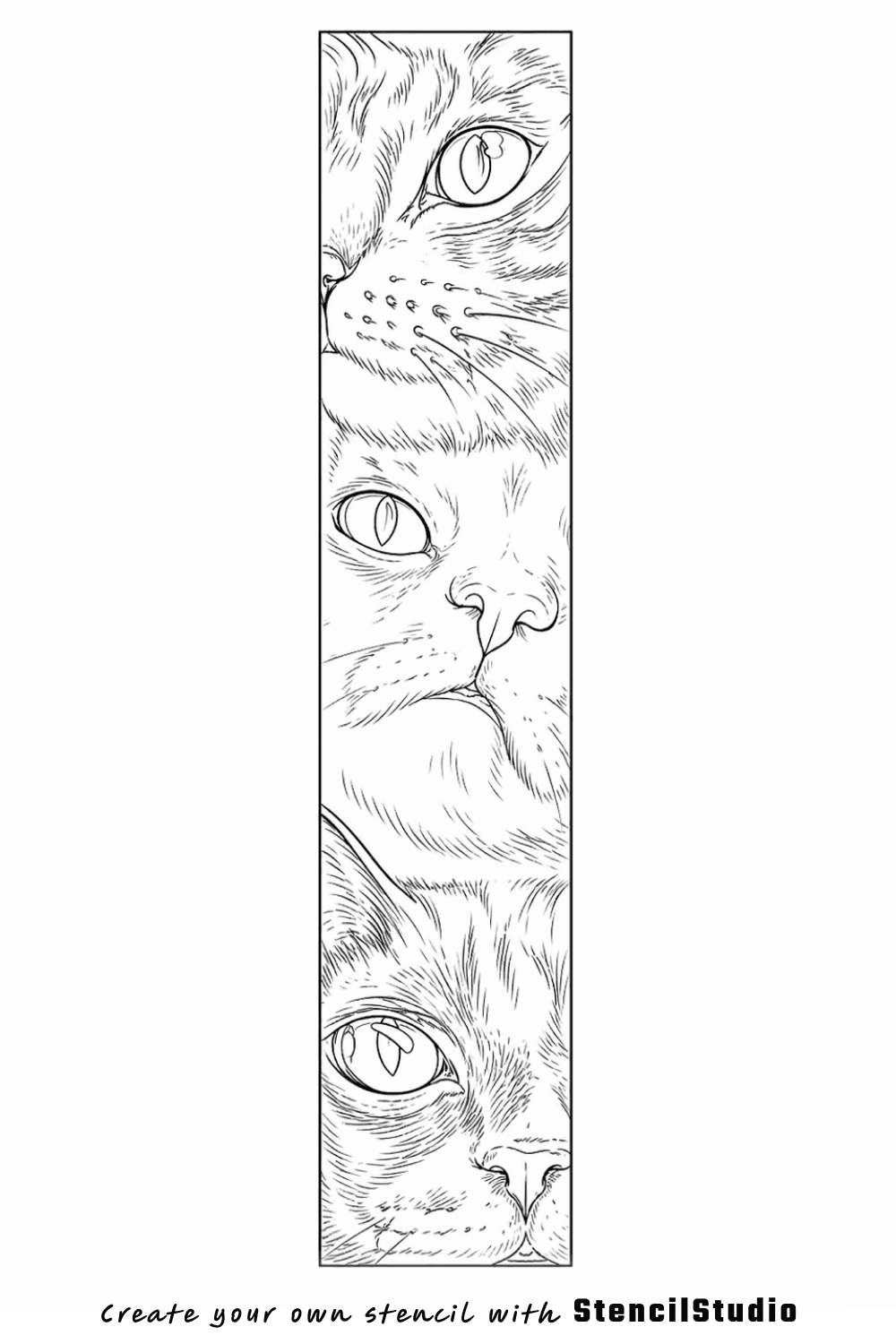
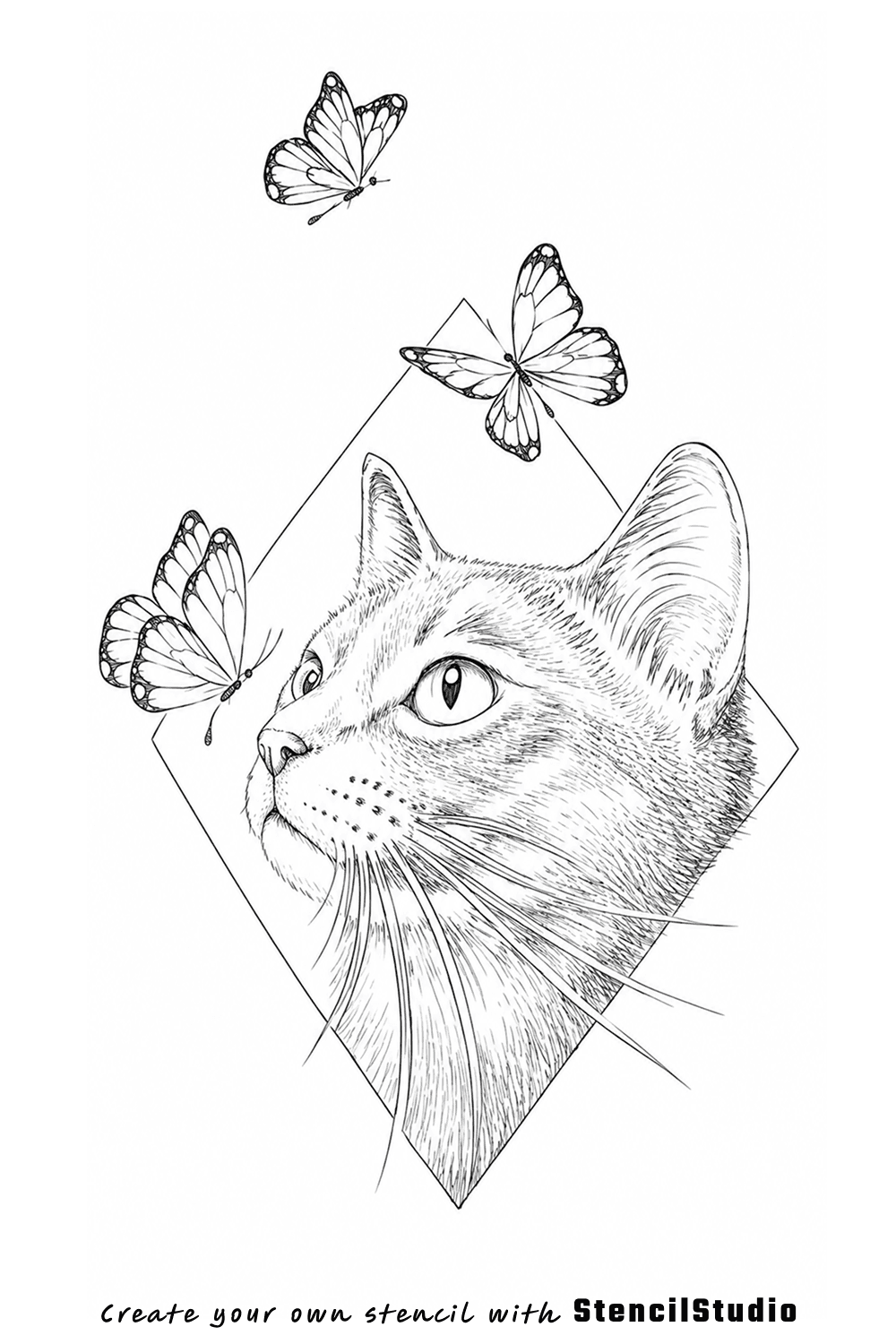
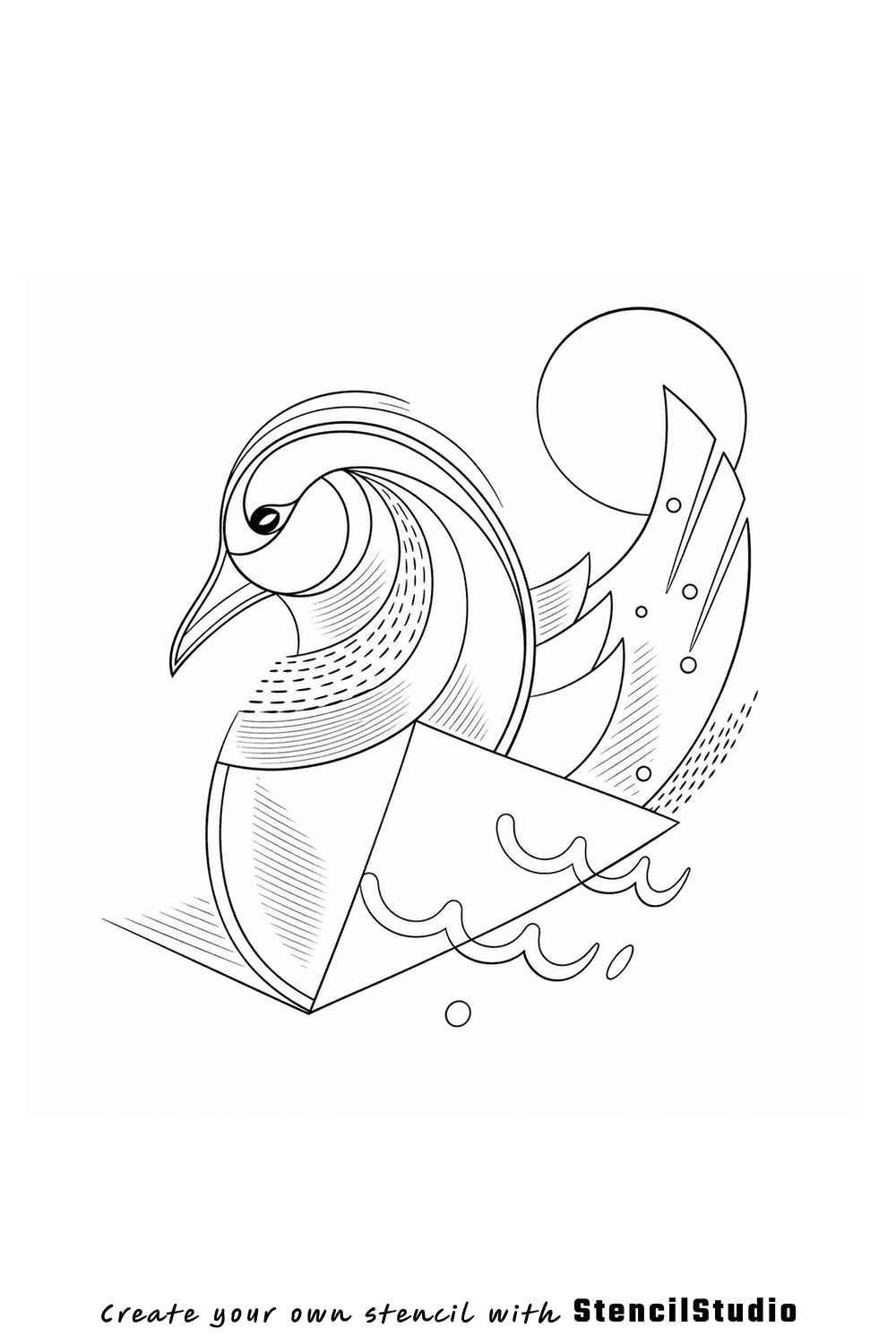
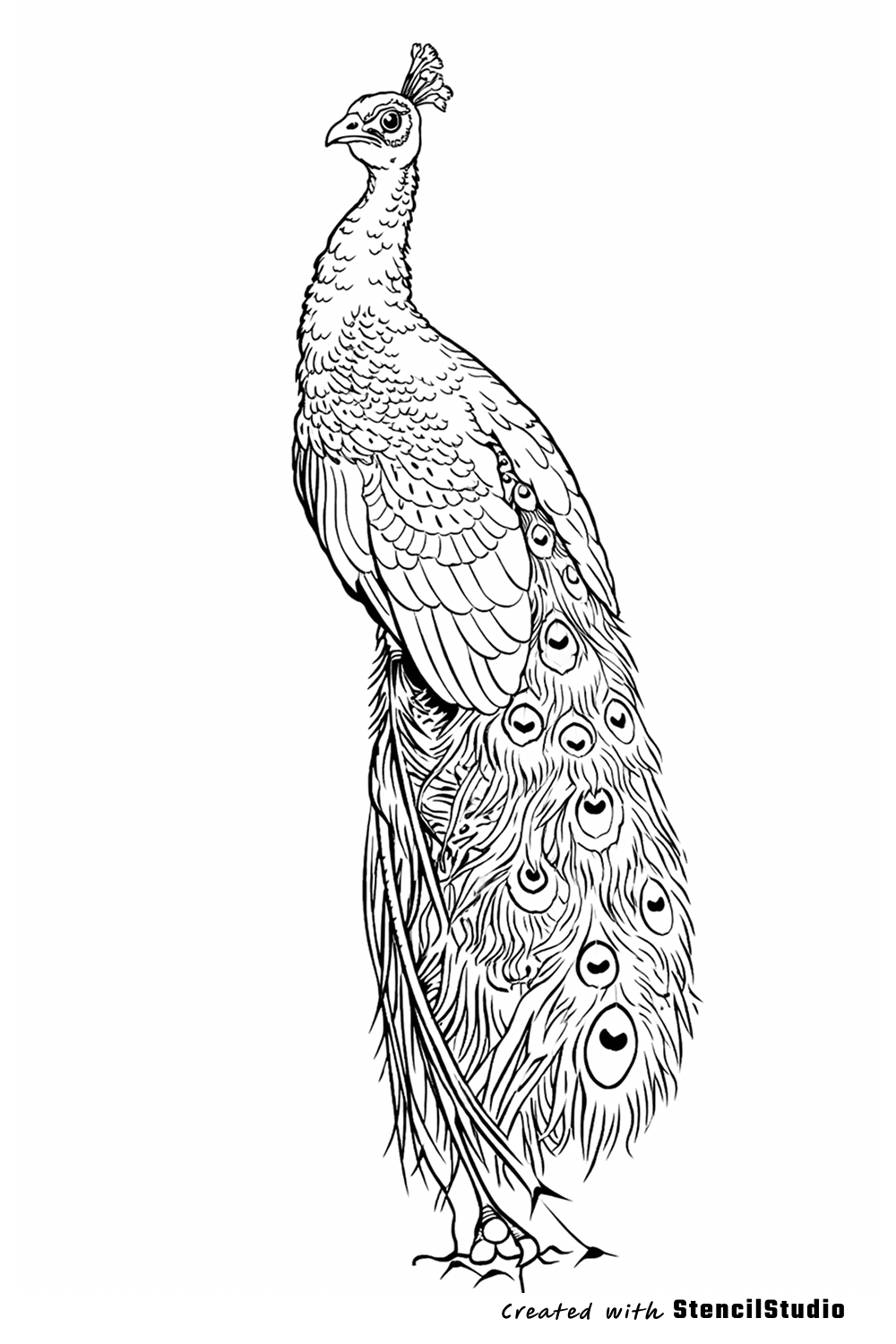
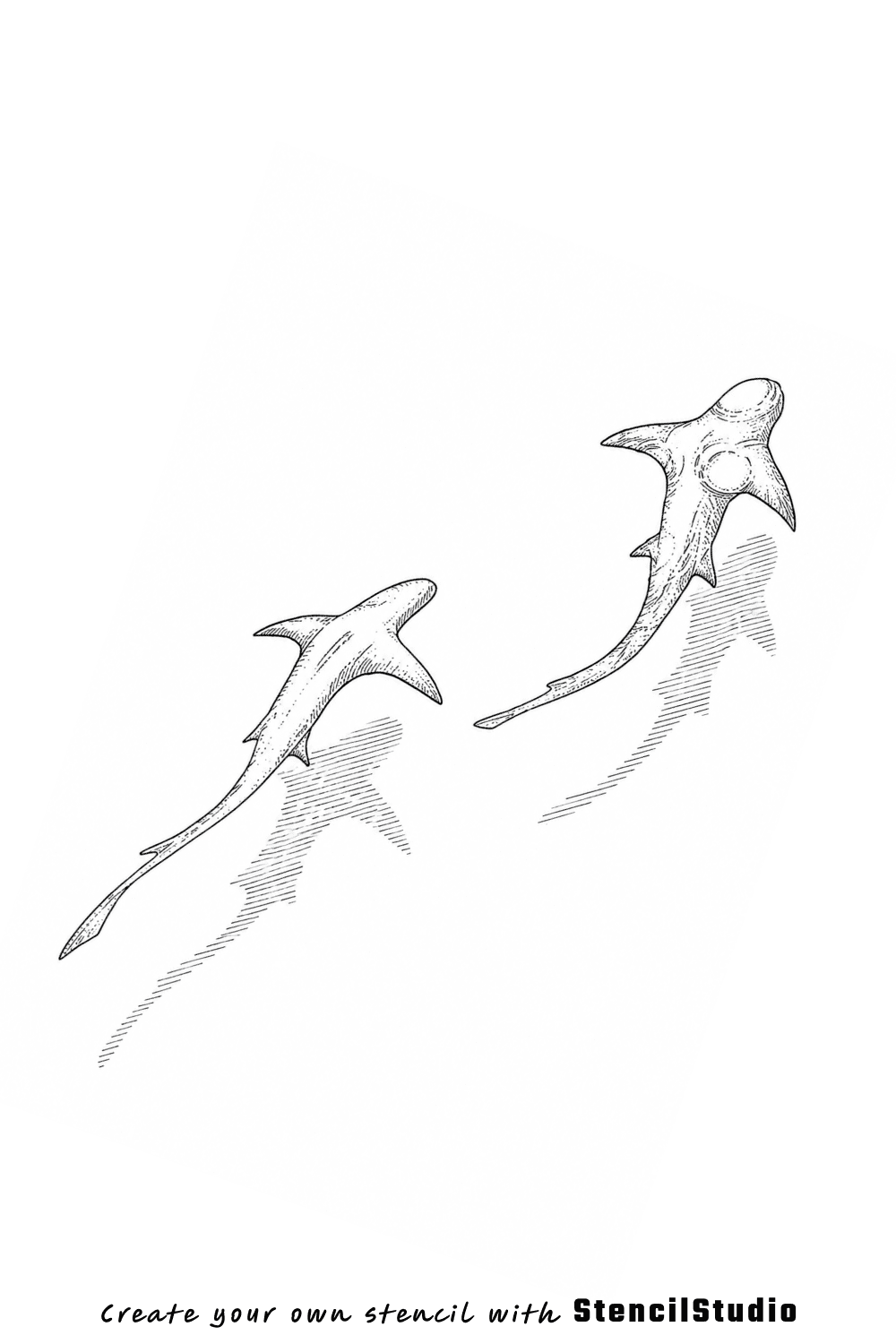
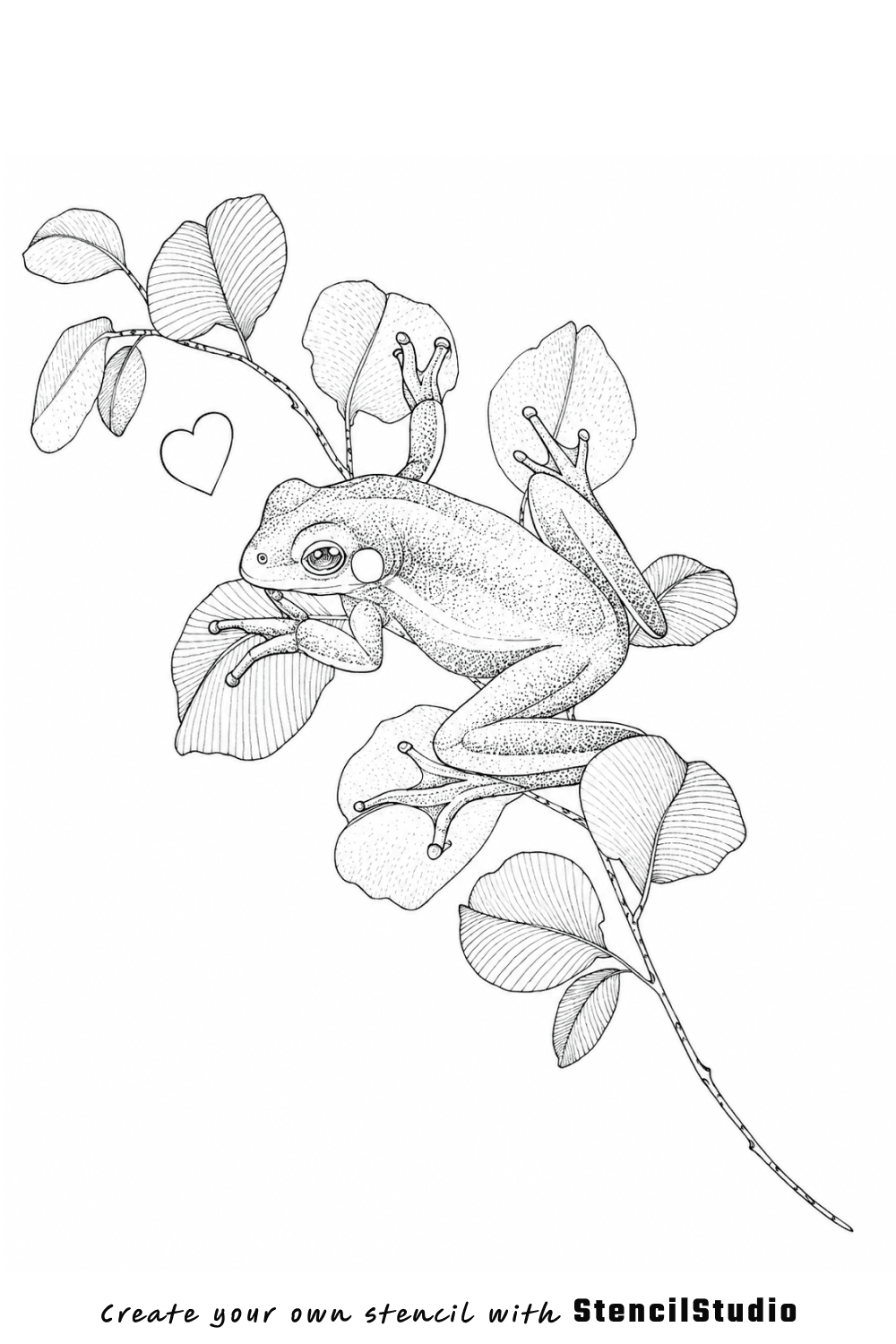
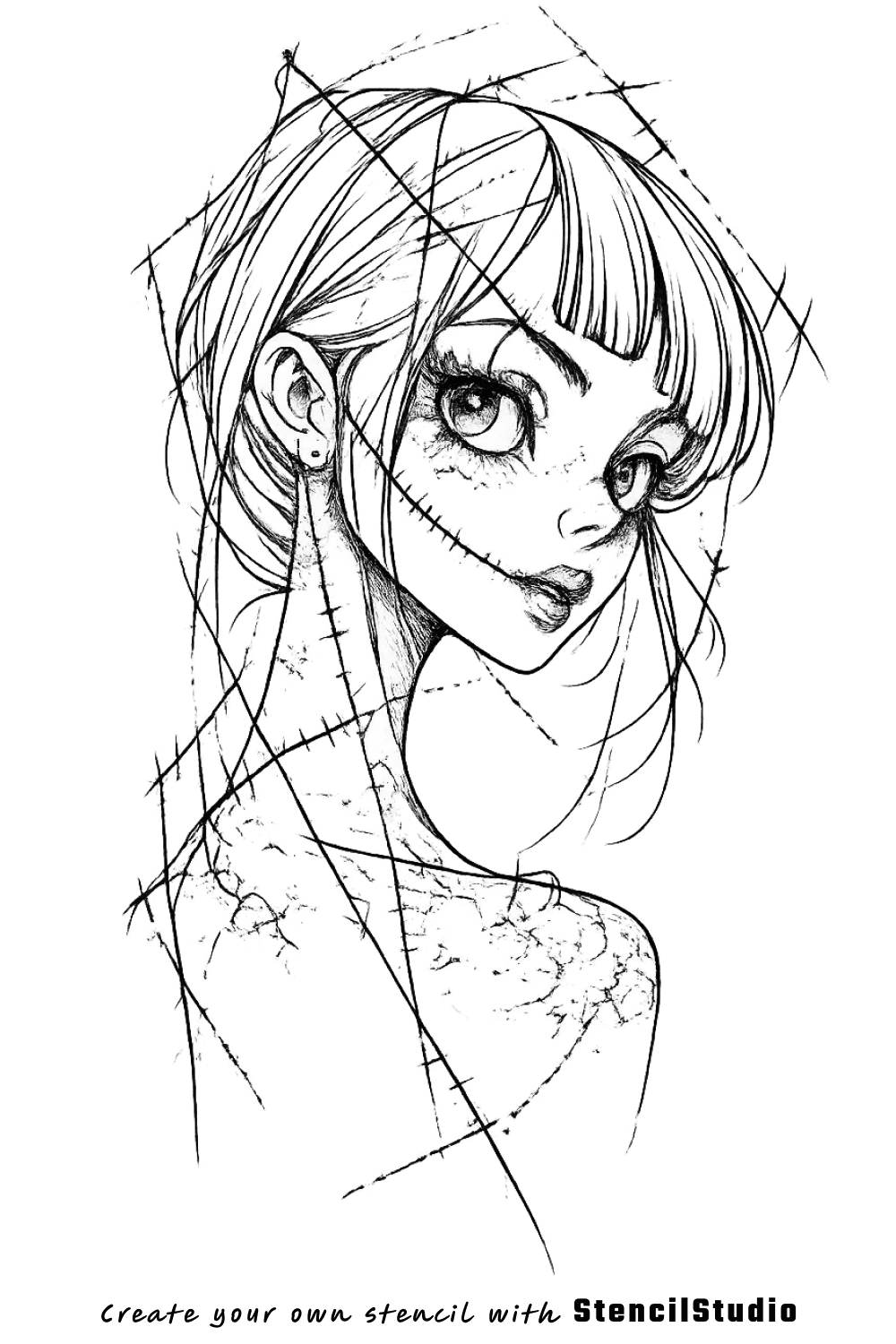
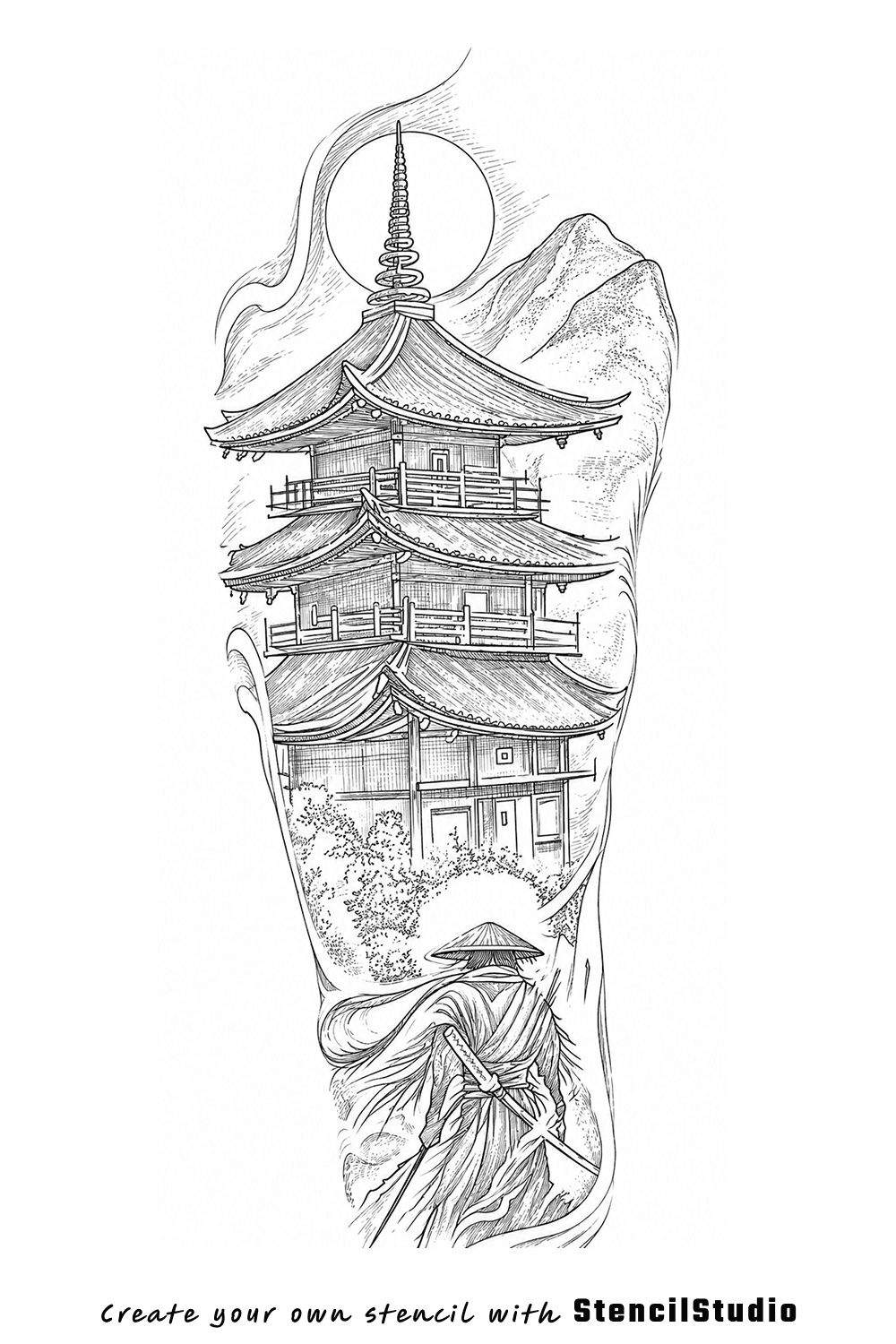
Different references. Different styles. A cleaner stencil starting point.
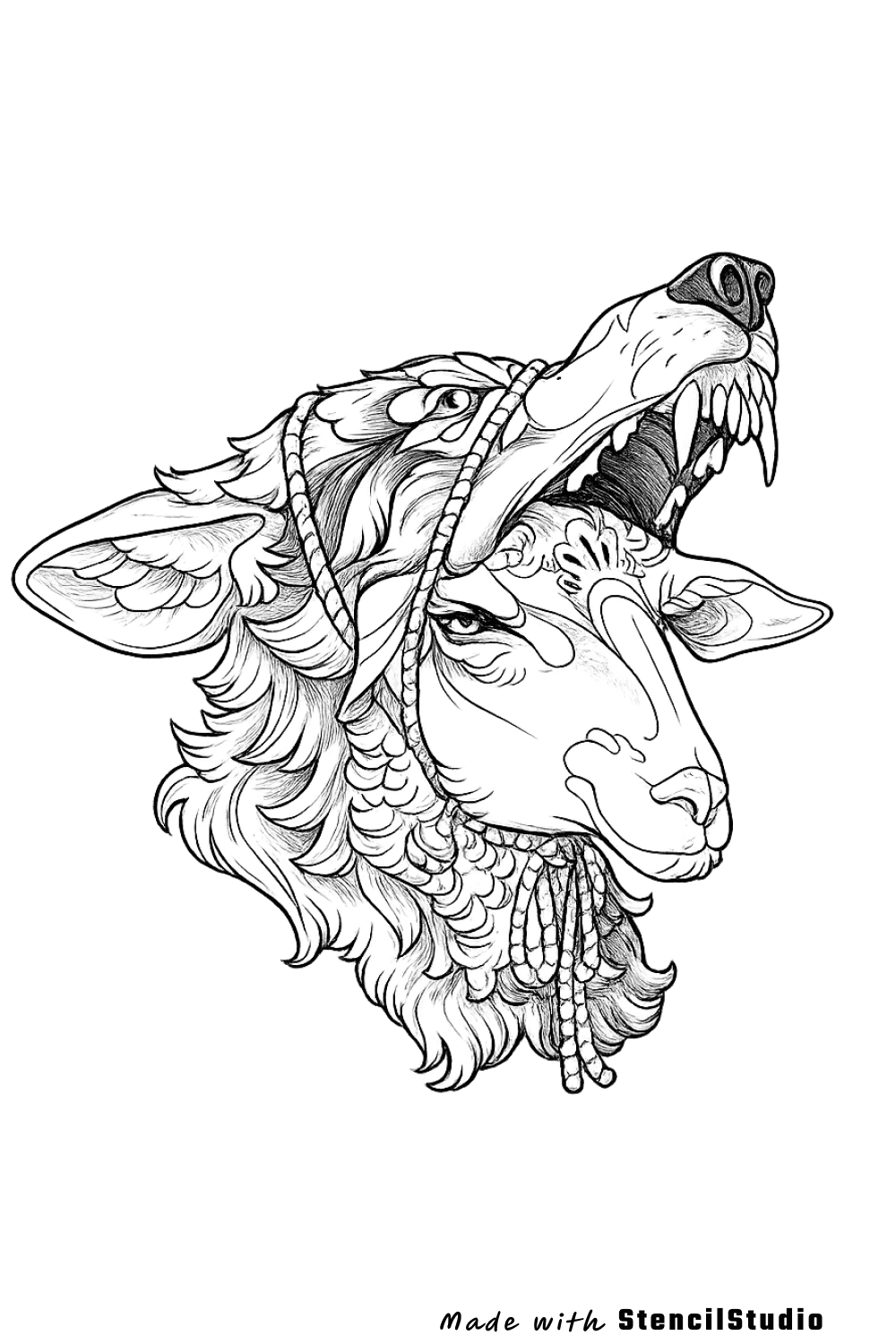
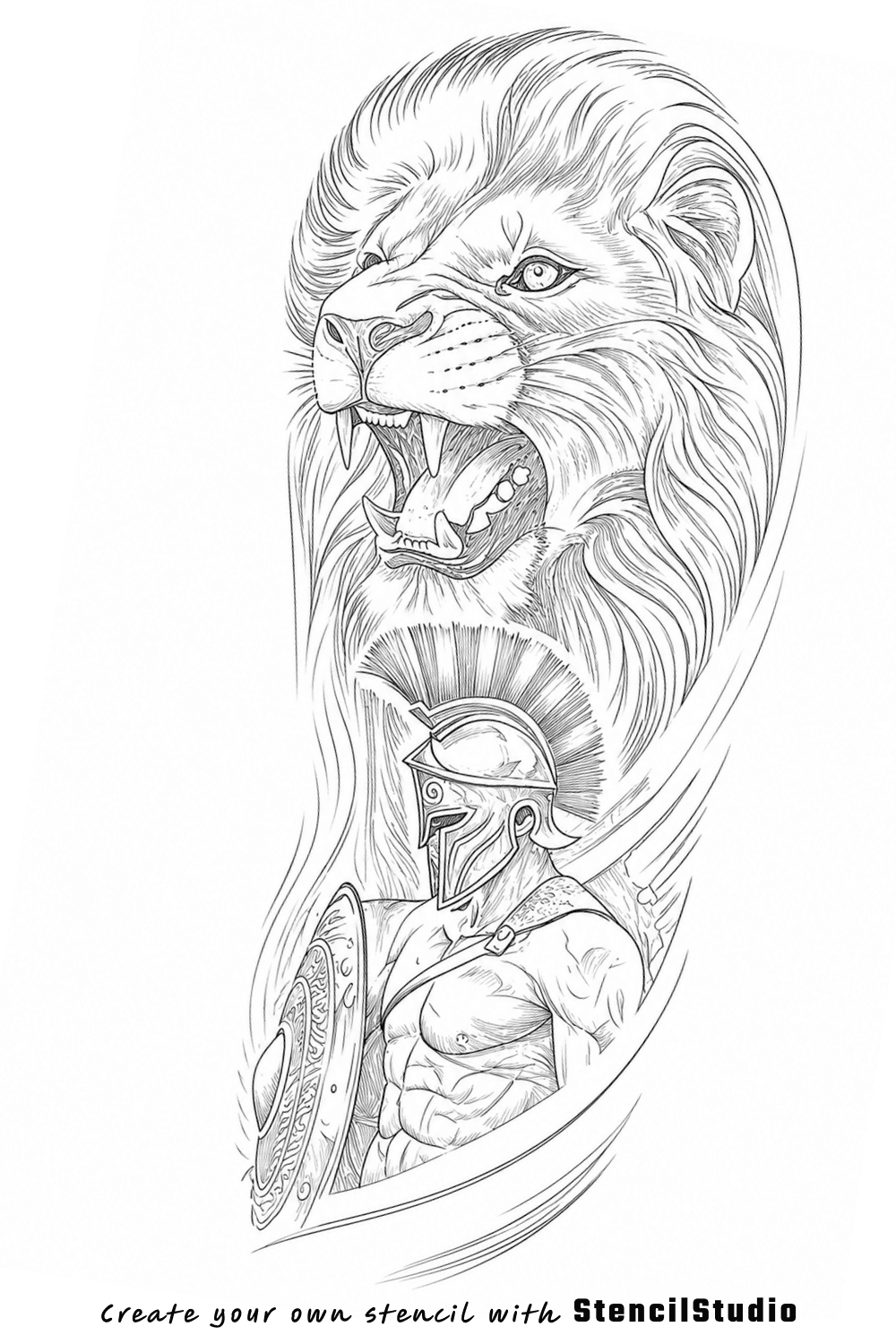
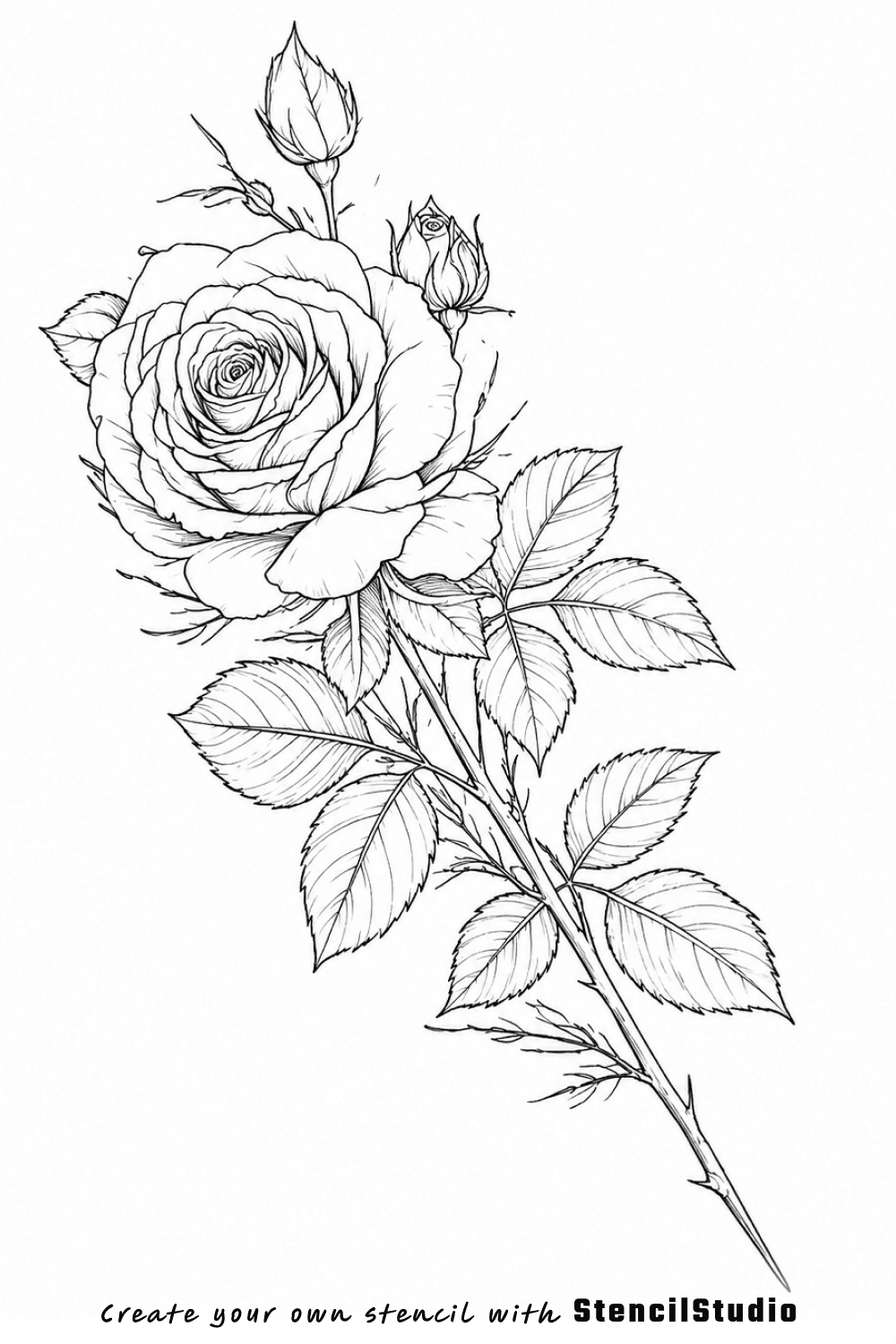
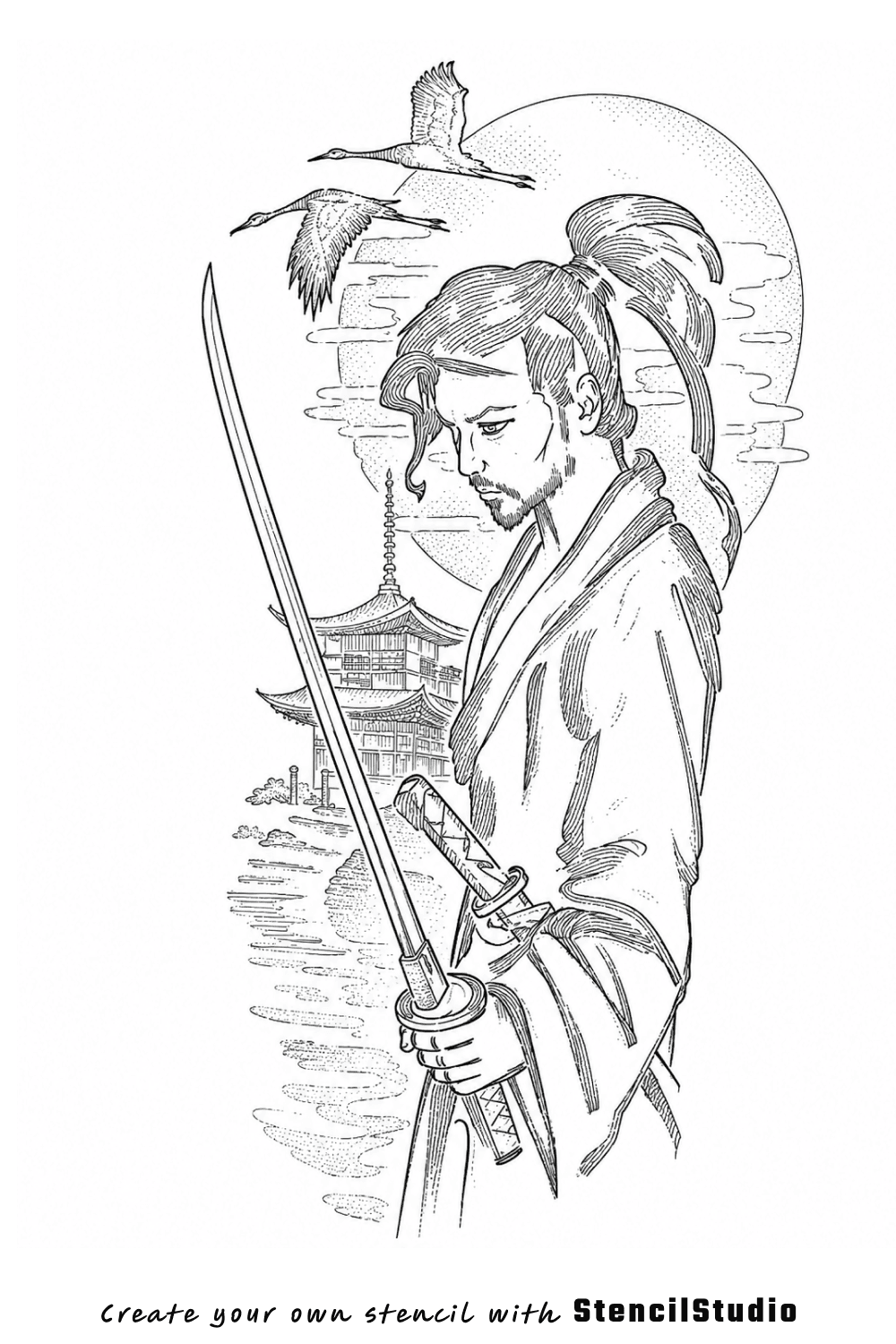
Compare portrait, animal, symbolic, fantasy, anime, and complex stencil directions generated from real references.
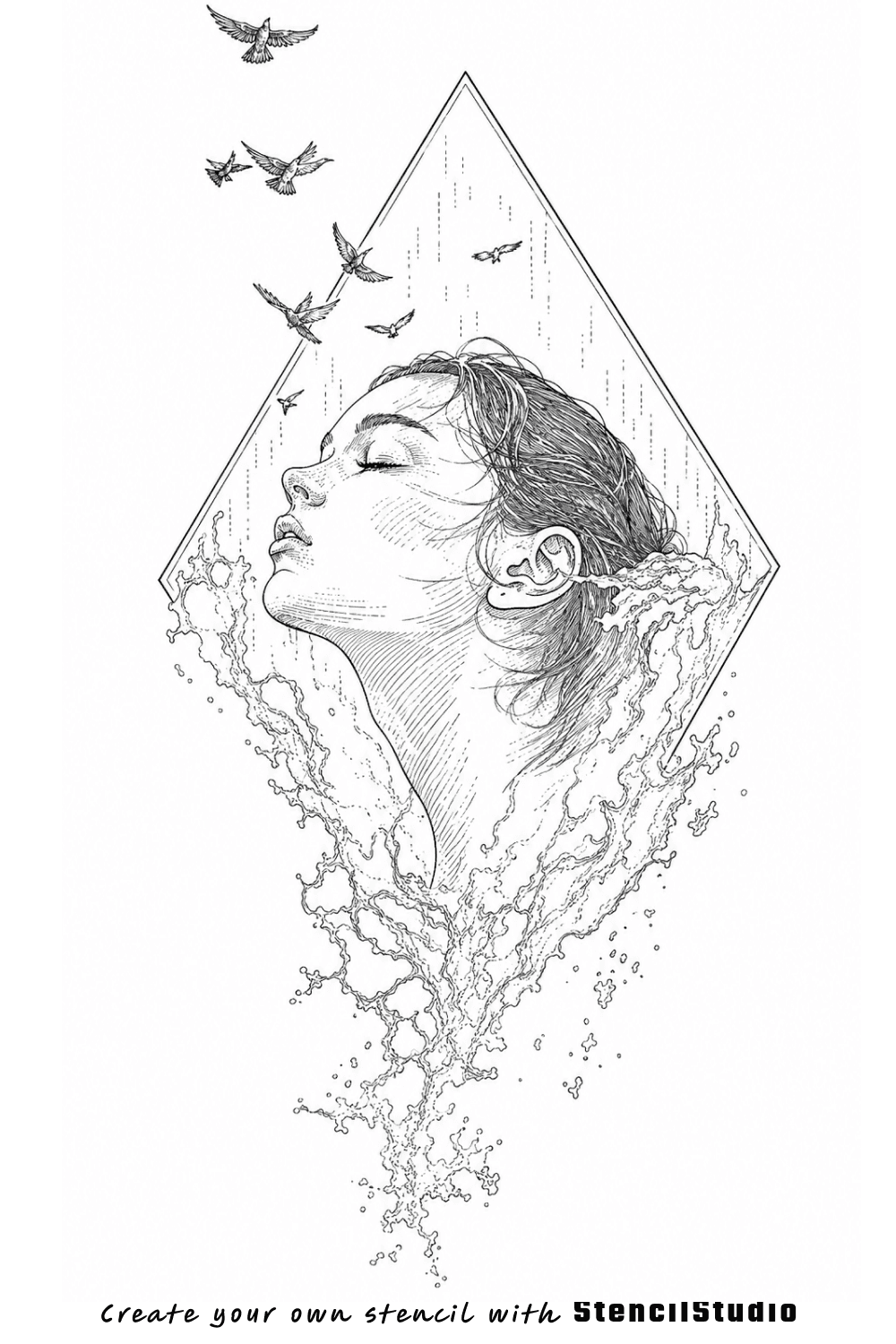
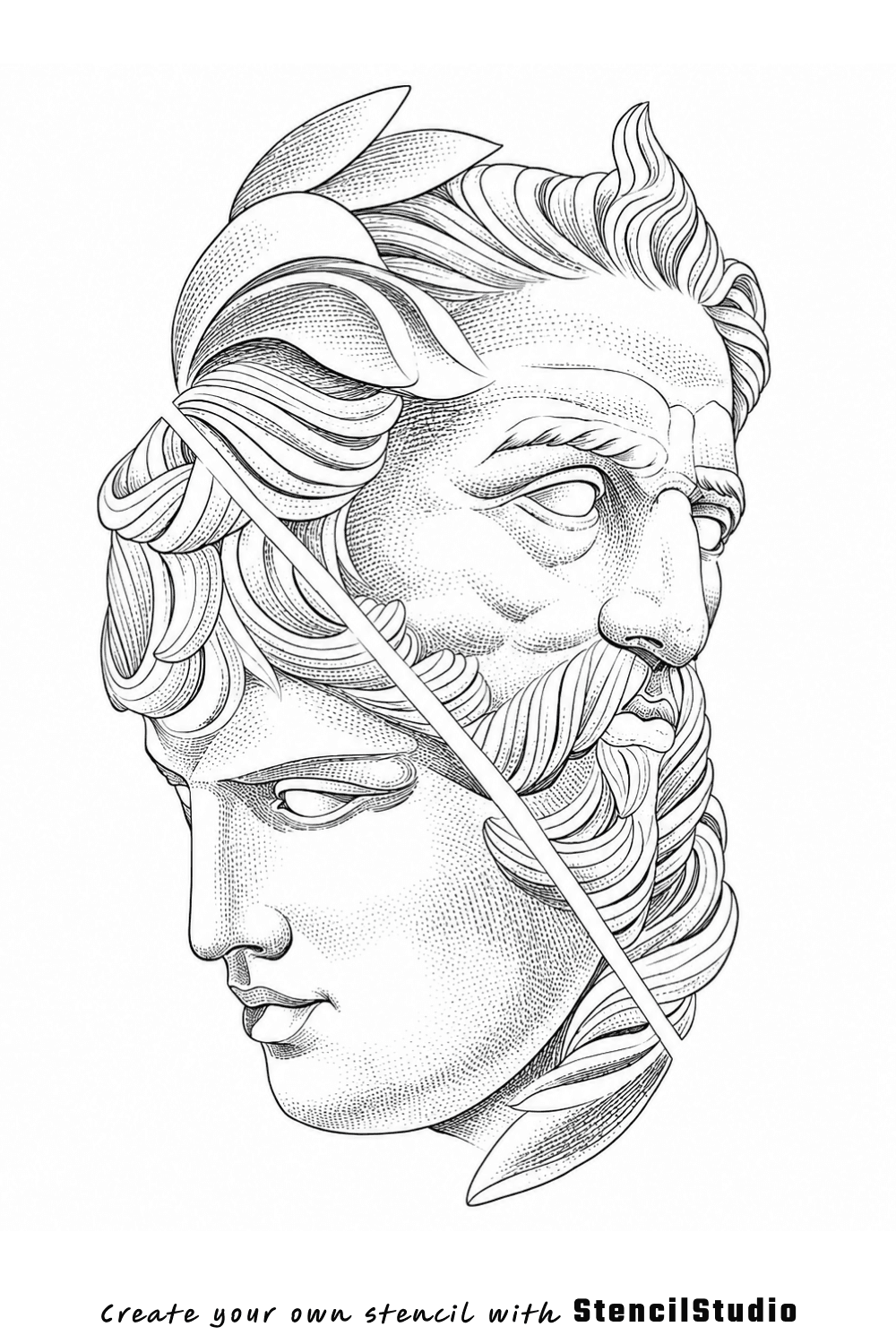
One connected workflow
From rough reference to export-ready stencil.
Move through generation, detail control, placement, and export without rebuilding the same preparation steps by hand.
01
Start with the reference you already have
Upload a photo, drawing, or existing design instead of rebuilding the reference from scratch.
- Photos, references, or existing artwork
- Keep the composition you already chose
02
Generate a cleaner first stencil draft
Turn the reference into readable black-and-white stencil structure before the session starts.
- Reduce repetitive manual tracing
- Preserve the subject and major structure
03
Keep the amount of detail the piece needs
Choose Simple, Standard, or Detailed depending on the design, placement, and amount of structural guidance required.
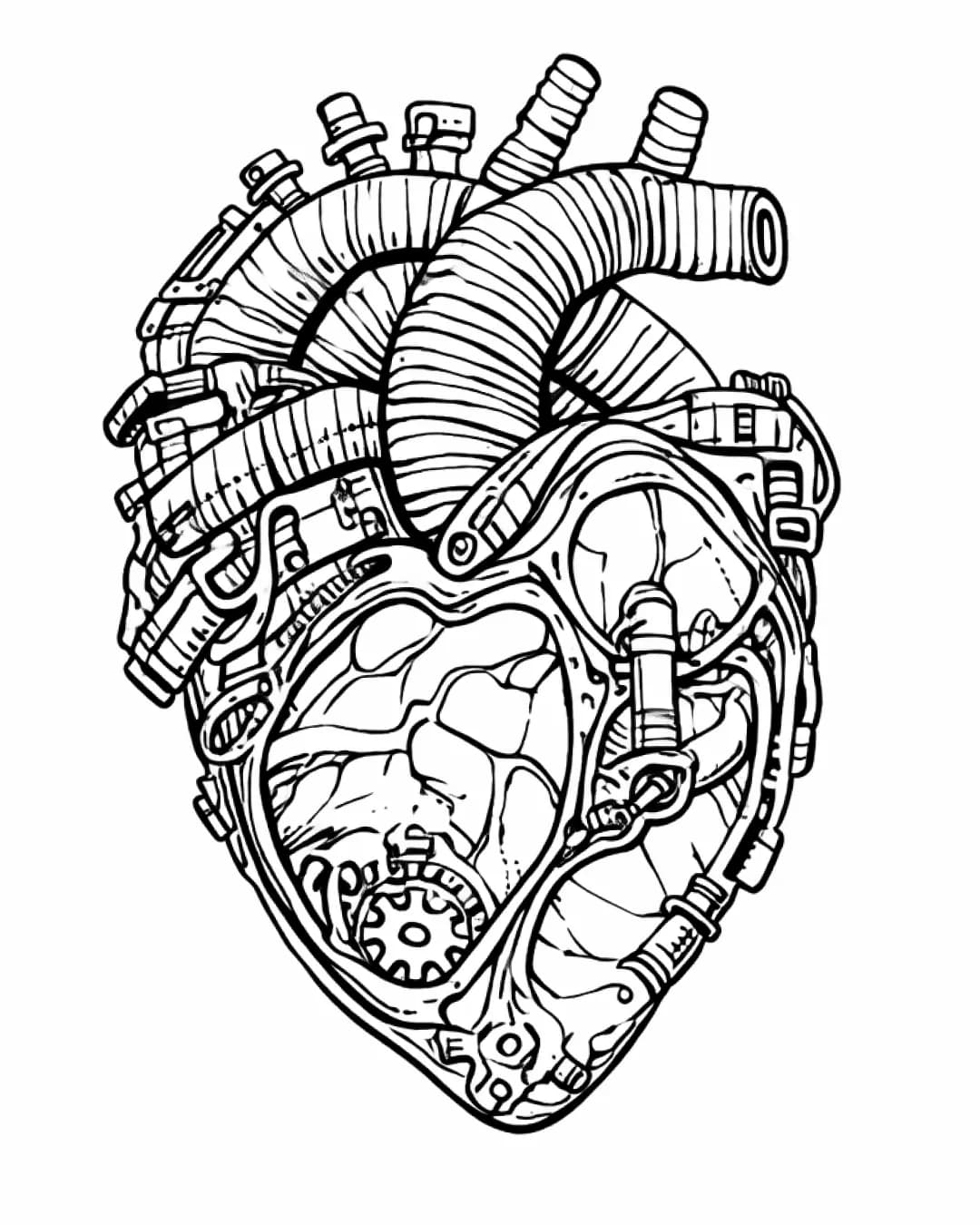
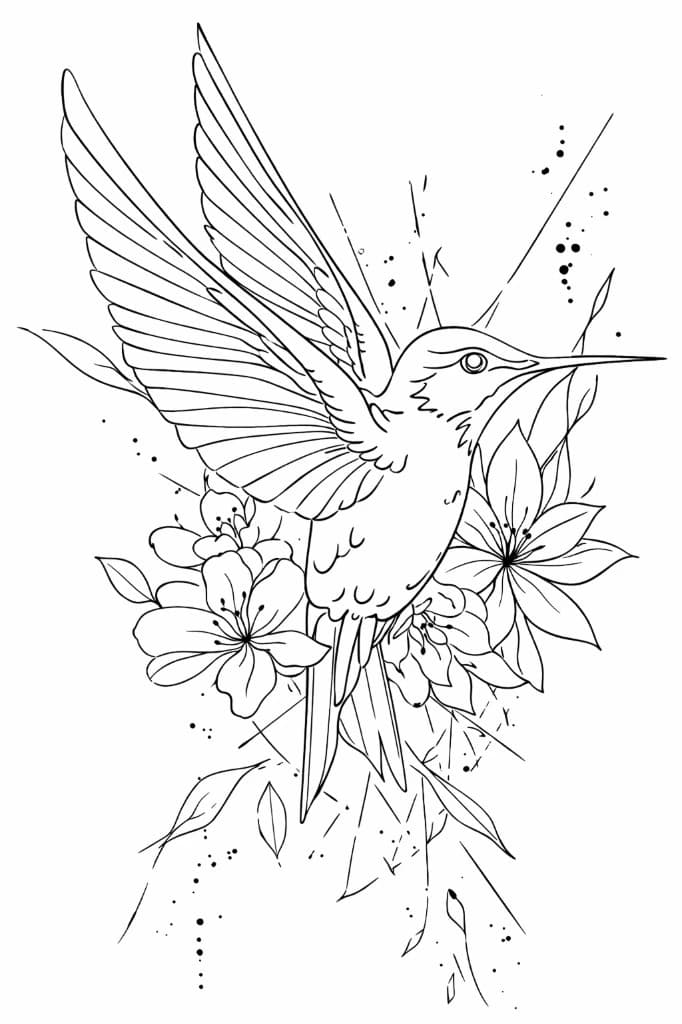 Simple
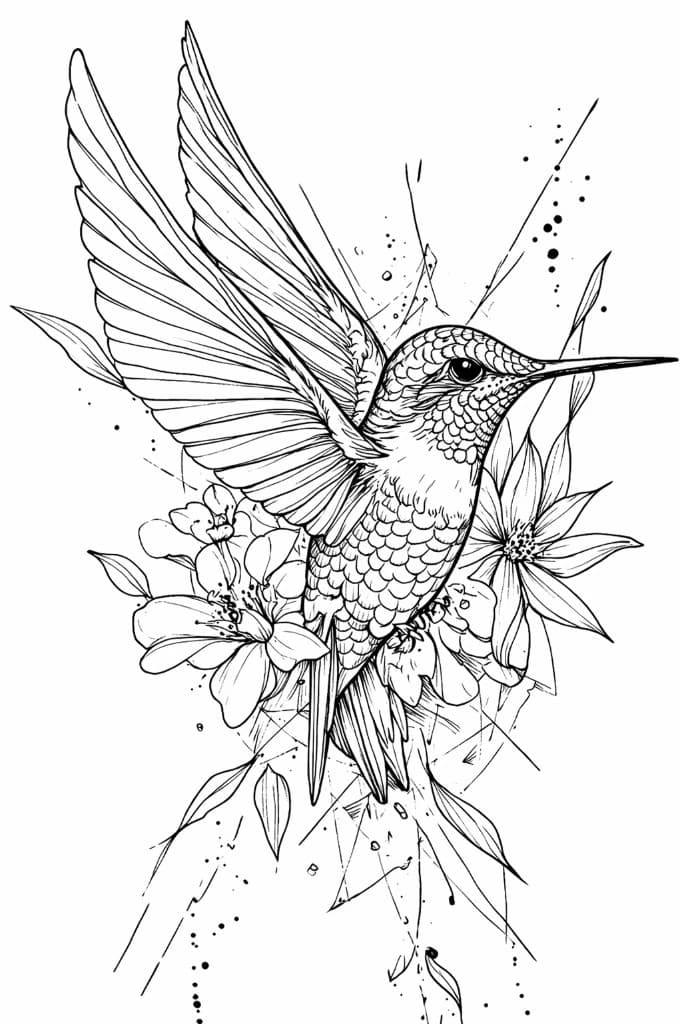 Detailed
- Compare three levels in one workflow
- Avoid forcing every piece into the same stencil
04
Shape the stencil to the body
Preview the stencil across arms, legs, and other curved areas before printing or transfer.
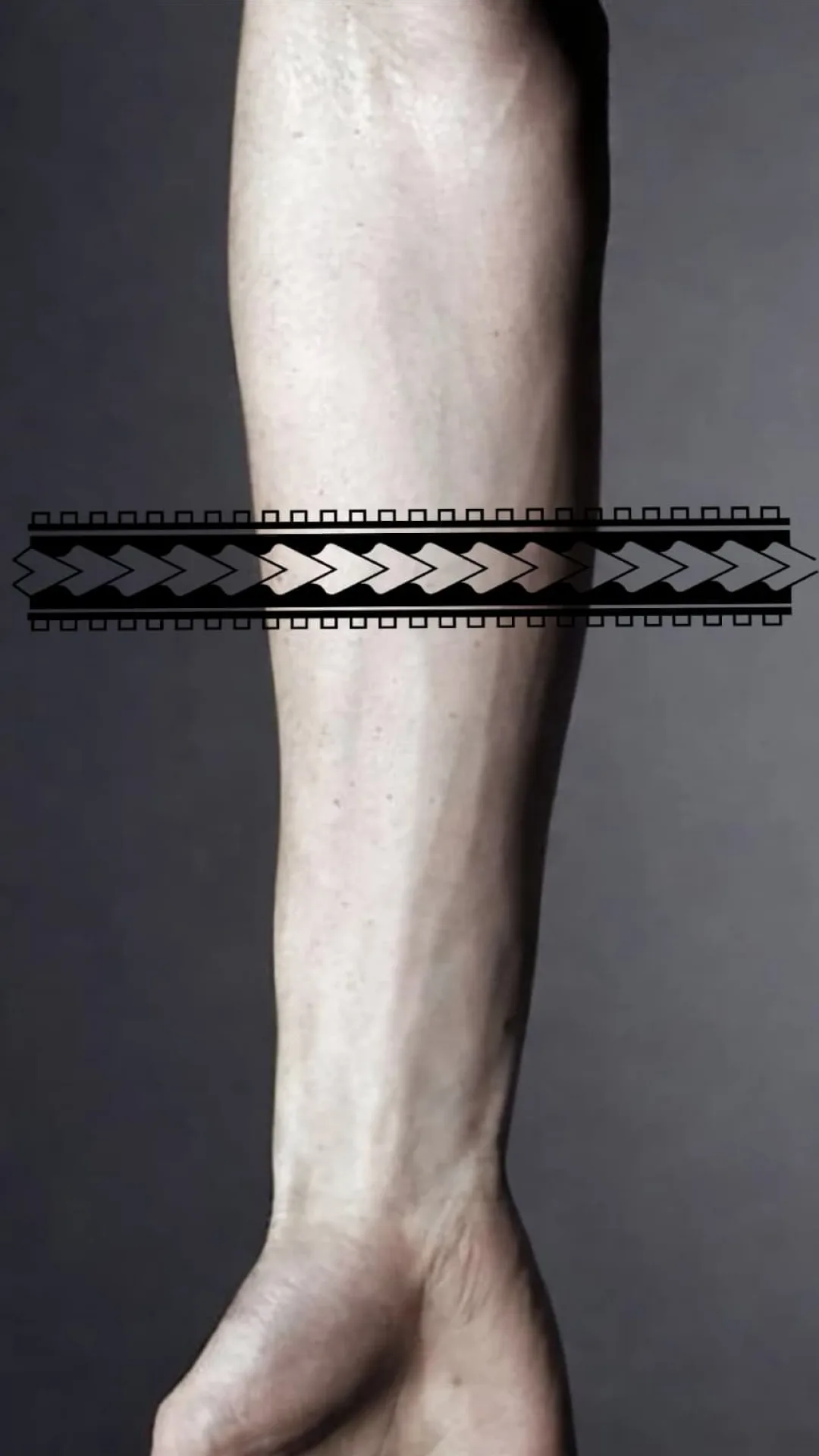
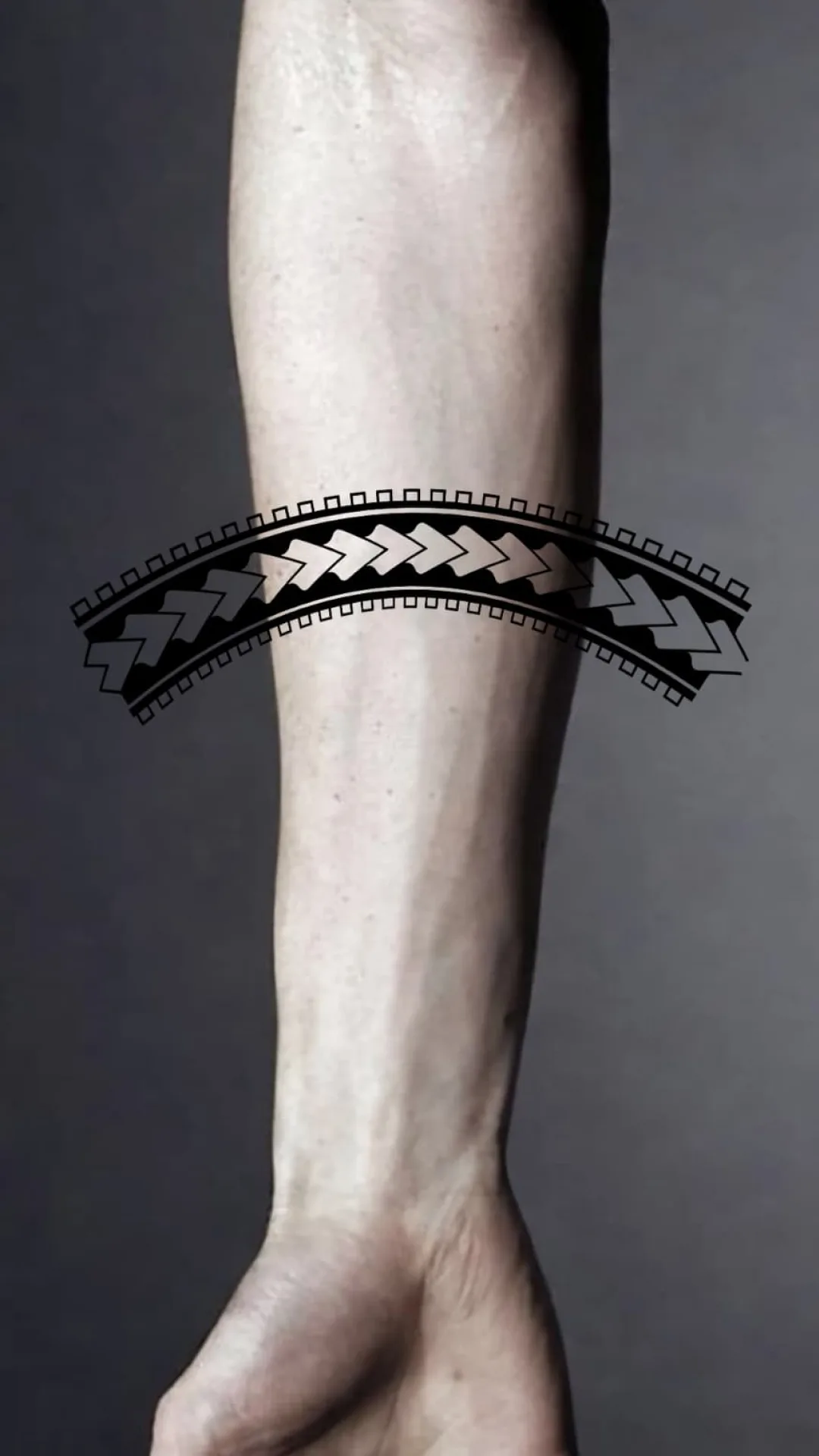
- Catch poor fit earlier
- Check the overall placement flow
05
Export and print at the size you need
Move the approved stencil into PNG or PDF and continue with the rest of the preparation workflow.
Print sheet
24 × 36 cm
A4 · 2 pages
PNG + PDF
- PNG or PDF output
- True-size print support
Detail control
Not every piece needs the same stencil.
Choose the amount of structure that supports the design instead of forcing every reference into one level of detail.
Simple
Stripped-down stencil for quick reads and placement. Best for blocking shapes, proportions, and overall flow.
- Compare before export
- Keep the structure the piece needs
- Review the final stencil at real placement size
Fit to Body
Catch the bad fit before the client is in the chair.
Compare a flat placement with a version shaped around the body before print or transfer.
Built for professional judgement
Faster prep. Your judgement stays in control.
StencilStudio helps you get to a cleaner draft faster. Final readability, placement, client fit, legal clearance, transfer, and execution still stay with the artist.
Less tracing from scratch when the reference is rough.
A cleaner first draft before manual polish.
More control over how much structure the stencil keeps.
Fewer placement surprises once the client is in the chair.
Free artist tools
Useful tools for the work around the tattoo.
Browser-based utilities for lettering, exact-size print preparation, grey wash setup, and stencil output checks. Free to use, with no account required.
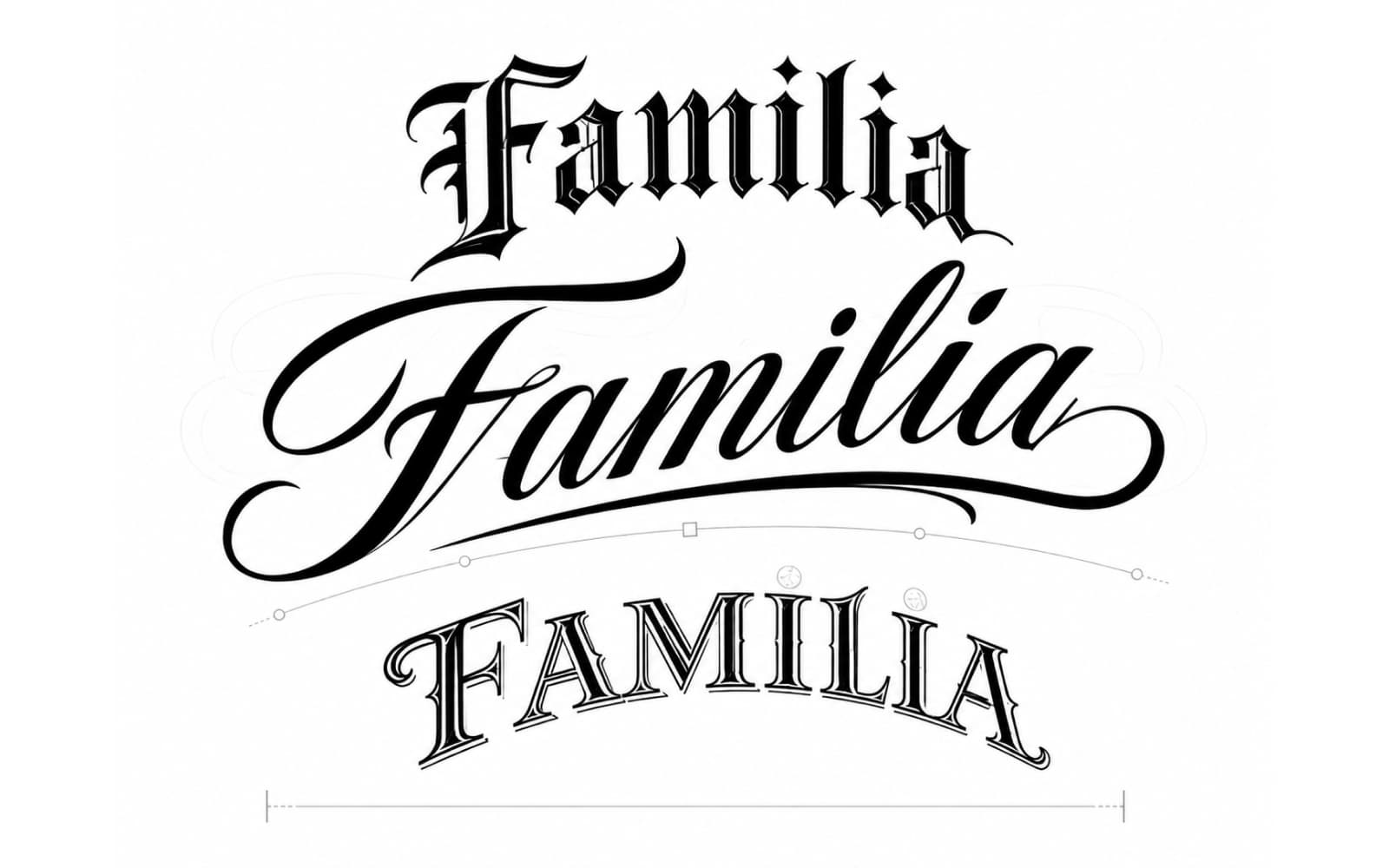
Featured free tool
Tattoo Lettering Stencil Maker
Create tattoo lettering from curated fonts or preserve a real signature or handwritten note, then mirror and export SVG, PNG, or a true-size PDF.
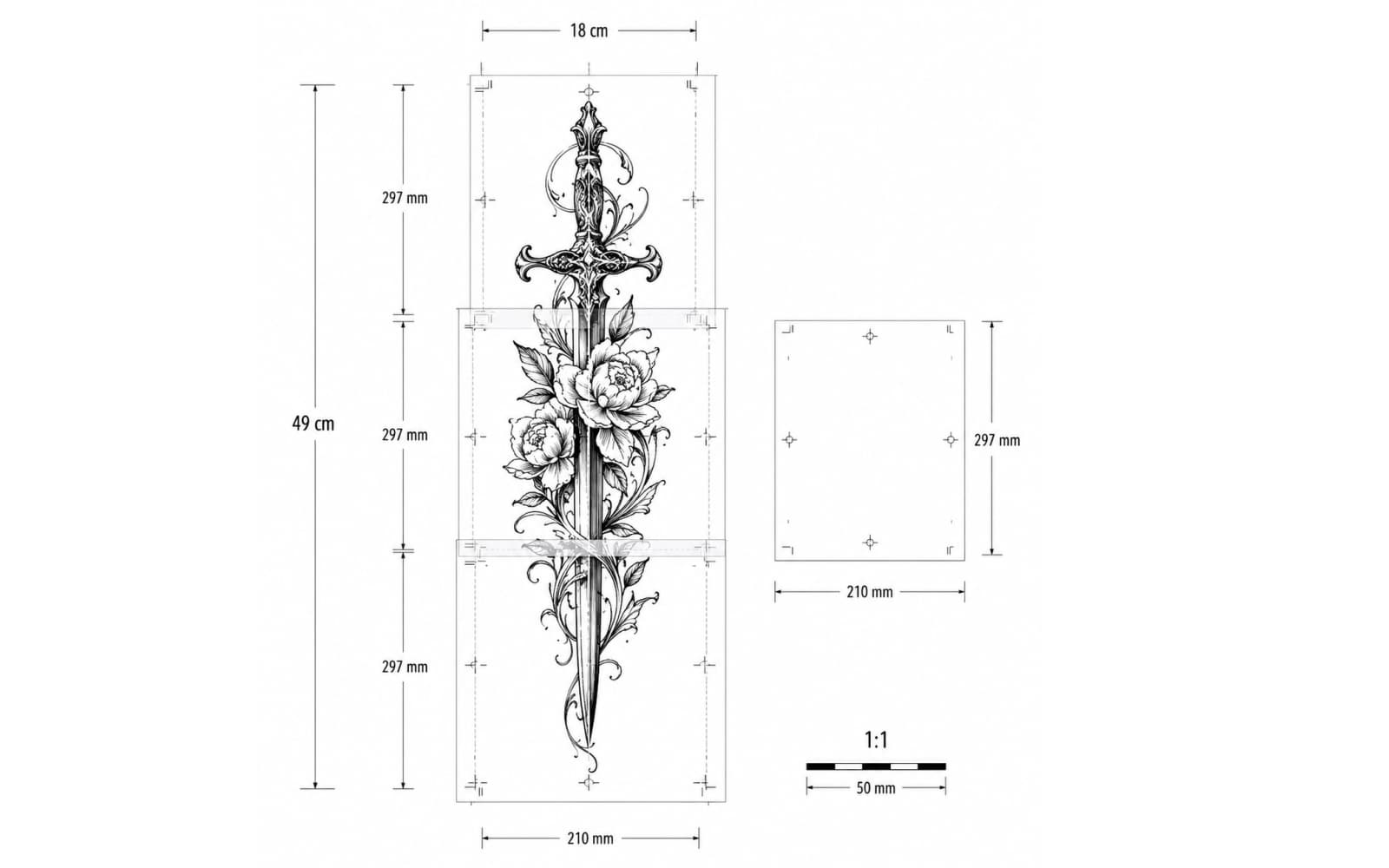
Size & Print
Set exact physical dimensions or calibrate a known span with two points, preview paper fit, and export a true 1:1 PDF including multi-page layouts.
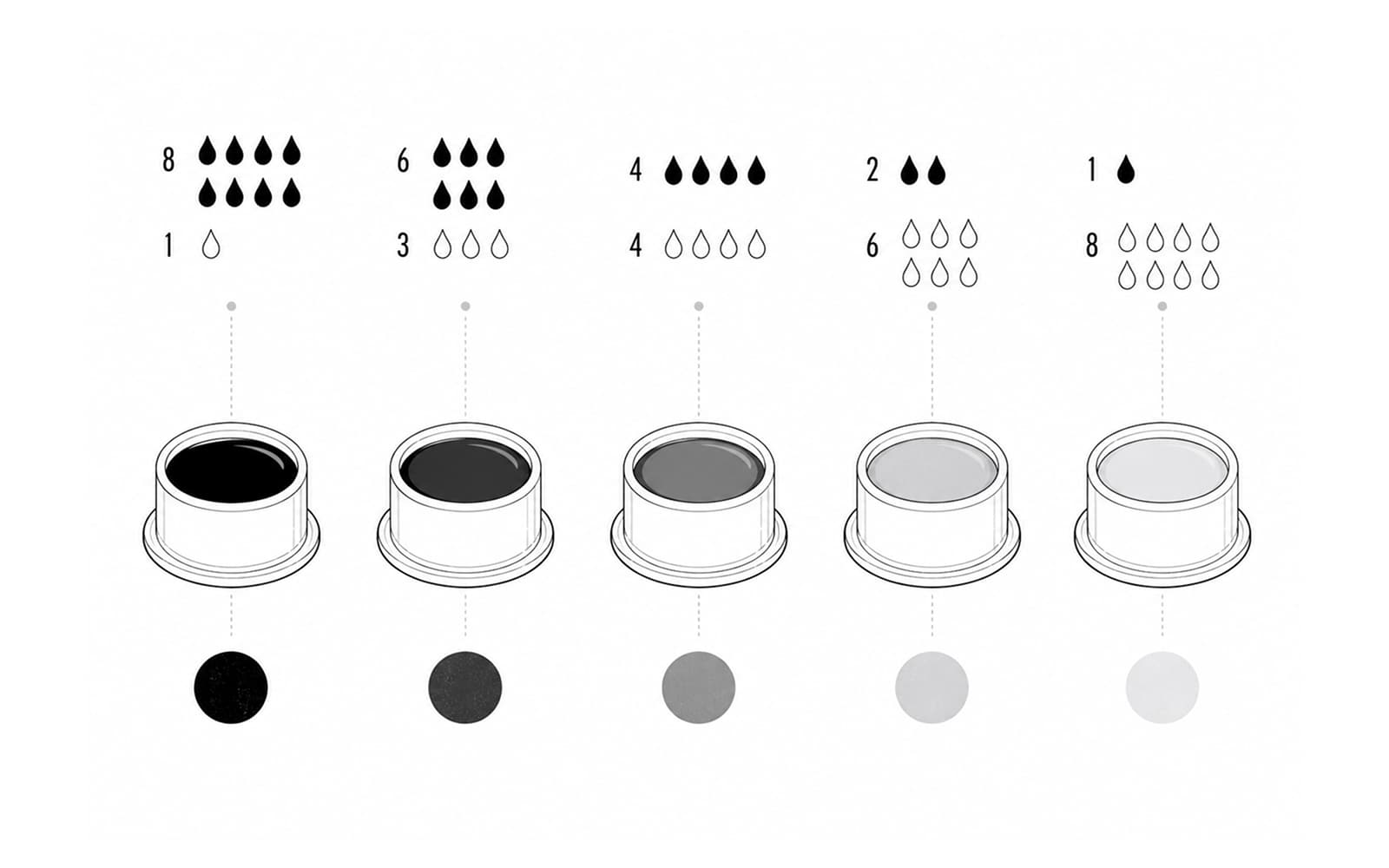
Grey Wash
Build a repeatable black-drop wash line fast, then switch to measured cap ratios when you need exact dilution counts or scaling.
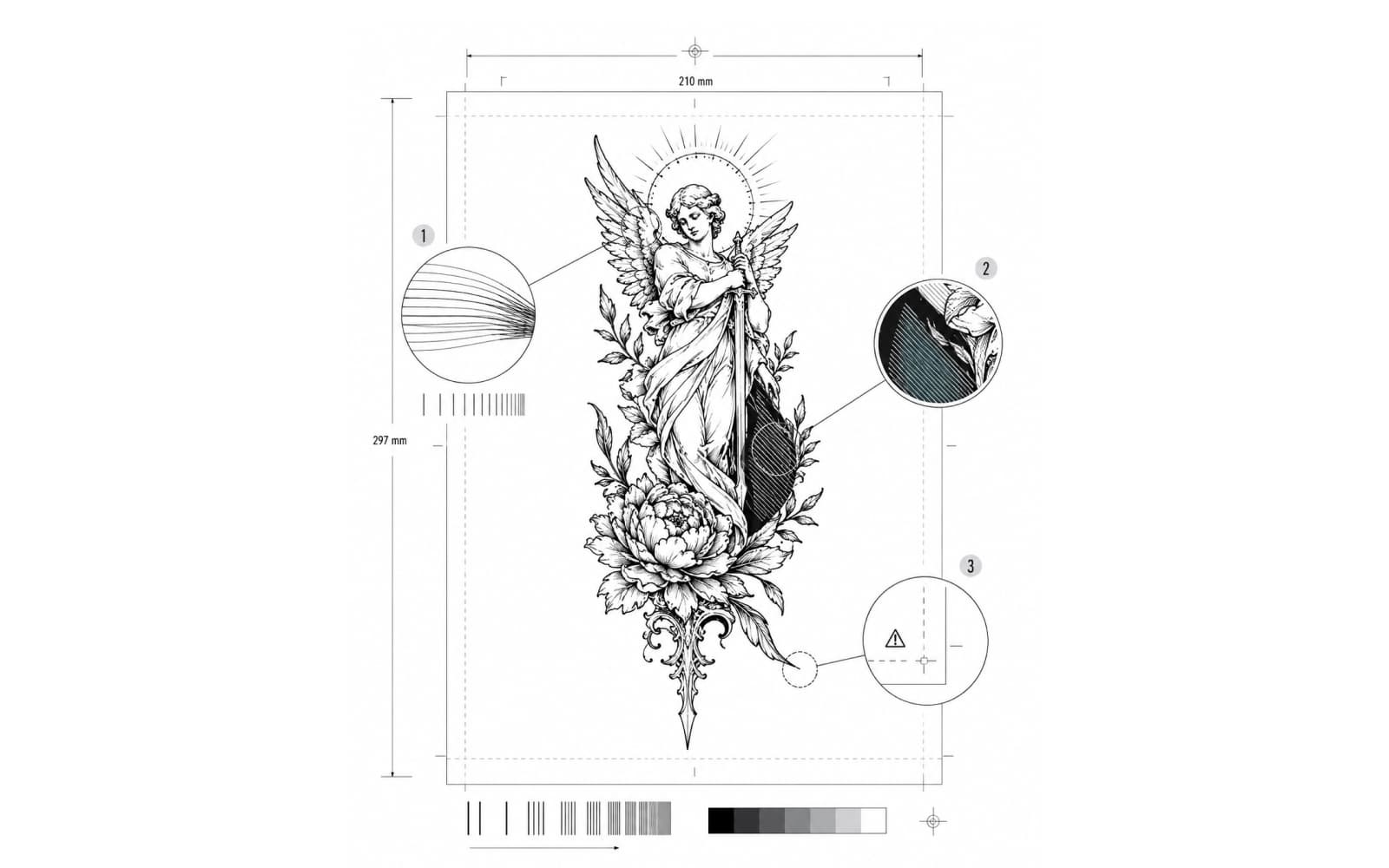
Print Checker
Check a finished stencil at an already chosen physical size for source sampling, page fit, and optional thermal fine-detail, threshold, and dense-output risks.
From the same maker
Independent products built by the person behind StencilStudio.
Andrea Mezzadra builds focused products in different verticals. These are separate products, connected by the same independent maker.
FAQ
Clear answers before you start.
Practical answers about references, detail levels, web generation, body placement, export, and the full iPhone workflow.
Yes. You can start from photos, references, or existing designs and turn them into clean black-and-white stencil drafts.
Your next stencil
Your reference. A cleaner starting point. Ready before the session.
Generate one stencil free from your own reference, then continue in the iPhone app for the full placement, print, and export workflow.