
Tattoo stencil from photo

Turn any photo into a clean tattoo stencil

Upload a reference and turn it into a clean, ready-to-review stencil in minutes. Try one generation free on the web, with no card required

One free web generation with no card required
Source-faithful AI generation from uploaded references
3 detail levels: Simple, Standard, Detailed
Full placement, print, and PDF workflow in the iPhone app
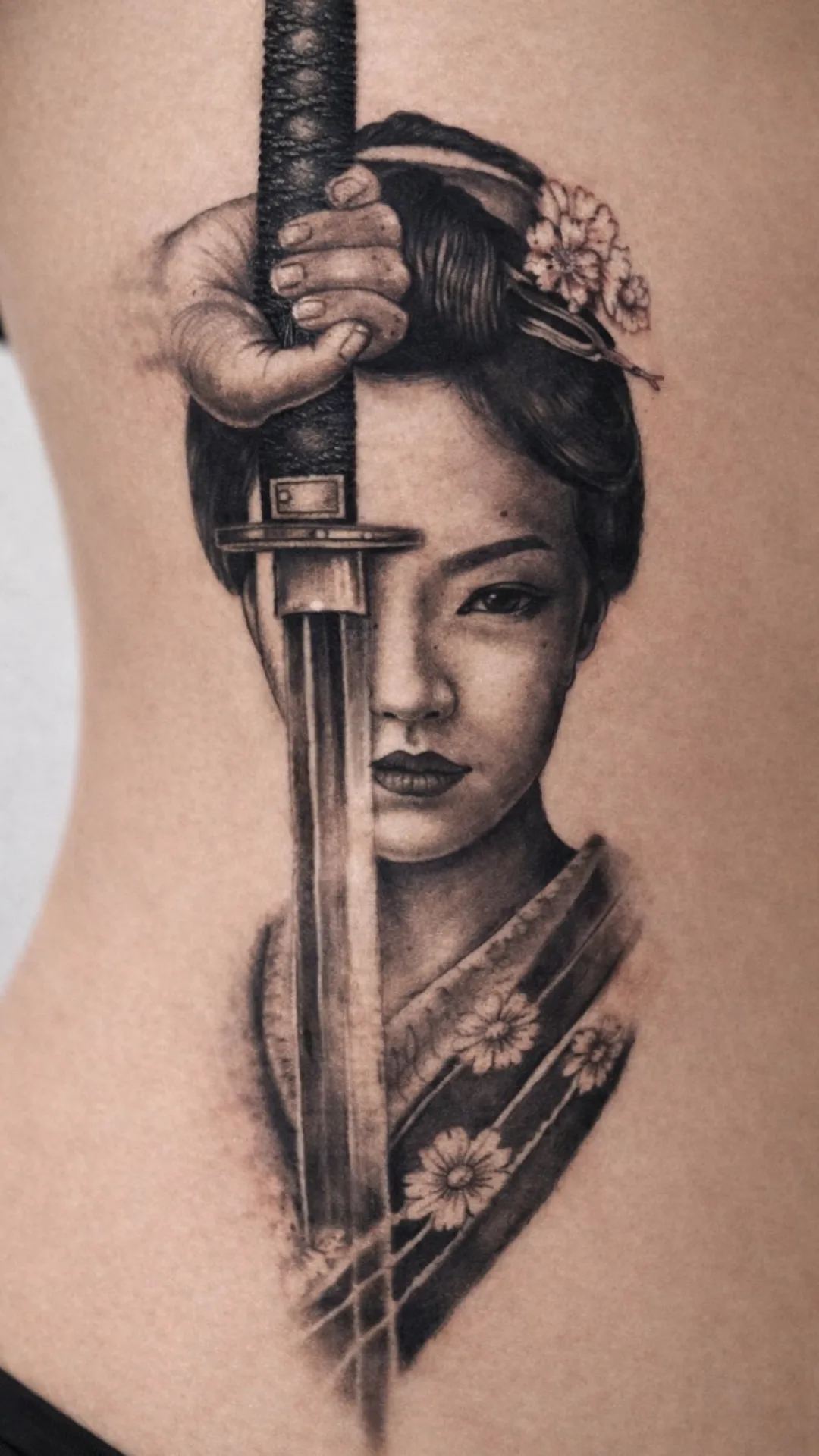
Reference photo before tattoo stencil conversion
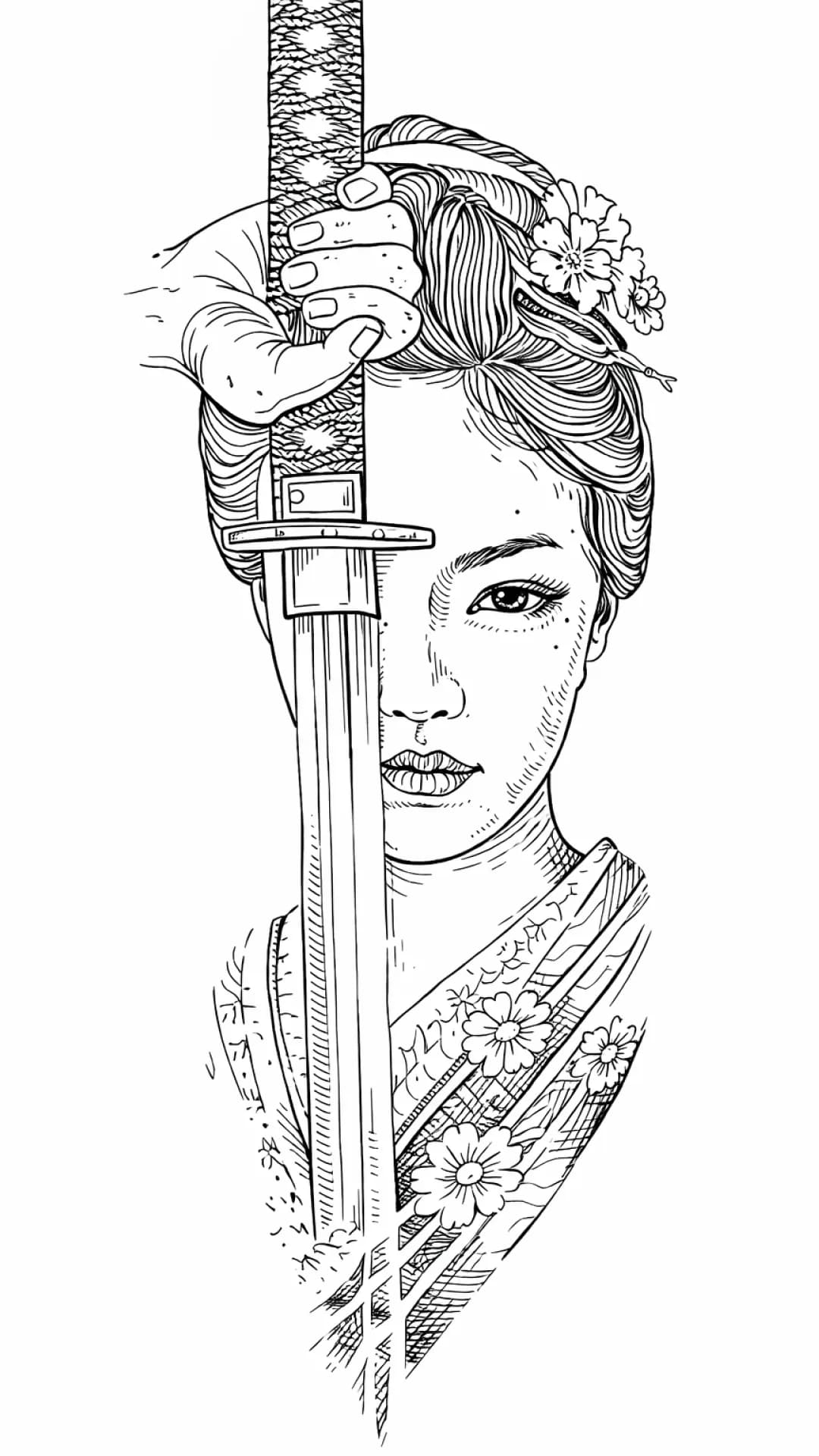
Generated tattoo stencil after photo-to-stencil conversion
PhotoStencil

Photo To Stencil

A faster path from reference image to usable stencil draft

The goal is not to replace artist judgment. The goal is to reduce repetitive prep work, keep the generation source-faithful, and give the artist a better first pass before manual polish

Source-faithful AI generation instead of random decorative invention
One free web generation so artists can test their own reference before committing
Max Quality is available in the iPhone app when the highest-quality generation pass matters more
Built for tattoo prep, not generic photo filters or tattoo idea browsing

Reference stress test

Three matched references that expose different failure modes

These are not synthetic before-and-afters. Each source is paired with its actual published StencilStudio result so you can inspect what stayed useful, what simplified, and what still needs artist review.

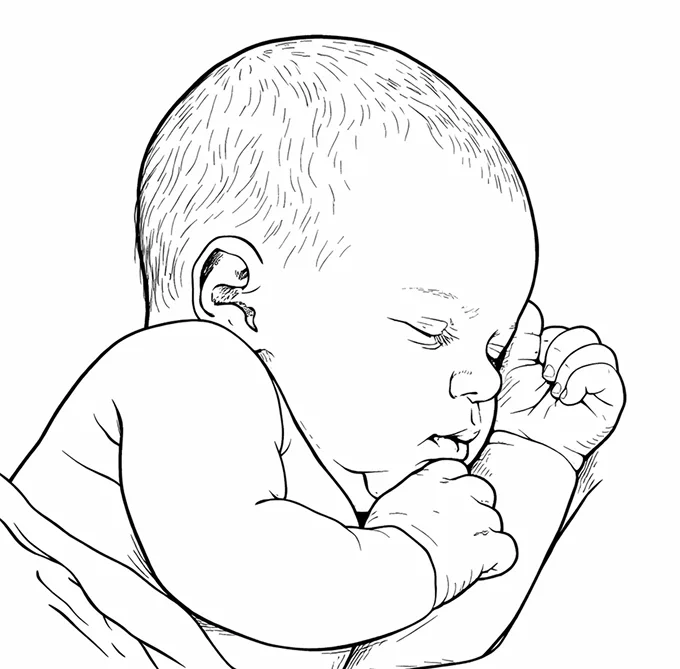
Portrait reference

01

Likeness under simplification

The stencil has to reduce photographic tone without moving the eye, nose, mouth, or outer-face relationships that carry recognition.

A result can look clean and still be wrong if recognition-critical landmarks drift or disappear.
Tiger with floral framing

02

Competing visual hierarchy

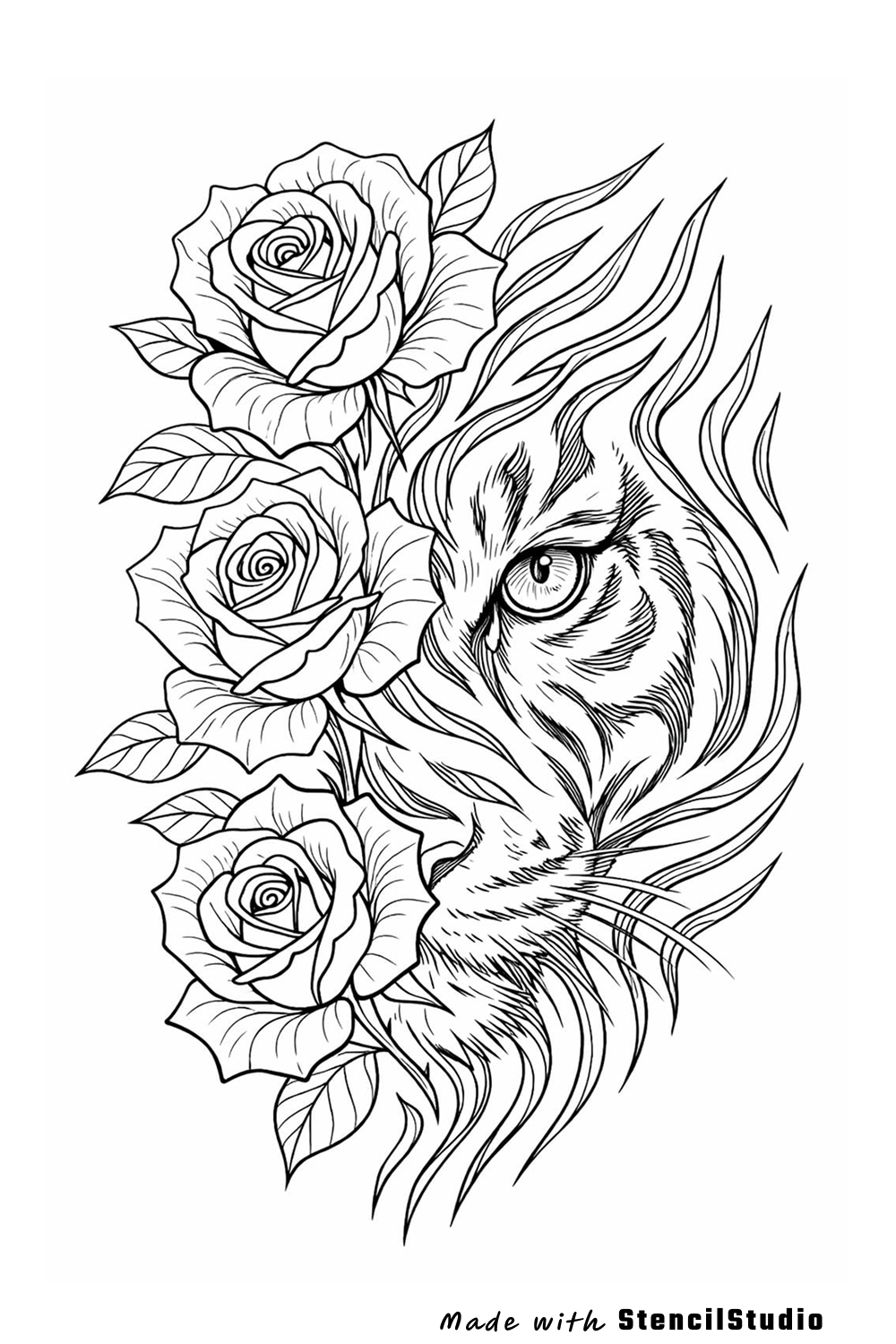
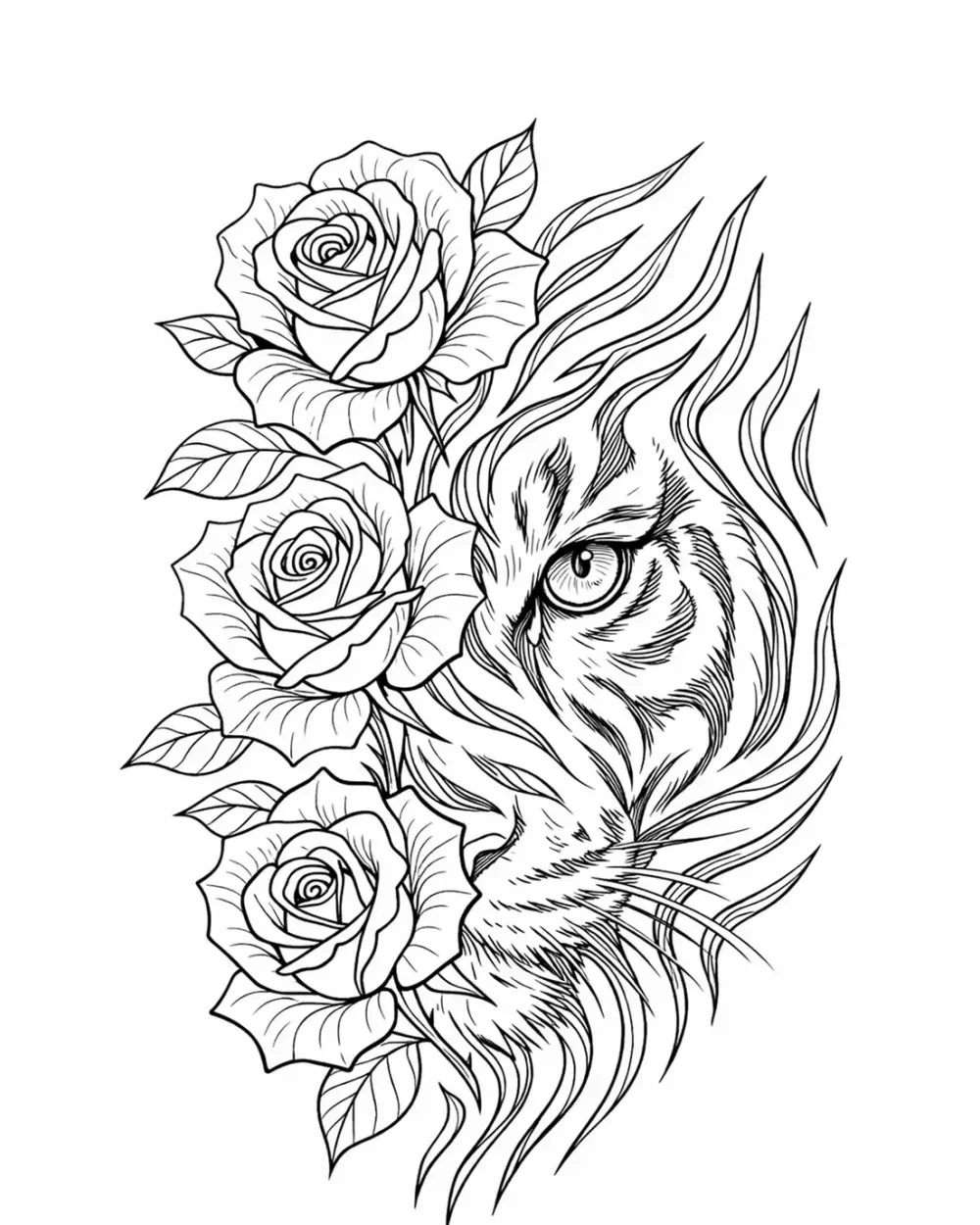
The tiger face has to remain the first read while rose petals, stripes, whiskers, and overlaps compete for line density.

Too much secondary detail can flatten the hierarchy and make the support elements compete with the subject.

Origami-bird reference

03

Narrow edge geometry

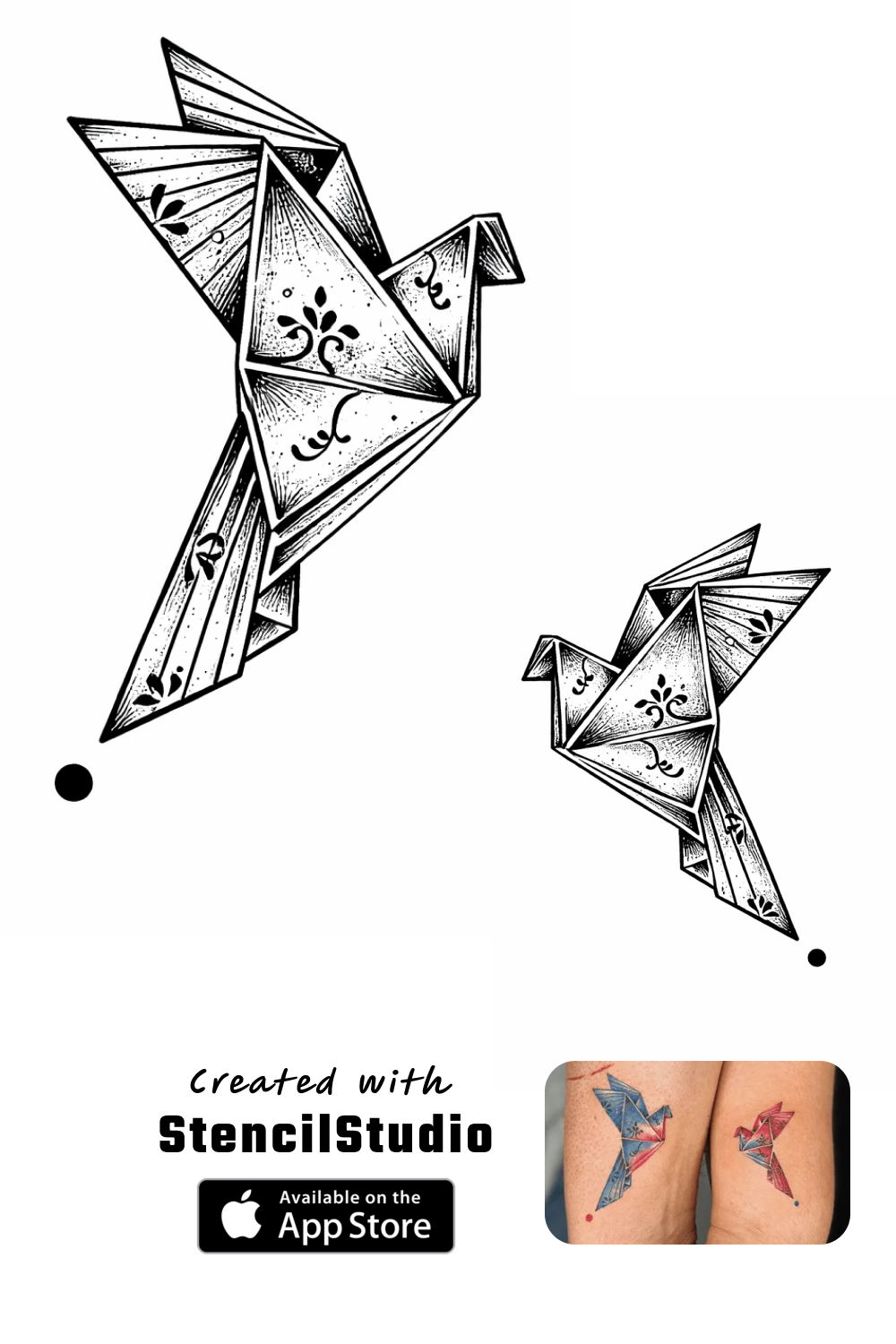
Fold lines and small gaps have to stay subordinate to the silhouette while remaining separable at the intended size.

A geometrically faithful draft can still fail in print if nearby creases merge when the design is reduced.

Portrait reference before tattoo stencil generation
Portrait tattoo stencil result preserving recognition-critical facial structure

Portrait stencil

Portrait likeness reference to tattoo stencil

This example focuses on keeping the relationships that carry likeness while reducing skin texture, small tonal changes, and low-priority photographic detail.

Inspect the case study
Tiger portrait with roses before tattoo stencil generation
Tiger and roses tattoo stencil result

Animal stencil

Tiger and roses reference to tattoo stencil

This example focuses on protecting the tiger eye, nose, muzzle, and stripe rhythm while the roses continue to support the vertical composition.

Inspect the case study
Origami birds reference before tattoo stencil generation
Origami birds tattoo stencil result

Symbol stencil

Origami birds reference to tattoo stencil

This example focuses on preserving the folded-bird silhouettes before the smaller crease lines begin to compete with the main symbolic read.

Inspect the case study

What this tests

These pairs test three different information problems: protecting likeness, preserving subject hierarchy, and keeping narrow geometry readable. They are useful because the source and result are matched, not because they represent every possible reference.

What this does not prove

They do not show recovery of detail that was never visible in a blurry, compressed, or undersized source. For that job, diagnose the original first and prefer a better source when recognition-critical information is missing.

Diagnose a difficult photo reference
Browse all visual case studies

Workflow

Three practical steps instead of a long redraw loop

Step 1

Start from the photo you already have

Upload a client reference, existing tattoo photo, or source design instead of tracing every contour by hand from zero

01

Step 2

Choose Simple, Standard, or Detailed

Pick the level of stencil information that fits the job instead of forcing one density across every piece

02

Step 3

Export the result and keep moving

Download the web result as PNG, or continue in the iPhone app for the broader print, placement, and export workflow

03

How it works

How to turn a photo into a tattoo stencil

Turning a photo into a usable tattoo stencil means simplifying shapes, keeping clear outlines, and removing unnecessary detail. A good stencil should be easy to read, easy to place, and useful during the session. StencilStudio helps speed up this process so you can start from a cleaner base instead of tracing everything manually

Best use cases

When to use a tattoo stencil from a photo

A photo-to-stencil workflow is most useful when you need to move faster without starting from zero

Photo references from clients

Custom tattoo designs

Existing tattoos you want to adapt

Complex images that are slow to trace manually

Next step

After the stencil is generated, check placement before export

The next high-value step is Fit to Body: wrap the stencil around a curved area, adjust taper, set the body line, and export the version you actually want to use

FAQ

Common questions about turning a photo into a tattoo stencil

Yes. The live workflow is built to start from a photo or source artwork, convert it into a cleaner stencil draft, and let the artist choose the right level of detail before export

Yes. The generation workflow uses server-side AI processing, but it is designed to stay source-faithful rather than inventing decorative structure that is not in the uploaded reference

Yes. You can generate one stencil free on the web with no card required. The iPhone app has its own separate starter-credit experience for testing the full workflow

The web generator lets you download the stencil as PNG. The iPhone app adds PNG or PDF export, mirror mode, exact-size print, and more of the professional preparation workflow

It can simplify and organize information that is visible in the source, but it cannot reliably recover identity-critical or structural detail that is not present in the image. If an important feature is missing, start from a better original when possible, crop to the useful region, and compare any enhancement back to the untouched source