Kept
What carries the design
- The main composition and recognizable focal structure.
- The intended order and relationship of the principal design elements.
- The overall placement direction.


Placement case study
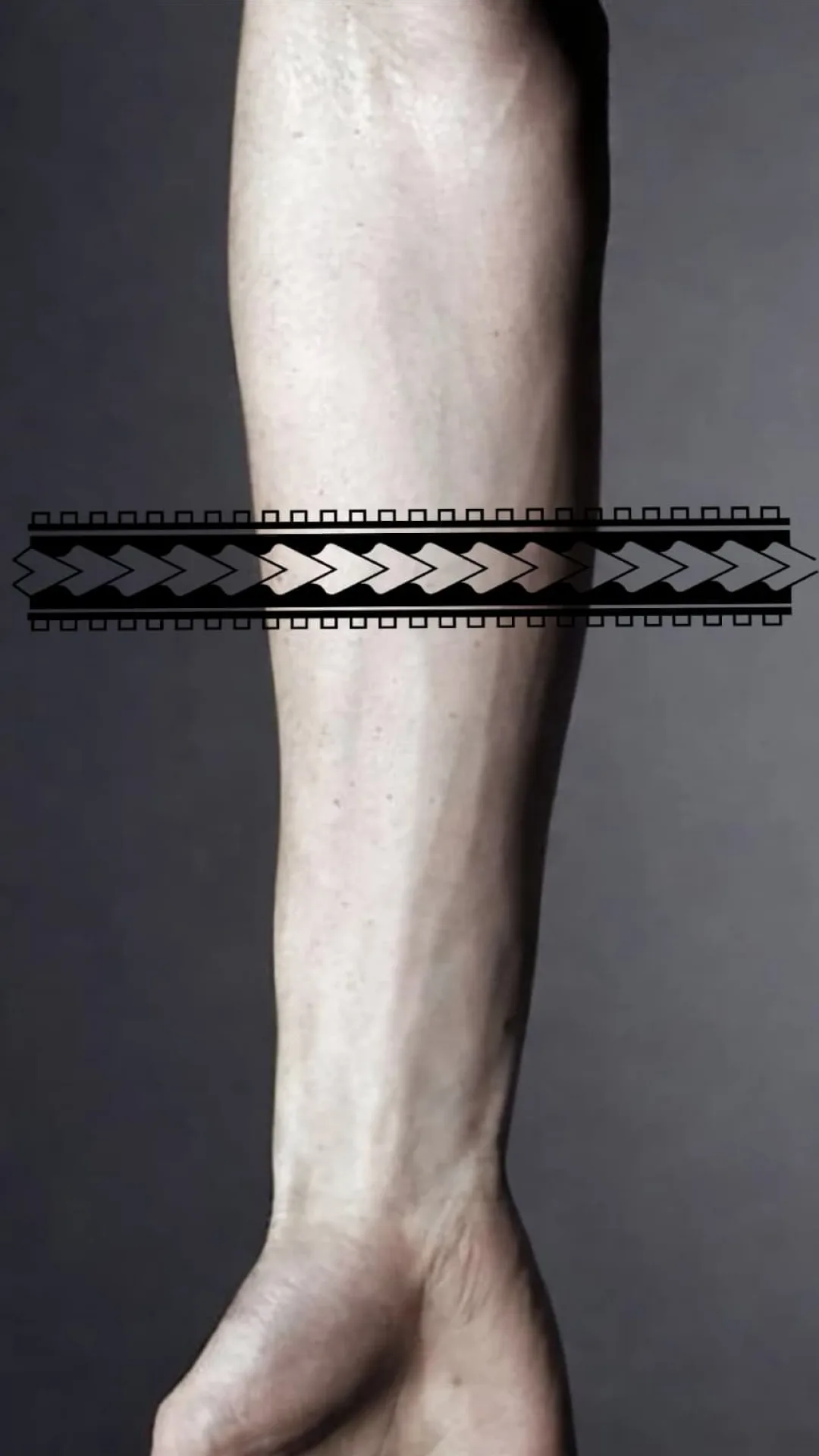
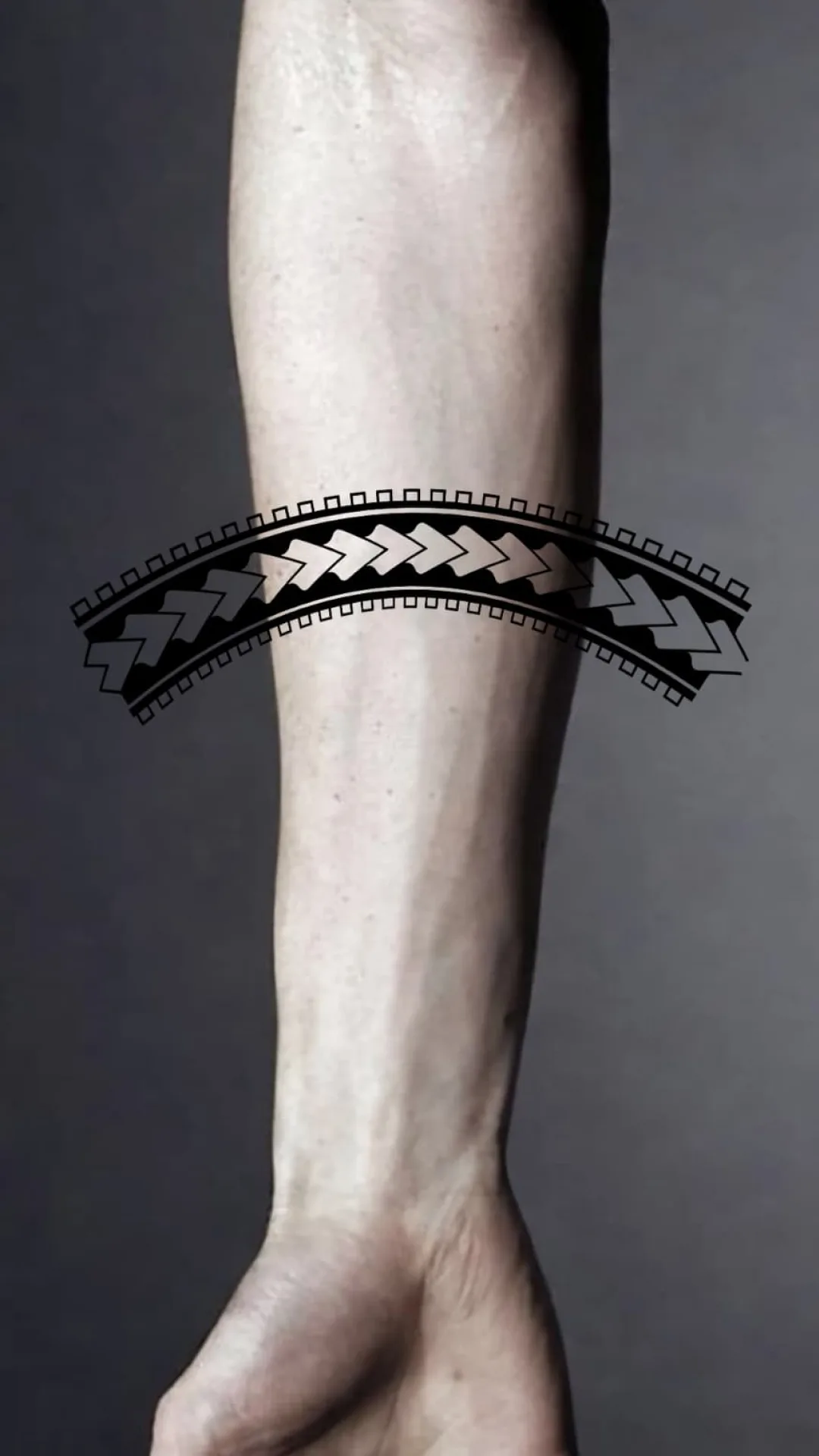
This example focuses on placement rather than generation: the main design remains recognizable while the preview is adjusted to follow a curved body area more naturally.
Reference
Start with the subject, silhouette and recognition landmarks. Detail only helps if those still read at the size you plan to use.
Kept
Simplified
Read the stencil
The fitted version preserves the main composition while changing how the stencil follows the curved placement.
Armband and other curved placements where wrap, taper, and spacing need review before export.
A digital fit preview does not replace a physical placement and transfer check on the client.
Artist call
The result is a working stencil draft. Final size, placement, transfer and tattoo decisions stay with the artist.
Keep working
Next step
Download the iPhone app to generate your stencil, review Fit to Body, and export the result.