

Stencil Workflow
How to Make Tattoo Stencils From Photos That Stay Readable
Choose, crop, simplify, and review a photo so the resulting tattoo stencil stays readable at placement size, including blurry and low-resolution references.
tattoo stencil from photo · stencil workflow · tattoo reference prep · low resolution tattoo reference
- March 24, 2026
- September 10, 2026
- 9 min
A photo contains far more information than a tattoo stencil usually needs. The job is to identify the structure that makes the subject recognizable, then remove the information that will become clutter at tattoo size.
The quality of that decision starts with the source image.
Check the source in five seconds
Before opening an editing or stencil tool, look at the photo as a thumbnail.
Ask:
- Is there one clear subject?
- Does the outer shape separate from the background?
- Are the important facial, anatomical, or object landmarks visible?
- Does the pose make sense without relying on small texture?
- Can the composition be cropped to the intended tattoo shape?
If the subject disappears as soon as the image becomes small, the source will need significant interpretation.
When a low-resolution or blurry reference is still usable
There is no single pixel count that makes a photo automatically good or bad for a tattoo stencil.
Four different problems are often grouped together as “low quality”:
- small pixel dimensions - the crop simply contains few pixels;
- motion or focus blur - important edges were never recorded sharply;
- compression damage - screenshots and repeatedly saved images introduce blocks, halos, ringing, or smeared texture;
- missing visual information - an eye, finger, ornament, edge, or other landmark is hidden, blown out, crushed into shadow, or cropped away.
Only the first problem is mainly about image size. Adding pixels can make a small file easier to process, but it cannot prove what a blurred eyelid, compressed letter, hidden contour, or missing ornament originally looked like.
If blur is the dominant failure, use the blurry tattoo reference diagnostic to judge which edges remain trustworthy and which should not be guessed. Treat enhancement as a proposed reconstruction, not as new source evidence. If the difficult region is specifically dark or underexposed, use the dark tattoo reference diagnostic to separate low brightness from shadow detail that has actually lost useful local separation.
Crop before judging the pixel count
The useful number is the pixel dimension of the design crop, not the full photograph.
A 4000-pixel-wide phone photo can still leave only a few hundred useful pixels across the subject if the client is standing far away. A smaller image can be more useful when the subject fills the frame and the important landmarks are sharp.
Crop to the part that could actually become the tattoo, then inspect that crop at 100%.
Use PPI as a diagnostic, not a quality guarantee
If you already know the intended tattoo width, you can calculate the raster density of the cropped source:
source pixels across the design ÷ intended printed inches = source PPI at that size
For the same 1200-pixel-wide crop:
- at 4 inches wide, it represents 300 pixels per inch;
- at 6 inches, 200 pixels per inch;
- at 10 inches, 120 pixels per inch.
Those numbers tell you how densely the original raster information is being spread across the planned size. They do not tell you whether the information is accurate. A badly blurred 300-PPI crop can contain less useful structure than a sharp 150-PPI drawing.
Do not use one universal PPI threshold as a stencil pass/fail rule. Use the number to understand scale, then inspect the actual landmarks.
Inspect the smallest feature you cannot afford to invent
Choose the smallest source feature that materially affects the tattoo:
- eye corner or mouth shape in a portrait;
- nose, muzzle, or coat marking in a pet portrait;
- finger separation in a hand;
- letter counter or serif in typography;
- small mechanical edge;
- petal overlap or ornamental gap.
At 100% source view, ask:
- Can you see where the feature actually begins and ends?
- Is the edge real, or are you reading compression/sharpening artifacts?
- Would two artists looking at the source reconstruct the same shape?
- Does the feature still matter at the intended tattoo size?
If the answer to the third question is no, the stencil process is already being asked to invent information.
Prefer another source before repairing a bad one
Before spending time on enhancement, ask whether a better source exists:
- the original photo instead of a screenshot;
- the client’s camera file instead of a social-media download;
- another frame from the same shoot;
- a second angle that clarifies hidden anatomy;
- the original artwork export instead of a compressed preview.
Replacing a damaged source is usually more reliable than reconstructing missing detail from it.
If you do enhance or upscale, compare back to the original
An enhancement can sharpen boundaries, reduce noise, or propose missing texture. That can make preparation easier, but it also creates a new interpretation layer.
Keep the untouched source beside the enhanced version and verify:
- facial relationships did not change;
- text and symbols were not redrawn incorrectly;
- fingers, teeth, eyes, petals, fur groups, and small ornaments did not multiply or disappear;
- sharpening did not turn compression halos into false contours;
- the final stencil still follows the evidence in the original reference.
For recognition-critical work, source fidelity matters more than making the reference look artificially crisp.
Crop for the tattoo, not for the photograph
A good photograph and a good tattoo reference do not always use the same framing.
Remove space that does not support the design. Reposition the crop so the focal point fits the future placement. If the subject is surrounded by furniture, landscape, clothing, or other visual information that will not enter the tattoo, remove it before correcting individual lines.
A tighter crop also makes it easier to judge which contours and overlaps carry the composition.
Separate structure from surface texture
Work from large information to small information.
Preserve first:
- the outer contour;
- major internal divisions;
- facial or anatomical landmarks;
- important overlaps;
- shadow boundaries that describe form.
Review later:
- hair strands;
- fur;
- feathers;
- skin texture;
- fabric texture;
- reflections;
- background marks.
Texture can be added selectively after the stencil still reads without it. Starting with texture makes it difficult to see whether the underlying structure is working.
Inspect real source-to-stencil decisions
A before-and-after image shows that something changed. A case study should show where and why. Open the visual photo-to-stencil case studies to inspect matched examples for likeness, visual hierarchy, and narrow geometry.
Portraits need landmarks, not every crease
If you are still deciding which human portrait photo should control pose and feature geometry, use How to Prepare a Portrait Photo for a Tattoo Stencil before conversion. It separates the primary geometry source from secondary identity evidence and flags uncertain landmarks before tracing begins.
Portrait recognizability usually depends on the relationship between the eyes, nose, mouth, jaw, hairline, and major shadow shapes.
The portrait and figure stencil examples show how grouped facial landmarks can preserve a human read without tracing every visible line, and how full figures shift the first-read problem toward pose and silhouette.
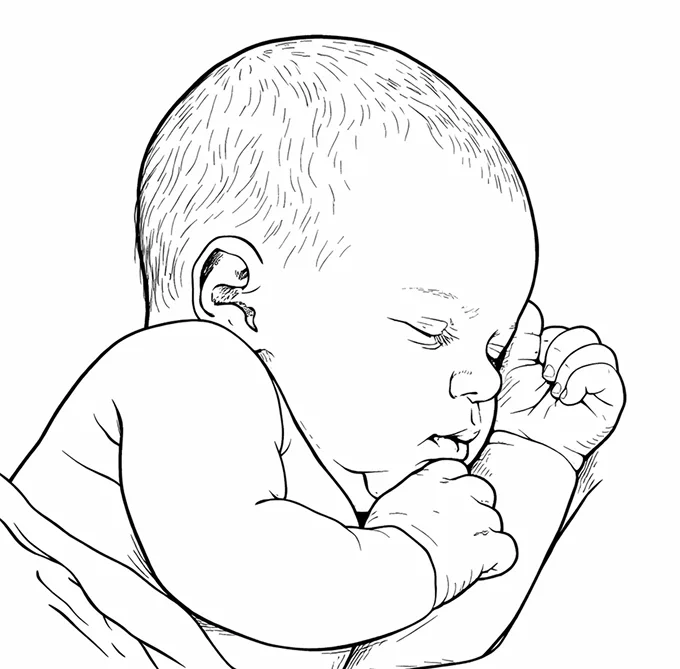
When simplifying a portrait:
- keep eye placement and direction;
- preserve the nose base and mouth line;
- keep the jaw and hair mass readable;
- avoid outlining every tonal patch;
- inspect the face at final size before adding secondary detail.
If the source still looks unmistakably like the person but the prepared stencil no longer does, stop treating that as a generic detail-choice problem. Use Why a Portrait Tattoo Stencil Loses Likeness to isolate changed spacing, angle, contour, asymmetry, or expression before adding detail.
For references that depend on value structure, use the tattoo stencil shading guide to decide which dark masses, boundaries, and fade directions need explicit guidance.
Fur and feathers need direction
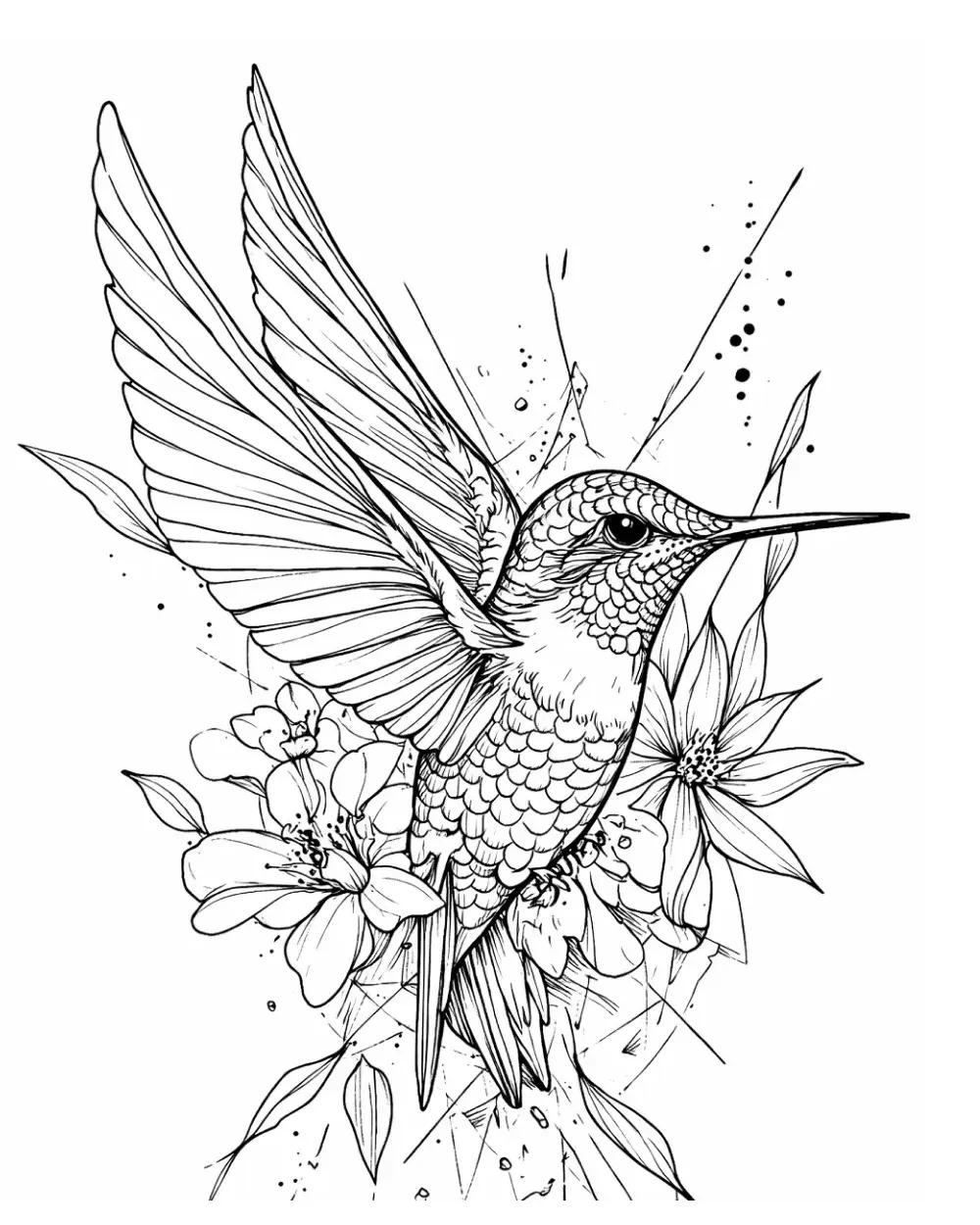
Animal references often contain dense repeated texture. Keeping every strand makes the stencil noisy, but removing all internal direction can flatten the subject.
Group texture into directional areas. Keep enough marks to show the flow of fur, feathers, or scales, then leave room between those groups.
If the job is an individual pet portrait and you are still choosing which photograph should control pose and identity, use How to Choose a Pet Photo for a Tattoo Stencil before simplification. Use that guide for pet-specific source selection; return here for the broader photo-to-stencil workflow.
The animals gallery contains examples with very different surface structures.
Run a small-size check
A photo-based stencil can look impressive while enlarged and fail when reduced.
Check the draft at its intended size:
- Does the subject still read immediately?
- Have the eyes or other focal details merged?
- Do fine lines create grey-looking areas?
- Has negative space closed?
- Is the silhouette still stronger than the texture?
If the job is specifically fine-line construction as a style, rather than simply making every surviving stencil mark thinner, use the Fine-Line Tattoo Stencil Maker. Use it for restrained line-led construction; line-weight remains a separate production decision.
If the subject reads better after several minor lines are removed, keep the simpler version.
Build in an artist review pass
Automatic conversion can accelerate the first draft, but it should not be the last decision.
During review, inspect:
- whether anatomy and pose survived simplification;
- whether dark masses have enough space around them;
- whether important overlaps remain clear;
- whether the draft suits the intended placement;
- whether any generated line changes the source unnecessarily.
Where StencilStudio can speed up the process
If the source photo is an existing tattoo and the job is a cover-up, use the Tattoo Cover-Up Planner to build a reviewable dark-mark constraint map and compare a proposed replacement design on the same photo before moving into stencil and print preparation.
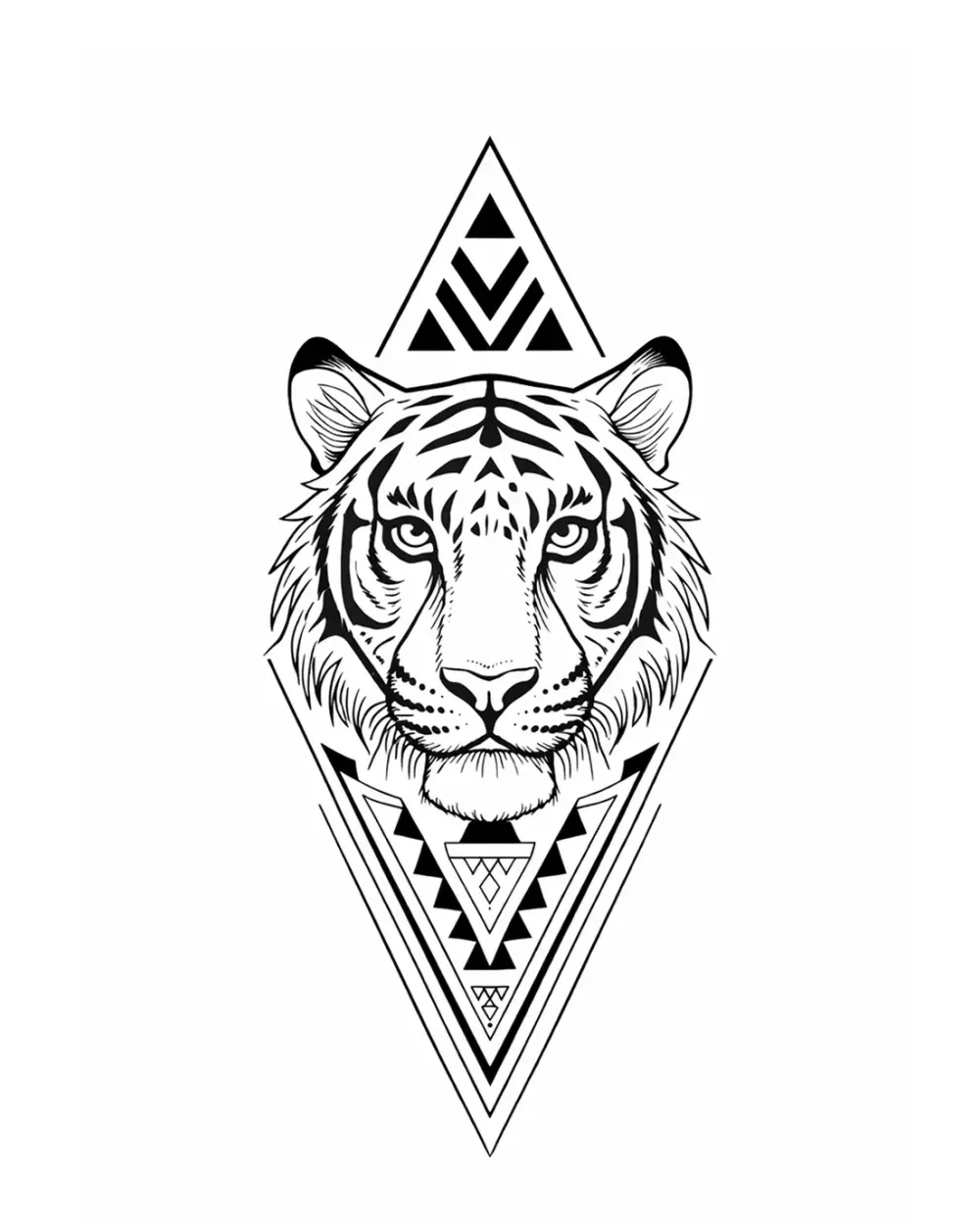
StencilStudio's photo-to-stencil page covers the product path: upload a reference, generate a source-faithful stencil draft, compare detail levels, and continue into placement review.
The software provides a starting point. The artist still decides what the tattoo needs, what should be removed, and whether the result suits the client and body area.
Use the Samples page to compare source and stencil output, or browse the full Stencil Gallery to inspect how different subjects hold up after simplification.
Photo-to-stencil checklist
Before exporting, confirm that:
- the crop matches the intended tattoo composition;
- the important source landmarks are actually visible rather than inferred from blur or compression;
- the background has been removed where unnecessary;
- the silhouette reads at final size;
- facial or anatomical landmarks remain accurate;
- texture is grouped rather than traced line by line;
- any enhanced/upscaled version has been compared back to the untouched source;
- the artist has reviewed generated changes;
- placement has been checked when the design will wrap.
FAQ
Can every photo become a useful tattoo stencil?
Almost any photo can be processed, but some require more interpretation than they are worth. Weak contrast, crowded backgrounds, unclear anatomy, blur, heavy compression, missing landmarks, or a poor crop can create more cleanup than a better source image would require.
Can upscaling fix a blurry tattoo reference?
Upscaling can add pixels and an enhancer can make edges look cleaner, but neither can prove detail that the original source failed to record. Compare the result with the untouched source and treat reconstructed small features as proposals that still need artist review.
What resolution does a tattoo reference need?
There is no universal PPI threshold that guarantees a useful stencil. Calculate source PPI at the intended physical size to understand how much raster information you have, then inspect the smallest recognition-critical features. Sharpness, compression, crop, contrast, and visible landmarks matter alongside pixel count.
Should a photo-based stencil retain shading?
Retain tonal boundaries only when they describe form or provide guidance the artist needs. Do not try to reproduce every gradual tonal transition as a separate stencil line.
What should be corrected first: shape or detail?
Correct the major shape, silhouette, and landmarks first. Fine detail should be reviewed only after the subject remains recognizable at the intended size.
Related Collections
Jump from the guide to reviewed stencil examples
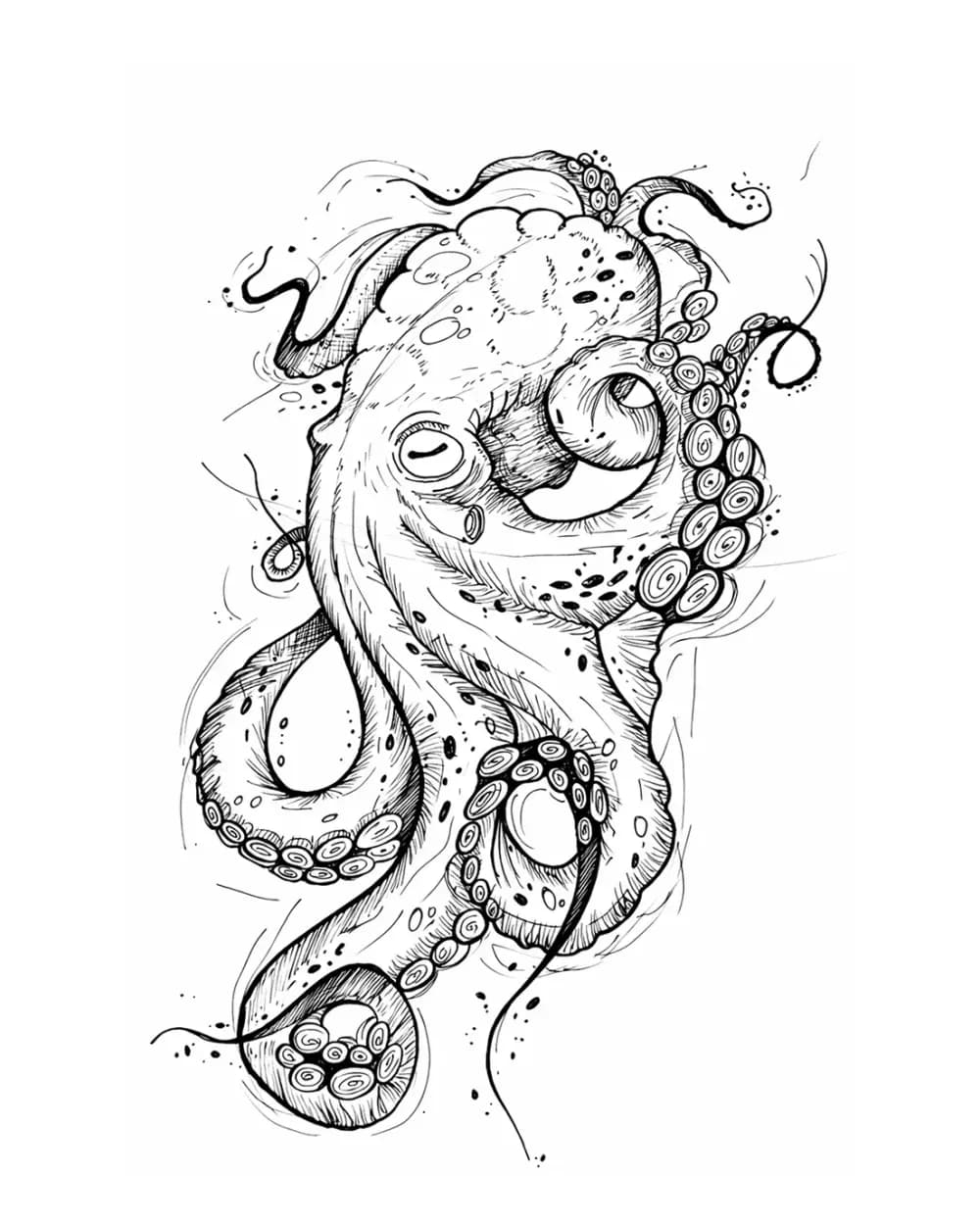
Animal Tattoo Stencil Gallery
12 curated examplesCompare 12 curated animal tattoo stencil examples across wildlife, pets, birds, and sea life. Start with the animal silhouette and recognition landmarks, then compare ho…
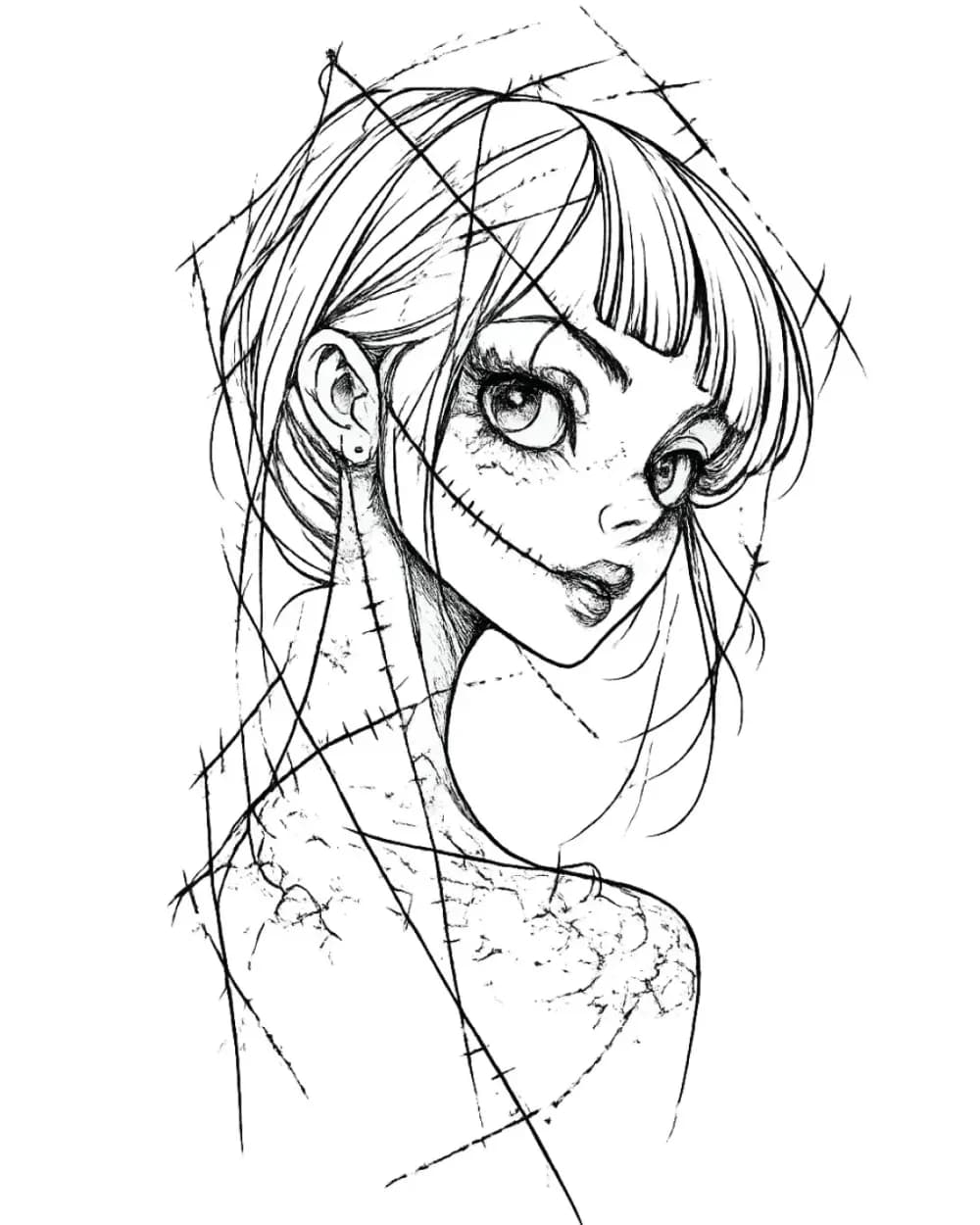
Portrait & Figure Tattoo Stencil Examples
9 curated examplesCompare first-party portrait, face, and figure tattoo stencil examples to see which recognition anchors, expression cues, body shapes, and detail clusters need to surviv…
Related Guides
Keep reading from here
How to Make a Tattoo Stencil: Reference to Transfer-Ready
Turn a drawing, photo, or reference into a clean tattoo stencil by simplifying the source, choosing line hierarchy and value guidance, checking size and orientation, and preparing transfer-ready output.
how to make a tattoo stencil · tattoo stencil workflow
Read guide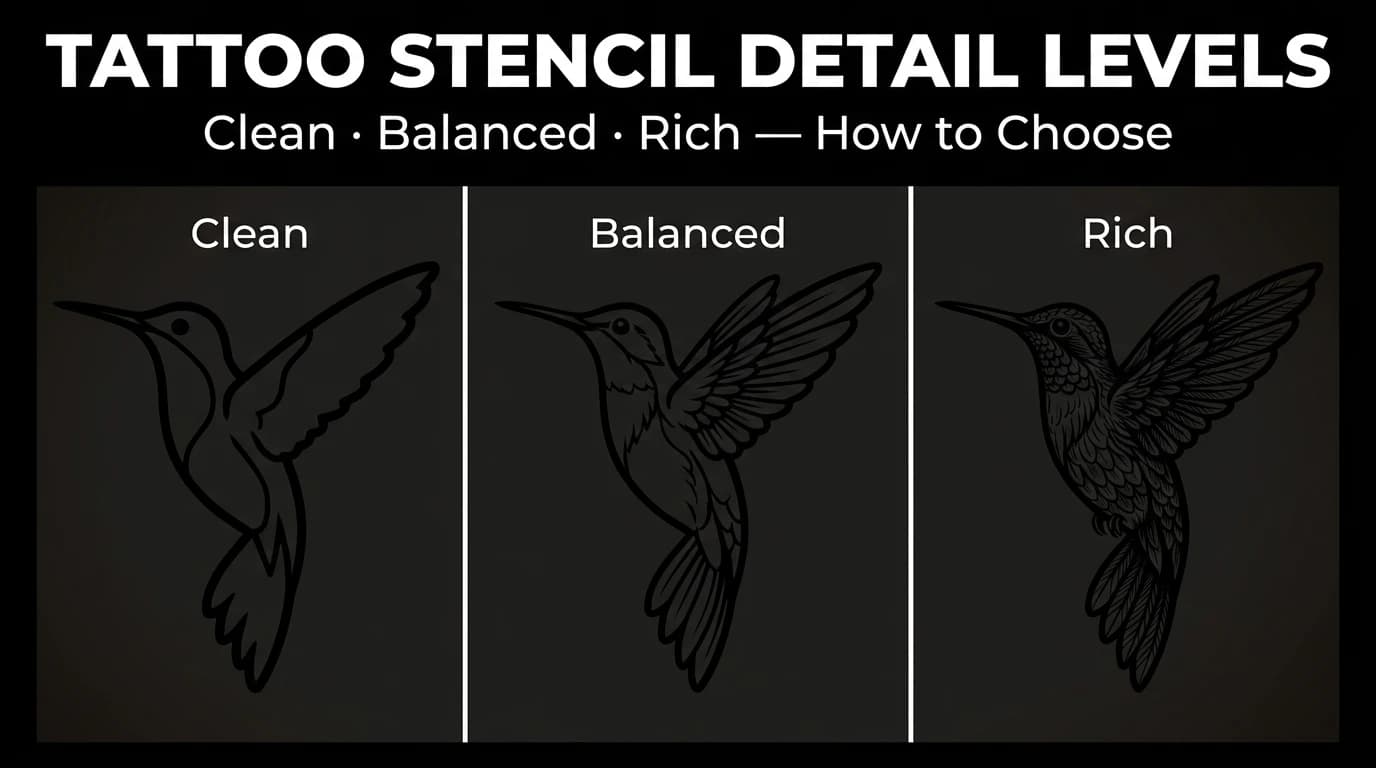
Tattoo Stencil Detail Levels: Simple, Standard, and Detailed
Compare Simple, Standard, and Detailed tattoo stencil modes and choose the amount of structural guidance that suits the size, subject, and placement.
tattoo stencil detail levels · tattoo stencil readability
Read guide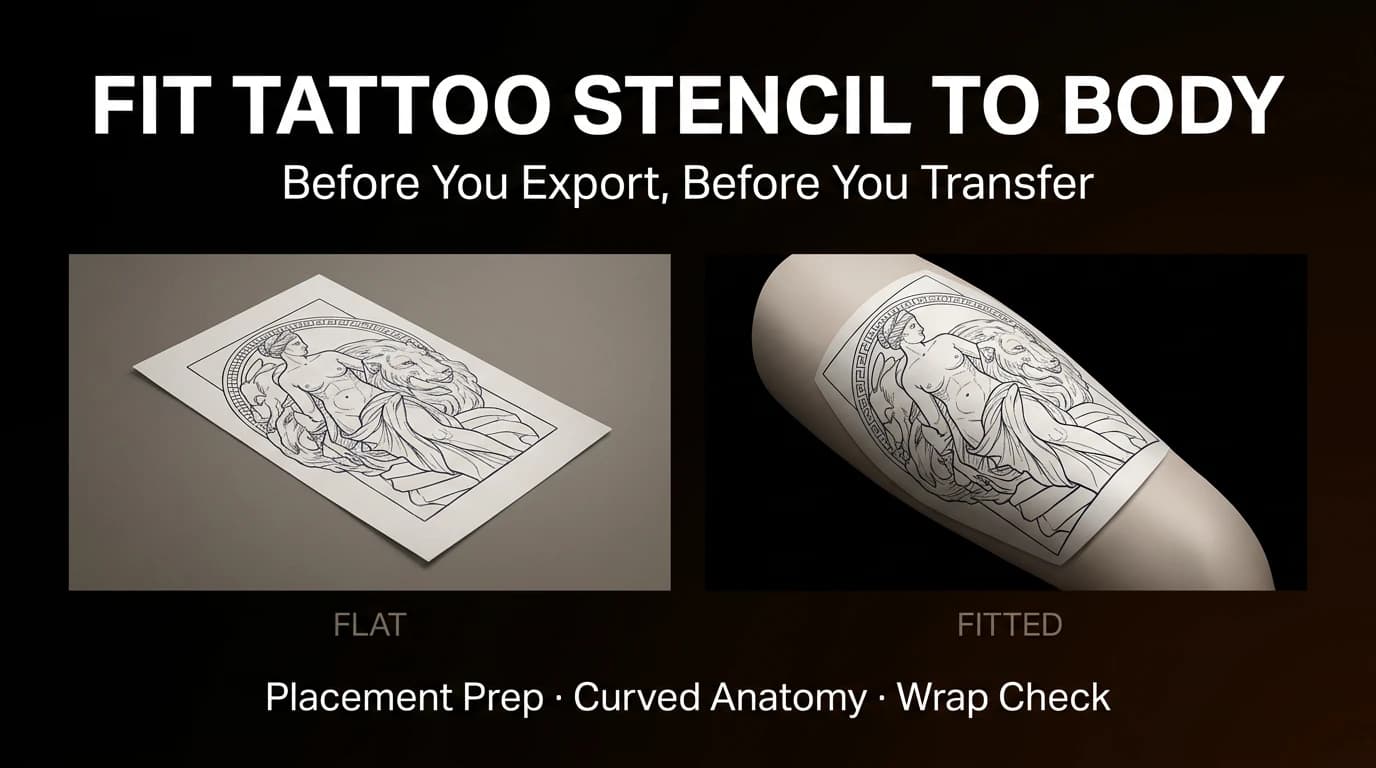
How to Fit a Tattoo Stencil to Curved Body Placement
Review focal point, wrap, compression, negative space, and body line before exporting a tattoo stencil for a curved placement.
fit tattoo stencil to body · tattoo placement prep
Read guideAuthor
Andrea Mezzadra
Founder and product builder at StencilStudio
Andrea builds StencilStudio and tests how the tools fit into real stencil prep, using real references and outputs to document what works, what changes, and where artist judgment still matters.
In the App
Turn rough references into a cleaner first-pass stencil
StencilStudio helps you start from a photo or design, simplify faster, and move into artist review with less friction.