

Stencil Workflow
How to Make a Tattoo Stencil: Reference to Transfer-Ready
Turn a drawing, photo, or reference into a clean tattoo stencil by simplifying the source, choosing line hierarchy and value guidance, checking size and orientation, and preparing transfer-ready output.
how to make a tattoo stencil · tattoo stencil workflow · tattoo stencil prep · tattoo stencil linework
- April 1, 2026
- September 18, 2026
- 9 min
End-to-end workflow
Make the stencil by protecting decisions, not by tracing everything.
Follow the same design from source approval to transfer-ready output. Each stage has one decision and one pass condition. If a stage fails, fix it there instead of compensating later in the printer or transfer process.
Already have an approved source? Generate a draft- 01
Reference
Approve the source
Decision: Is the geometry you need actually visible and trustworthy?
Pass when: Subject, perspective, landmarks, and intended composition are clear enough to judge.
- 02
Simplify
Separate structure from noise
Decision: Which marks describe the design, and which only describe lighting, background, or texture?
Pass when: The subject reads before tertiary detail is added back.
- 03
Hierarchy
Build the line map
Decision: What is primary contour, secondary structure, and optional detail?
Pass when: Important overlaps and landmarks stay obvious without every edge competing equally.
- 04
Values
Choose line-only or value guidance
Decision: Does shading information help orientation, or would it only add visual noise?
Pass when: Contour and any value guidance remain distinguishable.
- 05
Cleanup
Remove accidental geometry
Decision: Are doubled edges, broken lines, background fragments, or ambiguous overlaps still present?
Pass when: Every important mark has a deliberate job.
- 06
Output state
Confirm size and orientation
Decision: Does the stencil still read at physical size, and is mirror state understood?
Pass when: Scale, gaps, counters, placement constraints, and orientation have been checked.
- 07
Transfer-ready
Freeze the approved stencil
Decision: Is this the exact geometry the physical production step should reproduce?
Pass when: The approved file is ready for manual, thermal, copier, or supported inkjet production.
Production boundary
One approved stencil, several physical paths.
The design job ends before the device-specific instructions begin. Choose the physical method after size, orientation, and geometry are stable.
Manual
Trace or reproduce the approved geometry with compatible manual transfer media.
Thermal
Send the approved file through a compatible thermal workflow without changing its geometry.
Inkjet
Use a documented printer, ink, and media combination rather than a generic office-print assumption.
When the digital stencil is approved, use the Transfer Paper guide to choose and verify the physical reproduction method. If the file is correct but the printer output is not, switch to printer diagnosis instead of redrawing the design.
A usable tattoo stencil is not a copy of everything visible in the source. It is a transfer map: enough structure to preserve the design, enough separation to remain readable at the intended size, and no accidental information that makes placement or interpretation harder.
The complete preparation job is:
reference or artwork -> simplify -> choose line hierarchy -> decide how values are represented -> clean the stencil -> confirm size and orientation -> prepare transfer-ready output -> verify before use
Software can accelerate parts of that sequence. Artist judgment still decides what the stencil needs to communicate.
If you are still deciding whether a source is an appropriate practice-reference problem for a serious beginner or apprentice, use Tattoo Stencils for Beginners first. This guide begins once the source has been chosen.
What makes a usable tattoo stencil?
A strong stencil lets you answer four questions quickly:
- What is the subject or focal structure?
- Which lines are essential to keep the design recognizable and correctly organized?
- Which marks are texture, lighting, or noise rather than useful stencil guidance?
- Will the remaining information still read at the physical size and orientation you actually need?
That standard applies whether the starting source is a finished illustration, a rough sketch, a photograph, a screenshot, or a generated reference.
| Starting source | Main preparation risk | First decision | | --- | --- | --- | | Finished illustration or flash | Carrying decorative linework that does not need to become stencil guidance | Separate design structure from presentation detail | | Sketch | Treating exploratory construction marks as final geometry | Decide which contour and overlap decisions are actually approved | | Photograph | Turning lighting edges and texture into unnecessary lines | Preserve subject structure and identity-critical landmarks | | Screenshot or compressed reference | Building certainty from detail the source does not really contain | Distinguish visible evidence from compression, blur, or ambiguity |
If the source is specifically a photograph, use the deeper photo-to-stencil workflow when you need photo-specific examples and source-quality decisions.
Step 1: choose a source you can simplify
A strong source does not need to be perfect, but the structure you care about must be visible enough to judge.
Look for:
- a clear subject or composition;
- useful separation from the background;
- a silhouette that still makes sense when small detail disappears;
- perspective that matches the design decision you intend to keep;
- lighting that does not hide important form changes;
- enough source resolution to inspect the landmarks that matter.
For a photograph, the dedicated photo preparation guide goes deeper on crop, contrast, subject separation, blur, and missing source evidence.
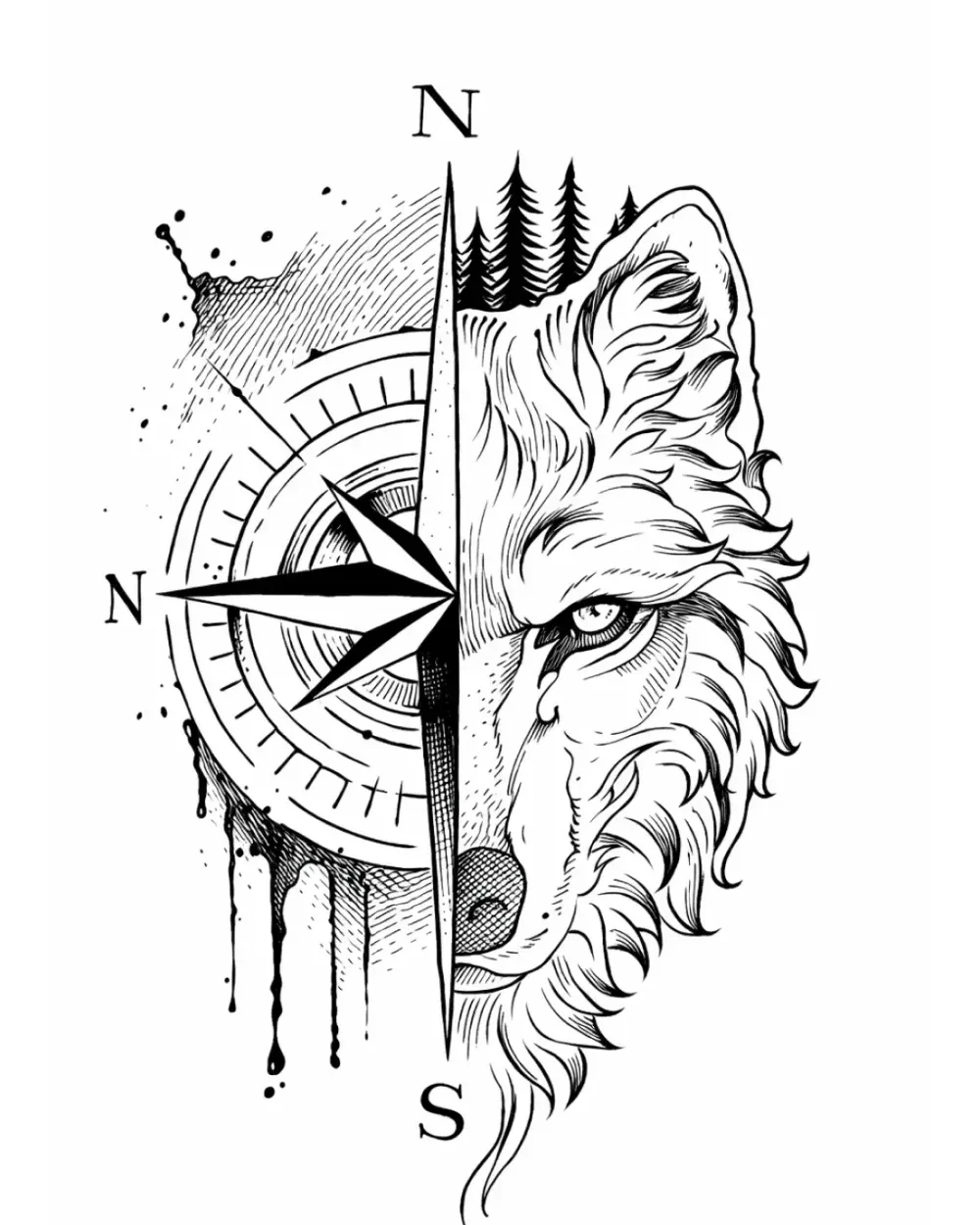
The useful question is not "is this image high quality?" It is "does this source clearly show the geometry I need the stencil to preserve?"
Step 2: mark structure before texture
Do not trace every visible edge.
Classify what you see first:
- Object boundary: the outer edge or a major silhouette change.
- Structural line: an overlap, feature boundary, fold, landmark, or plane change that helps organize the design.
- Lighting edge: a tonal transition created mainly by light rather than by a stable boundary in the subject.
- Texture: fur, pores, fabric grain, stone grain, hair strands, scales, scratches, or repeated surface marks.
- Shading/value information: a larger dark, mid, or light region that may help guide value planning without needing to become a contour.
Keep the lines that carry structure. Remove or postpone marks that only describe surface noise unless the style or execution plan genuinely needs them.
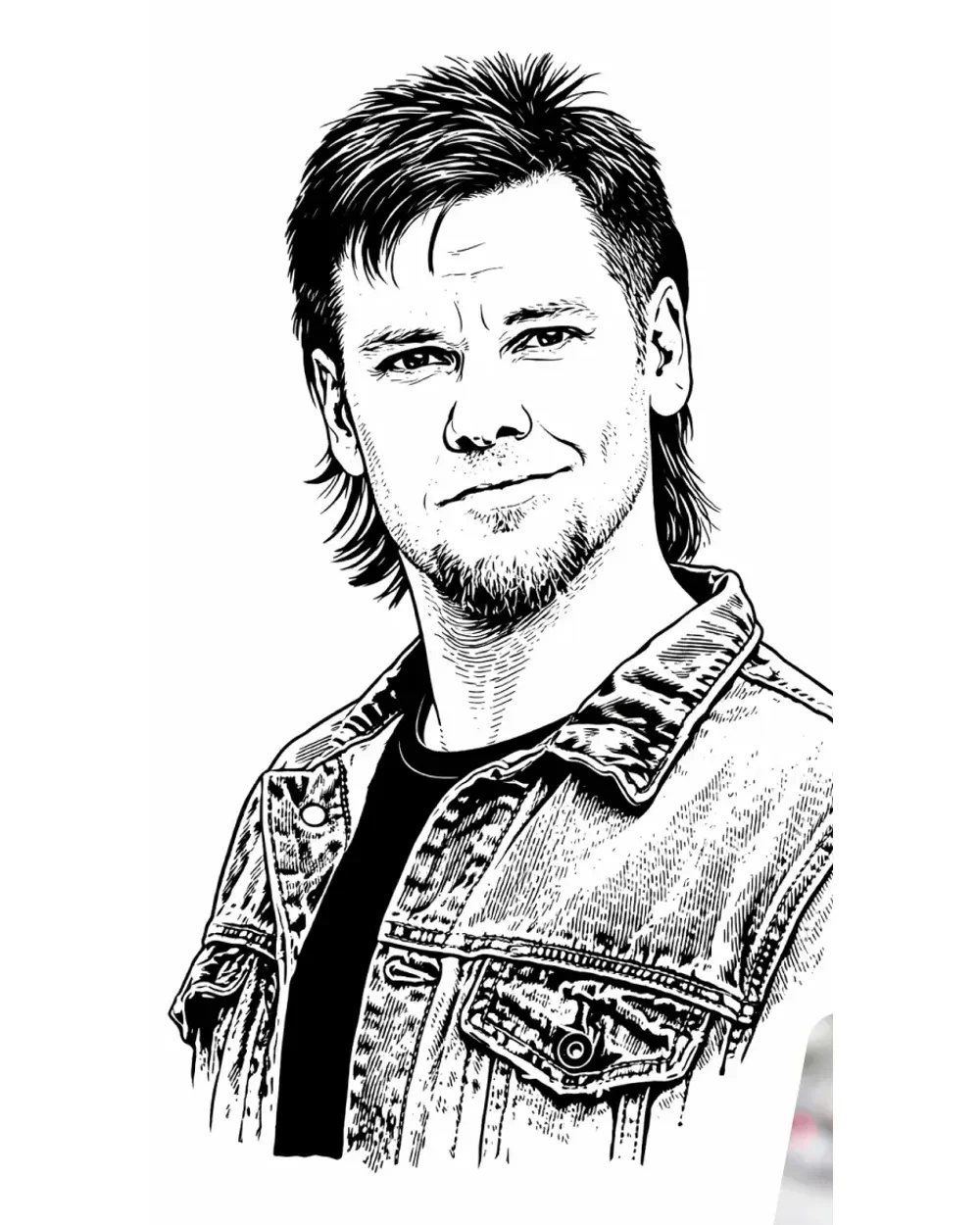
For likeness-critical work, facial or subject landmarks can matter more than a large amount of tertiary texture. A clean stencil can still be wrong if the important relationships moved.
Manual and digital construction solve the same judgment problem
Manual tracing is useful when the artist wants direct control over every retained line, intentionally interprets the reference, or is already drawing the stencil as part of the design process.
Digital preparation is useful when the repetitive work is crop, cleanup, line extraction, source comparison, scaling, mirroring, or iteration.
Neither method removes the core decisions above. A one-click conversion can still keep the wrong information; a manual trace can still reproduce clutter faithfully.
If you already have an approved source and want an automated first draft, Generate is the immediate functional workflow. The web generator accepts a photo, sketch, or artwork, lets you choose Simple, Standard, or Detailed information density, and downloads the result as PNG. Review the result against the original before treating it as approved geometry.
Step 3: simplify before tracing every detail
Simplification is easiest before the stencil becomes crowded.
A useful order is:
- remove irrelevant background;
- keep the outer silhouette and major overlaps;
- preserve recognition-critical landmarks;
- preserve negative-space boundaries that make shapes readable;
- group repeated texture into larger directional information where possible;
- add back only the internal guidance that still has a job.
This protects structure before time is spent cleaning small marks.
For example, a three-quarter portrait with detailed hair, skin texture, and a dark background may need the background removed entirely, the face and jaw relationships preserved, hair grouped into directional masses, and only the shadow boundaries that genuinely help orientation retained.
Step 4: build a line hierarchy
Not every retained line needs the same visual importance.
Think in three layers:
Primary structure
- outer contour;
- major silhouette changes;
- dominant overlaps;
- identity-critical landmarks.
Secondary structure
- internal shape divisions;
- larger folds or plane changes;
- supporting anatomical or ornamental relationships.
Detail marks
- small texture cues;
- short repeated divisions;
- tertiary pattern information.
When the stencil feels busy, remove from the bottom of that hierarchy first. Do not weaken the primary structure just to keep more tertiary marks.
The detail-level guide covers the broader Simple, Standard, and Detailed information choices used in StencilStudio. Final-size readability is still the deciding check for a specific design.
Step 5: decide what shading or value information belongs in the stencil
A stencil can carry structure in different ways.
Line-only structure
A line-oriented stencil is useful when contours, overlaps, landmarks, and planned negative space are enough to orient the work. Tonal information can remain in the separate reference instead of becoming extra stencil marks.
Tonal or value guidance
Some designs benefit from larger value regions or shade boundaries being represented as guidance. The goal is not to turn every gradient into lines. It is to preserve value information that helps distinguish important regions without competing with the main contour map.
Keep contour information visually distinguishable from shading guidance. If every tonal change becomes an edge, the stencil stops communicating hierarchy.
Step 6: clean the stencil before sizing or printing
Inspect the candidate stencil for errors that look small on screen but become confusing in the physical workflow:
- doubled outlines caused by tracing both sides of one soft edge;
- accidental background fragments;
- broken lines that should be continuous;
- ambiguous overlaps where two shapes merge without a clear priority;
- isolated texture that looks like a structural mark;
- duplicate or shifted details;
- unnecessary intersections;
- closed negative spaces that were meant to remain open.
Compare the cleaned stencil with the original reference, not only with the previous stencil draft. Cleanup should remove noise without silently changing approved geometry.
Step 7: check final size, body fit, and orientation
A stencil is not finished while it only works at arbitrary screen zoom.
Confirm the intended physical size
Reduce the design to the approximate tattoo size and check:
- whether the focal structure still reads first;
- whether narrow gaps remain open;
- whether small counters collapse;
- whether nearby marks merge;
- whether identity-critical landmarks stay distinct.
For exact physical dimensions and a true-size PDF, use the Tattoo Stencil Size & Print Calculator.
Review body fit when curvature matters
A flat design can compress, wrap, or visually shift on a curved body area. Use Fit Tattoo Stencil to Body when the real problem is wrap, taper, or placement geometry rather than stencil cleanup.
Treat mirroring as a workflow state, not a universal command
Do not assume every stencil should be mirrored at the same stage. Software, printer, copier, paper, and transfer method can each affect orientation.
Use the mirror/orientation guide to track where a flip occurs and verify the final state with an asymmetric feature such as lettering, a date, or a profile.
Step 8: prepare transfer-ready output
At this point the design decisions should be stable.
A transfer-ready digital file should have:
- approved geometry;
- useful line/value hierarchy;
- intended physical dimensions identified;
- orientation state understood;
- no accidental crop or background;
- export quality that keeps the important marks readable.
Then choose the physical production method.
Manual tracing, direct thermal printing, physical-master copiers, and supported inkjet stencil systems have different media and device requirements. Do not merge those instructions into one generic recipe.
Use How to Use Tattoo Transfer Paper for the physical production stage. That guide branches into the appropriate manual, thermal, or supported inkjet workflow and owns the paper-stencil QC before skin application.
Step 9: verify the stencil before transfer
Run one final check against the approved source.
- Important contours are present.
- Background or lighting artifacts are gone.
- Line intersections are intentional.
- Doubled outlines have been removed.
- Structural lines and shading guidance are distinguishable.
- Negative spaces that matter are still open.
- Final physical size is confirmed.
- Orientation is confirmed.
- Export or paper output still matches the approved geometry.
- The original reference is retained for comparison.
If the digital file passes but the physical print is faint, streaked, progressively darker, incomplete, skewed, or otherwise wrong, stop editing the tattoo design and use the Tattoo Stencil Printer Troubleshooter. The Printer Test Sheet gives you fixed geometry when you need to separate a client-file problem from the physical print path.
A good stencil workflow ends with a file or paper stencil you can explain: what each important mark is doing, what was intentionally removed, what size and orientation were approved, and which downstream process will reproduce it.
FAQ
Do I need to mirror a tattoo stencil?
Not always at the same stage. Mirroring depends on the complete software, printer, copier, paper, and transfer path. Track whether a horizontal flip has already happened and verify the final orientation with an asymmetric feature.
Can you make a tattoo stencil from a photo?
Yes, when the source contains enough reliable structure to preserve. Photos need extra care because lighting, background, texture, blur, and perspective can create edges that should not automatically become stencil lines. Use the photo-to-stencil workflow for the photo-specific process.
How much detail should be in a tattoo stencil?
Enough to preserve the design's important structure and useful guidance at its intended physical size. More detail is not automatically better. Subject, style, placement, scale, and the artist's execution plan all affect how much information remains useful.
Why does my stencil look too busy?
A busy stencil often gives equal weight to primary structure, secondary structure, texture, and tonal edges. Rebuild the hierarchy: protect the main contour and landmarks first, then remove repeated or low-priority marks until the important geometry reads clearly.
Related Collections
Jump from the guide to reviewed stencil examples
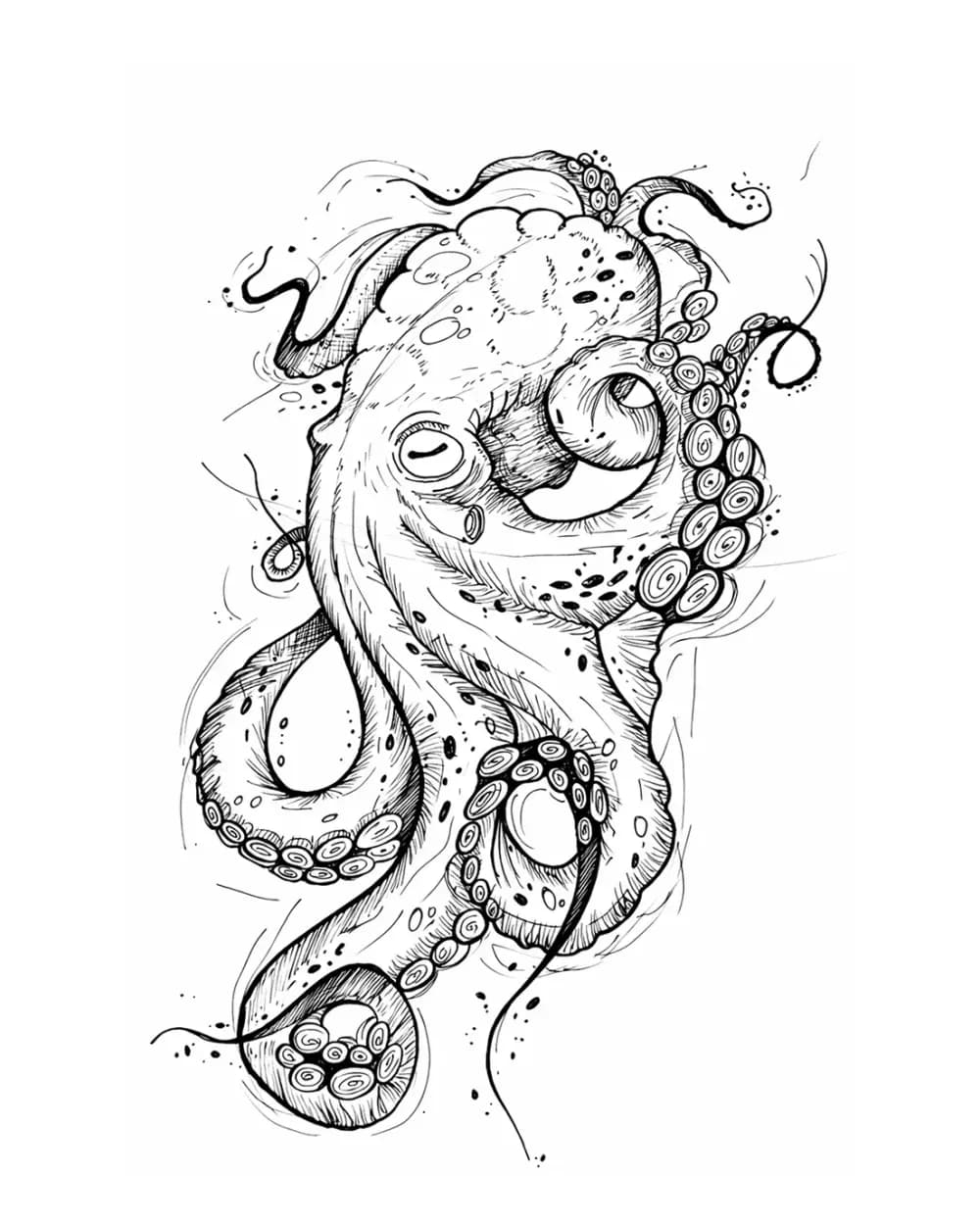
Animal Tattoo Stencil Gallery
12 curated examplesCompare 12 curated animal tattoo stencil examples across wildlife, pets, birds, and sea life. Start with the animal silhouette and recognition landmarks, then compare ho…
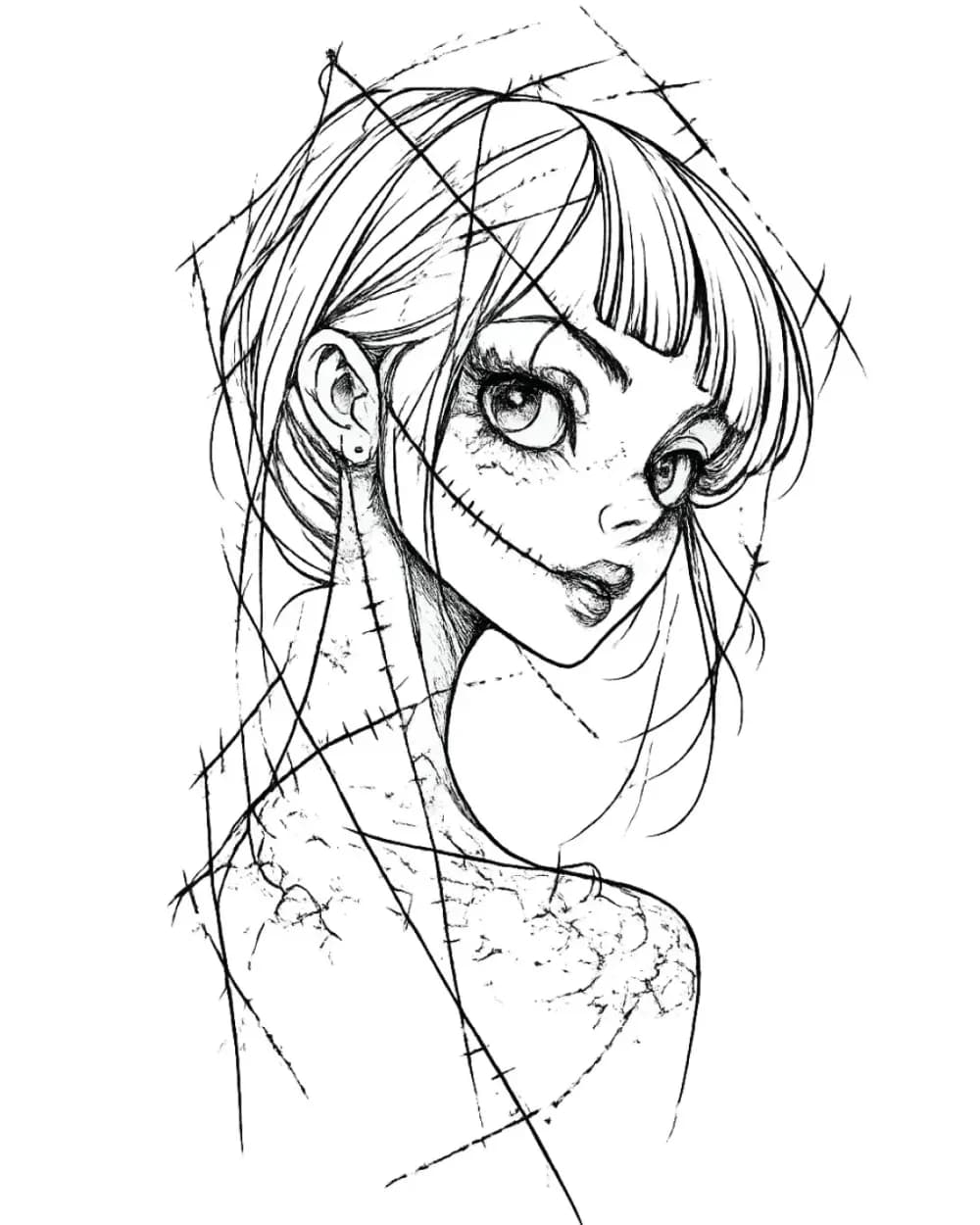
Portrait & Figure Tattoo Stencil Examples
9 curated examplesCompare first-party portrait, face, and figure tattoo stencil examples to see which recognition anchors, expression cues, body shapes, and detail clusters need to surviv…
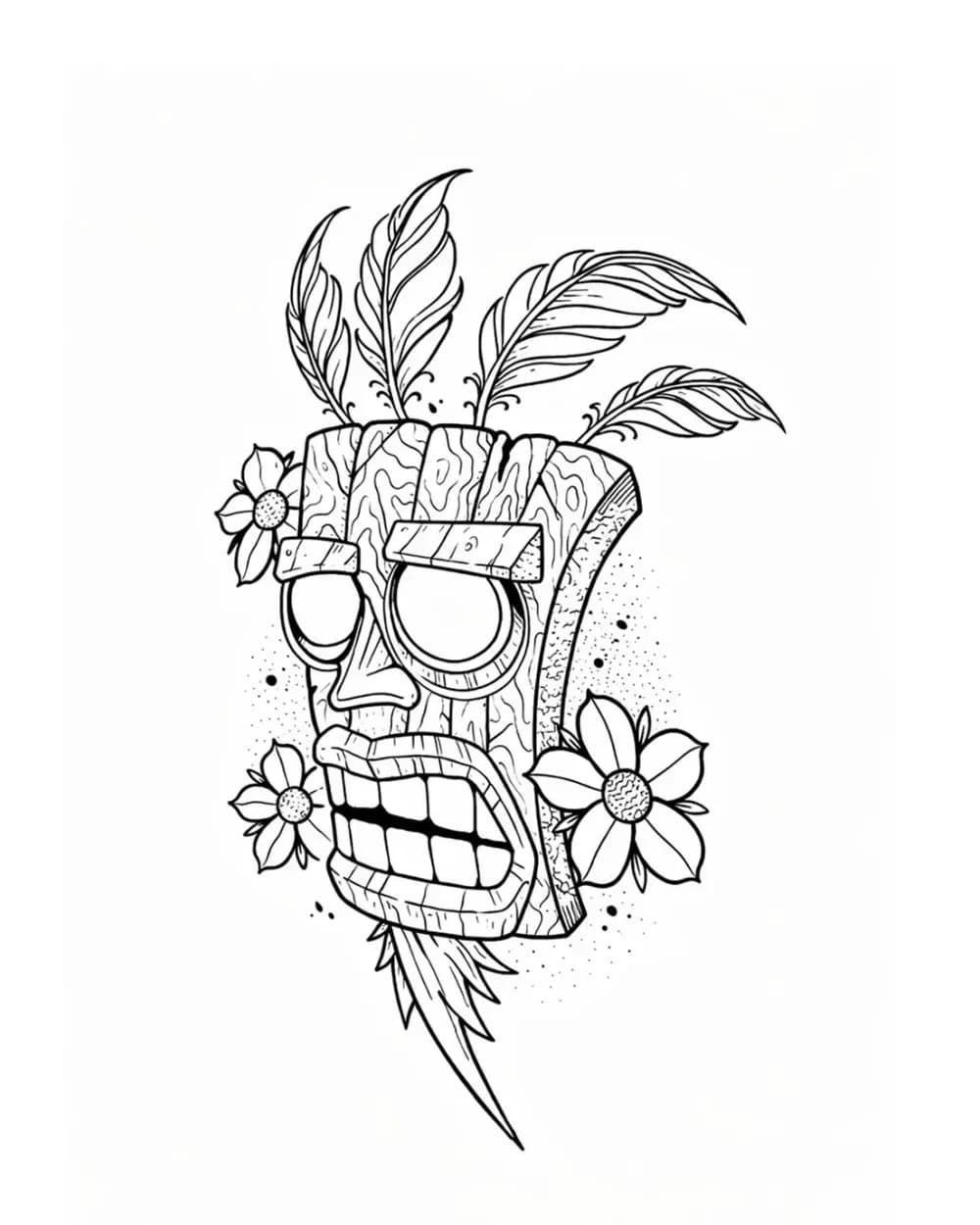
Tattoo Symbol Stencils
7 curated examplesCompare compact tattoo symbol stencils to see which silhouettes, internal gaps, repeated details, and orientation cues stay readable before adapting your own reference.…
Related Guides
Keep reading from here
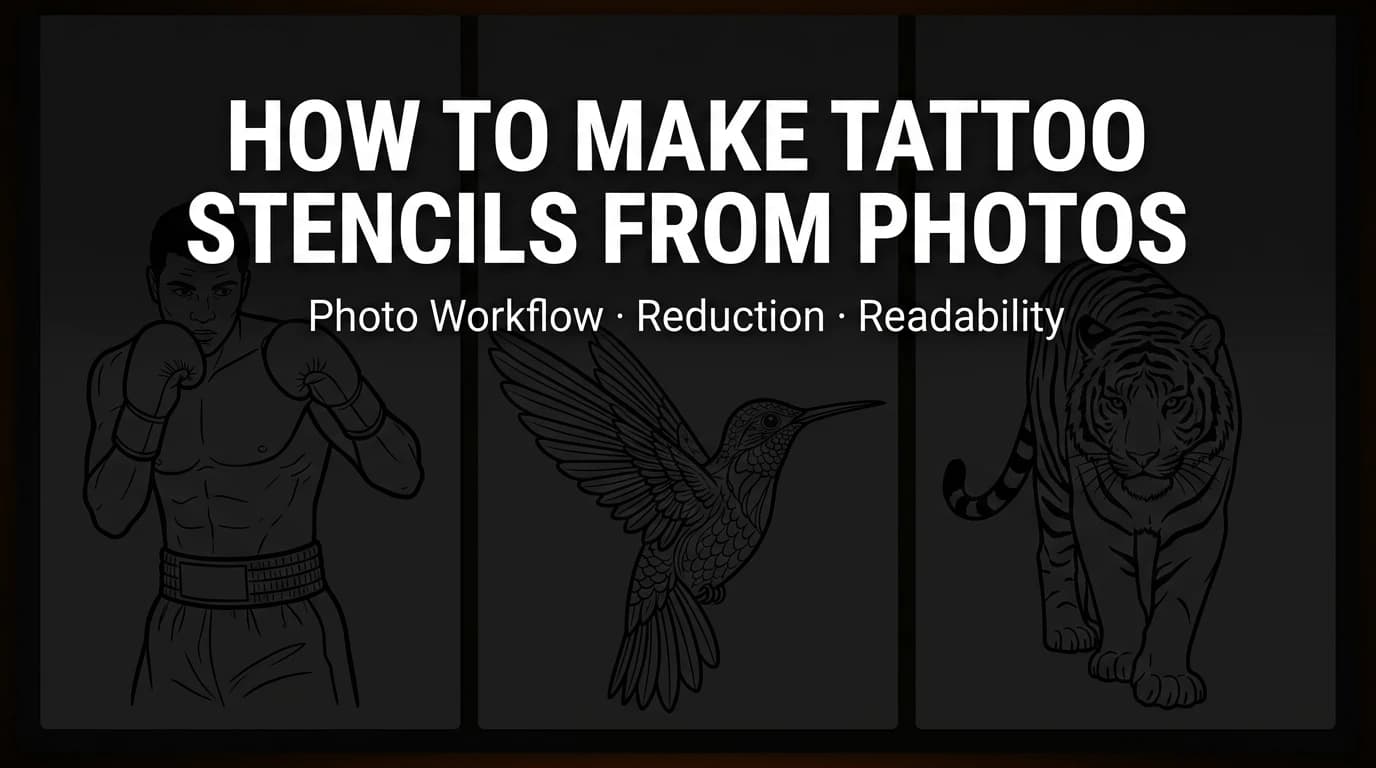
How to Make Tattoo Stencils From Photos That Stay Readable
Choose, crop, simplify, and review a photo so the resulting tattoo stencil stays readable at placement size, including blurry and low-resolution references.
tattoo stencil from photo · stencil workflow
Read guide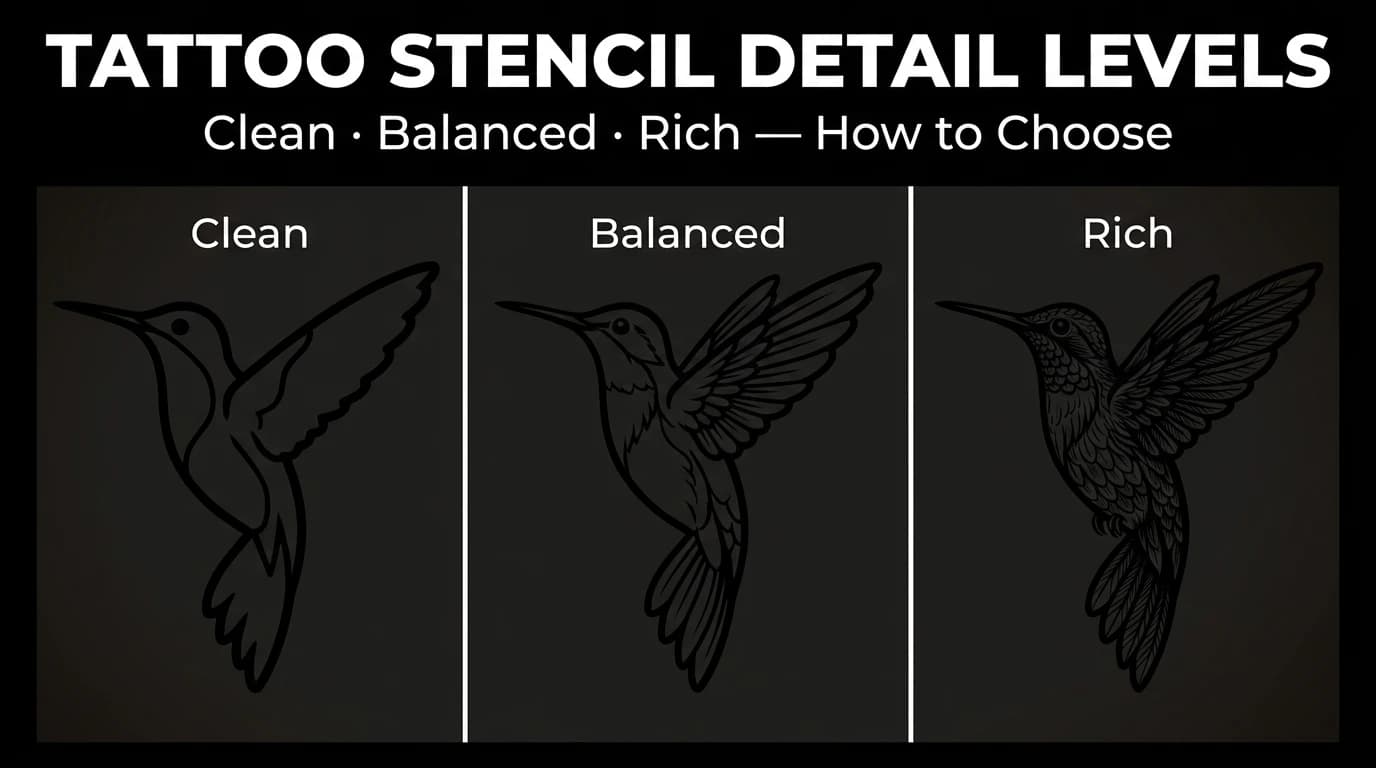
Tattoo Stencil Detail Levels: Simple, Standard, and Detailed
Compare Simple, Standard, and Detailed tattoo stencil modes and choose the amount of structural guidance that suits the size, subject, and placement.
tattoo stencil detail levels · tattoo stencil readability
Read guide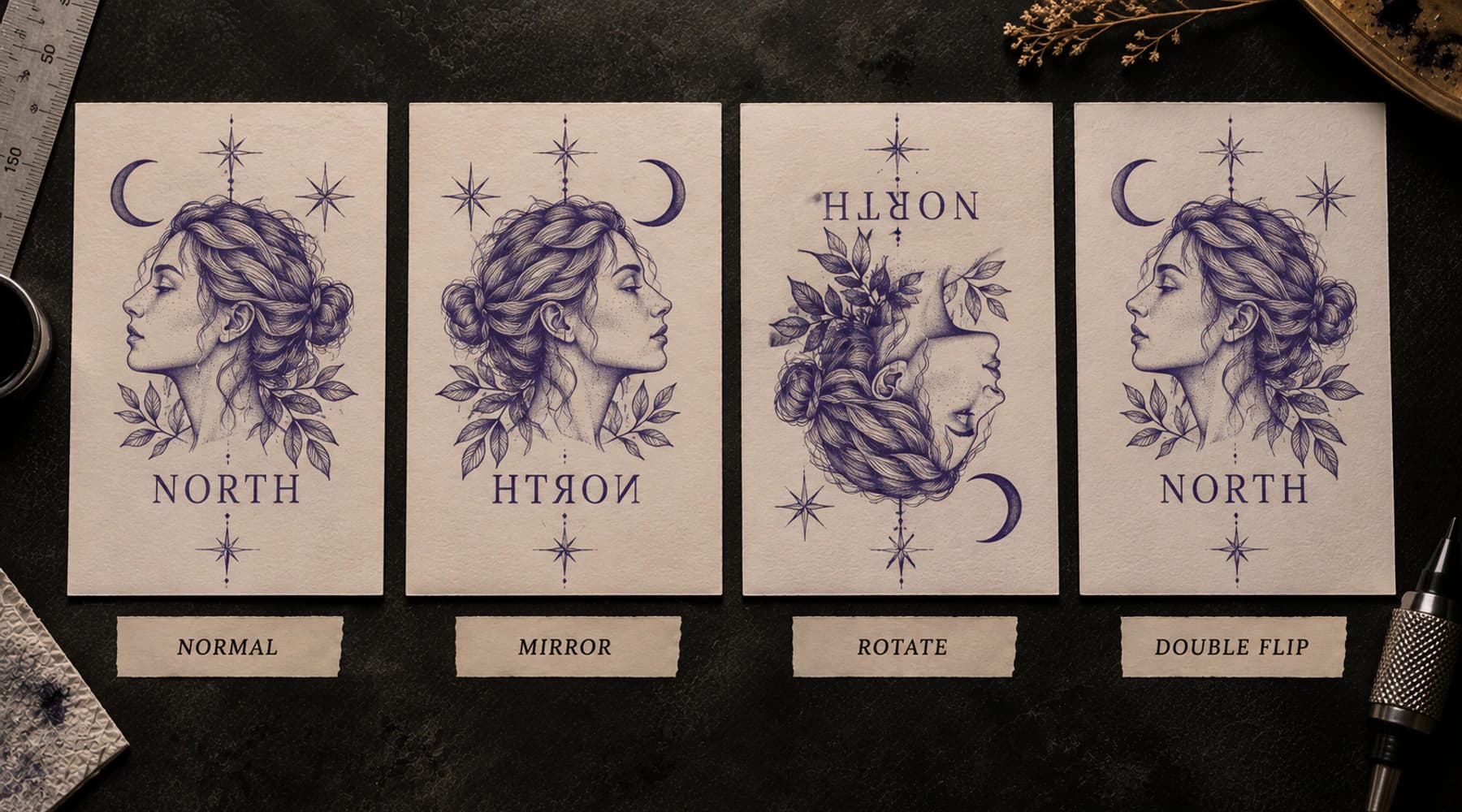
How to Mirror a Tattoo Stencil for Printing
Trace mirror state through design, export, printer, paper and skin so lettering and asymmetric stencils reach the client in the intended orientation.
mirror tattoo stencil · tattoo stencil backwards
Read guideAuthor
Andrea Mezzadra
Founder and product builder at StencilStudio
Andrea builds StencilStudio and tests how the tools fit into real stencil prep, using real references and outputs to document what works, what changes, and where artist judgment still matters.
In the App
Have the reference ready? Turn it into a stencil draft
Use the web generator when you want to upload a photo, sketch, or artwork, choose the amount of source detail to keep, generate a stencil draft, and download PNG.