

Placement Prep
How to Fit a Tattoo Stencil to Curved Body Placement
Review focal point, wrap, compression, negative space, and body line before exporting a tattoo stencil for a curved placement.
fit tattoo stencil to body · tattoo placement prep · tattoo stencil placement
- March 10, 2026
- September 18, 2026
- 5 min
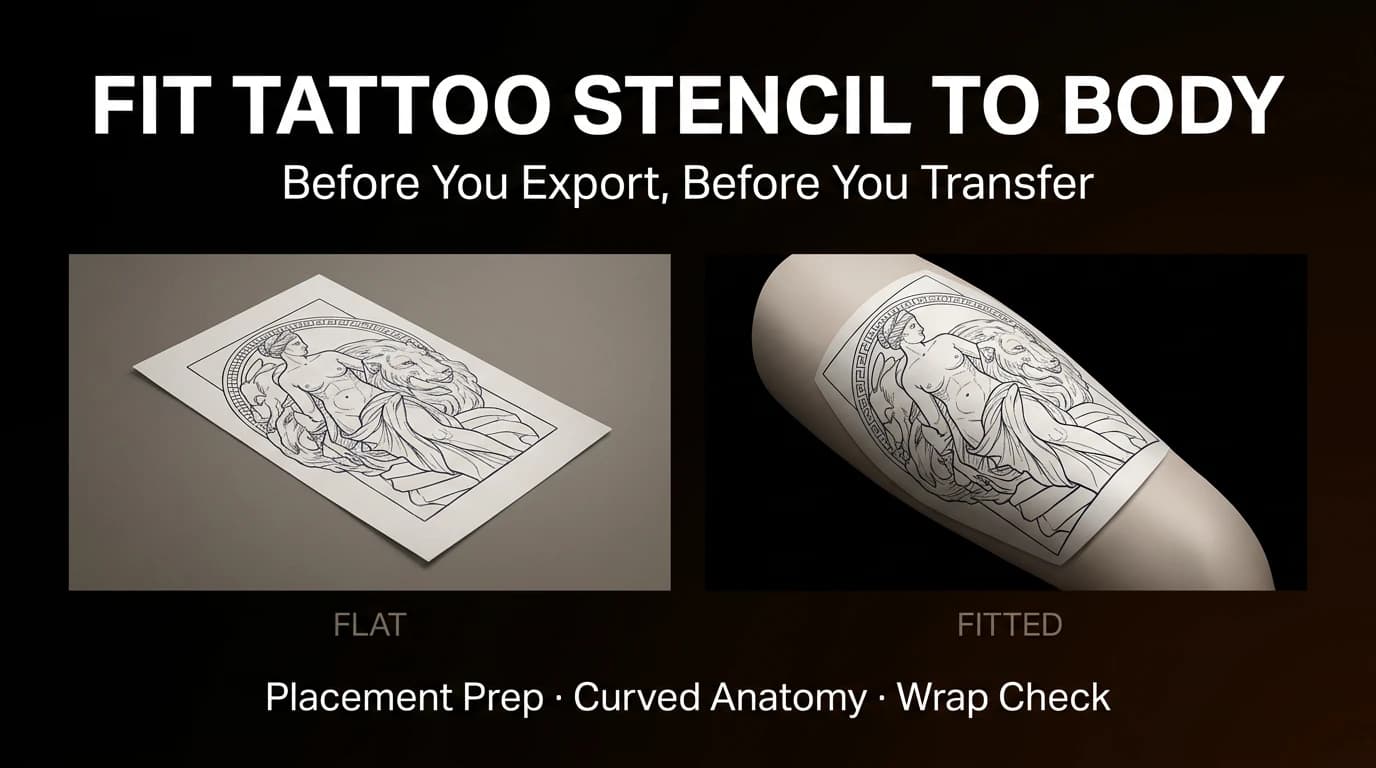
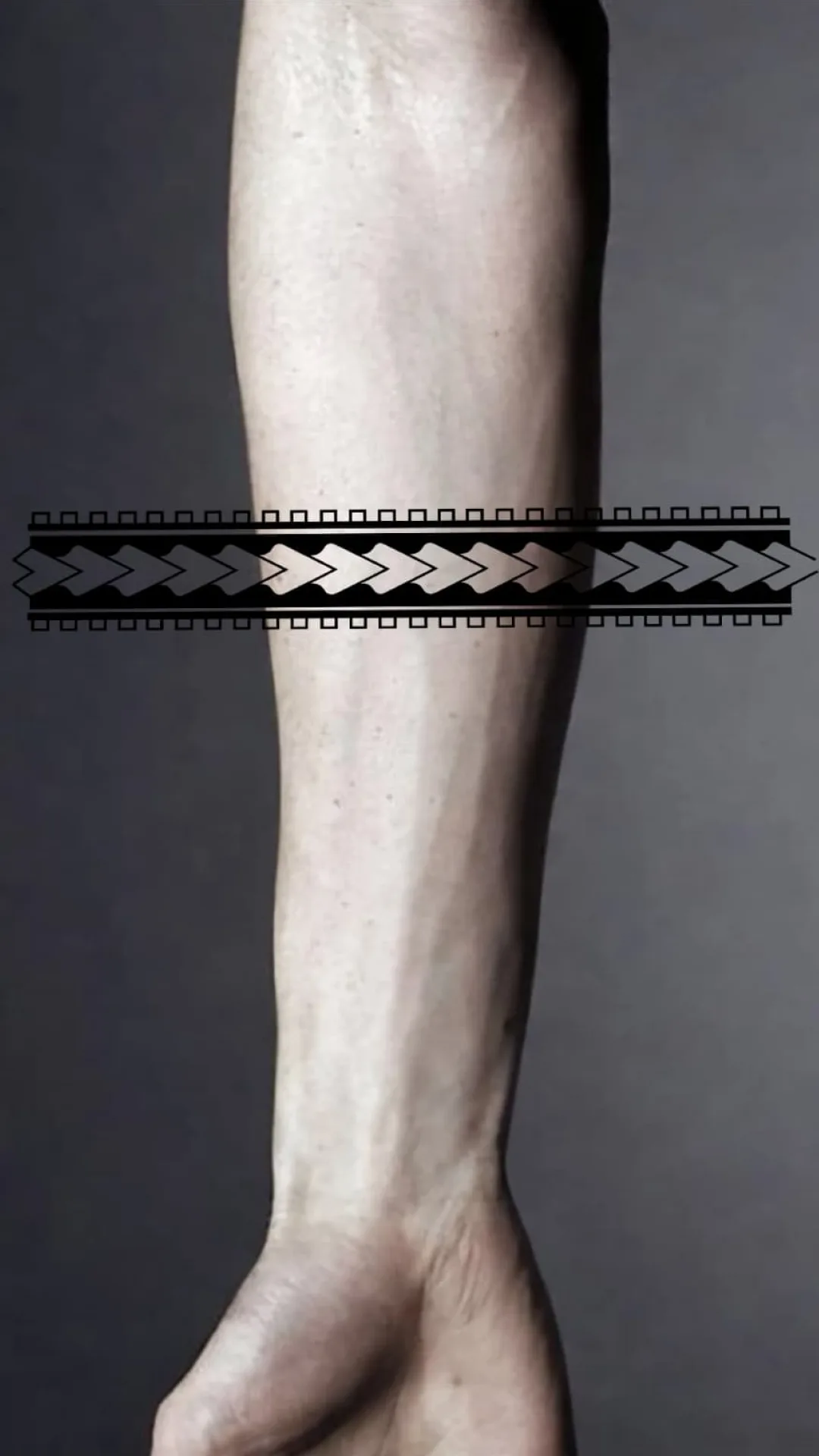
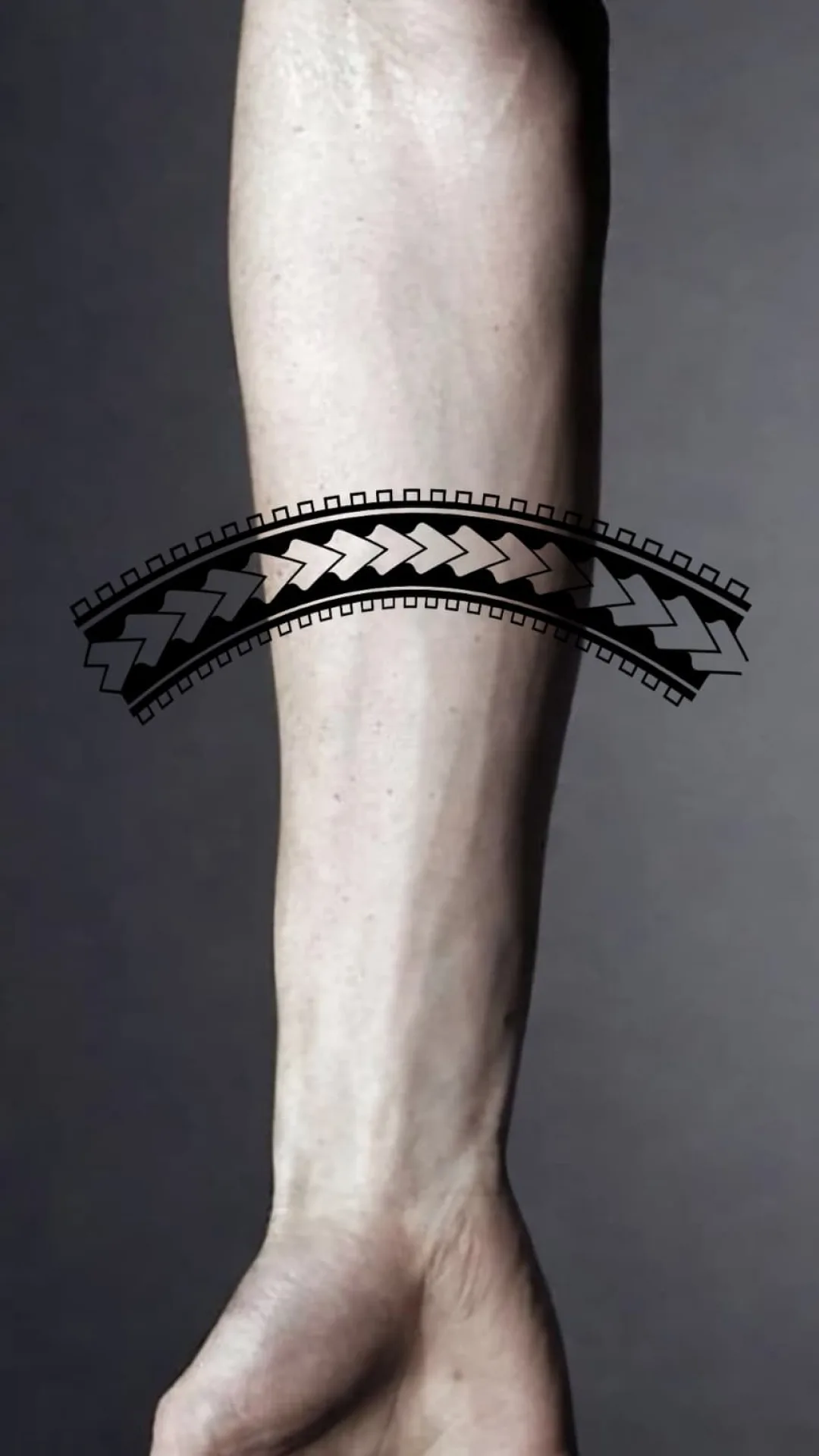
A stencil that looks balanced on a flat canvas can change substantially on an arm, leg, rib, or another curved area. The outer edges begin to wrap away from the main view, inner lines compress, and the focal point can shift.
Placement review should happen while the stencil is still easy to adjust.
If the project is still at the rough planning stage and you only need to show where existing work, a planned piece, or future space relates on a generic body, use the Tattoo Body Map & Body Template Maker first. It records artist-controlled project areas without pretending to fit artwork to the actual client. Return here when a specific stencil needs real-body photo review.
Choose the main viewing angle
Start by deciding where the design should read most clearly.
For an upper arm piece, this may be the front or outer view. For a calf, it may be the side visible when the client stands naturally. A wraparound design may need two important views rather than one.
Place the focal point on that readable plane before adjusting the edges.
Find the focal point before shaping the outline
Identify the part of the design that must remain immediately visible:
- a face;
- an eye;
- a central symbol;
- a flower head;
- the main figure;
- a key piece of lettering.
Anchor that point first. If the focal point drifts toward the side of the limb, the design may appear off-center even when its geometric center is correct.
Watch the inner curve
Lines compress most visibly where the body turns away from the main view.
Check the inner curve for:
- negative space that closes;
- parallel lines that move too close together;
- facial features that narrow;
- ornament that becomes difficult to separate;
- long contours that appear shorter or flatter.
Simplifying a crowded area is often more effective than stretching the complete design.
Review three views
A quick placement check should include:
- the main front-facing view;
- a side view showing compression and wrap;
- the client's natural standing or resting position.
The design does not need to look identical from every angle. It should keep its focal hierarchy and avoid obvious distortion from the angles that matter.
For figure-heavy designs, the people gallery shows subjects where anatomy exposes distortion quickly.
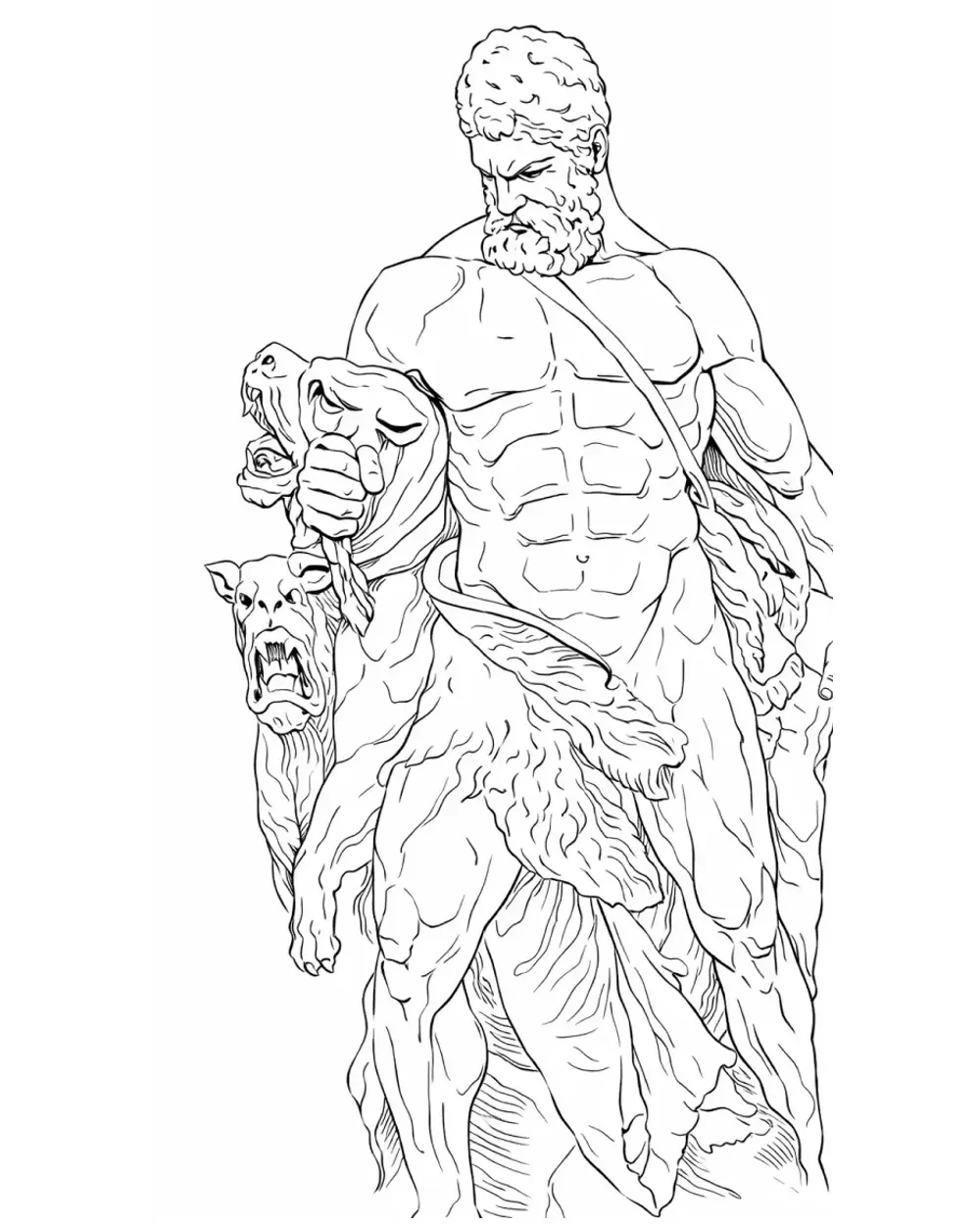
Layered fantasy compositions require additional space between forms.
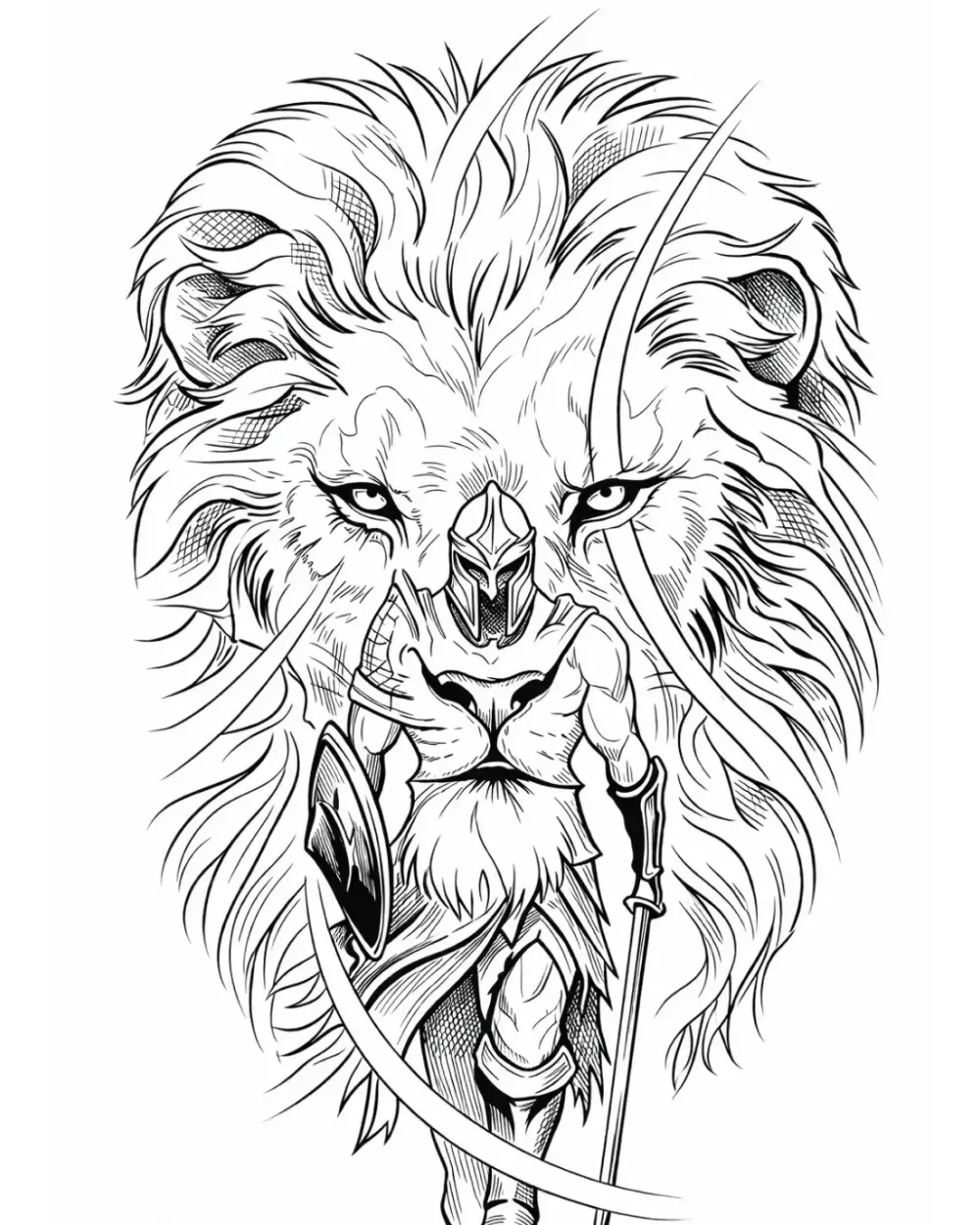
Example: a vertical design on an upper arm
Imagine a tall figure designed on a flat rectangle.
When placed on the outer upper arm:
- the face should remain on the primary viewing plane;
- the shoulders may need slight tapering;
- detail near the inner arm may need reduction;
- a long vertical element may need a controlled curve;
- empty space around the head should remain open;
- the lower section should be checked with the arm relaxed.
The design is not being redesigned. Its spacing is being adjusted so the original composition remains readable on a curved surface.
Check the body line
The body line determines how the design follows the limb rather than sitting like a flat sticker.
Look for:
- the direction of the muscle or limb;
- the visual vertical when the client is standing;
- natural taper from wider to narrower areas;
- whether the composition fights or follows that direction.
A small rotation can sometimes improve the result more than a large warp.
If the placement is centered rather than mainly curved, separate the alignment problem from the wrap problem. For sternum, spine, chest-center, back-center, ornamental, or geometric work, use the Tattoo Stencil Centerline Checker to mark the artist-chosen visual body axis on a real photo and compare the stencil's design-axis angle and photo-relative center offset. Return to Fit to Body only when the next problem is wrap, taper, or body-line direction.
What Fit to Body can preview
StencilStudio's Fit to Body page lets you preview wrap, taper, rotation, and body-line adjustments before export.
The preview helps surface problems earlier. It does not replace the artist's final placement decision on the client.
Use the Samples page to inspect how flat stencil output and placement presentation differ.
If several independent tattoos are being planned as one evolving sleeve, solve the collection-level problem first. The Patchwork Tattoo Sleeve Planner maps existing and future pieces across outer, inner, and side views, while the patchwork planning guide covers hierarchy, intentional gaps, and future space. Return here once one specific stencil and placement have been chosen for body-fit review.
Set the physical size after placement review
Once the wrap, focal point, and body line are settled, confirm the real dimensions the stencil needs to have on paper.
Use the free Tattoo Stencil Size & Print Calculator to enter the final width or height, preview the paper layout, and download a PDF at 1:1 scale.
Sizing should happen after the placement decision is stable. Changing the physical dimensions later can alter spacing, line density, and the way the stencil fits the intended area.
If a sleeve, back piece, thigh piece, or other large design no longer fits one sheet at that true size, do not shrink it just to satisfy the printer. Use How to Print a Large Tattoo Stencil to choose between a tiled multi-page PDF and compatible continuous media while preserving the planned dimensions.
Once the printed stencil is approved, keep the next job separate: How to Apply a Tattoo Stencil to Skin covers the one-contact transfer, set time, and diagnosis of faint, doubled, patchy, or smudged skin transfers. It starts after the body-fit decision is already settled.
Pre-export placement checklist
Confirm that:
- the focal point sits on the intended viewing plane;
- important lines remain separate on the inner curve;
- negative space stays open;
- faces, hands, lettering, and other sensitive elements are not distorted;
- the composition follows the body line;
- the design remains balanced in a natural posture;
- the exported version is the adjusted version, not the original flat draft.
FAQ
Does every tattoo stencil need body-fit adjustment?
No. Flat or lightly curved placements may need little adjustment. Wraparound designs, long vertical pieces, portraits, and dense compositions usually deserve a more careful review.
Should the whole design be warped evenly?
Not necessarily. Uniform warping can distort sensitive areas. Protect the focal point and adjust surrounding spacing according to the body surface.
Related Collections
Jump from the guide to reviewed stencil examples
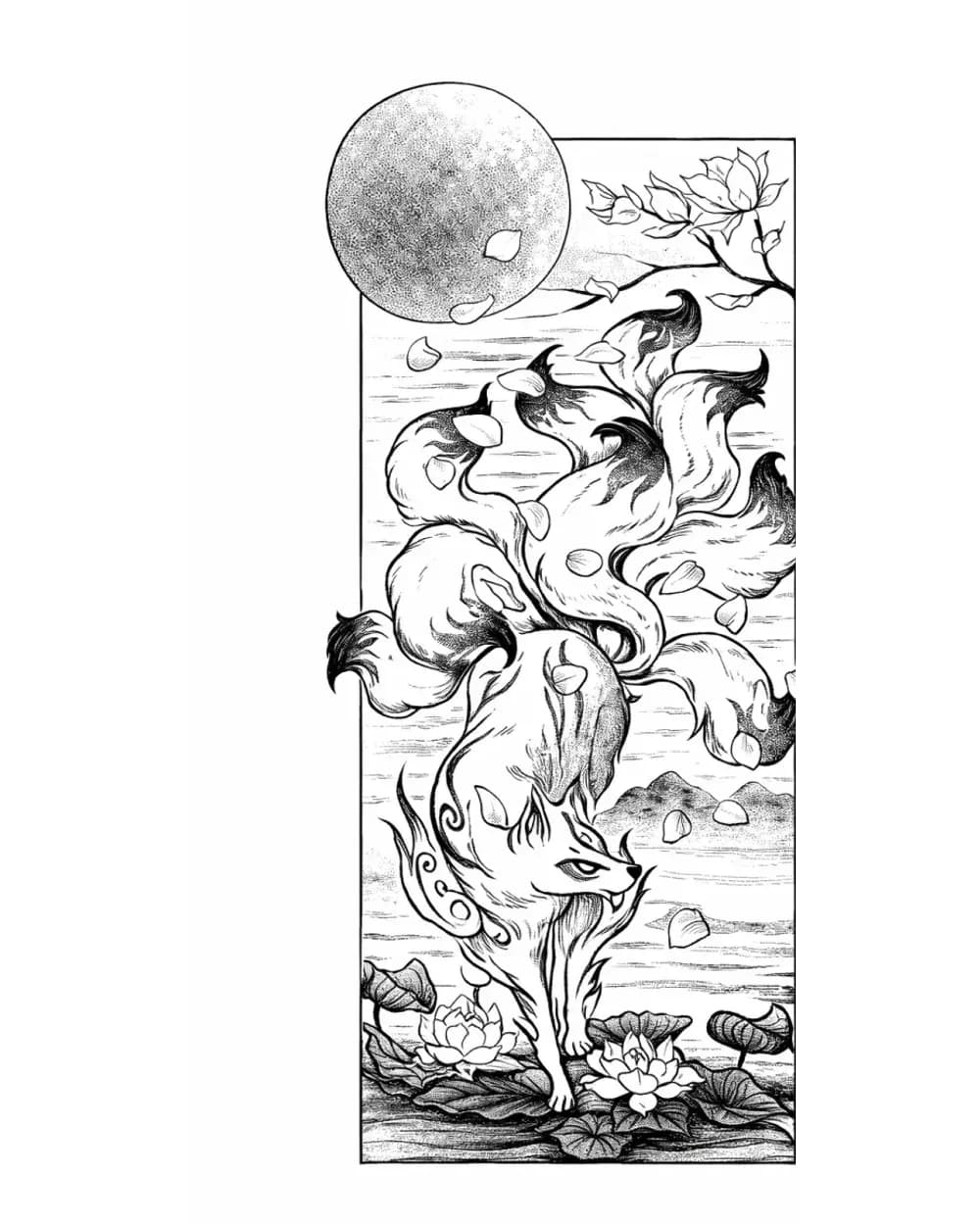
Fantasy Tattoo Stencil Group
17 curated examplesFantasy subjects only stay useful as stencil references when the main idea lands before the ornament does. This set is stronger now because it can compare fox spirits, d…
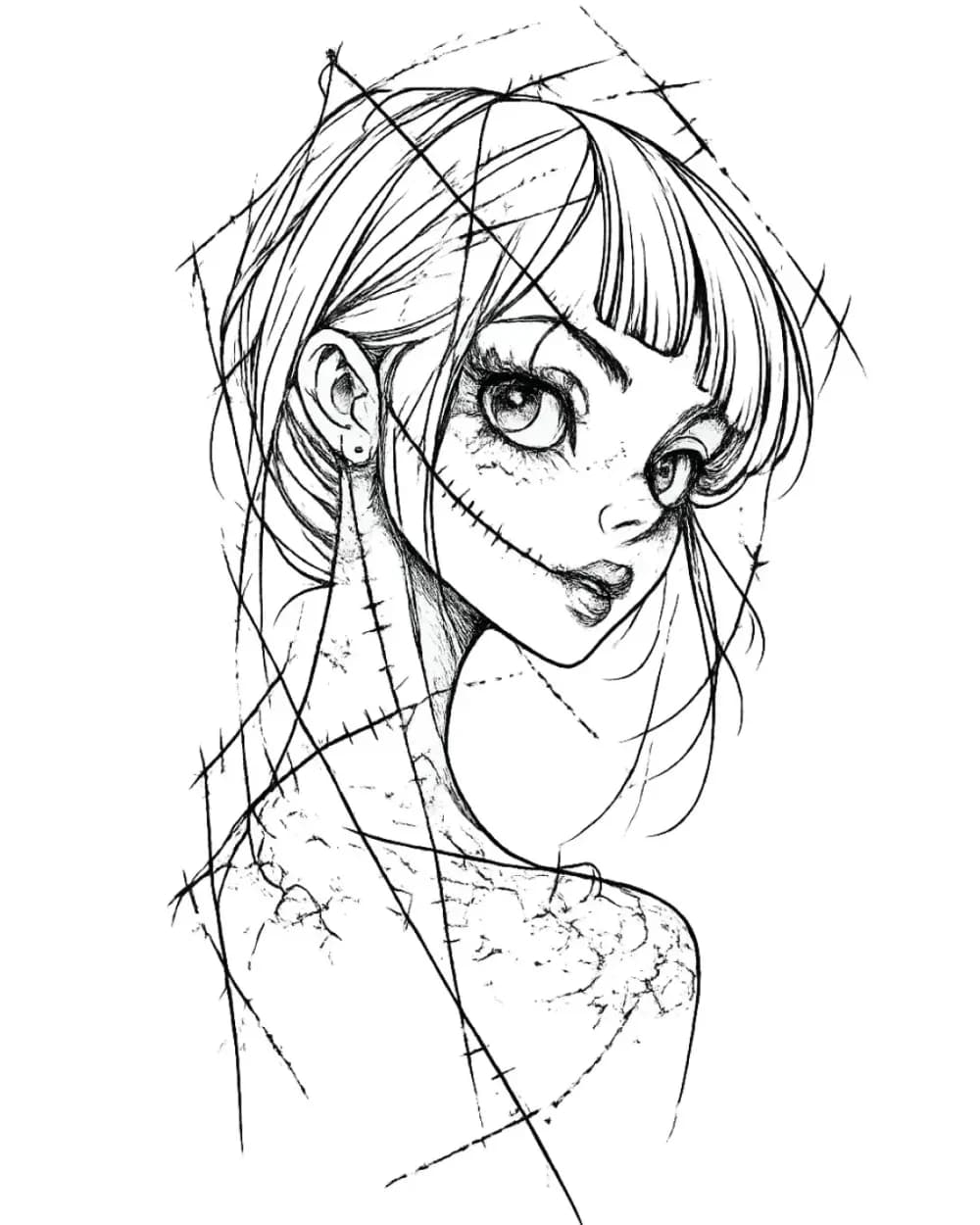
Portrait & Figure Tattoo Stencil Examples
9 curated examplesCompare first-party portrait, face, and figure tattoo stencil examples to see which recognition anchors, expression cues, body shapes, and detail clusters need to surviv…
Related Guides
Keep reading from here
How to Make Tattoo Stencils From Photos That Stay Readable
Choose, crop, simplify, and review a photo so the resulting tattoo stencil stays readable at placement size, including blurry and low-resolution references.
tattoo stencil from photo · stencil workflow
Read guide
How to Make a Tattoo Stencil: Reference to Transfer-Ready
Turn a drawing, photo, or reference into a clean tattoo stencil by simplifying the source, choosing line hierarchy and value guidance, checking size and orientation, and preparing transfer-ready output.
how to make a tattoo stencil · tattoo stencil workflow
Read guide
Tattoo Stencil Detail Levels: Simple, Standard, and Detailed
Compare Simple, Standard, and Detailed tattoo stencil modes and choose the amount of structural guidance that suits the size, subject, and placement.
tattoo stencil detail levels · tattoo stencil readability
Read guideAuthor
Andrea Mezzadra
Founder and product builder at StencilStudio
Andrea builds StencilStudio and tests how the tools fit into real stencil prep, using real references and outputs to document what works, what changes, and where artist judgment still matters.
In the App
Shape the stencil to the body before it becomes transfer rework
StencilStudio helps you preview and curve the stencil so placement issues show up earlier, while the draft is still cheap to fix.