

Detail Control
Tattoo Stencil Detail Levels: Simple, Standard, and Detailed
Compare Simple, Standard, and Detailed tattoo stencil modes and choose the amount of structural guidance that suits the size, subject, and placement.
tattoo stencil detail levels · tattoo stencil readability · stencil simplification · micro realism tattoo stencil
- March 18, 2026
- September 18, 2026
- 8 min
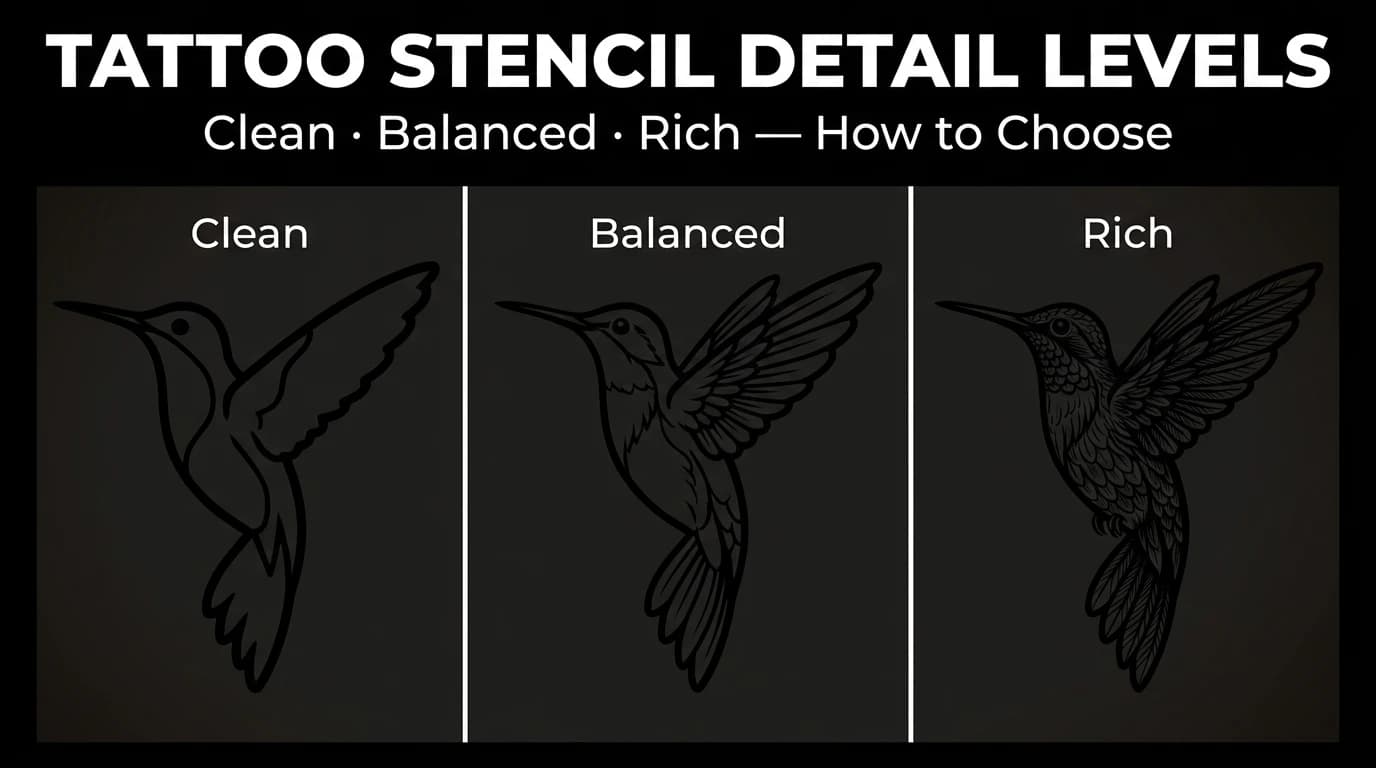
Detail level controls how much internal guidance remains after a source is reduced into a stencil. StencilStudio uses three modes: Simple, Standard, and Detailed. The right choice depends on the design, final size, placement, and how much information the artist wants available during the session.
More lines are not automatically more useful. Fewer lines are not automatically better. The goal is to keep the information that remains readable and useful at the size and placement you actually intend to use.
Detail level decides which lines and guides remain. Line weight is a separate decision: it changes how strongly those surviving marks print. Use Tattoo Stencil Line Weight: Fine vs Normal vs Bold to compare that variable without changing the detail mode.
When the remaining information describes shadows or fades, the tattoo stencil shading guide explains how to map tonal guidance without turning every tonal change into a line.
Start with size and placement
Before comparing modes, estimate the final tattoo size and body area.
A dense stencil can remain clear on a large flat placement and become crowded when reduced or wrapped. A very sparse stencil can work well for a bold symbol but remove landmarks needed in a portrait.
Use the final conditions as the filter:
- small or strongly curved placement;
- medium day-to-day piece;
- large layered composition;
- subject that depends mainly on silhouette;
- subject that depends on internal landmarks.
Simple: when the essentials carry the design
Simple keeps the main silhouette and essential guide lines while removing more secondary structure.
It is a useful comparison when:
- the tattoo will be relatively small;
- the placement compresses detail;
- the subject is recognizable from its outline;
- the source contains texture that should not enter the stencil;
- the artist needs only a limited set of internal guides.
The compact symbol stencil examples make this easy to inspect because silhouette, internal gaps, and repeated geometry carry more of the read than surface texture.
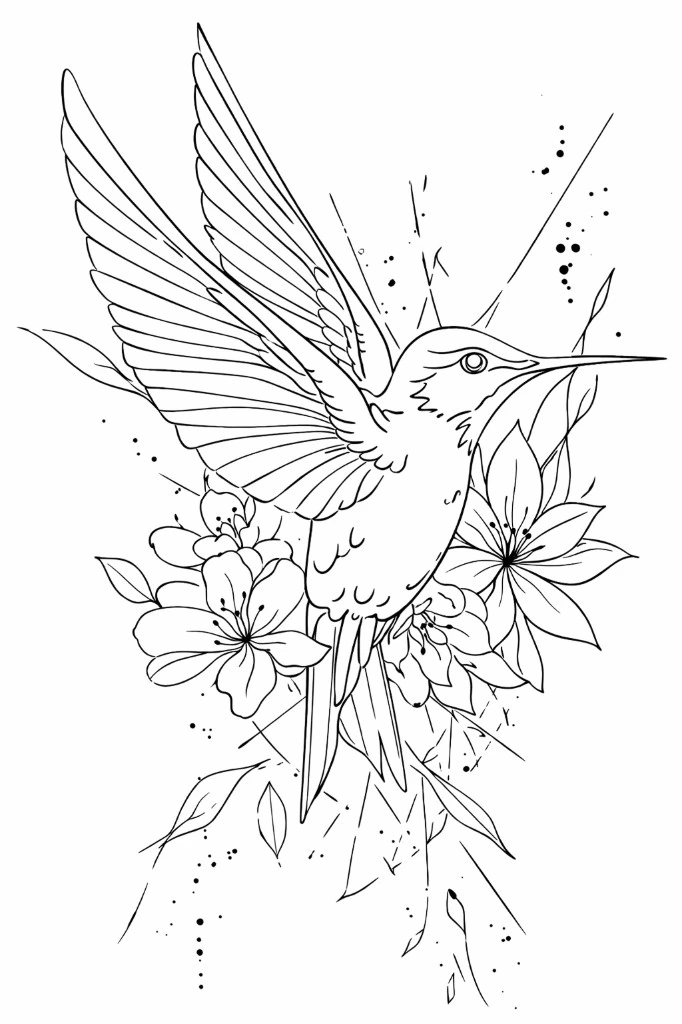
Inspect negative space carefully. A Simple stencil should reduce information without joining areas that need to remain separate or removing a landmark the design depends on.
Standard: a balanced amount of guidance
Standard keeps the outer shape plus a moderate amount of internal structure. It sits between the more reduced Simple mode and the more information-rich Detailed mode.
It is worth comparing for:
- portraits and figures that need several stable landmarks;
- animals with clear facial structure;
- medium-sized pieces;
- designs that need placement guidance without retaining every secondary mark;
- references where Simple removes useful structure but Detailed feels crowded.
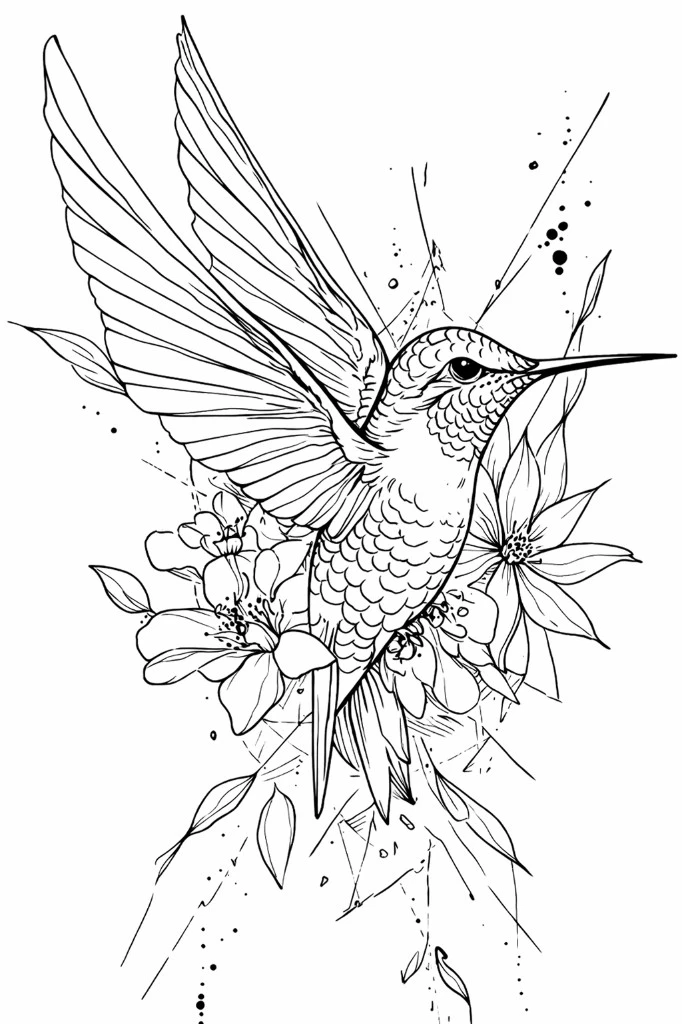
Standard should still leave enough space between important marks. If it begins to read as a dense finished drawing instead of a working stencil, compare the same reference in Simple or remove low-priority information manually.
Detailed: when additional structure remains useful
Detailed keeps more internal structure and shade guidance. It is intended for references where extra anchors genuinely help the artist read layered forms or tonal boundaries.
Consider Detailed when:
- the tattoo will be large enough to support more information;
- armor, ornament, architecture, or overlapping forms must stay distinct;
- a simpler mode removes landmarks needed during execution;
- internal shadow boundaries describe important changes of plane;
- the source contains structure that would be slow to reconstruct from memory during the session.
The fantasy collection contains compositions where controlled additional structure can help.
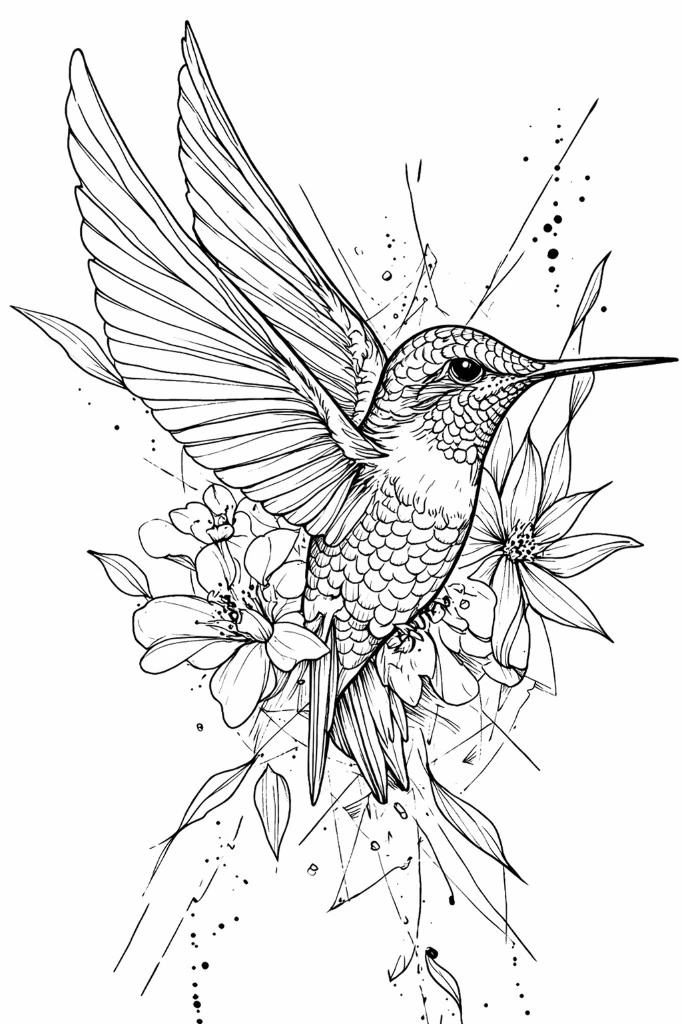
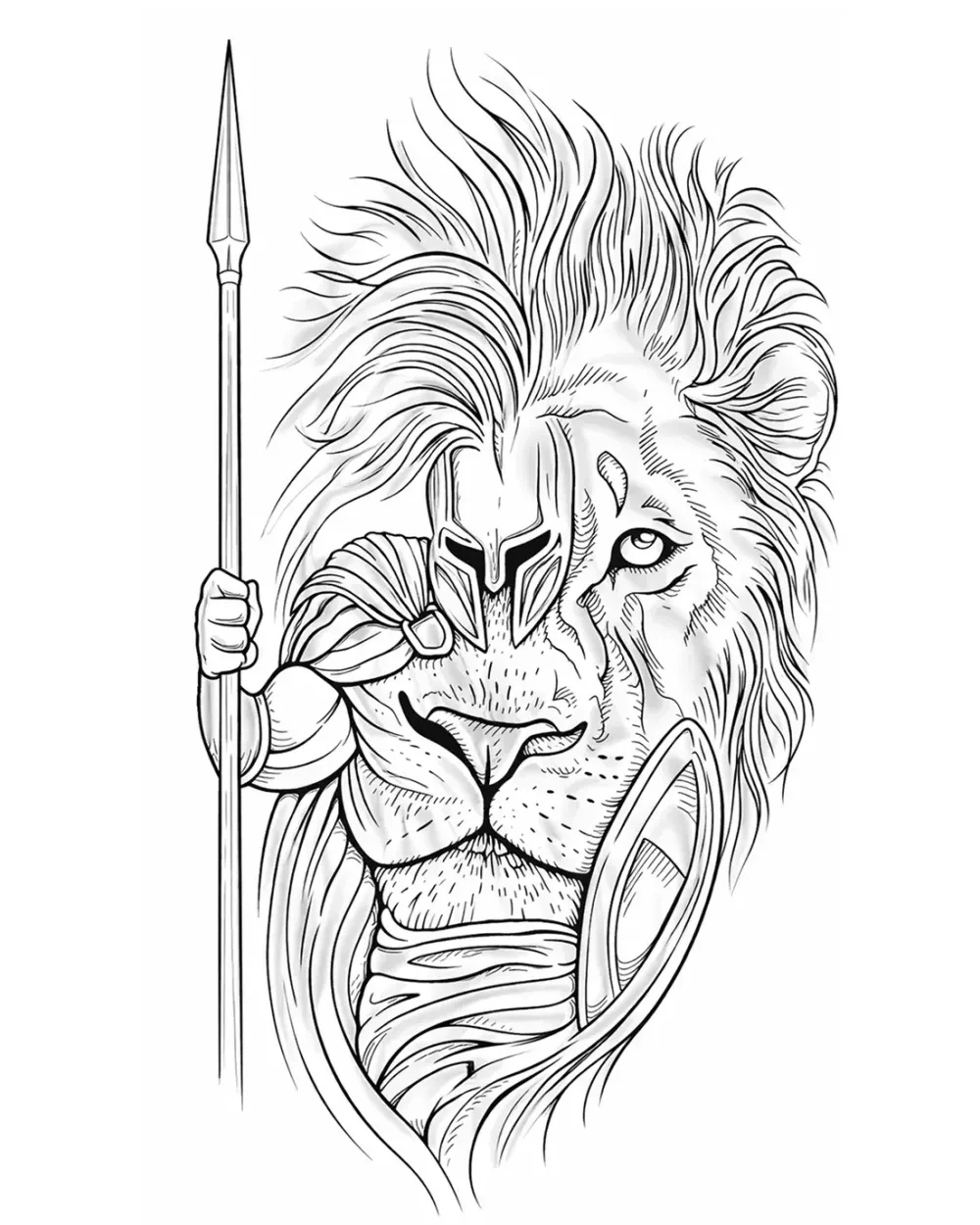
Detailed is still a starting point. Extra generated information should be reviewed at final size rather than kept automatically.
A quick selector
Use this sequence when choosing:
- If the tattoo is small or strongly curved, compare Simple early.
- If the piece needs a moderate number of landmarks, compare Standard with the neighboring modes.
- If the piece is large, layered, or structurally dense, inspect Detailed at final size.
- If two modes preserve the same useful information at final size, prefer the less crowded result.
- If a simpler mode removes a necessary landmark, move up one level or restore that information selectively.
On the web generator, Detailed is currently selected by default because it preserves more structure. Treat that default as a starting point, not as a rule for every reference.
Compare modes at final size
Full-screen comparison can favor the densest version because every mark has room to breathe.
Reduce each candidate to the expected tattoo size. Check:
- silhouette;
- focal point;
- separation between landmarks;
- enclosed negative space;
- areas that have turned visually grey;
- information lost between modes.
For a subject-specific comparison, the skull tattoo stencil collection makes eye and nasal cavities, tooth gaps, floral ornament, and supporting linework easy to inspect before those structures are compressed.
Use this guide to choose between Simple, Standard, and Detailed. If you already have a candidate stencil and need to diagnose whether its information density is appropriate for one specific physical size, use Tattoo Stencil Too Detailed for the Final Size.
If a clear human portrait reference still looks like the person but changing modes, tracing, or cleanup shifts facial relationships, that is a likeness-state problem rather than a general detail-level choice. Use Why a Portrait Tattoo Stencil Loses Likeness before adding more texture or simplifying again.
The Samples page shows how source information changes across real stencil output, while the free web stencil maker lets you test your own reference.
Micro-realism: test what survives the shrink-down
Micro-realism is a useful stress test for detail-level decisions because the subject still has to read as a specific face, animal, object, or scene after realistic information has been compressed into a smaller physical area.
Do not begin with a universal minimum size. Begin with the intended size and ask which information must survive for this specific subject to remain recognizable.
Use three layers of information:
- Recognition anchors: silhouette plus the few relationships that make the subject specific. In a portrait this can include eye alignment, nose shape, mouth angle, and jaw. In a pet portrait it can include eye spacing, nose width, muzzle shape, ears, and a distinctive marking.
- Form anchors: selected hard value boundaries, deep cavities, overlaps, or plane changes that help rebuild three-dimensional form from the reference.
- Secondary texture: repeated fur, hair, pores, wrinkles, fabric grain, background clutter, and other information that can often be reduced first.
Now compare the same crop in Simple, Standard, and Detailed at the same physical dimensions.
- If recognition anchors stay distinct but secondary texture becomes grey or crowded, simplify before enlarging.
- If a simpler mode removes a recognition anchor that Detailed preserves cleanly, keep the extra information.
- If the recognition anchors themselves begin to merge, close, or require omission at the intended size, enlarging or changing the crop is a more honest fix than forcing more detail into the same area.
This is the boundary between a smaller realism stencil and an overloaded realism stencil. The Realism Tattoo Stencil Maker covers the broader realism information hierarchy across subjects; this section is specifically about testing that hierarchy under a small final-size constraint.
Run the test at a real physical size
Screen zoom can hide crowding. Set the intended dimensions with the Tattoo Stencil Size & Print Calculator, then inspect the smallest recognition-critical cluster at 1:1 scale.
If you already have the finished raster, the Tattoo Stencil Print Checker can inspect file-side source sampling, very fine geometry, dense regions, and threshold-sensitive areas at the intended width. It does not predict tattoo healing, skin behavior, or a specific printer.
Keep detail level and line weight separate during this test. If the right information is present but narrow gaps are closing, compare Fine or Normal line weight. If too much information is present, changing line weight alone does not solve the underlying density problem.
More source resolution does not create more physical space
A high-resolution reference is valuable because it makes the source easier to inspect. It does not guarantee that every visible feature should survive into a small stencil.
Once the output has been assigned a real physical width, the important question becomes whether critical marks and the spaces between them remain separable. Extra source pixels cannot create extra millimetres between two features that are already crowded at final size.
For source-quality diagnosis before this stage, use How to Make Tattoo Stencils From Photos.
Do not turn the stencil test into a healing promise
This workflow is a preflight for stencil information, not a prediction of how a tattoo will age. Research can image tattoo pigment distribution in fresh and older tattoos, but it does not provide a universal minimum micro-realism size that applies across designs, placements, skin, inks, and execution. The American Academy of Dermatology also notes that ultraviolet exposure can fade tattoo inks over time.
Use the stencil test to decide what is readable before transfer. Let an experienced artist's healed work, technique, placement judgment, and client-specific assessment determine what should actually be tattooed.
Detail level comes before placement review
Choose the broad level of information before adapting the stencil to the body. Curvature can compress lines, so an overloaded draft becomes even harder to evaluate after wrapping.
After selecting a mode, use the placement process described in Fit Tattoo Stencil to Body.
FAQ
Which detail level should I try first?
There is no universal best mode. Detailed is the current default in the web generator because it preserves more structure, but Standard or Simple can be clearer when the final tattoo is smaller, more curved, or does not need as many internal guides.
Does Detailed always produce a better stencil?
No. Detailed keeps more information. That is useful only when the additional structure remains readable and relevant at the final size. If it creates crowding, compare Standard or Simple.
How much detail should a micro-realism tattoo stencil keep?
Keep the smallest set of information that protects recognition and useful form at the intended physical size. Preserve recognition anchors first, then selected form boundaries. Reduce repeated texture before sacrificing the relationships that make the subject specific. If those recognition anchors cannot remain separate at the intended size, enlarge or recrop instead of treating a denser stencil as the solution.
Is there a universal minimum size for a micro-realism tattoo?
No. A single minimum dimension ignores subject complexity, crop, placement, execution, and which features carry recognition. Test the actual reference at the intended physical size and use the first failing recognition-critical cluster to decide whether to simplify, enlarge, or change the crop.
Should the selected mode be used without editing?
No. Treat each mode as a starting point. The artist should remove, restore, or adjust information according to the design, size, placement, and working method.
Related Collections
Jump from the guide to reviewed stencil examples
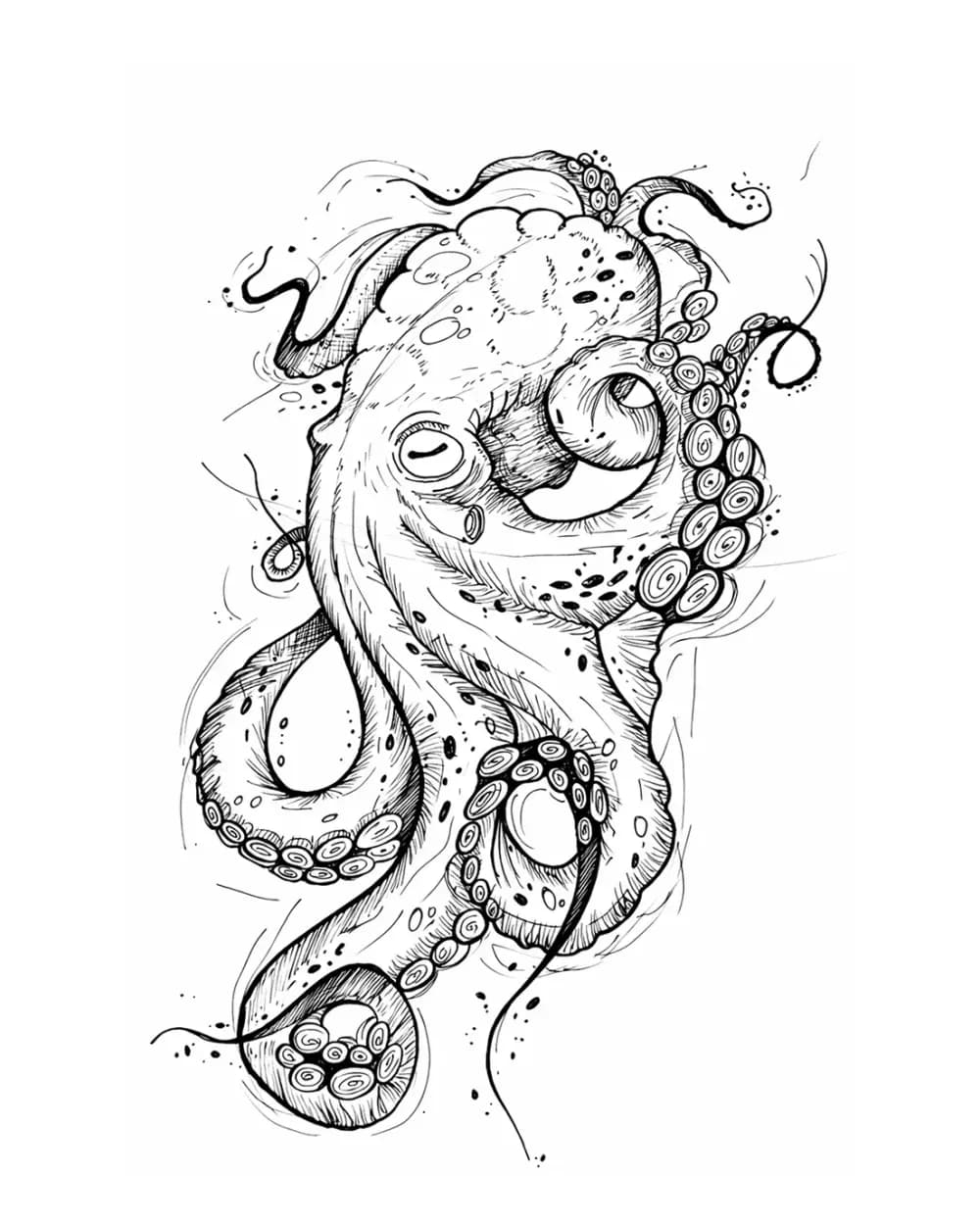
Animal Tattoo Stencil Gallery
12 curated examplesCompare 12 curated animal tattoo stencil examples across wildlife, pets, birds, and sea life. Start with the animal silhouette and recognition landmarks, then compare ho…
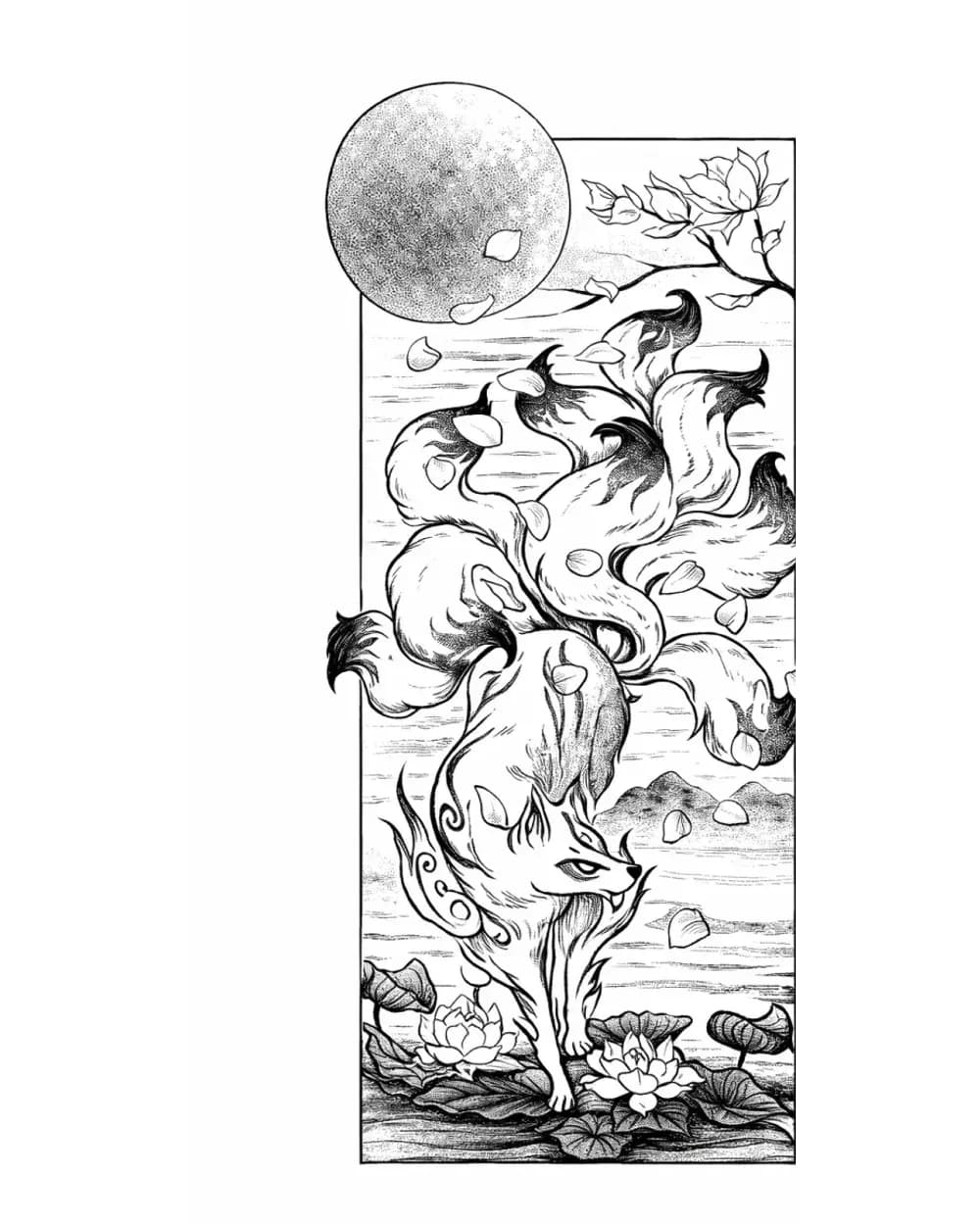
Fantasy Tattoo Stencil Group
17 curated examplesFantasy subjects only stay useful as stencil references when the main idea lands before the ornament does. This set is stronger now because it can compare fox spirits, d…
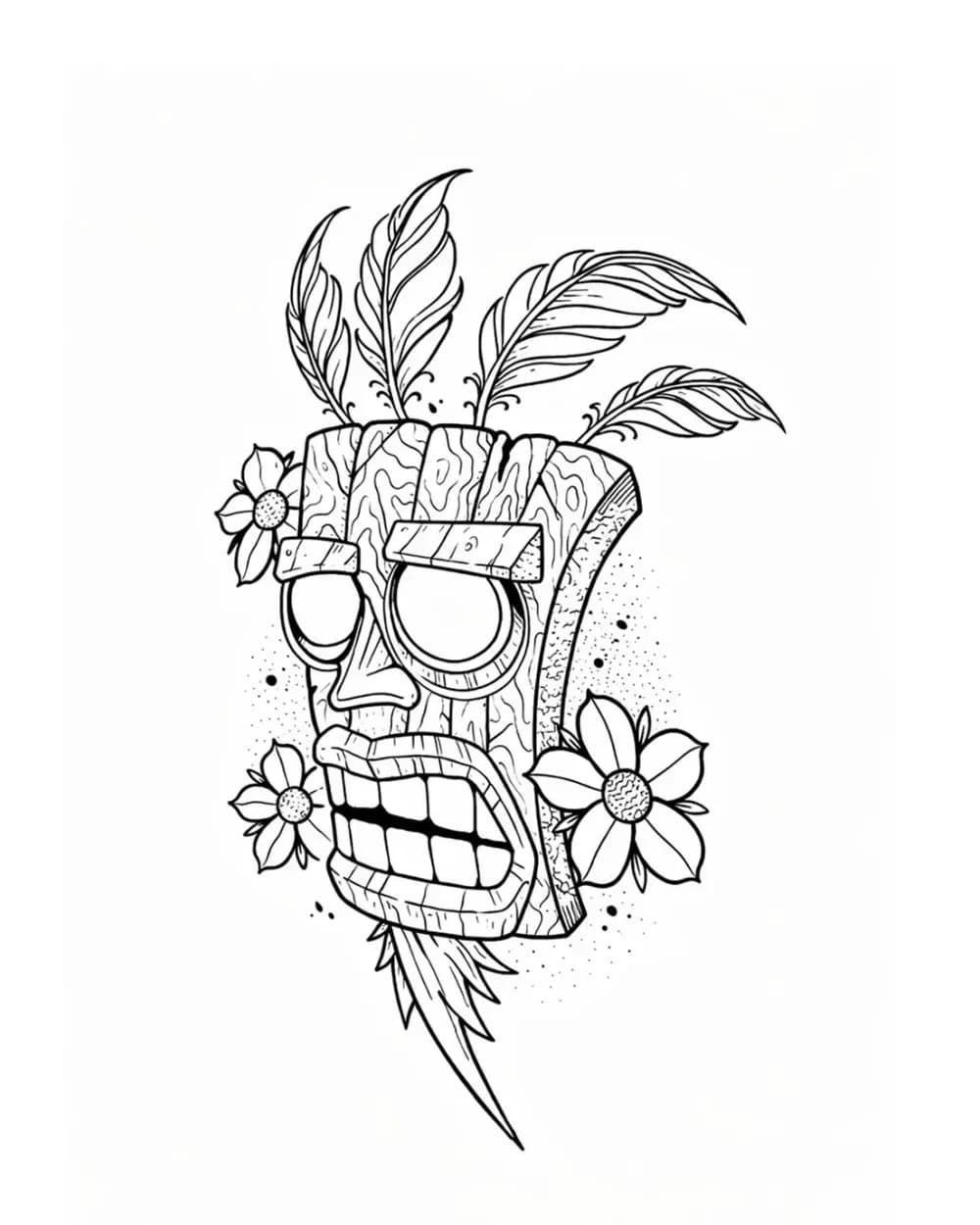
Tattoo Symbol Stencils
7 curated examplesCompare compact tattoo symbol stencils to see which silhouettes, internal gaps, repeated details, and orientation cues stay readable before adapting your own reference.…
Related Guides
Keep reading from here
How to Make Tattoo Stencils From Photos That Stay Readable
Choose, crop, simplify, and review a photo so the resulting tattoo stencil stays readable at placement size, including blurry and low-resolution references.
tattoo stencil from photo · stencil workflow
Read guide
How to Make a Tattoo Stencil: Reference to Transfer-Ready
Turn a drawing, photo, or reference into a clean tattoo stencil by simplifying the source, choosing line hierarchy and value guidance, checking size and orientation, and preparing transfer-ready output.
how to make a tattoo stencil · tattoo stencil workflow
Read guide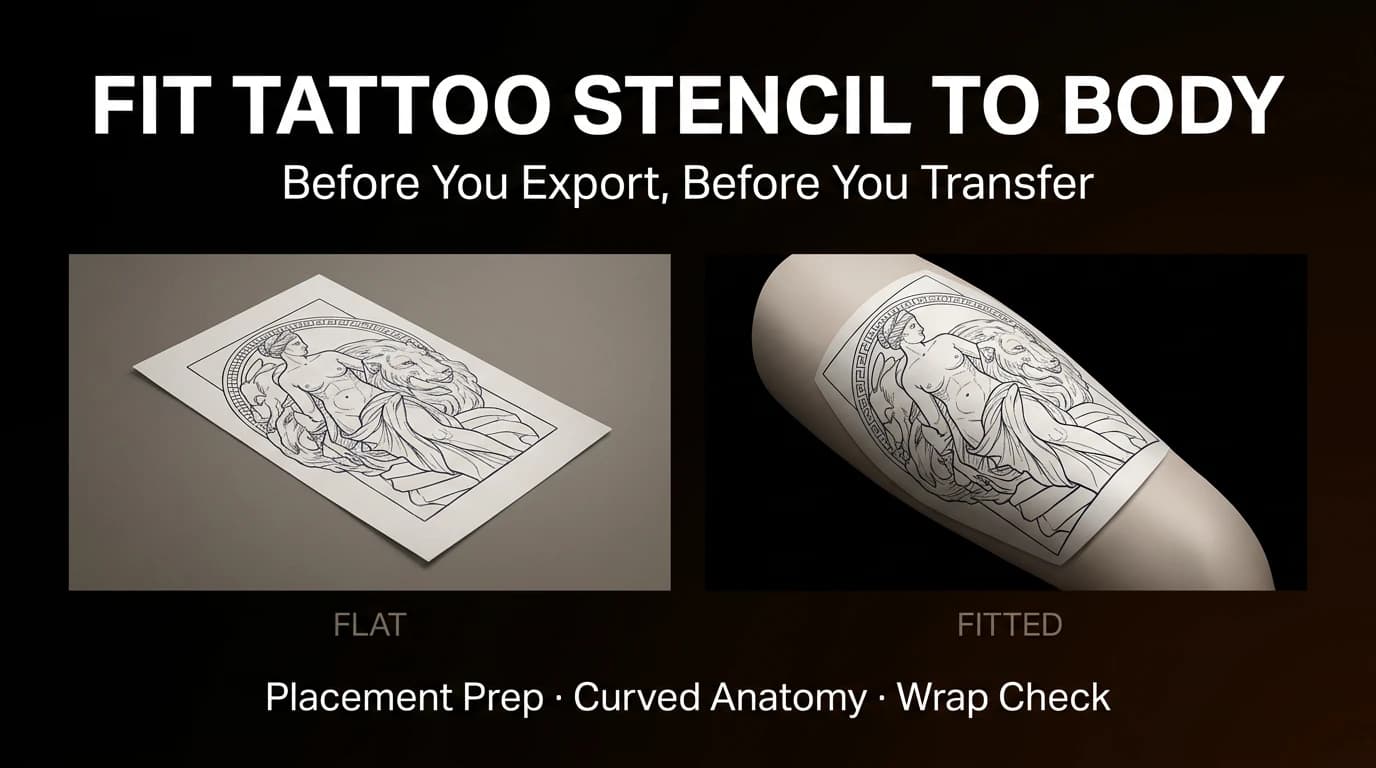
How to Fit a Tattoo Stencil to Curved Body Placement
Review focal point, wrap, compression, negative space, and body line before exporting a tattoo stencil for a curved placement.
fit tattoo stencil to body · tattoo placement prep
Read guideAuthor
Andrea Mezzadra
Founder and product builder at StencilStudio
Andrea builds StencilStudio and tests how the tools fit into real stencil prep, using real references and outputs to document what works, what changes, and where artist judgment still matters.
In the App
Pick the right amount of stencil information before you export
StencilStudio lets you move between Simple, Standard, and Detailed so the draft fits the tattoo, not just the source file.