

Tool Selection
Best Tattoo Stencil App? A 2026 Professional Workflow Comparison
Compare current tattoo stencil apps and Procreate by workflow: source conversion, editing, body fit, exact-size print, export, platform, cost, and evidence.
tattoo stencil app · tattoo stencil software · tattoo stencil maker app
- April 1, 2026
- September 23, 2026
- 20 min
App to paper
A stencil app handles one part of the workflow, not all of it.
Choosing software is easier when you separate the stages. A stencil app can take part in several of them without being responsible for every one. This map shows who handles each stage between an approved reference and a measured paper print, and what to check before trusting the handoff.
The same design moves through two different worlds. The first three stages are about the image you prepare on screen. The rest are about physical size, layout, and the printer path. Most avoidable stencil errors happen where those two worlds meet.
- 1-3Prepare the stencil
- 4-8Turn it into paper
App-to-paper responsibility map
Read it as a chain. When a stage moves to a different tool, that is where you need a verified size, not a promise.
Prepare the stencil
- 01Reference conversion
Can this app turn my chosen source into useful stencil guidance?
- Handled by
- Stencil app or manual editor
- Verify
- Source fidelity, useful detail, cleanup burden
- 02Manual correction
Can I deliberately repair or remove marks?
- Handled by
- Stencil app or drawing editor
- Verify
- Draw, erase, layer, and retouch controls
- 03Placement preview
Can I judge fit against the body?
- Handled by
- Placement-aware stencil workflow
- Verify
- Overlay compared with body-photo preview and real deformation
Turn it into paper
- 04Intended physical size
What size must the stencil be on paper?
- Handled by
- Size and print workflow
- Verify
- Centimetre or inch dimensions, calibration, page setup
- 05Page layout and tiling
How does a large stencil fit across paper?
- Handled by
- Size and print workflow
- Verify
- Sheet size, margins, tiling, size-preserving PDF
- 06Mobile handoff
How does the file move from the phone to the print path?
- Handled by
- iPhone print workflow
- Verify
- AirPrint compared with a manufacturer app, scaling risks
- 07Printer control
Which app actually talks to this printer?
- Handled by
- Printer vendor or printer hardware guide
- Verify
- Model-specific app, Bluetooth or Wi-Fi path
- 08Paper verification
Did the physical output keep the intended size and orientation?
- Handled by
- Print execution and calibration
- Verify
- Measured reference mark, width and height, mirror state
Print reality
What a print button does not prove.
Print wording is easy to add and hard to verify. Treat these as questions, not as product defects.
- A Print button is not proof of exact physical size. It only means the app can send a file somewhere.
- A PDF is not automatically true size. It stores a page format only when the workflow defines the physical geometry.
- Print support inside a stencil app is not the same as universal printer control.
- A companion printer app is often tied to one brand or model, so the manufacturer decides the exact setup.
- When size matters, measure the paper result instead of trusting the screen preview.
When the question changes from choosing software to reaching real paper, follow the specialist step for that stage.
Most "best tattoo stencil app" lists compare feature counts, star ratings, or let the publisher rank its own product. A working artist needs a different question: which part of stencil preparation are you trying to remove, and what evidence supports the workflow?
Disclosure: StencilStudio publishes this guide and is one of the products discussed. Current product capabilities below were checked against official product pages and store listings on August 23, 2026. Vendor performance claims stay labelled as claims. We do not have a completed controlled cross-product output benchmark for this edition, so this page does not rank stencil quality, fidelity, cleanup time, or generation speed.
Short answer: there is no universal best stencil app. Choose by workflow, not by star rating. Use a mature drawing editor such as Procreate when manual construction and editing control are the job. Use a dedicated reference-to-stencil converter when repetitive tracing or simplification is the bottleneck. Then filter for the downstream stages you actually need: manual retouch, body fit, exact-size print, tiling, export, platform, and cost model. A "Print" button is not proof of correct physical size, and moving a finished stencil onto paper is its own workflow with its own checks.
2026 tattoo stencil app market map
The main comparison includes products that are currently available, solve a materially comparable stencil-preparation job, and expose enough current official information to make the comparison useful. It deliberately does not include every app with "tattoo" or "stencil" in its name.
Evidence labels used in this guide:
- Verified current feature: present in the current app, official documentation, or current store listing.
- Official product claim: the vendor says it, but we have not independently measured the outcome.
- Community-reported: artist workflow evidence from public discussions, not a controlled test.
- Not independently tested here: no completed same-input cross-product benchmark is being used for that result.
- Not verified: current official evidence was not strong enough to state the capability either way.
Public ratings in this guide are a U.S. App Store snapshot observed August 23, 2026. Rating counts change and are an adoption or maturity signal, not a stencil-quality score.
Each entry describes the job the product does, the controls that verify it, and where the evidence stops. Read them as different jobs, not as positions in one league table.
- StencilStudio - Tattoo Stencil (Andrea Mezzadra). Primary job: reference-to-stencil conversion with connected preparation. Editing and detail control: Simple, Standard, and Detailed modes, Max Quality, upscale, and mirror. Size and print: exact-size print and a PNG or PDF workflow in the iPhone app, plus a separate browser Size and Print tool that creates true-size tiled PDFs. Placement: Fit to Body uses a body photo with wrap and taper controls. Platform: iPhone app plus the browser generator and tools. Current access: one free web generation plus in-app purchase; 4.7 / 331 ratings. Output evidence: not independently tested here.
- GHOSTLINE (Ghostline, Inc.). Primary job: reference conversion with in-app edit and print tools. Editing and detail control: Classic and Pro stencil controls, drawing, eraser, ruler, reference overlay, upscale and sharpen. Size and print: multi-page layout, scale controls, and paper size or orientation options; PDF export appears in the current version history. Placement: reference overlay is verified, while body-photo deformation was not verified. Platform: iPhone, iPad. Current access: free plus in-app purchase or subscription; 4.6 / 348 ratings. Output evidence: not independently tested here.
- Stencil AI - Tattoo Stencils (Simon Turkovic). Primary job: reference conversion with retouch and print handoff. Editing and detail control: multiple stencil styles plus a Retouch editor with draw, erase, and tonal controls; upscale. Size and print: true-size printing and print-ready PDF or JPG are documented by the vendor. Placement: body-fit deformation was not verified. Platform: iPhone, iPad, Android, web. Current access: free download plus in-app purchase or credits; 4.7 / 179 ratings. Output evidence: not independently tested here.
- TattStencil • Tattoo Stencil (TattSafe LLC). Primary job: reference workspace and stencil generation. Editing and detail control: color isolation, linework generation, and image-detail adjustment. Size and print: flexible printing and multi-page prints are listed. Placement: body-fit deformation was not verified. Platform: iPhone, iPad. Current access: free; 4.8 / 62 ratings. Output evidence: not independently tested here.
- StencilPro - Stencil Maker (Lorik Morina). Primary job: focused image-to-stencil conversion. Editing and detail control: image adjustment and conversion controls; save to Photos. Size and print: exact-size print and tiling were not verified in the current official listing. Placement: not verified. Platform: iPhone, iPad. Current access: free plus in-app purchase; 4.6 / 398 ratings, and the listing states two free credits. Output evidence: not independently tested here.
- Tattoo Stencil Maker / Stenstill (Bravycode Technologies). Primary job: image-to-stencil conversion plus print handoff. Editing and detail control: darkness, detail, and line-clarity controls; download and share. Size and print: the official Stenstill site documents true-to-size printing, while multi-page tiling was not verified. Placement: body-fit deformation was not verified. Platform: iPhone, iPad, Android, web. Current access: free plus in-app purchase; 4.7 / 512 ratings. Output evidence: not independently tested here.
- Procreate (Savage Interactive). Primary job: manual drawing, tracing, cleanup, and illustration. Editing and detail control: deep manual brush, layer, mask, and transform control with an Apple Pencil workflow. Size and print: general export and PDF support; a dedicated tattoo true-size or tiling workflow was not verified. Placement: manual transform and warp tools, not a dedicated body-photo fit workflow. Platform: iPad. Current access: US$12.99 one-time purchase; 4.4 / 50K ratings. Output evidence: manual-editor baseline, not a converter test.
The comparison is intentionally job-first. A missing automatic converter does not make Procreate a weak drawing editor. A converter without body placement can still be useful when placement is solved elsewhere.
What we actually compared, and what we excluded
Included products have a current, verifiable workflow that can materially affect professional stencil preparation.
Excluded from the main matrix:
- generic tattoo concept generators whose main job is prompt-to-new-design rather than preserving an existing approved reference;
- products that could not be verified as active and comparable from current official sources;
- apps with ambiguous identities where similarly named products could be conflated;
- additional small converter apps that would add rows without adding a meaningfully different workflow.
LineRipper, for example, did not surface enough current official product evidence to justify a main comparison entry. That is an evidence limitation, not a quality judgment.
Discovery aggregators also surface hundreds of loosely related apps. That does not mean there are hundreds of serious professional reference-to-stencil converters.
Start with the job, not the app category
These products overlap, but they do not all solve the same job.
Reference-to-stencil converter
Existing photo or artwork goes in, stencil guidance comes out.
The main question is whether useful source structure survives while irrelevant information is reduced.
Drawing / manual editor
The artist constructs, traces, or cleans the stencil manually. Procreate is the important baseline here.
The advantage is direct control over why each mark exists. The cost can be more operator work for tracing, cleanup, and preparation. Do not invent a universal time penalty: measure it on your own references.
Concept generator
A prompt or idea becomes new artwork. This is not the same task as converting an approved source into a faithful stencil.
Do not score a concept generator against source fidelity when it is supposed to invent.
Stencil + print workflow
Conversion continues into physical sizing, paper layout, tiling, PDF/export, or direct print.
This can reduce handoffs, but a Print button alone does not prove exact-size support.
Placement-aware workflow
The workflow adds a placement stage. A flat reference overlay, a body-photo preview, and actual wrap/taper deformation are different capabilities and should not be collapsed into one checkbox.
Test source fidelity on the same reference
Source fidelity is not pixel similarity. It is whether the stencil preserves the relationships that still matter to the tattoo:
- proportions;
- identity landmarks;
- important overlaps;
- lettering and dates;
- geometric relationships;
- negative-space openings;
- absence of invented structure.
Run the same crop through each converter at a comparable functional setting.
Method, not a simulated result:
SAME SOURCE + SAME CROP + SAME INTENDED SIZE → TOOL A / TOOL B / TOOL C → CHECK THE SAME LANDMARKS, GAPS, LETTERING, AND CONTINUITY
Use at least three source types:
- a clean symbol or logo;
- a portrait or pet where identity depends on relationships;
- a dense organic or ornamental source;
- lettering if it is common in your work.
Inspect missing structure, added structure, changed landmarks, background noise, closed gaps, and changed lettering.
If the portrait source itself is clear but the stencil no longer looks like the same person, use the portrait likeness diagnostic before adding more texture. If the source itself is weak, use the Reference Photo Quality Checker first.
Compare cleanup cost, not only generation speed
TIME TO FIRST OUTPUT is not TIME TO USABLE STENCIL.
After every result, record deliberate cleanup actions:
- delete an irrelevant background line;
- restore a missing landmark;
- reopen a counter or negative space;
- repair line continuity;
- remove unnecessary texture;
- correct lettering;
- redraw a relationship that changed;
- move the file into another app for manual cleanup;
- resize or rebuild the print handoff.
Do not convert a vendor's "in seconds", "no cleanup", or similar marketing statement into measured workflow performance unless you reproduce it under a documented protocol.
A dedicated converter may still be valuable even when it needs cleanup. The comparison is total prep burden for your references, not whether any correction exists.
Detail controls are not interchangeable
Mode names can look similar while solving different jobs. "Detailed" in one product is not automatically equivalent to "Hatching", "Pro", or a slider value in another.
Map controls by purpose:
- Minimal outline: does the silhouette and primary structure survive without unnecessary texture?
- Balanced structure: are important internal forms retained while the gaps remain readable?
- Tonal or value guidance: does the extra guidance explain useful form instead of becoming texture noise?
- Manual cleanup: can you deliberately add, remove, or repair specific marks?
- Stronger line output: does the tool change the mass of the surviving marks rather than silently adding more information?
The Tattoo Stencil Detail Levels guide covers information density. The Tattoo Stencil Line Weight guide covers the separate question of how much mass the surviving marks carry.
More lines are not evidence of a better stencil.
Exact-size printing is not the same as a print button
A "Print" button does not prove that a workflow preserves a known physical tattoo size.
For exact-size output, verify:
- where width or height is entered in cm or inches;
- what paper sizes are available;
- whether the file can tile across multiple sheets;
- whether PDF or another size-preserving document is generated;
- whether the next print dialog can silently apply Fit to Page;
- whether a calibration mark or independent measurement can verify the paper result.
The Tattoo Stencil Size & Print Calculator can create a true-size PDF with a physical calibration mark. The Tattoo Stencil Print Checker is a separate preflight for a finished file at intended physical size.
These checks also mark the point where responsibility changes hands. The App-to-paper responsibility map at the top of this guide separates stencil preparation from intended physical size, page layout, mobile handoff, printer control, and paper verification. A stencil app may cover several of those stages without covering all of them.
If you want to prepare and print from a phone, keep the chain explicit: stencil creation and editing, physical size, export format, phone-to-printer handoff, a printer companion app if that model needs one, and a paper measurement. The stencil app covers only the first part. The Print From iPhone guide covers the execution steps, and printer hardware belongs with the Tattoo Stencil Printer guide.
Two later stages also have their own guides. When the design is larger than one sheet, the large stencil printing guide covers tiling, alignment, and reassembly. When orientation is the question, the mirror guide covers where mirroring should happen and how to avoid mirroring twice across separate apps.
Test placement separately
Placement needs the same precision in terminology.
A reference overlay can help compare the stencil with another image. A body-photo preview puts the design against photographed anatomy. A body-fit deformation tool may add wrap, taper, rotation, or curvature controls. Those are different levels of placement support.
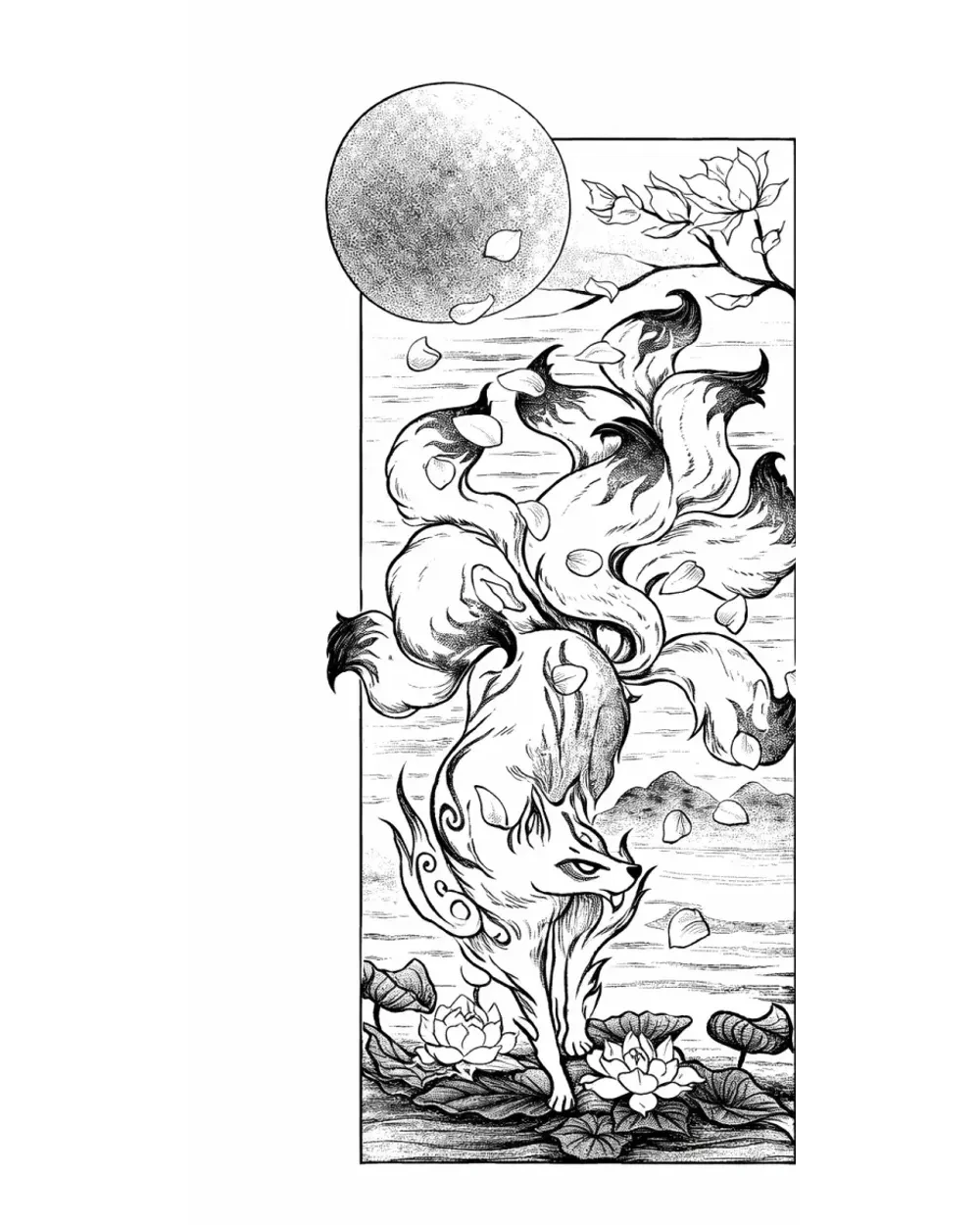
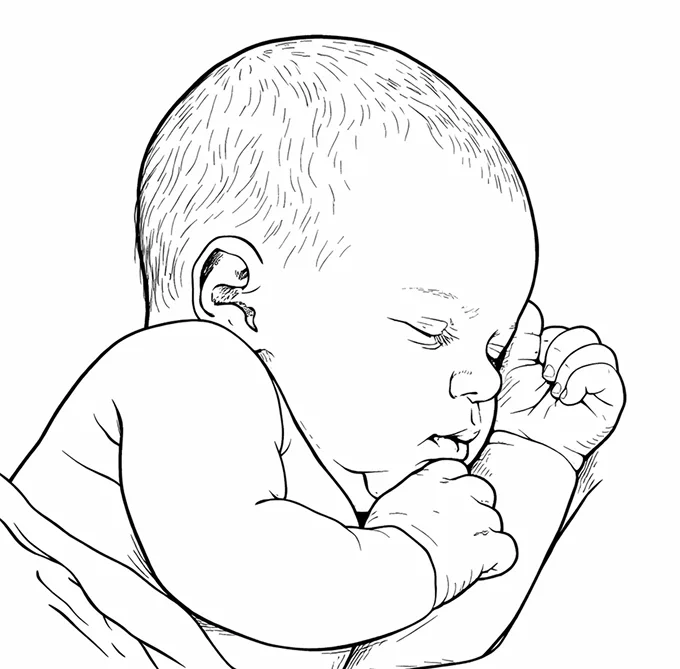
Use Fit Tattoo Stencil to Body when the specific job is reviewing a flat stencil on a photographed body area.
Current workflow profiles
These are not mini-reviews or rankings. They explain what current official sources make each workflow worth evaluating, and where the evidence stops.
Procreate: manual-control baseline
Where it fits: artists who already draw, trace, or clean stencils manually on iPad and want deep control over why each mark exists.
Verified current capabilities: mature brush, layer, mask, transform, warp/liquify, guide, Apple Pencil, high-resolution canvas, and broad image/PDF export features.
Boundary: Procreate is not being treated as a one-click reference-to-stencil converter. A tattoo-specific exact-size print or multi-page stencil workflow was not verified as a dedicated built-in feature, so artists may use another tool for that stage.
GHOSTLINE: conversion, edit, reference, and multi-page print in one app
Where it fits: artists who want a dedicated stencil converter with manual correction and a relatively broad print workflow on iPhone or iPad.
Verified current capabilities: Classic and Pro stencil controls, detail/intensity settings, drawing, eraser, ruler, reference overlay, upscale/sharpen, scale controls, and multi-page print layout. Current version history also references PDF export.
Boundary: GHOSTLINE markets outcomes such as fast or "perfect" stencils. Those are vendor claims here, not independent performance findings. A reference overlay is also not the same thing as a body-photo deformation workflow.
Stencil AI - Tattoo Stencils: conversion plus retouch and print handoff
Where it fits: artists who want several stencil treatments plus an integrated retouch stage before print/export, with web and mobile options.
Verified current capabilities: multiple stencil styles, a Retouch editor with drawing/erasing and tonal controls, upscaling, and vendor-documented true-size printing plus print-ready PDF/JPG. Current official sources also document iOS, Android, and web access.
Boundary: the product's current surfaces use slightly different names for some stencil styles, so this guide compares their purpose rather than pretending the labels map exactly to another app. Body-fit deformation was not verified.
TattStencil • Tattoo Stencil: reference workspace with multi-page printing
Where it fits: artists who want a dedicated reference/stencil workflow with color isolation, linework controls, and documented multi-page print support.
Verified current capabilities: color isolation, reference workspace, linework generation, image-detail adjustment, flexible printing, and multi-page prints.
Boundary: a dedicated body-photo fit/deformation workflow was not verified. Its App Store privacy label is a developer declaration, not an independent privacy audit.
StencilPro - Stencil Maker: focused conversion
Where it fits: artists who want a focused image-to-stencil workflow and do not need the comparison page to assume a large all-in-one toolchain.
Verified current capabilities: image conversion/adjustment, save-to-Photos workflow, and starter access described as two free credits.
Boundary: the current listing states that face images are not allowed, including realistic, stylized, or animated faces. Exact-size printing, tiling, body fit, and a full manual drawing environment were not verified in the current official listing.
Tattoo Stencil Maker / Stenstill: conversion across mobile and web
Where it fits: artists who want image-to-stencil conversion across mobile and web, with simple line controls and a documented true-size print path.
Verified current capabilities: source conversion, darkness/detail/clarity controls, download/share, iPhone/iPad, Android, web access, and vendor-documented true-to-size printing.
Boundary: multi-page tiling, body-photo fit/deformation, and deep manual editing were not verified. The App Store title is "Tattoo Stencil Maker" while the current product site and listing copy use "Stenstill", so the developer identity matters when comparing similarly named products.
Where StencilStudio fits, and where it does not
Because StencilStudio publishes this page, its limitations belong next to its strengths.
Where it fits
The current StencilStudio workflow is centered on an approved reference moving through connected preparation stages:
reference → Simple / Standard / Detailed conversion → optional Max Quality / upscale → mirror and review → Fit to Body → exact-size print / PNG or PDF handoff.
The browser generator offers one free generation and PNG download. Current StencilStudio product pages route deeper app-only work such as Max Quality, upscale, mirror, Fit to Body, exact-size print, thermal workflows, and professional PDF export to the iPhone app.
Where it does not
StencilStudio is not a replacement for a full illustration environment like Procreate. If the main job is drawing every stencil from scratch with deep brush/layer control, a mature drawing app is the more direct tool.
The current native app is for iPhone, so an Android-native or iPad-native requirement should remove it from your shortlist rather than become a vague quality penalty.
Generation uses a server-side workflow. The current privacy policy says generation inputs are uploaded as needed for processing and may be sent to AI providers to perform generation. If local-only processing is a requirement, that matters.
StencilStudio also does not remove the artist's responsibility to review anatomy, identity, lettering, negative space, final-size readability, placement, printer behavior, or the physical transfer.
Community workflow evidence: mixed toolchains are normal
Current public tattoo discussions show several workflows coexisting: manual Procreate preparation, dedicated stencil apps for conversion or print stages, and separate printer handoffs even when artwork was built in Procreate.
That is useful workflow evidence, not a vote for one product. A Reddit comment about blobs, cleanup, speed, or a favorite app is an anecdote unless reproduced under a controlled comparison.
The practical implication is simple: do not reject a toolchain merely because it contains two apps, and do not prefer an all-in-one product merely because it contains more features.
Use this decision tree
Do you already have the artwork/reference?
- No: your first job is concept generation or drawing. A source-to-stencil comparison is premature.
- Yes: continue.
Do you want to construct the stencil manually?
- Yes: start with a mature drawing/editor workflow such as Procreate.
- No, conversion is the bottleneck: compare dedicated converters on the same references.
Do you need to retouch specific marks inside the same app?
- Yes: filter for verified manual editing/retouch features.
- No: a focused converter may be enough.
Do you need exact physical size or multi-page output?
- Yes: verify physical units, page layout, PDF behavior, tiling, and calibration. Do not infer this from a generic Print button.
- No: export fidelity may matter more than integrated printing.
Do you need body-photo fit or deformation?
- Yes: verify the placement model itself. Reference overlay, flat preview, and wrap/taper deformation are different jobs.
- No: do not penalize a converter for omitting placement.
Then test your own difficult references before committing to a paid workflow.
Test three references before you pay
Free access is valuable only if you spend it on evidence.
Use:
- Clean: a simple symbol or geometric source.
- Identity-critical: a portrait or pet.
- Dense: layered organic or ornamental work.
- Lettering, if central to your studio: a word/date with counters and narrow gaps.
For every product, keep a small record:
- Did the source relationships survive?
- What structure was added or removed?
- Did counters and gaps stay open at the intended size?
- How many deliberate cleanup actions remained?
- Did the exported file match the preview?
- Could you reach the physical-size or print stage you actually need?
- Did another app become necessary, and was that handoff acceptable?
The free tattoo stencil maker testing guide goes deeper on how to use starter access without wasting it on one easy demo. If you want one conversion result before installing anything, the browser generator runs a single reference.
Practical tattoo stencil software scorecard
Do not assign arbitrary universal weights. Weight the dimensions for your own studio:
- Source fidelity: proportions, landmarks, lettering, overlaps, and absence of invented structure.
- Cleanup burden: deliberate corrections still required before use.
- Manual control: ability to add, remove, repair, or redraw specific marks.
- Detail control: ability to change how much information survives.
- Final-size readability: whether the stencil still separates important marks and spaces at intended physical size.
- Placement: flat preview, reference overlay, body-photo review, or deformation, depending on the job.
- Exact-size print: physical units, paper layout, tiling, PDF behavior, and scale verification.
- Export / interoperability: whether files can move cleanly into the rest of your workflow.
- Platform: iPhone, iPad, Android, browser, or desktop constraints.
- Cost model: free test, subscription, credits, or one-time purchase.
- Privacy evidence: what the developer declares about collection/processing, and whether that meets your requirements.
A portrait-heavy studio may weight identity relationships highest. Lettering work may weight counters, exact size, and export. An artist who draws everything manually may weight editor depth far above automatic conversion.
Claims worth testing, not assuming
Several claims appear across the stencil-app market because they are easy to understand and difficult to compare without controlled evidence.
Treat these as test prompts:
- "In seconds": how much work remains after the first result?
- "No cleanup": does that hold for your portrait, dense, and lettering references?
- "Perfect" or "professional" stencil: which source relationships, gaps, and landmarks survived?
- "Exact-size print": where is physical size specified, and can you verify the paper result independently?
- "AI-powered": did the workflow preserve source evidence or invent structure?
- "Most advanced" / "most complete": advanced for which job, and which stages do you actually need?
The same standard applies to StencilStudio's own product marketing. Marketing copy is not a controlled comparison result.
Inspect the exported file outside the app
Before relying on any workflow, export a result and open it elsewhere.
Check:
- image dimensions;
- line clarity;
- background behavior;
- orientation and mirror state;
- supported file formats that matter to your toolchain;
- whether the exported file matches the in-app preview;
- whether the next app changes size or crops unexpectedly.
The export is the contract between one stage and the next. A strong in-app preview is not enough if the saved file behaves differently.
Decide whether you need one app or a small toolchain
There is no prize for doing every stage in one application.
A manual-heavy path might be:
Procreate → print/sizing tool.
A mixed path might be:
converter → Procreate cleanup → exact-size print.
A connected path might be:
converter → body-fit review → exact-size print.
Compare the handoffs that matter: repeated setup, file conversions, cleanup, manual control, and opportunities for silent size/orientation changes.
The artist remains responsible for anatomy, identity, structure, placement, and execution. Software changes the preparation burden; it does not remove that responsibility.
FAQ
What is the best tattoo stencil app for professional artists?
There is no defensible universal winner from the evidence used in this guide because the products solve different parts of the workflow and no completed controlled cross-product output benchmark is being used here. Start with the job, compare current capabilities, then run the same references through the converters you are considering.
Is Procreate better than a dedicated tattoo stencil app?
It is better suited to a different primary job. Procreate gives deep manual drawing and editing control. A dedicated converter is designed to turn an existing reference into stencil guidance faster or with fewer manual construction steps. Many artists can reasonably use both.
Do tattoo stencil apps replace manual tracing?
Not universally. Some references may convert cleanly; others can require cleanup, redraw, or manual verification. Treat automatic conversion as a preparation stage, not a guarantee that manual work disappears.
Which tattoo stencil apps can print at exact size?
Current official sources verify true-size or scale-oriented print workflows for several products in this comparison, including StencilStudio, GHOSTLINE, Stencil AI, TattStencil, and Stenstill, but the implementations differ. Verify physical units, tiling, PDF/layout behavior, and the final paper measurement rather than relying on the word "Print".
Can a stencil app replace the app my printer needs?
Not always. Some printers accept a PDF through AirPrint or standard document sharing. Others depend on the manufacturer's own app for Bluetooth or model-specific controls. Check the documentation for the exact printer model, and verify the printed paper before you trust the size. The Print From iPhone guide covers the phone-to-paper handoff.
Should I use an AI tattoo generator or a stencil converter?
Use a concept generator when you need new artwork from a prompt or direction. Use a stencil converter when an existing approved photo/design must be translated into stencil guidance. Those are different jobs and should not be scored on the same criteria.
Can I trust App Store ratings when choosing stencil software?
Use them as a public adoption/maturity signal, not as a stencil-quality score. Storefronts differ, counts change, and ratings mix many concerns such as onboarding, billing, bugs, and general satisfaction. Output quality still needs a same-reference test.
Methodology and current sources
Observation date: August 23, 2026.
This comparison includes products with a currently verifiable workflow relevant to professional tattoo stencil preparation and enough official evidence to help a reader choose what to test. Product capabilities were checked against official sites and current App Store listings. Pricing and rating snapshots can change.
The App-to-paper responsibility map describes how the workflow is structured and where each stage changes hands. It does not introduce new product performance claims.
No product in this guide receives a performance score from vendor copy, review stars, or isolated community comments. No controlled cross-product output benchmark is represented as complete in this edition.
Official product sources:
- StencilStudio - Tattoo Stencil on the U.S. App Store
- GHOSTLINE on the U.S. App Store
- Stencil AI - Tattoo Stencils on the U.S. App Store
- Stencil AI official site
- TattStencil • Tattoo Stencil on the U.S. App Store
- StencilPro - Stencil Maker on the U.S. App Store
- Tattoo Stencil Maker on the U.S. App Store
- Stenstill official site
- Procreate on the U.S. App Store
- StencilStudio privacy policy
- StencilStudio editorial methodology
Community workflow sources were used only to identify questions artists actually discuss, not to rank products:
Related Collections
Jump from the guide to reviewed stencil examples
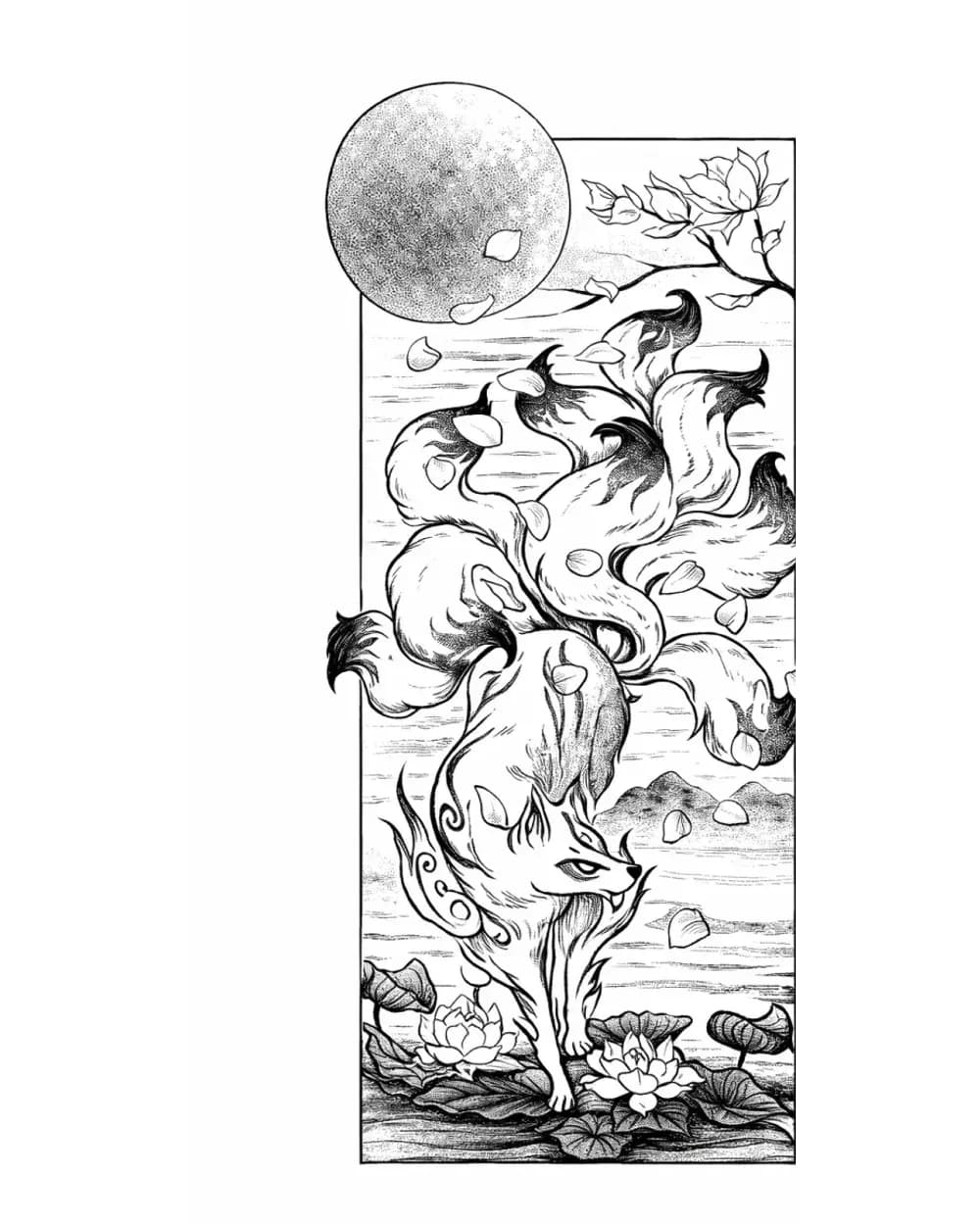
Fantasy Tattoo Stencil Group
17 curated examplesFantasy subjects only stay useful as stencil references when the main idea lands before the ornament does. This set is stronger now because it can compare fox spirits, d…
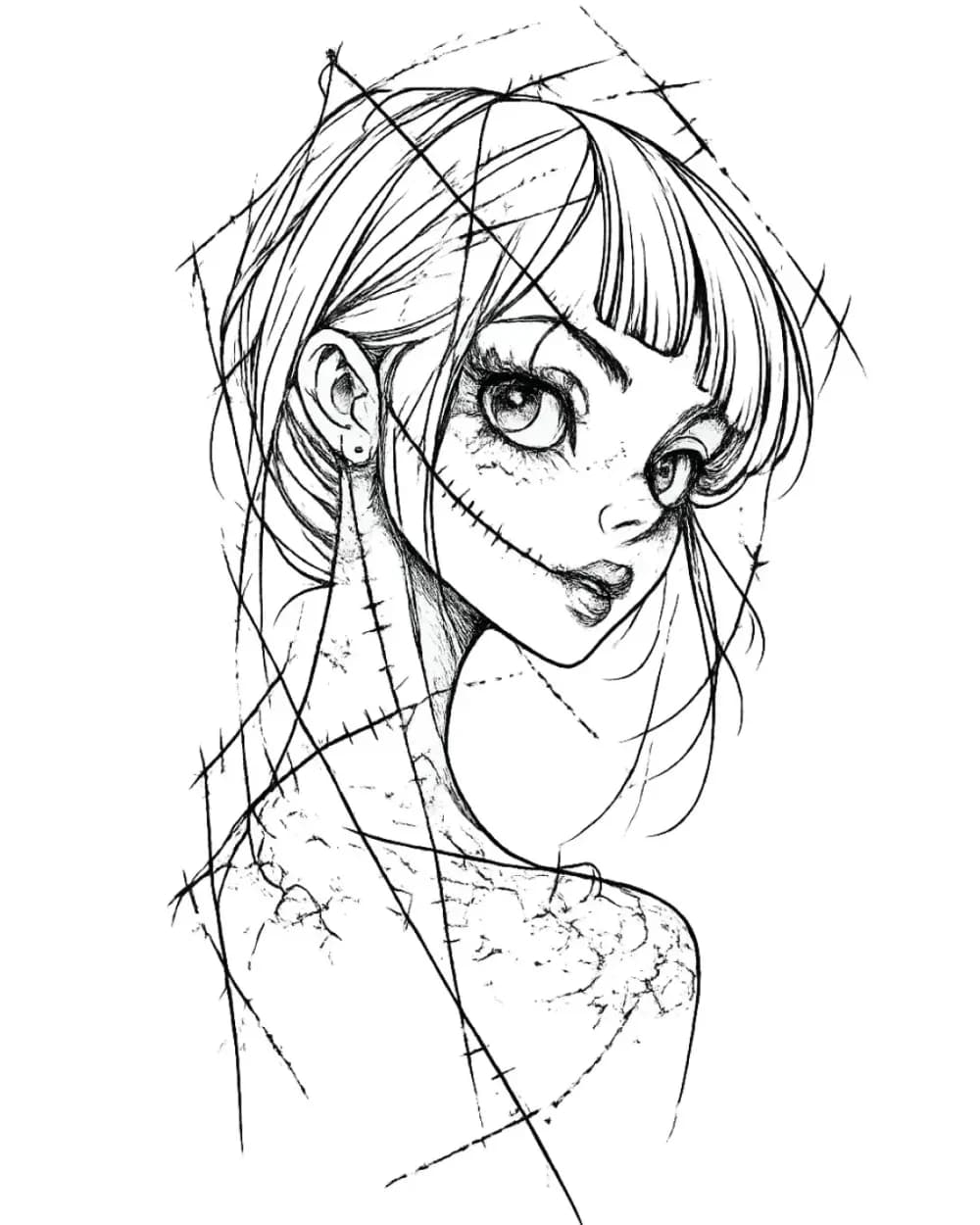
Portrait & Figure Tattoo Stencil Examples
9 curated examplesCompare first-party portrait, face, and figure tattoo stencil examples to see which recognition anchors, expression cues, body shapes, and detail clusters need to surviv…
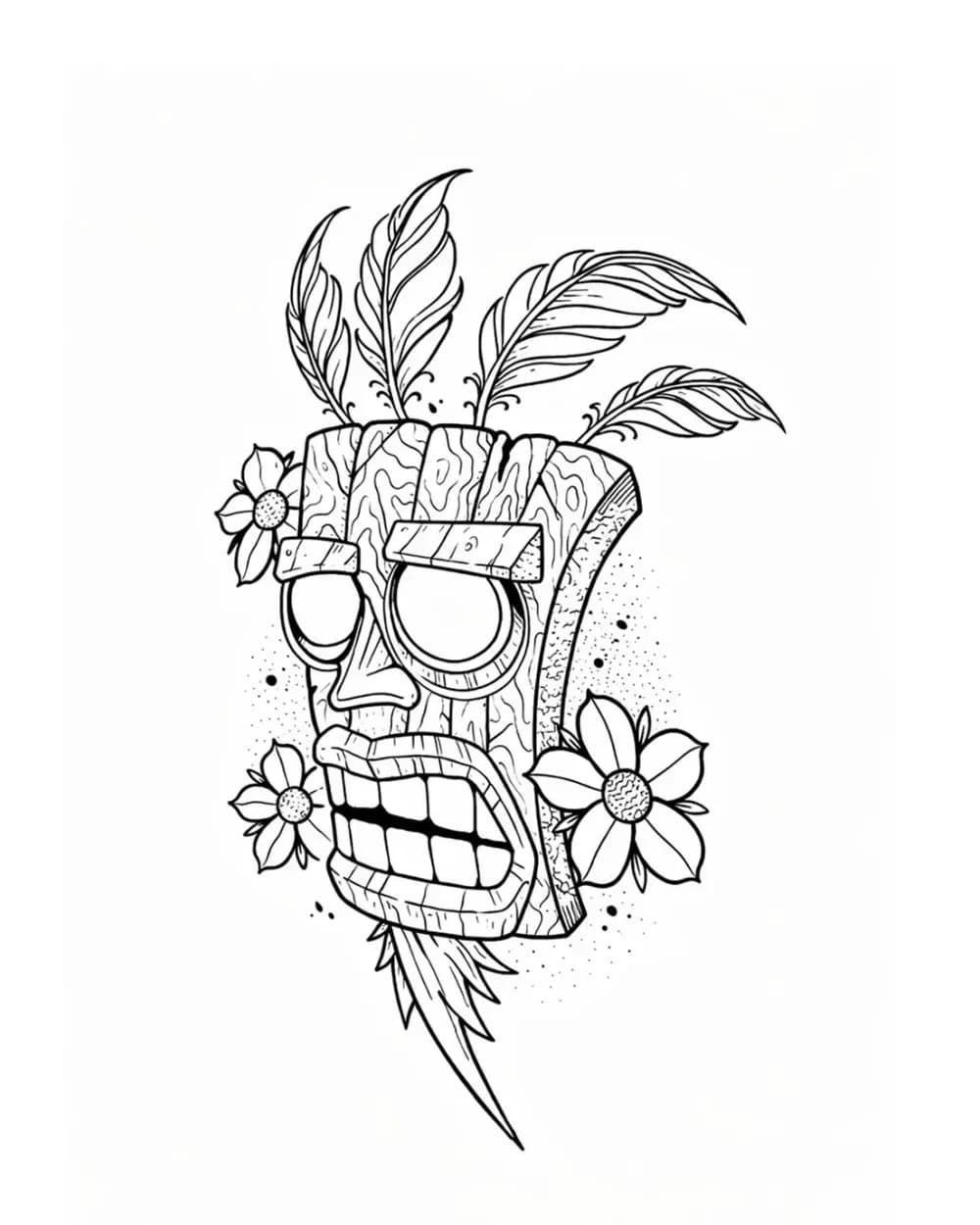
Tattoo Symbol Stencils
7 curated examplesCompare compact tattoo symbol stencils to see which silhouettes, internal gaps, repeated details, and orientation cues stay readable before adapting your own reference.…
Related Guides
Keep reading from here
How to Make a Tattoo Stencil: Reference to Transfer-Ready
Turn a drawing, photo, or reference into a clean tattoo stencil by simplifying the source, choosing line hierarchy and value guidance, checking size and orientation, and preparing transfer-ready output.
how to make a tattoo stencil · tattoo stencil workflow
Read guide
How to Test a Free Tattoo Stencil Tool Before You Pay
Test a free or trial tattoo stencil tool on the same references before paying. Record fidelity, cleanup burden, export, and whether free access is enough to judge.
free tattoo stencil tool · tattoo stencil app trial
Read guide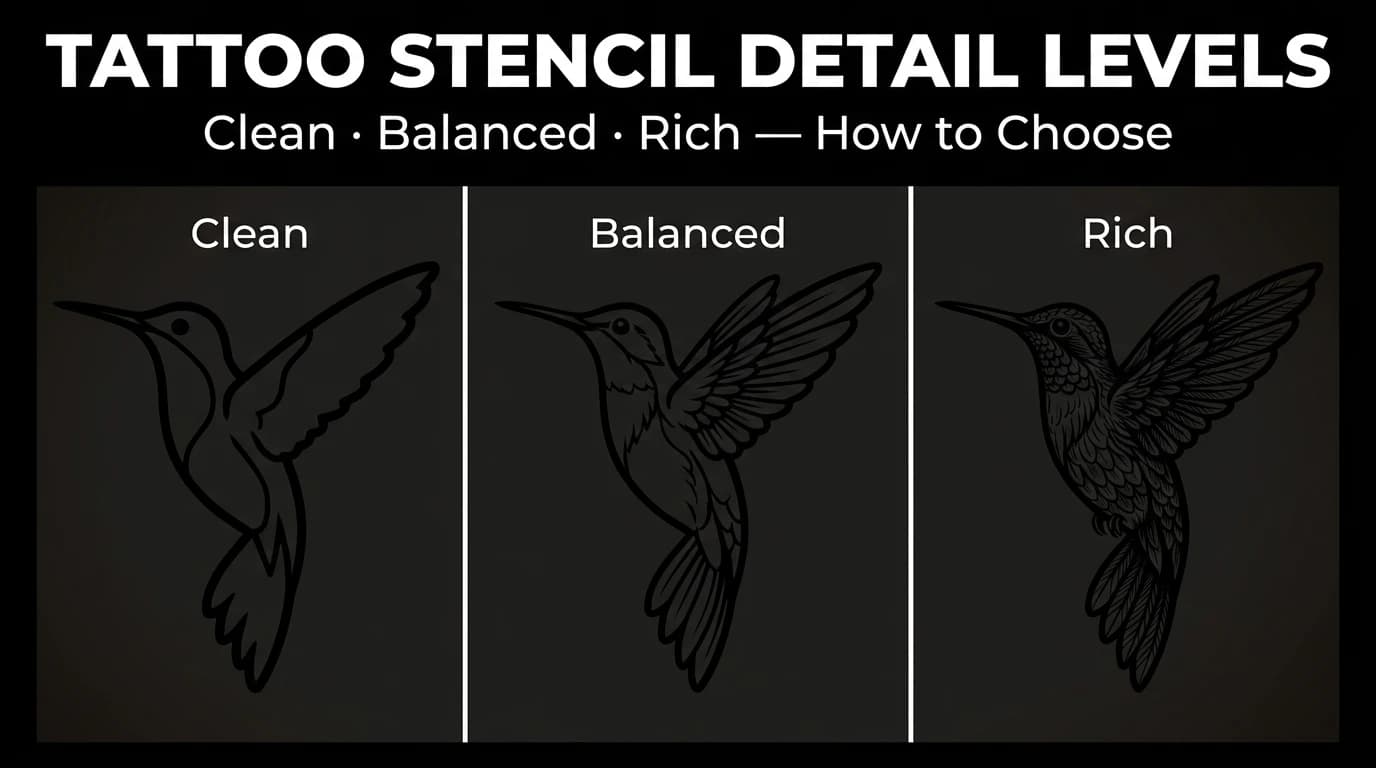
Tattoo Stencil Detail Levels: Simple, Standard, and Detailed
Compare Simple, Standard, and Detailed tattoo stencil modes and choose the amount of structural guidance that suits the size, subject, and placement.
tattoo stencil detail levels · tattoo stencil readability
Read guideAuthor
Andrea Mezzadra
Founder and product builder at StencilStudio
Andrea builds StencilStudio and tests how the tools fit into real stencil prep, using real references and outputs to document what works, what changes, and where artist judgment still matters.
In the App
Test the workflow on your own reference
StencilStudio offers one free web generation; the iPhone app adds Fit to Body, exact-size print, mirror, and PNG/PDF export.