

Tool Selection
How to Test a Free Tattoo Stencil Tool Before You Pay
Test a free or trial tattoo stencil tool on the same references before paying. Record fidelity, cleanup burden, export, and whether free access is enough to judge.
free tattoo stencil tool · tattoo stencil app trial · stencil tool free trial · tattoo stencil workflow
- April 1, 2026
- September 23, 2026
- 5 min
Trial evaluation
Free / Trial Stencil Tool Test Sheet
Run the same test on any stencil tool before you pay. Work through the sheet with three references, record what you actually observe, and reach a decision you can explain. The goal is evidence, not a score.
Fill this in on paper or in a notes app next to the tool. Keep the criteria fixed for every reference so the runs can be compared. A single easy image proves almost nothing about how the tool will behave on the work you actually take.
- 01Set up three references
- 02Record access, output, and workflow
- 03Reach a bounded decision
Test setup: three reference classes
Use one reference from each class. Add a lettering sample with counters and narrow gaps if words or dates are common in your studio.
- 01Reference
Clean geometry or symbol
- Why this one
- A source with precise edges and clear symmetry.
- What to watch
- Whether edges stay crisp or soften, and whether even spacing survives.
- 02Reference
Portrait or pet
- Why this one
- A source where recognition depends on landmark relationships.
- What to watch
- Eyes, muzzle, ear set, expression, and the proportions that make it the same subject.
- 03Reference
Dense organic or ornamental
- Why this one
- A layered source with overlapping structure and tight gaps.
- What to watch
- Line density, negative spaces, and whether texture starts to hide structure.
Access checks
What free access actually includes
- I reached a generated result without paying.
- I know whether sign-in is required.
- I know whether a payment card is required.
- I can make more than one meaningful attempt.
- I can download or export the output.
- The export has no watermark or locked preview.
- I can inspect more than one detail treatment.
- I can see the result at the intended size.
- I know what happens when free access runs out.
Output checks
What each result preserves
- Important source relationships are preserved.
- Missing structure is noted, not guessed.
- Invented structure is noted, not ignored.
- Identity landmarks survive for portrait or pet sources.
- Important negative spaces stay open.
- Line density still reads as structure, not noise.
- Background clutter is reduced rather than copied.
- The result is readable at the intended size.
- The exported file matches the preview.
Workflow checks
What the handoff costs you
- I listed the deliberate cleanup actions still required.
- I know whether another app is needed for cleanup.
- Intended size survives the handoff to the next stage.
- The exported file opens in my real workflow.
- Placement or print stages are actually supported, not just implied.
Decision
Pick the conclusion the evidence supports.
Do not calculate a total score. The right tool depends on your workflow and your references, and one number can hide a failure that matters. Choose the closest statement, or record that you cannot tell yet.
- Keep testing with another reference.
- Useful for these reference types.
- Requires too much cleanup.
- Free access is insufficient to judge.
- Export or print path does not fit my workflow.
- Worth evaluating paid access.
- Reject for my current workflow.
When the next action changes, use the guide or tool for that job.
Most free tiers are built to end. The useful question is not whether a tool is free, but whether its free access gives you enough evidence to decide if it belongs in your workflow. If you only want a stencil made right now, use the browser generator, which turns one reference into a stencil you can download. This guide is for the slower decision that comes before paying: does this tool hold up on the references you actually take?
Run the test with any tool, whether it is a web converter, a phone app, or a drawing app with a stencil feature. It takes an afternoon and three references, and it ends with a conclusion you can explain to yourself.
Build a small test set
Use three references that fail in different ways:
- a clean symbol or geometric source with precise edges;
- a portrait or pet where recognition depends on landmarks;
- a dense organic or ornamental source with layered structure.
If lettering is common in your work, add one word or date with counters and narrow gaps.
Testing three similar images tells you almost nothing. Testing these three shows whether the tool holds structure when the source is easy, when identity matters, and when the source is busy.
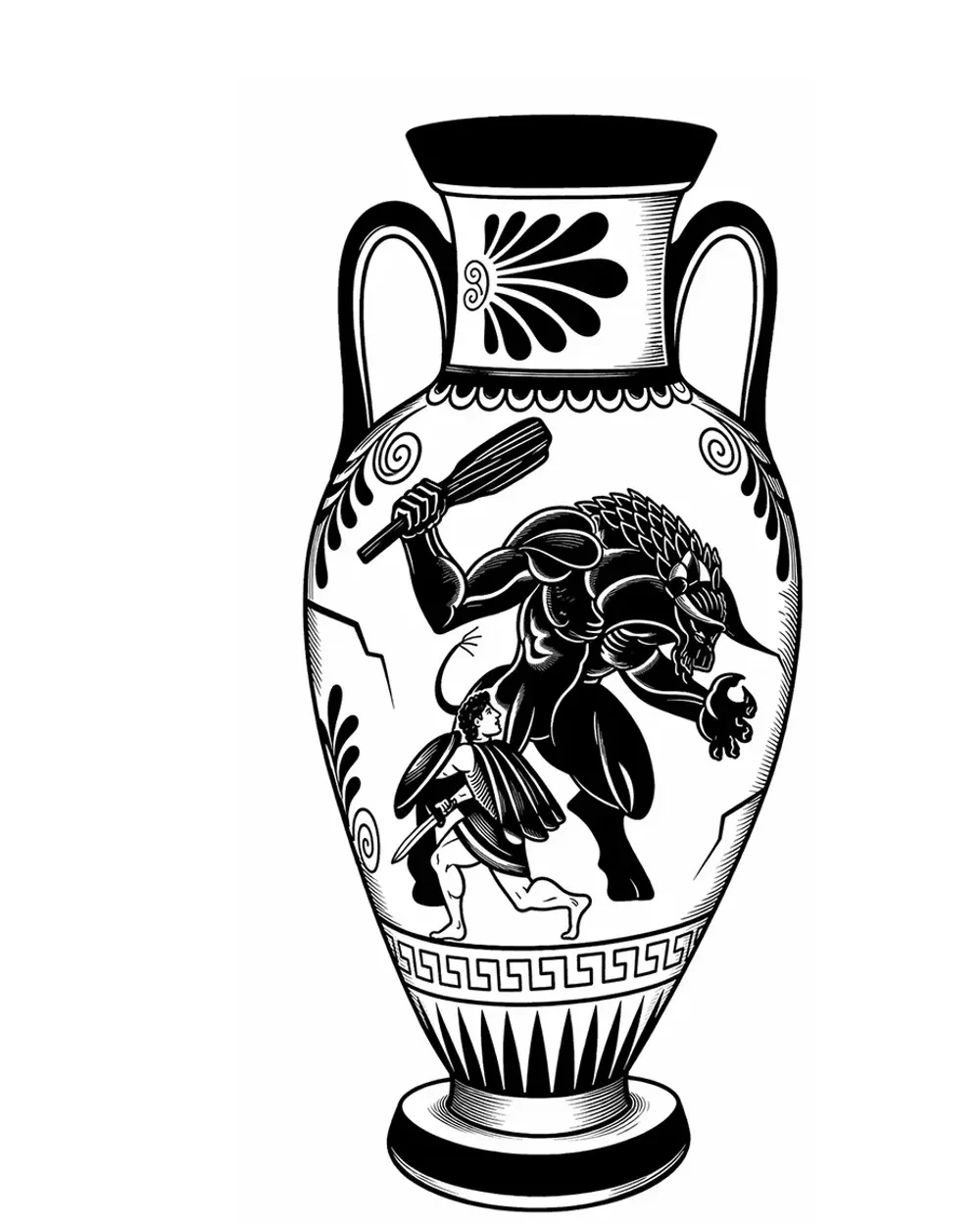
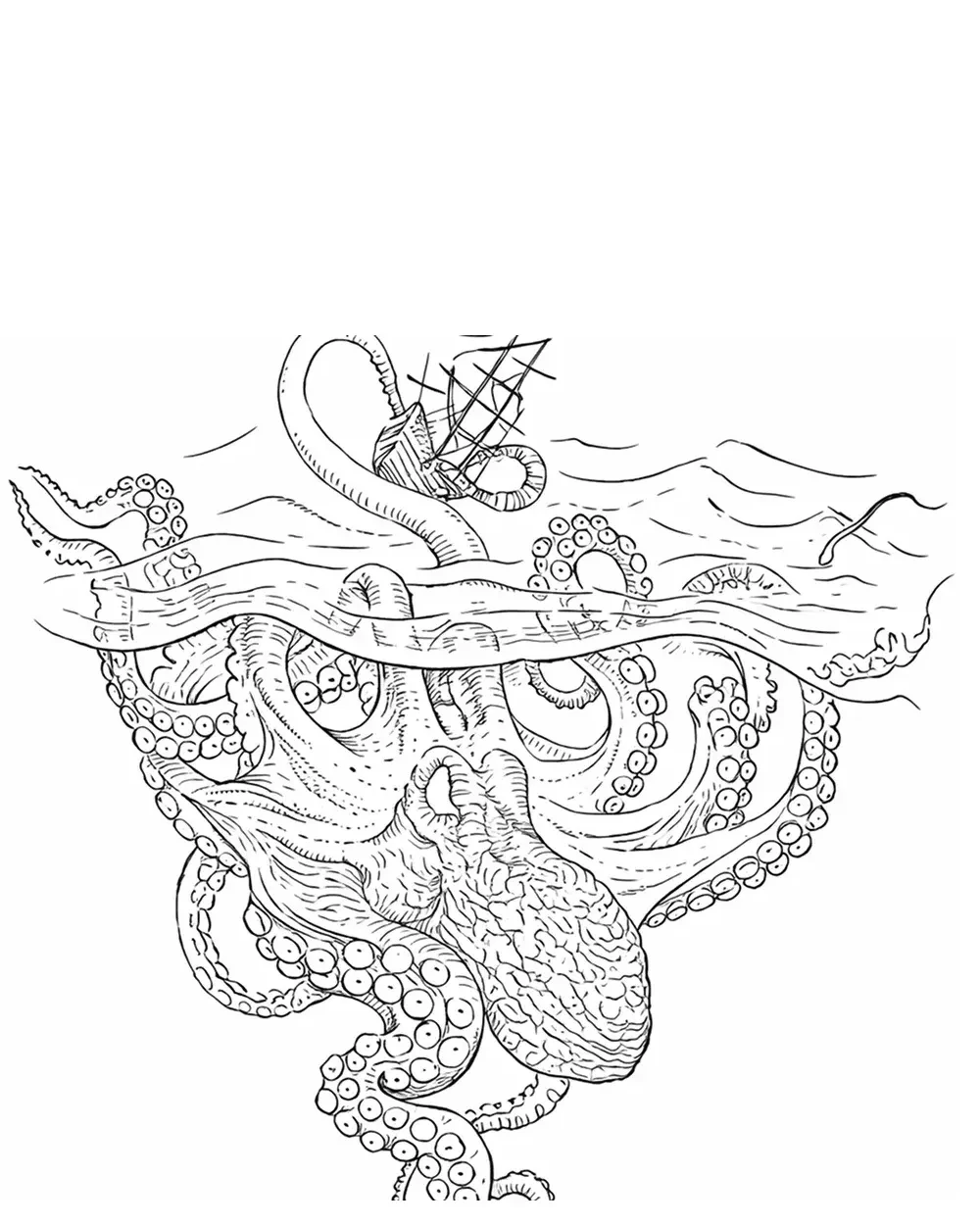
The symbols collection and animals collection show the contrast between clean geometry and denser organic structure.
Use the same checks on every result
Keep the criteria fixed so the runs can be compared. For each reference, inspect:
- source fidelity: are proportions, overlaps, and the silhouette still recognizable?
- landmarks: did eyes, muzzle, tooth gaps, or lettering survive?
- missing structure: what should be there but is not?
- invented structure: what appeared that was not in the source?
- negative space: are important gaps still open at the intended size?
- line density: does texture start to overwhelm structure?
- readability at intended size: do lines merge or landmarks disappear when the image is reduced?
- background and noise: is clutter reduced, or copied into the stencil?
"Looks good" is not a finding. Name what changed and where it changed.
Separate a weak source from a weak tool
A poor result does not always mean the tool failed. Check the source before drawing a conclusion:
- was the subject clearly separated?
- was the crop appropriate?
- were the important forms visible?
- was the source resolution usable?
- did background clutter dominate the subject?
If one clear reference fails while the others pass, the source is the likely cause. If several clear references fail the same way, the tool is the likely cause. The Reference Photo Quality Checker can settle the source question before you blame the software.
Check what free access actually reaches
Generation alone may not be enough to judge the product. Confirm whether free access lets you:
- reach a result without paying;
- see more than one detail treatment;
- inspect the result at the intended size;
- download or export the actual output;
- keep the file without a watermark.
If sign-in or a card is required, note that. If the free result is a locked preview, the test is incomplete, and that is a finding too.
If you work with client photos, read the tool's own privacy documentation for what happens to an uploaded reference. Do not assume local processing, and do not treat a missing statement as proof either way.
Measure cleanup, not novelty
A dramatic first result can still be a poor starting point. After each run, write down the corrections you would still need:
- remove invented lines;
- restore a missing landmark;
- reopen a closed gap;
- repair line continuity;
- remove unnecessary texture;
- correct lettering;
- redraw a changed relationship;
- move the file into another app;
- rebuild the export.
The useful question is not how impressive the first output looks. It is how much preparation remains before the stencil is usable. A tool that saves time on clean symbols but creates work on portraits may still be worth keeping for one job and not the other.
Test the export before you trust it
A preview is not the deliverable. Export one result and open it outside the tool:
- does the file match the preview?
- what format is provided?
- is the resolution adequate for the next stage?
- is a watermark present?
- is orientation preserved?
- does the file move cleanly into the next tool?
When the job becomes exact physical size or a print handoff, that is a separate stage. Use the size and print path you already work with instead of assuming the tool covers it.
Decide what continued access would be used for
Before paying, estimate the real use:
- occasional difficult references;
- regular weekly preparation;
- several artists sharing one account;
- one-off periods of higher volume;
- placement review in addition to generation.
Then compare that estimate with current access and pricing. StencilStudio pricing lists the current plans and free access, so check the live page instead of relying on numbers you remember.
If you are still choosing between products rather than testing one, the tattoo stencil app comparison compares software by workflow. The full stencil preparation guide explains the steps around the software.
When to stop, and when free access is not enough
Do not keep testing only because the tool is free. Stop when:
- the output repeatedly changes the source;
- cleanup takes as long as preparing the stencil another way;
- important landmarks disappear;
- the result works only at large screen size;
- the export does not match the preview;
- the tool does not support the placement or format you need.
Free access can also be genuinely insufficient to decide. If only one attempt is allowed, export is locked, or a stage you care about is paid-only, the honest conclusion is "I cannot tell yet." That is different from a pass or a fail, and it is worth recording before you pay to find out.
A decision you can defend
The point of the test is a conclusion you can explain. It might be:
- useful for these reference types;
- keep testing with another reference;
- requires too much cleanup;
- free access is insufficient to judge;
- export or print path does not fit my workflow;
- worth evaluating paid access;
- reject for my current workflow.
None of these needs a score. The tool either fits the work you actually do, or it does not.
Related Collections
Jump from the guide to reviewed stencil examples
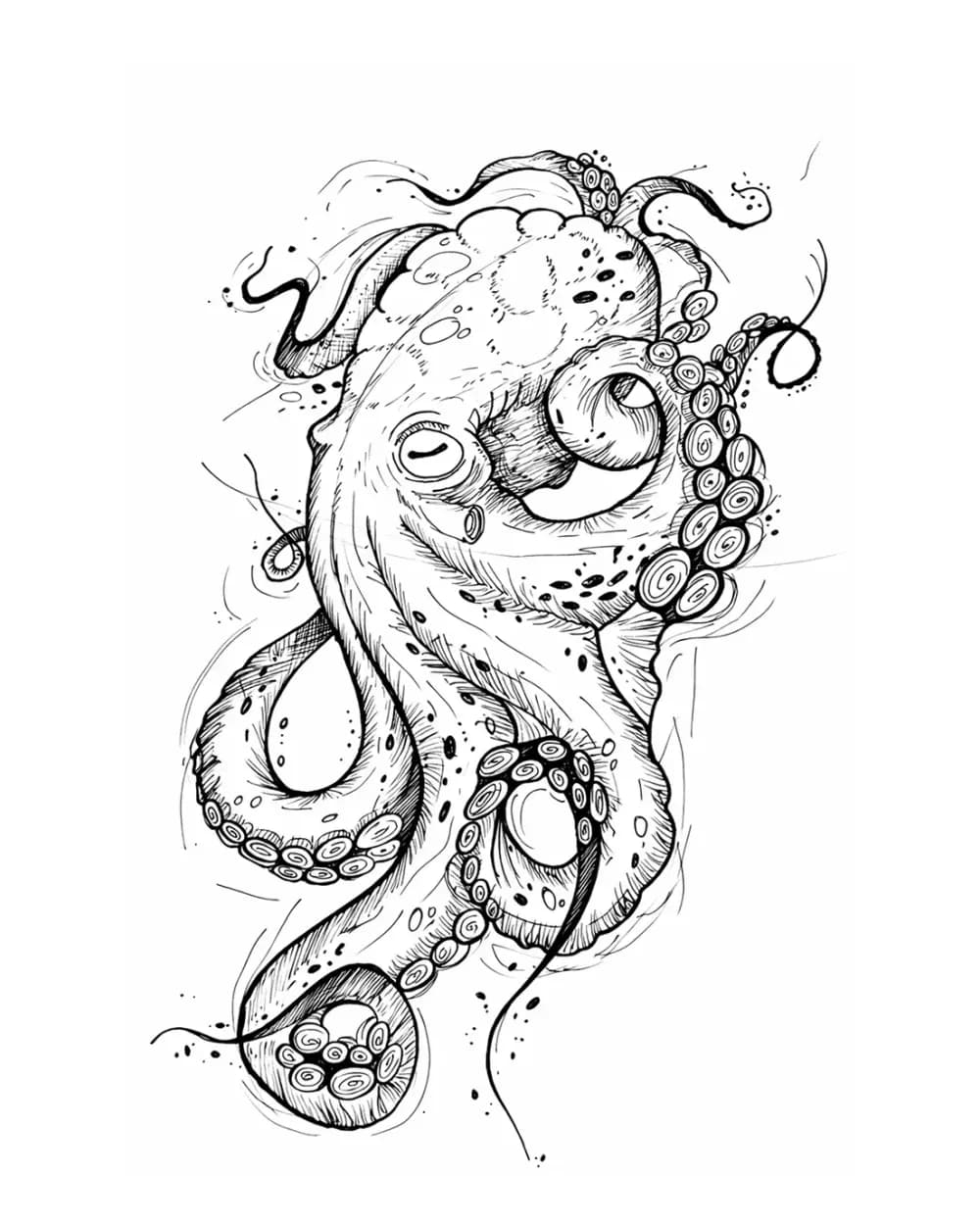
Animal Tattoo Stencil Gallery
12 curated examplesCompare 12 curated animal tattoo stencil examples across wildlife, pets, birds, and sea life. Start with the animal silhouette and recognition landmarks, then compare ho…
Portrait & Figure Tattoo Stencil Examples
9 curated examplesCompare first-party portrait, face, and figure tattoo stencil examples to see which recognition anchors, expression cues, body shapes, and detail clusters need to surviv…
Tattoo Symbol Stencils
7 curated examplesCompare compact tattoo symbol stencils to see which silhouettes, internal gaps, repeated details, and orientation cues stay readable before adapting your own reference.…
Related Guides
Keep reading from here
Best Tattoo Stencil App? A 2026 Professional Workflow Comparison
Compare current tattoo stencil apps and Procreate by workflow: source conversion, editing, body fit, exact-size print, export, platform, cost, and evidence.
tattoo stencil app · tattoo stencil software
Read guide
How to Make a Tattoo Stencil: Reference to Transfer-Ready
Turn a drawing, photo, or reference into a clean tattoo stencil by simplifying the source, choosing line hierarchy and value guidance, checking size and orientation, and preparing transfer-ready output.
how to make a tattoo stencil · tattoo stencil workflow
Read guide
How to Make Tattoo Stencils From Photos That Stay Readable
Choose, crop, simplify, and review a photo so the resulting tattoo stencil stays readable at placement size, including blurry and low-resolution references.
tattoo stencil from photo · stencil workflow
Read guideAuthor
Andrea Mezzadra
Founder and product builder at StencilStudio
Andrea builds StencilStudio and tests how the tools fit into real stencil prep, using real references and outputs to document what works, what changes, and where artist judgment still matters.
In the App
After the test, check what continued access actually costs
Once you know what the free test proved, compare StencilStudio's current plans and free access on the pricing page.